
Quick Summary
Discover why Verified BMs are the secret weapon for scaling high-budget Facebook ads. Learn how established account history supports high-budget campaigns.
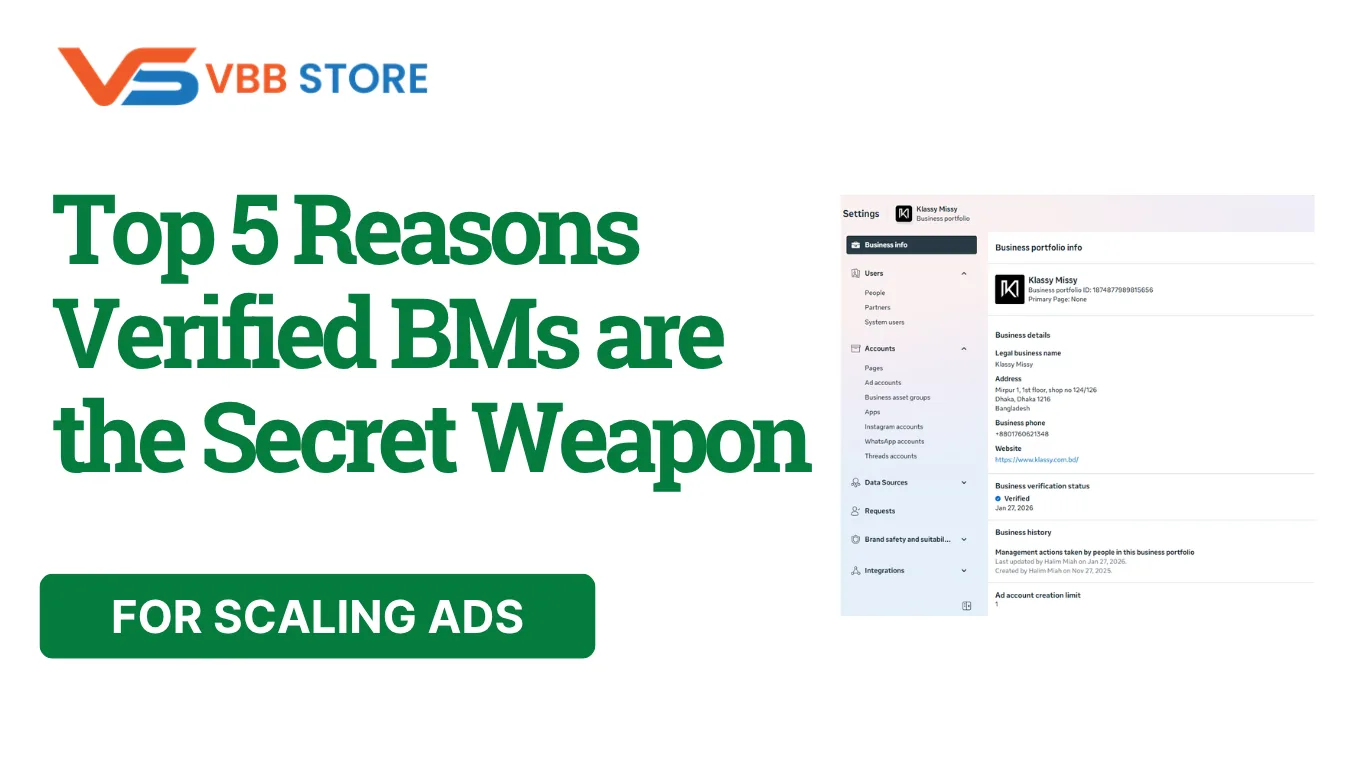
A verified Business Manager is a Meta business portfolio whose business details have passed Meta's business verification process. That status is separate from an ad account's advertising history, spending capacity, and campaign results.
The phrase "secret weapon" in this article is marketing framing, not a promised outcome. The five reasons below focus on reviewing business records, current limits, feature eligibility, administrative responsibilities, and handover details before choosing a setup.
Key Takeaways
- Business verification can confirm legal business details and authorized representation. It does not grant a verified badge.
- Check account history, current spending status, and included assets separately from verification status.
- Meta controls platform eligibility and future limits. Buyers remain responsible for compliant use.
Table of Contents
- Review Current Spending Status
- Confirm Business Details and Representation
- Check Eligibility for Platform Features
- Plan Account Administration and Compliance
- Compare Product and Handover Details
1. Review Current Spending Status
Verification does not establish an account's advertising history or a fixed spending allowance. Meta sets daily spending limits using advertising and payment history and other account factors. Check Payment settings for the account's current limit.
Advertiser-set daily budgets and account spending limits are different controls. Do not confuse them with a daily spending limit set by Meta. The official guide to daily spending limits explains these distinctions and eligibility-dependent increases.
For supplied products, current spend status is confirmed at handover where applicable. Future limits are not guaranteed. One listing's current status should not be generalized to other products, and business verification alone does not guarantee a higher limit.
2. Confirm Business Details and Representation
Business verification helps Meta confirm that a business portfolio belongs to a legitimate business and that the person completing verification is authorized to represent it. Legal business details and contact information must match the legitimate business.
Meta may request supporting documents depending on its verification process. Requirements vary by the business, feature, and available verification route; there is no single document list that applies to every case. Review Meta's business verification instructions before submitting information.
Where verification documents are required, Verified BMs may be verified using real business documentation. The documents used for verification are not included with the account and are not provided to the buyer. Delivery instructions and setup guidance are separate from verification paperwork.
Business verification is different from Meta Verified and does not provide a blue verification badge. Meta's explanation of business verification describes the purpose of this status and the features that may require it.
3. Check Eligibility for Platform Features
Some advertising, developer, billing, or spending features may depend on business verification, eligibility, account status, or platform review. Check the actual requirement shown for the account. Verification does not grant every feature automatically.
WhatsApp Business Platform onboarding and Cloud API setup have their own requirements. Business verification can be one eligibility or scaling factor; it is not a blanket prerequisite for every API use or messaging feature. Review the current Cloud API onboarding guide for the setup you plan to use.
WhatsApp messaging capacity is separate from a Business Manager's ad-account capacity. A WABA 10K listing describes up to 10,000 unique users per rolling 24-hour period, subject to the applicable WhatsApp/Meta rules and account status. This is not a fixed 10,000-message allowance.
Meta's messaging-limit documentation explains portfolio-level limits, quality checks, and available scaling paths. Future capacity changes are not guaranteed. Check the individual product page for current capacity, included access, and any separate messaging or integration costs.
4. Plan Account Administration and Compliance
A business portfolio organizes people, permissions, and linked assets. Confirming authorized access and ownership helps define who can administer the setup. These administrative capabilities should not be presented as exclusive rewards of verification.
Verified status does not make ads pass review, prevent security checks, or provide restriction immunity. Meta can review ads and business assets again after approval. It controls campaign approval and enforcement; account restoration speed is not a verification benefit promised here.
Follow the Meta Advertising Standards and check relevant Account Quality notices. Where a review route is available, use Meta's official process. WhatsApp use must also follow its Business Messaging Policy.
Conversion tracking depends on appropriate technical configuration and data, not on business verification status. No account is guaranteed immune from restrictions, and verification does not replace compliant campaigns or accurate business information.
5. Compare Product and Handover Details
Review each listing's verification status, number of active ad accounts, access method, ownership process, advertising history, current spending details, and included or excluded assets. Account age does not by itself establish previous advertising spend. Product-specific status should be confirmed from the individual listing and at handover where applicable.
For example, BM10 includes ten active ad accounts. That may fit a team needing more account capacity than a smaller setup, but it is not a promise of better advertising results. WABA messaging capacity is a different product fact and should be evaluated separately.
Handover follows the individual product's documented process. Buying a supplied setup does not waive the buyer's eligibility, authorization, ownership, or policy responsibilities. Do not assume that a purchase allows immediate campaign scaling or bypasses Meta's review requirements.
The website 3-Day Replacement Policy applies to eligible issues under its published conditions. Report an issue within the applicable period so support can review it. Replacement is considered first; if a valid replacement cannot be provided, a refund may be issued under the refund policy. This is not a guarantee of future platform outcomes.
Related Products: Verified BMs
BM Verification Service • Buy Verified BM 5 ($299) • WhatsApp API Limit 10,000 With BM ($600)
Frequently Asked Questions
Quick answers to the questions buyers ask most.
Is Facebook Business Manager verification worth it?
How do I increase my Facebook ad daily spend limit?
Can you run ads without a verified Business Manager?
How this helps verified BM buyers
This guide explains practical factors to review when evaluating Verified Business Manager options, including verification status, account history, platform limits, compliance responsibilities, and product-specific handover details.
Compare Verified BM options · Next steps: compare products in the Shop, review implementation details in FAQ, and contact support from the Contact page.
Recommended for You
Hand-picked from our shop — delivered fast after payment.

Facebook Ads Account + Verified BM Bundle

BM Verification Service

Verified BM 1 - Verified Meta Business Manager

Written by
Verified BM TeamThe VERIFIED BM SHOP team shares real-world experience in buying and selling verified Business Managers, WhatsApp API accounts and advertising platforms.
Comments (0)
No comments yet. Be the first to share your thoughts!
Leave a Comment
Your email will not be published. All comments are moderated.