
Quick Summary
What WhatsApp messaging limits mean, what counts toward them, and how our 250, 2K and 10K WABA packages fit your messaging volume.
WhatsApp Business API messaging limits decide how many new people your business can message in a rolling 24 hour period. If your team is choosing between our 250, 2K and 10K packages, the listed number sets the ceiling for business-initiated conversations until Meta changes it.
The tiers differ in their listed messaging limit, and the exact inclusions are recorded on each product page. Meta sets and changes messaging limits. We cannot raise them, approve templates, or guarantee a quality rating.
What is a WhatsApp messaging limit?
A messaging limit is the maximum number of unique WhatsApp users your business can contact with a business-initiated message outside the customer service window, measured across a rolling 24 hour period. It is a cap on new conversations, not on total messages sent.
Once a customer replies, the 24 hour customer service window opens. Replies and other messages you send inside that window do not consume the limit. A customer who starts the conversation also does not count against it.
The limit applies to template messages that start a new conversation. If you exceed the cap, Meta rejects the new business-initiated messages. Messages to people who already spoke to you inside the window still work.
What 250, 2,000 and 10,000 mean
Our listings use three capacity levels. Each figure is the listed messaging limit for that package, confirmed on the product page, and Meta controls future changes to it.
| Package | Listed messaging limit | Suited to |
|---|---|---|
| WhatsApp API 250 | Up to 250 unique users per rolling 24 hours | Small teams starting with business-initiated messaging |
| WhatsApp API 2000 | Up to 2,000 unique users per rolling 24 hours | Support desks and notification flows with steady volume |
| WhatsApp API 10000 | Up to 10,000 unique users per rolling 24 hours | Larger engagement programmes and busy support operations |
New business portfolios start at 250. A higher listed level does not remove the customer service window rules, template approval, or Meta's quality reviews. It also does not cover Meta's per-message fees, which are billed separately.
You can compare the current price, availability and delivery information for all three on the WhatsApp Business API category.
What counts toward the limit, and what does not
Knowing what consumes capacity helps you plan sends without hitting a wall mid-campaign.
- A template message that starts a new conversation with a user you have not addressed in the last 24 hours counts toward the limit.
- Follow-up messages to that user inside the 24 hour customer service window do not.
- Conversations the customer started do not.
- Messages sent after the 24 hour window has closed need an approved template and a new conversation.
Rejected messages are not delivered and are not billed, but they do not queue automatically. Check delivery status and error codes if a send fails.
Why every number in a portfolio shares one limit
Since 7 October 2025, Meta calculates messaging limits at the business portfolio level rather than for each phone number. All WhatsApp business numbers inside one portfolio draw from the same limit. A new number inherits the portfolio's current level instead of starting at 250 on its own.
This changes how teams should plan. Adding another number does not give you a second, separate allowance. If one number uses most of the cap, other numbers in the same portfolio have less room. Coordinate campaigns and pace sends across the whole portfolio.
Existing portfolios were set to the highest limit held by any number they contained. You can check the current figure in WhatsApp Manager under Account tools, then Messaging limits, or through Meta's Business Messaging API using the whatsapp_business_manager_messaging_limit field. The older messaging_limit_tier field is deprecated.
How tiers change, and what Meta still controls
Meta decides every tier change. We cannot request or accelerate one.
- A new portfolio starts at 250.
- It can move to 2,000 after business verification, partner verification, or 2,000 delivered template messages to unique users within a 30 day moving period using high quality templates.
- Meta then reviews message quality. Above 2,000, it can raise the limit further when messages stay high quality and you use at least half of the current limit over the last seven days.
When those conditions are met, the increase can happen within a few hours. Meta also controls template approval, quality ratings and any future change to the rules. Business verification is one of the routes Meta lists for the first increase, but Meta reviews quality and decides the outcome.
Choosing between 250, 2K and 10K
Start with how many new conversations you start each day, then leave headroom for growth and for other numbers in the same portfolio.
- Pick WABA 250 when you are testing templates, handling mostly inbound chats, or sending to a small list.
- Pick WABA 2K when you run regular service or notification sends and a single 250 allowance is too tight.
- Pick WABA 10K when several teams share one portfolio and send at higher volume.
Every tier still needs customer opt-in where required and a compliant use case. BSP charges and CRM or integration costs are separate from the package price. For eligible issues, the website's 3 day replacement policy applies.
What transfers, and what you set up yourself
Each WABA package is handed over as a buyer-owned account. The listings record the exact inclusions, so check the page for your tier before ordering.
- Included across the 2K and 10K listings: a Verified Business Manager, an approved display name, the WABA ID, the Phone Number ID, an included phone number, and System User access subject to the applicable terms.
- The 250 listing includes the WABA, phone number, completed API registration and setup, and a Verified BM.
- Not supplied: the System User Token and any private key. You create and keep your own credentials.
- A managed BSP may not require your own Meta Developer Account. A direct Cloud API or token route does require one.
The account is handed over with a Green quality status and Cloud API status is confirmed at handover. Meta governs quality ratings and limits after that. For platform detail, read the official messaging limits documentation.
How to prepare before you send
A higher listed tier only helps if the messages you send remain useful and approved. Work through these points before a large campaign, whichever package you chose.
- Collect customer opt-in where it is required. Unsolicited business-initiated messaging draws complaints, which can lower your quality rating.
- Write templates that say what the message is and who it comes from. Meta reviews templates separately from business verification, and approval is not automatic.
- Start with a small audience, watch delivery status and error codes, then increase volume. Pacing matters because all numbers in the portfolio share one allowance.
- Check the current figure in WhatsApp Manager under Account tools, then Messaging limits, before you plan a big send. The number in your account is the one that counts.
- Keep the display name and business details consistent across the portfolio. A mismatch can hold up reviews that affect your messaging, including display name review.
Quality ratings and tier changes stay with Meta. We hand over the account with the facts recorded on the listing: the WABA ID, Phone Number ID, included number, Verified BM, and the capacity confirmed at handover. Everything after that, including templates, opt-in and send volume, belongs to your team.
Frequently asked questions
Can you raise my messaging limit? No. Meta sets messaging limits. We supply the account and the listed capacity, and we cannot change Meta's decision.
Do customer replies use the limit? No. Replies inside the 24 hour customer service window do not count, and conversations started by the customer do not count.
Why do my numbers share one limit? Since October 2025 Meta sets the limit at business portfolio level. All numbers in that portfolio use the same allowance.
Is a verified business guaranteed to reach 2,000? No. Business verification is one of the routes Meta lists for the first increase, but Meta reviews quality and decides the outcome.
Which package should I choose? Match the listed limit to the new conversations you start each day, and leave room for other numbers in the same portfolio. The comparison table shows all three options.
Official Sources
Frequently Asked Questions
Quick answers to the questions buyers ask most.
What is a WhatsApp Business API messaging limit?
It is the maximum number of unique WhatsApp users your business can message with a business-initiated template outside the customer service window, measured across a rolling 24 hour period.
Do customer replies count against the limit?
No. Messages inside the 24 hour customer service window and conversations started by the customer do not count toward the limit.
Why do all my numbers share one limit?
Since 7 October 2025 Meta sets messaging limits at business portfolio level. Every phone number in the same portfolio draws from that single allowance.
Can VERIFIED BM SHOP increase my messaging limit?
No. Meta controls messaging limits and tier changes. We hand over the account with the listed capacity and cannot raise it or guarantee a future increase.
Which WABA package should I choose?
Choose based on how many new conversations you start each day and how many numbers share the portfolio. Our listings cover 250, 2,000 and 10,000 unique users per rolling 24 hours.
How this helps verified BM buyers
Apply this guidance when buying verified Business Managers or WhatsApp Business API assets to reduce policy risk, improve account stability, and scale campaigns with cleaner operational workflows.
Next steps: learn what a verified bm is, compare products in the Shop, review implementation details in FAQ, and contact support from the Contact page.
Recommended for You
Hand-picked from our shop — delivered fast after payment.
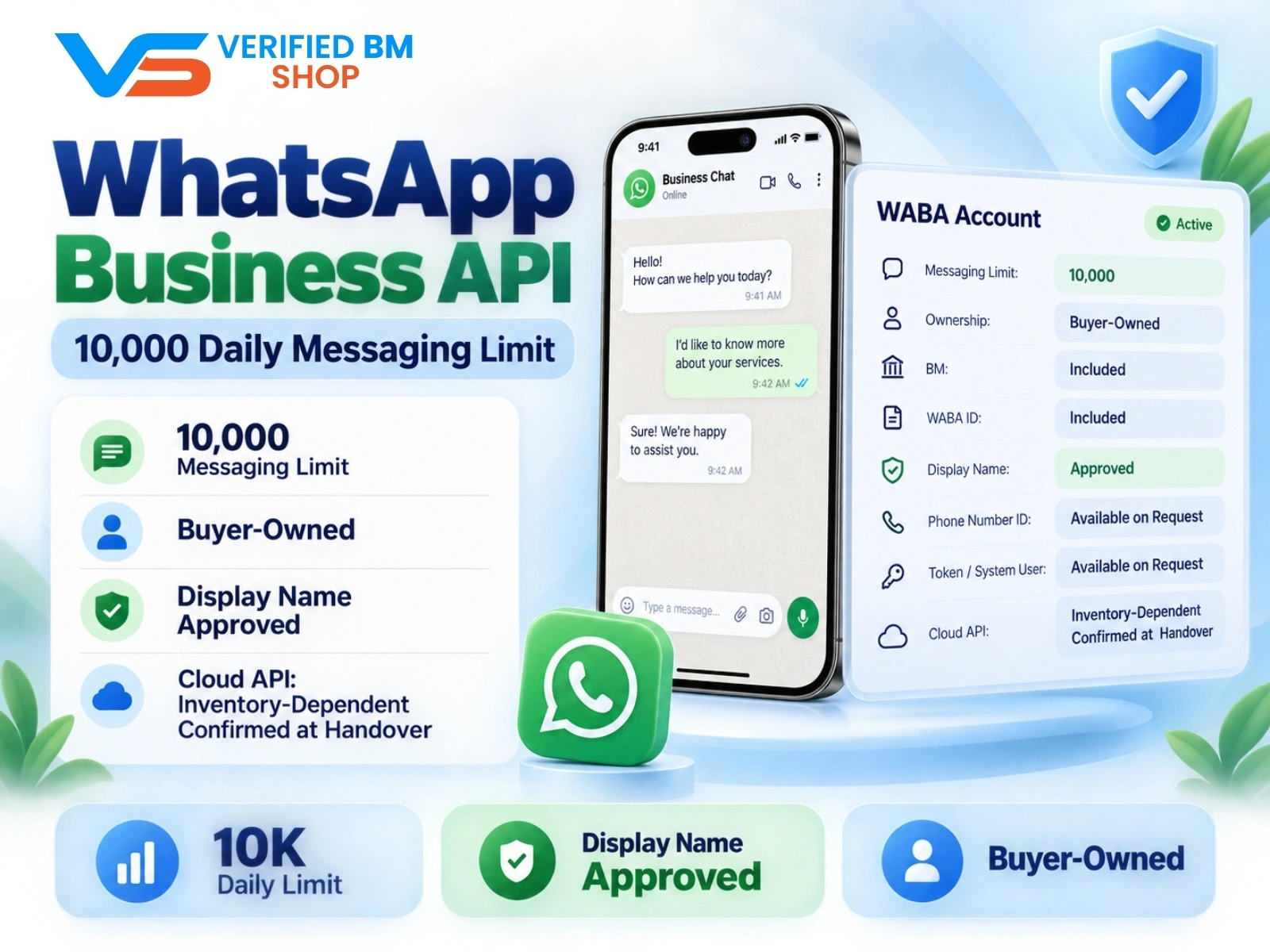
WhatsApp API 10000 (WABA 10K) for Business Messaging
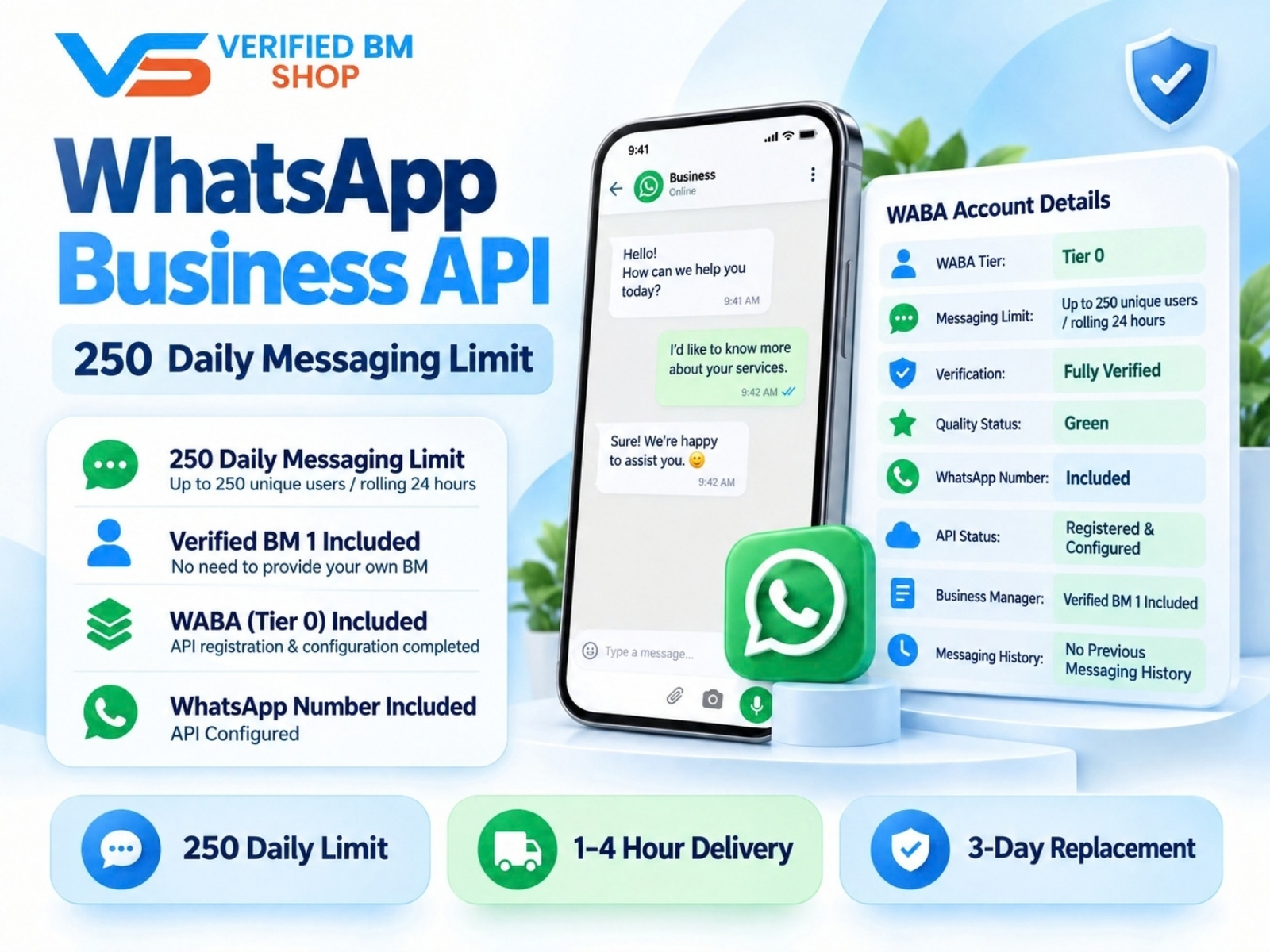
WhatsApp API 250 | WABA 250 | VERIFIED BM SHOP
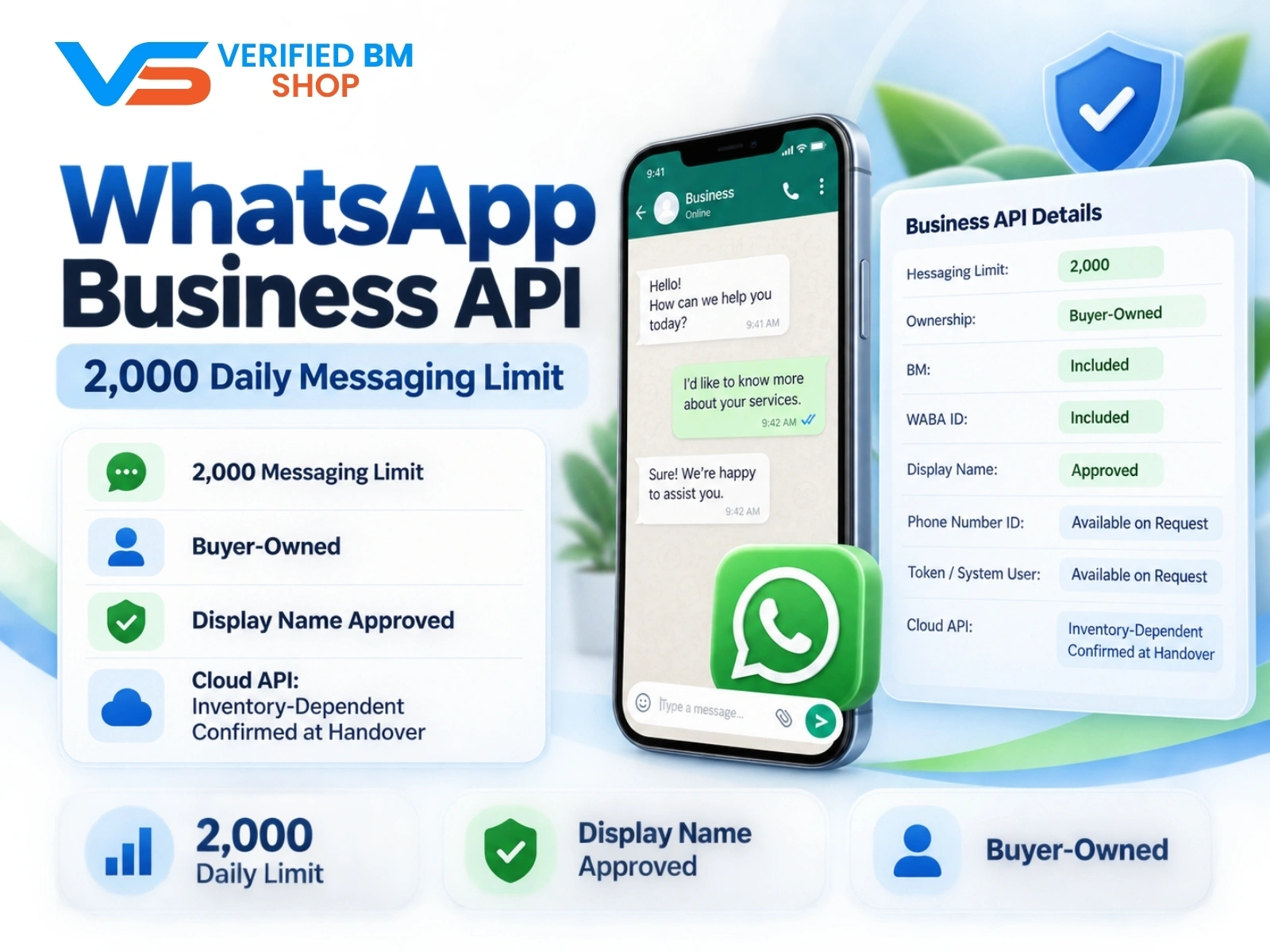
WhatsApp API 2000 (WABA 2K) for Business Messaging

Written by
Verified BM TeamThe VERIFIED BM SHOP editorial team shares real-world experience in buying and selling verified Business Managers, WhatsApp API accounts and advertising platforms.
Comments (0)
No comments yet. Be the first to share your thoughts!
Leave a Comment
Your email will not be published. All comments are moderated.