
Quick Summary
Compare WhatsApp Business API tiers, pros, and cons to pick the right messaging volume for your ad campaigns and customer chat workflows.
Picking the wrong messaging limit can freeze your ad campaigns overnight. However, you want to talk to buyers without hitting a sudden wall from Meta.
This guide breaks down the top WhatsApp Business API messaging limits. You can then pick what fits your business.
What Are WhatsApp Business API Messaging Limits?
Meta controls how many chats you can start every 24 hours. For example, different limits apply based on trust and verification status.
A business-initiated chat starts when you send a template message to a user first. By contrast, user-initiated chats begin when someone messages your page or number first.
Your messaging limit only applies to new conversations you start within a rolling 24-hour window. Once a customer replies, you can chat freely inside that open 24-hour customer service window.
Hitting the messaging limit blocks new outbound templates until the window resets. Therefore, choosing the right starting limit matters.
Comparison of WhatsApp Business API Messaging Limits
Here is a quick look at how the main account options compare side by side.
| Messaging Limit. | Verification Needed. | Daily Outbound Limit. | Best Use Case. | Risk Level. |
|---|---|---|---|---|
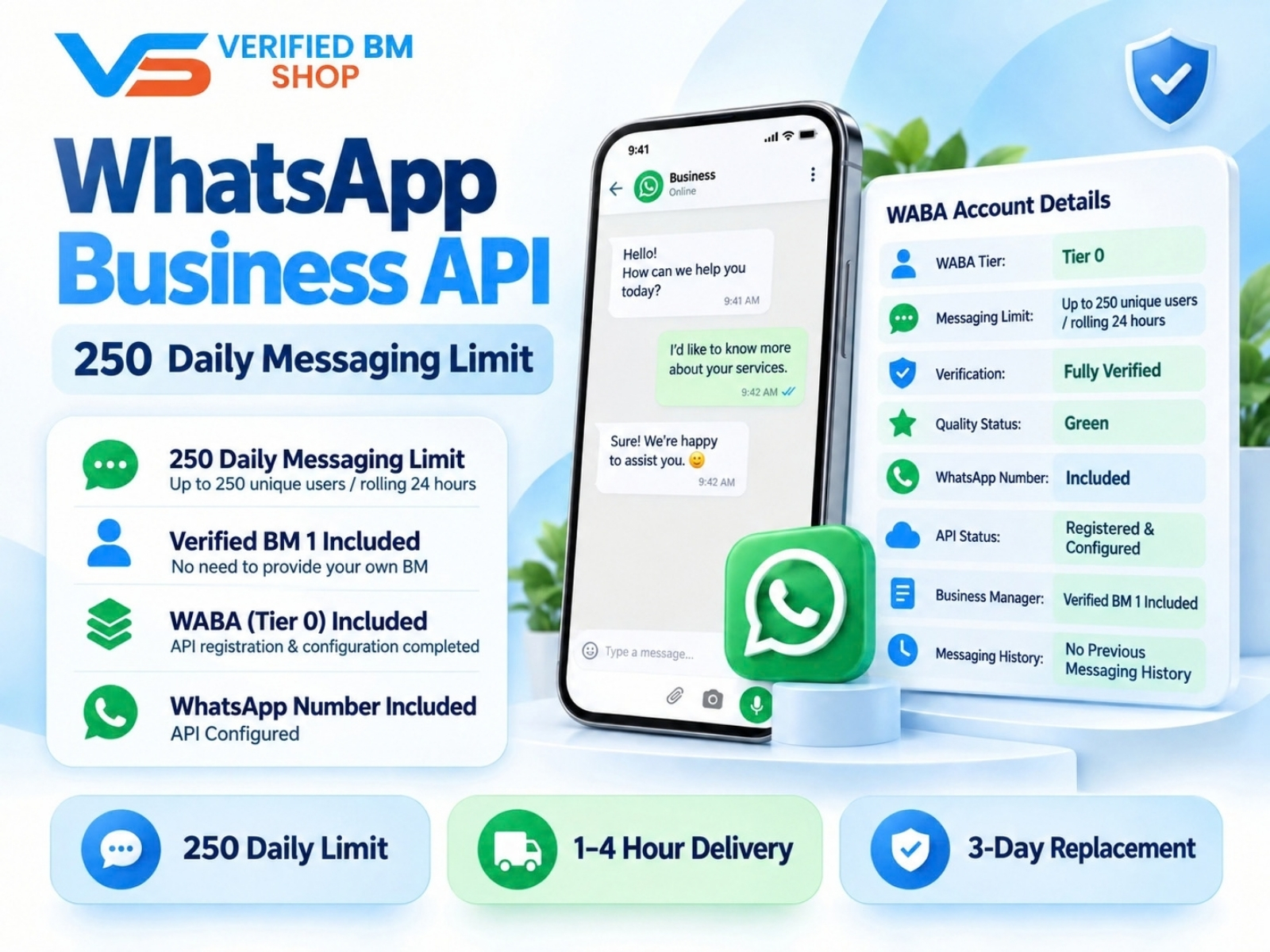
| 250. | No. | 250 unique users. | Testing small offers. | Low. |
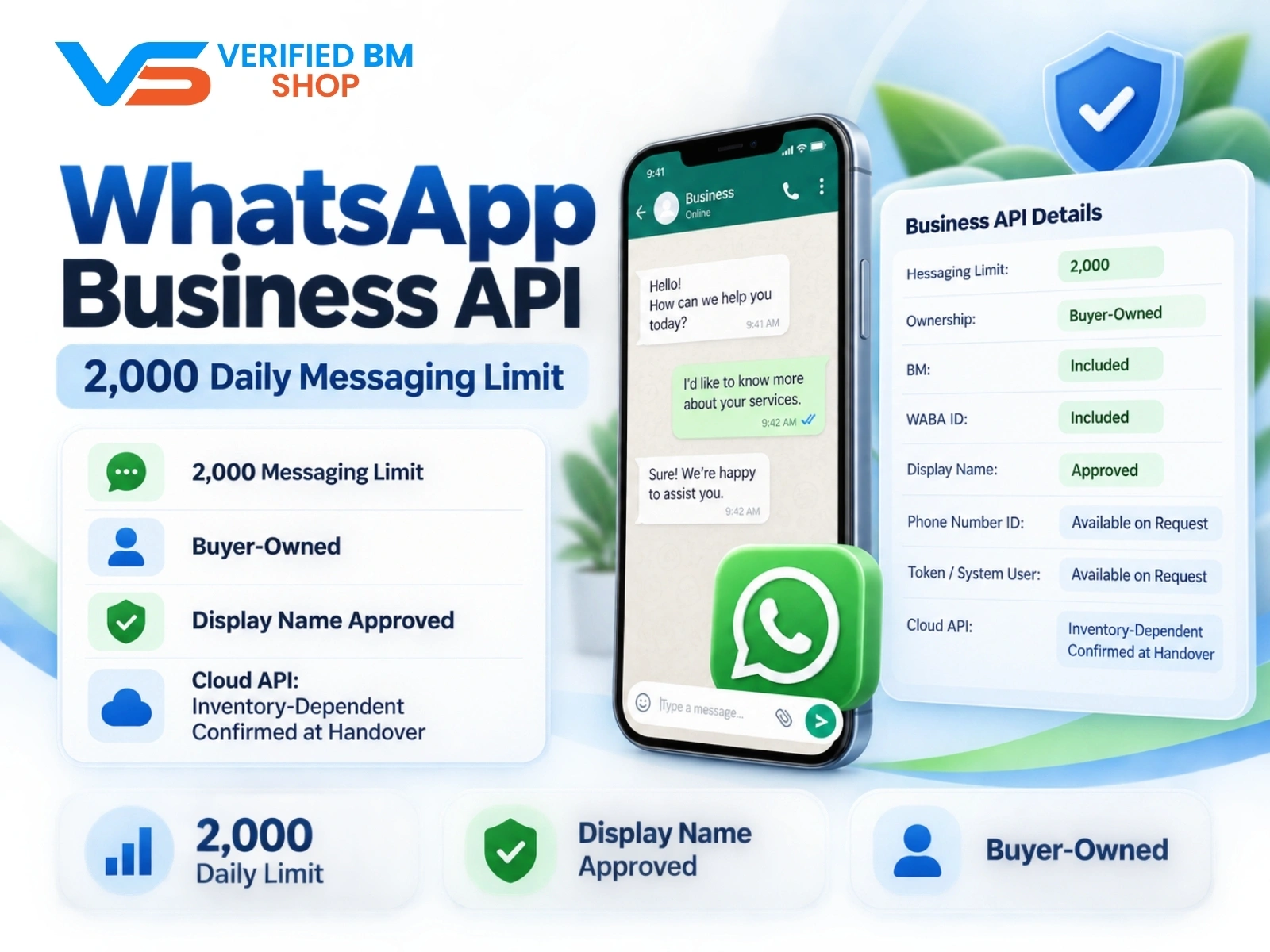
| 2,000. | Yes. | 2,000 unique users. | Growing ad teams. | Low. |
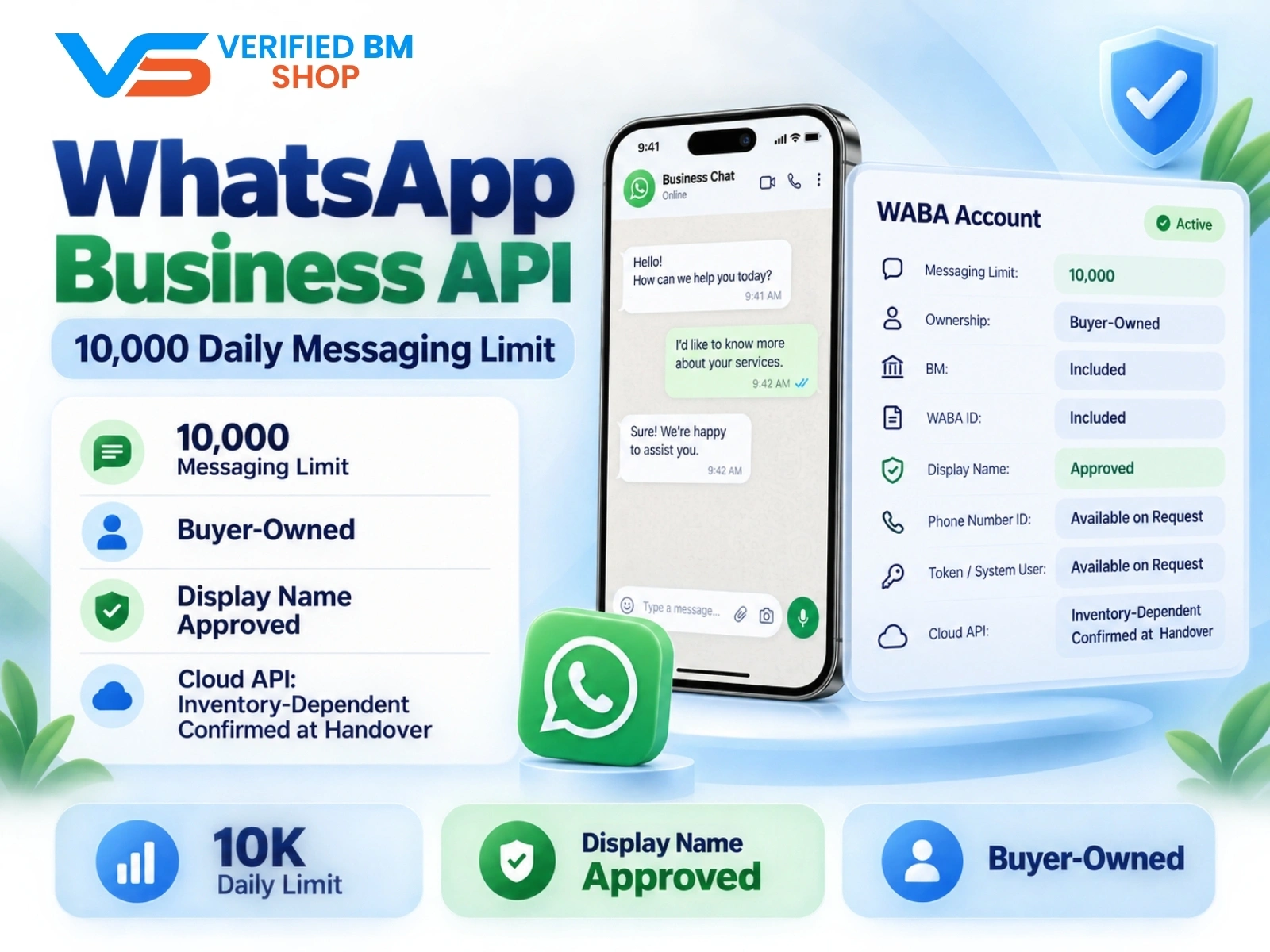
| 10,000. | Yes. | 10,000 unique users. | High volume sales. | Very Low. |
| 100,000. | Yes. | 100,000 unique users. | Large scale brands. | Very Low. |
Option 1: The 250 Daily Limit
The 250 limit is the standard entry point for new numbers. New accounts get this limit before completing Meta business verification.
With this tier, you can message 250 unique customers in a rolling 24-hour period. It also works well for small test ads or local lead intake.
Pros of the 250 Limit
- Basic details allow fast setup.
- No official company paperwork is needed right away.
- Testing templates and webhooks works well.
Cons of the 250 Limit
- Active ad campaigns can reach the cap quickly.
- At this level, Meta monitors quality ratings very closely.
- Scaling up takes time and steady messaging volume.
Want to start small without paperwork? Our store offers Buy WhatsApp Business API Limit 250 With FB Verified BM directly.
Option 2: The 2,000 Daily Limit
The 2,000 limit is the sweet spot for most performance marketers. It also gives you room to run click-to-WhatsApp ads without pausing every few hours.
To get here naturally, you must verify your Business Manager (BM) with legal documents. In addition, a solid quality score is needed over several days of continuous sending.
This option gives you breathing room. It also lets you launch real broadcast promos to existing leads with confidence.
Pros of the 2,000 Limit
- Profitable paid ad funnels get enough daily volume.
- Meta systems give the account a higher trust score.
- Faster automated drip sequences are allowed.
Cons of the 2,000 Limit
- A fully verified Business Manager is required.
- Your phone number must maintain a Medium or High quality score.
Teams ready to run steady paid traffic often skip the wait. Buy WhatsApp Business API Limit 2000 With FB Verified BM to start sending sooner.
Option 3: The 10,000 Daily Limit
A 10,000 limit is built for serious volume. High-spend media buyers, e-commerce stores, and support hubs rely on this limit daily.
Reaching 10,000 daily chats through organic volume can take weeks of careful sending. To move up, send double your current limit within a week while keeping high quality ratings.
With a 10,000 limit, you can run large retargeting blasts and flash sales. As a result, your team will not have to pause ads during peak traffic hours.
Pros of the 10,000 Limit
- Massive ad traffic is handled with ease.
- Delivery timing depends on platform processing and recipient availability.
- Sending remains subject to account limits and quality checks.
Cons of the 10,000 Limit
- Initial asset cost is higher.
- Careful template management is needed to protect quality rating.
High-budget media buyers often need instant scale. Buy WhatsApp Business API Limit 10000 With FB Verified BM for immediate deployment.
How Quality Rating Affects Your Messaging Limit
Your messaging limit is only half the battle. Meta also tracks your phone number quality rating in real time.
Quality ratings show as Green (High), Yellow (Medium), or Red (Low). Ratings drop when users block your number or report your messages as spam.
If your rating stays Red for too long, Meta flags your account. The messaging limit then drops to the lower bracket.
Follow these steps to keep your rating in the Green zone:
- Always ask users for opt-in permission before sending templates.
- Keep your template copy clear, honest, and helpful.
- Add an easy opt-out button like STOP in every marketing text.
- Reply to user questions within the first hour.
How Setup Works in Real Workflows
Setting up your API should not feel complicated. When you get an account package, the handoff then happens cleanly through your customer dashboard.
First, you receive a delivery email with your BM invite link. Open the link in an anti-detect browser profile, then accept admin rights safely.
Next, generate a system user token inside the Business Manager. This token is a permanent key that connects your CRM or chatbot to WhatsApp.
Then, set up your webhook inside your marketing software. The URL receives message updates and incoming chats automatically.
Once connected, test one template message to your own personal phone. Finally, check delivery speed, button clicks, and reply triggers. Live campaigns are now ready to launch.
Frequently Asked Questions
Quick answers to the questions buyers ask most.
How fast does Meta raise my messaging limit?
Do user-initiated messages count toward my daily messaging limit?
What happens if I exceed my daily messaging limit?
Can my API limit get downgraded?
How this helps verified BM buyers
Apply this guidance when buying verified Business Managers or WhatsApp Business API assets to reduce policy risk, improve account stability, and scale campaigns with cleaner operational workflows.
View all WhatsApp API options · Next steps: compare products in the Shop, review implementation details in FAQ, and contact support from the Contact page.
Recommended for You
Hand-picked from our shop — delivered fast after payment.
WhatsApp API 10000 | WABA 10K | VERIFIED BM SHOP
WhatsApp API 250 | WABA 250 | VERIFIED BM SHOP
WhatsApp API 2000 | WABA 2K | VERIFIED BM SHOP

Written by
Verified BM TeamThe VERIFIED BM SHOP team shares real-world experience in buying and selling verified Business Managers, WhatsApp API accounts and advertising platforms.
Comments (0)
No comments yet. Be the first to share your thoughts!
Leave a Comment
Your email will not be published. All comments are moderated.