
Quick Summary
Learn how to connect WhatsApp API to your verified Business Manager with documented handover steps and safe integration tools.
Do you need to scale customer chats with more stability? Here is how a WhatsApp API connection works with a verified Business Manager after we hand over your package.
Preparing your messaging assets does not have to be hard. Also, our team keeps the full onboarding process smooth and fast.
How to Connect WhatsApp API to Verified Business Manager
After we confirm your order, the handover begins. Soon after, your access details arrive through your customer dashboard.
Each product package has its own handover details. For example, we provide BM admin invite links. Token/System User access and Phone Number ID are not included by default. However, we make them available on request where applicable.
The table below shows what comes with your delivery package.
|
Asset Component. |
Delivery Type. |
Availability. |
|---|---|---|
|
BM Admin Access. |
Admin Invite Link. |
Provided at handover. |
|
System User Token. |
On request. |
Not included by default. |
|
Phone Number ID. |
On request. |
Not included by default. |
|
Webhook Settings. |
Paid add-on. |
Not included by default. |
What to Expect After Your Purchase
Once we confirm your payment, we send a confirmation email. Then log into your account dashboard to view your order and handover details.
Start by accepting the admin invite link with your clean profile. For maximum safety and trust, use a reinstated Facebook account.
Next, open your Meta Business Settings panel. There, you will see your new verified BM 1, with its current verification status confirmed at handover.
Quick Steps to Finalize Setup
-
Open your customer dashboard to view your handover details.
-
Accept the BM invite link in your browser.
-
Go to WhatsApp Accounts under the Accounts tab.
-
If we include Token/System User access, or you request it, add your system user and assign the required permissions.
-
When we provide an access token, connect it to your chosen messaging software and store it securely.
For higher sending volume, choose our WhatsApp Business API 10000 package. You can also review official guidelines on the Meta for Developers portal.
In addition, our 24/7 technical support team stays active if you need help with any step.
Frequently Asked Questions
Quick answers to the questions buyers ask most.
How fast is the delivery after payment?
What is a system user token?
Do I get a warranty with my order?
Can I connect my own chatbot software?
How this helps verified BM buyers
Apply this guidance when buying verified Business Managers or WhatsApp Business API assets to reduce policy risk, improve account stability, and scale campaigns with cleaner operational workflows.
View all WhatsApp API options · Next steps: compare products in the Shop, review implementation details in FAQ, and contact support from the Contact page.
Recommended for You
Hand-picked from our shop — delivered fast after payment.
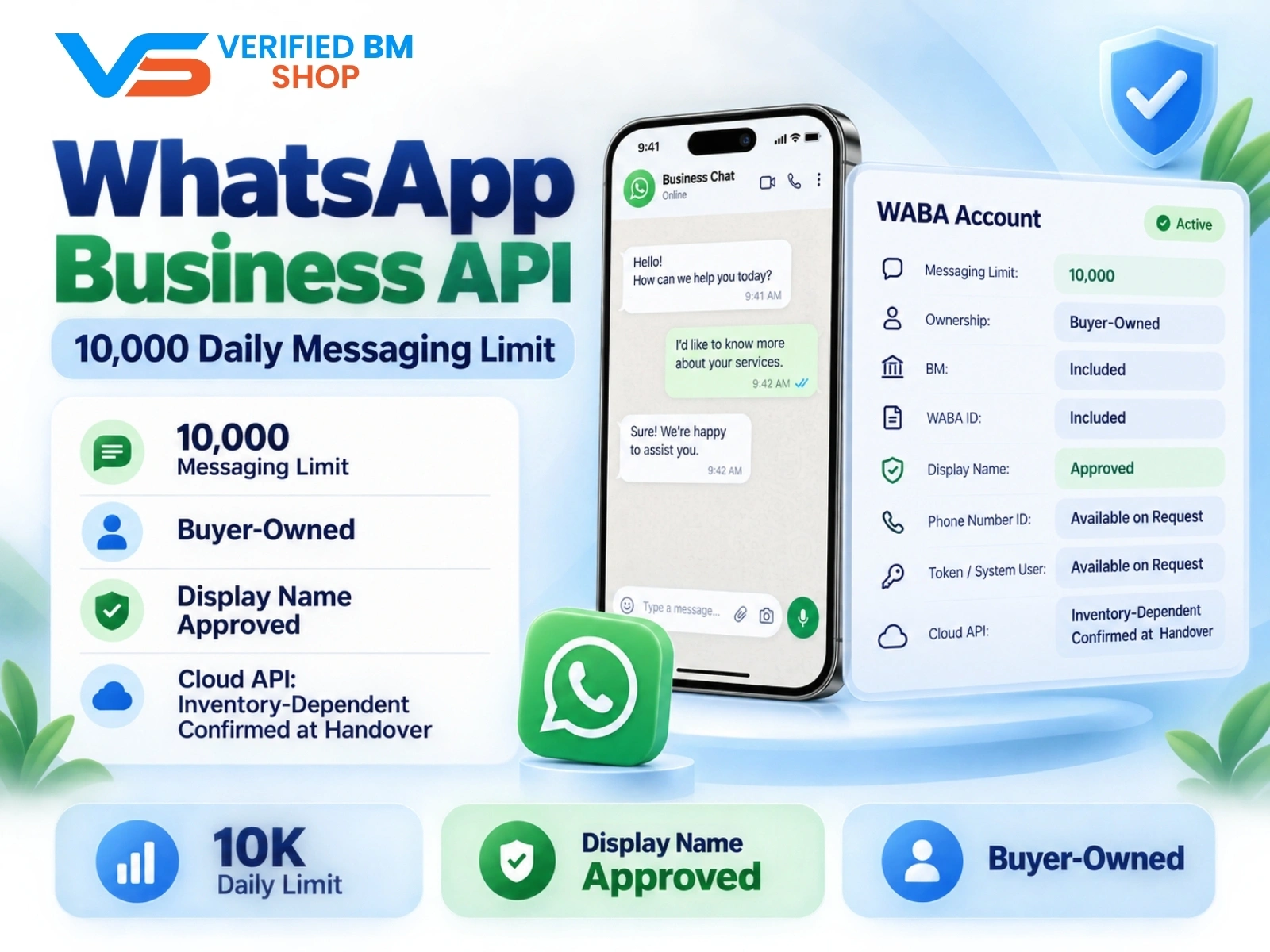
WhatsApp API 10000 | WABA 10K | VERIFIED BM SHOP
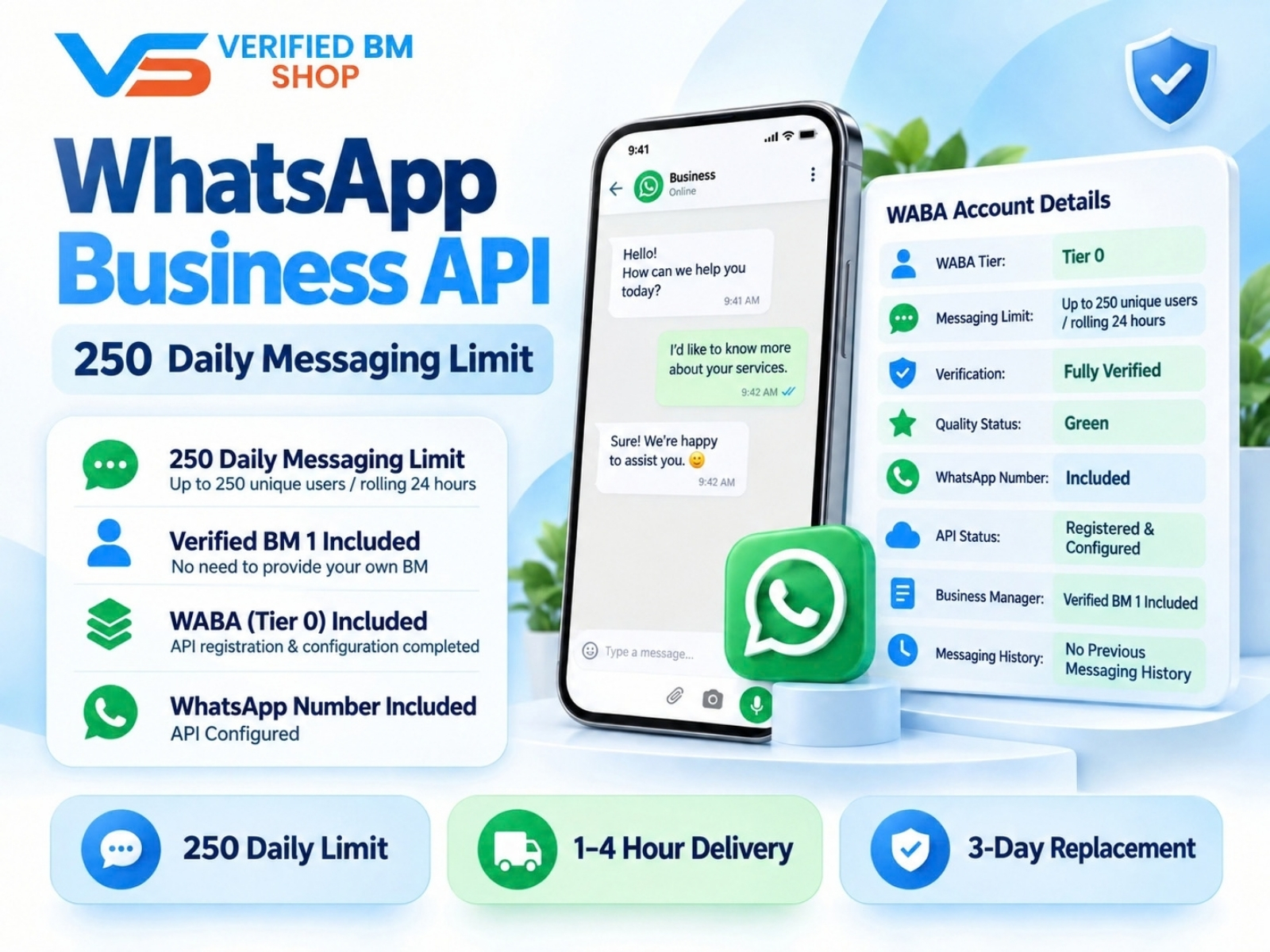
WhatsApp API 250 | WABA 250 | VERIFIED BM SHOP
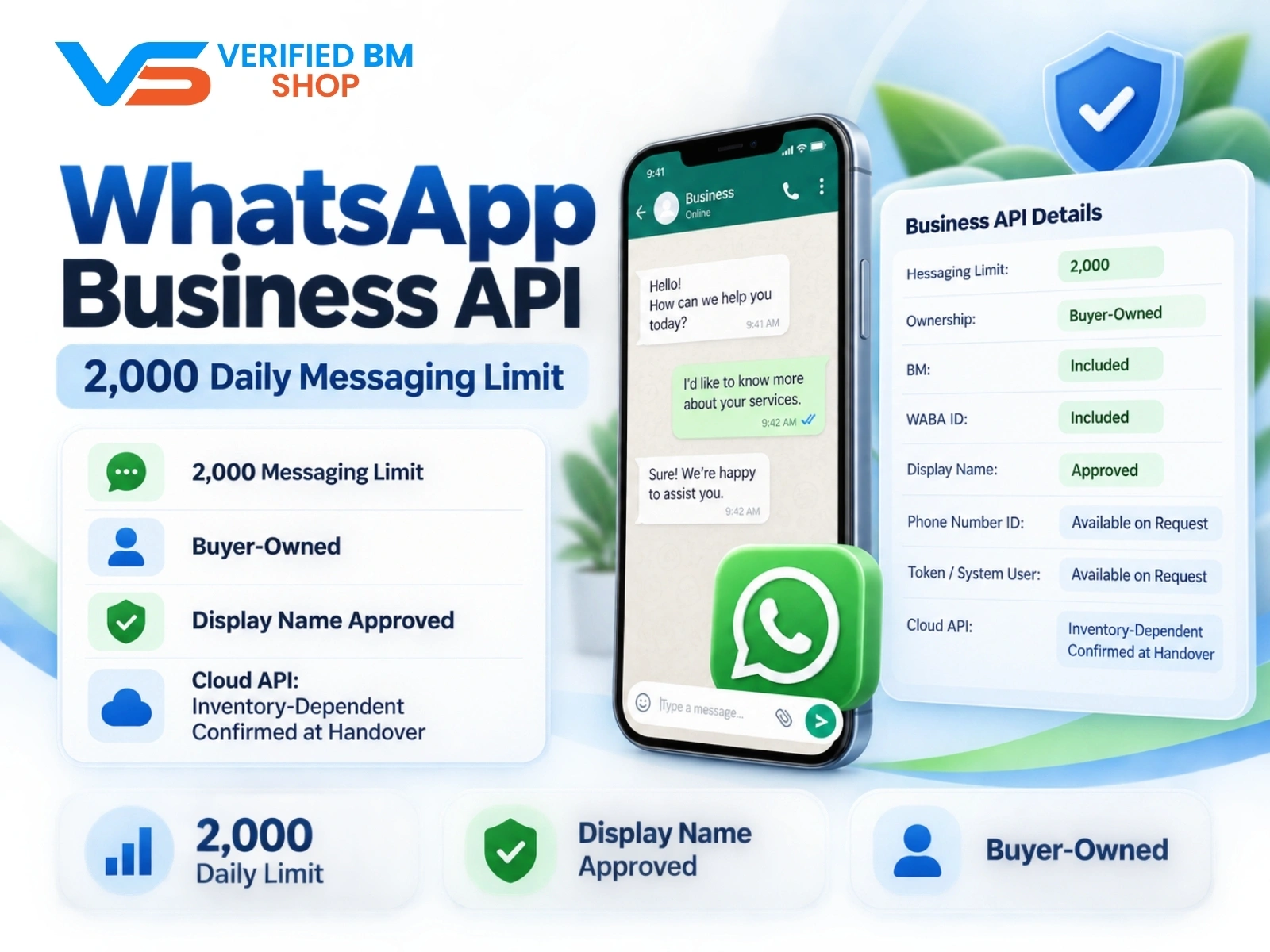
WhatsApp API 2000 | WABA 2K | VERIFIED BM SHOP

Written by
Verified BM TeamThe VERIFIED BM SHOP team shares real-world experience in buying and selling verified Business Managers, WhatsApp API accounts and advertising platforms.
Comments (0)
No comments yet. Be the first to share your thoughts!
Leave a Comment
Your email will not be published. All comments are moderated.