
Quick Summary
A practical checklist for setting up the WhatsApp Business Platform, including business verification, WABA and phone registration, API access, templates, webhooks, consent, testing, billing, and launch monitoring.
Successful WhatsApp Business Platform onboarding takes more than creating a WhatsApp Business Account (WABA). Your business needs a well-managed Meta business portfolio and an eligible phone number. You also need API access, working webhooks, and approved templates where required. Keep clear consent records and use a controlled plan for testing and launch checks.
This checklist is for businesses, developers, agencies, and operations teams. It also suits teams using the Cloud API or a Meta technology partner. Dashboard names, API versions, rules, prices, and setup needs can change. Check the current Cloud API docs and your account settings before you start.
What Is the WhatsApp Business Platform Onboarding Process?
The WhatsApp Business Platform is Meta's system for sending and receiving WhatsApp messages through software. It can support customer service, login codes, order alerts, and appointment reminders. Marketing messages also need the right consent, policy checks, and templates.
A WhatsApp Business Account, or WABA, is the WhatsApp business asset. It holds phone numbers, business profiles, templates, and related settings. A WABA usually sits in a Meta business portfolio. It then connects to a Meta app, Cloud API setup, or solution provider.
Most setups include these parts:
- Meta business portfolio: The business space for assets, users, access, and checks.
- WABA: The WhatsApp business asset linked to the messaging setup.
- Business phone number: The number customers use to contact the business.
- Meta app and API credentials: The app, access token, and permissions used by the setup.
- Webhooks: The HTTPS address that gets incoming messages, delivery events, read receipts, and other supported alerts.
- Message templates: Set message formats used for many business-initiated messages, especially outside the customer service window.
WhatsApp API Setup Requirements Checklist
Prepare these items before you start:
- Meta business portfolio with an administrator who can manage its assets.
- Legal business information that matches official records and the public website.
- Verification documents if Meta asks for checks on the account, feature, or setup route.
- Business-controlled phone number that can receive an SMS or voice check code.
- Proposed display name, category, description, website, and customer support details.
- Named technical owner for the Meta app, credentials, webhooks, and setup.
- Secure server or integration platform with HTTPS and a stable webhook URL.
- Recorded opt-in process and a list of planned message uses.
- Draft or approved templates for relevant notification, authentication, utility, or marketing uses.
- Billing method and an internal process to track use, delivery, quality, and account status.
Assign separate business and technical owners where possible. This lowers the risk of shared credentials, lost admin access, and unclear review duties.
Step 1: Prepare Your Meta Business Portfolio
Choose the Meta business portfolio that will own the WABA and related assets. Before adding assets, check the legal name, address, website, category, time zone, contact email, and phone number.
Use a business domain and an email address your organization controls. The website should name the business, describe its products or services, and give a support contact. Matching details across the portfolio, website, and business records can reduce review delays.
Give admins their own user accounts instead of sharing one login. Require two-factor authentication for people with admin or developer access. This two-factor authentication setup guide gives a useful account safety baseline.
Make sure the portfolio has no restriction. The right admin should also be able to open Business Settings, WhatsApp Accounts, Apps, System Users, and payment settings.
Step 2: Complete Business Verification
Business verification confirms details about an organization to Meta. The need for it can vary by setup route, region, and account history. Requested features and current Meta review rules also affect which tools depend on it.
Prepare records that show the registered name and address. Examples include an official registration certificate, government record, tax document, or another record accepted in your region. Document types vary by country, so follow the instructions shown in the business portfolio.
Keep the name, address, website, email domain, and submitted records consistent. Shortened names, old addresses, thin websites, or locations that cannot confirm the organization can cause delays.
For a record-by-record list, see the Meta Business Manager verification document checklist. Send only true, unchanged records. Answer review requests through the official Meta interface.
Step 3: Create or Connect Your WABA
You can create a WABA during Cloud API setup. You can also link an existing WABA to an app or solution provider. The best route depends on whether the business already has a WhatsApp asset and whether the phone number is in use. Direct and partner-managed setups may also differ.
Record the WABA ID and business portfolio ID in a protected internal file. You may need these IDs for API setup, support cases, billing, asset control, and webhook subscriptions.
Review the WABA's business details, linked phone numbers, account status, and billing information where shown. Avoid making several WABAs for one use without an ownership and move plan. Separate assets can make admin work and reports harder.
If you are linking a WABA to an existing verified portfolio, review this guide. It covers connecting WhatsApp API to a verified business manager without relying on one dashboard layout.
Step 4: Choose and Register a Business Phone Number
The business must control the phone number, and it must receive an SMS or voice check code. If customers will call it, confirm the phone service. Support staff must be ready to take those calls.
A number active in the WhatsApp or WhatsApp Business app may not qualify. It may also be unavailable for direct registration in the same API setup. You may need a new number, based on the migration or coexistence option. Another path is to remove the number from the current product or use a provider-specific move. Check the result before deleting an existing account.
Enter the full international format, including the country code. Check that call screening, IVR tools, carrier filters, and spam controls will not block the code. Keep proof that the business controls the number.
Registration usually means choosing the WABA, adding the number, entering the display name, and confirming the SMS or voice code. A successful check does not promise open messaging access. Quality, policy, eligibility, and registration limits may still apply.
Step 5: Configure the Business Profile and Display Name
Fill in the profile fields available to your account. These may include the display name, category, description, website, email address, business hours, and profile image.
The display name should match the business, brand, or service customers expect. Avoid sales slogans, excess punctuation, false claims, or wording that suggests an approved link to another organization. Meta may compare business details and the public presence with the display name.
Explain what customers can expect in the description. Examples include order updates, appointment reminders, technical support, and account alerts. Keep the profile aligned with the website, privacy notice, support process, and templates.
Step 6: Assign Users, Roles, and API Permissions
Use personal user accounts and role-based access instead of shared admin details. Common duties cover business admin, WhatsApp asset control, app development, customer support, and reports.
For direct Cloud API work, developers may need access to the Meta app and the right WhatsApp assets. System users often handle server-to-server API calls with only the needed permissions. Permission names and approval needs can change, so check the current developer and business settings.
| Role or access area | Typical responsibility | Good practice |
|---|---|---|
| Business administrator | Manages portfolio settings, users, assets, and verification. | Limit access to trusted staff and require two-factor authentication. |
| WhatsApp asset manager | Manages WABAs, phone numbers, profiles, templates, and settings. | Assign only to staff who need operational control. |
| Developer | Builds API requests, app logic, and webhook handling. | Use an individual identity and never share tokens. |
| System user | Runs automated server-to-server operations. | Use a supported long-lived credential, store it in a secrets manager, and rotate or revoke it when needed. |
| Support or analyst | Reviews chats, delivery results, and account health. | Grant the lowest permission level that supports the role. |
Step 7: Create API Credentials and Configure Webhooks
Create the Meta app and link it to the right business portfolio and WABA. For production, use a supported system-user credential or the method required by the chosen solution. Never put a temporary developer token in a live app.
Keep access tokens, app secrets, webhook check tokens, and encryption keys out of source code and public repositories. Limit access, avoid logging secret values, and set a process to rotate and revoke them before launch.
Each webhook address should use HTTPS and answer Meta's check request correctly. Subscribe the app to the relevant WABA for supported incoming messages. Message status updates, template events, and other alerts also arrive this way.
Separate customer messages from status events such as sent, delivered, read, failed, or rejected. Save message IDs, allow for duplicate events, and return a success response fast. Handle slower internal work after that response.
Test webhook behavior in staging first. Check that a message creates the right ticket, order event, alert, or automation. Keep extra customer data out of logs.
Step 8: Create and Submit Message Templates
Templates are set messages sent for review before use in many business-initiated chats. Common types include utility, authentication, and marketing. Categories and review rules can change.
Write each template for one customer need. An order update should name the order and its status. An authentication template should include the needed security code and say why the customer gets it.
- Use variables in a consistent way and give realistic sample values during submission.
- Make sure the chosen category fits the real purpose and content.
- Do not put sales content in a utility or authentication template.
- Add clear opt-out steps when the message type and rules call for them.
- Submit translations where needed and check each language for natural, correct wording.
A customer-initiated chat generally starts a customer service window. During that window, the business can reply without a template, subject to current rules. After it closes, a new business-initiated message may need an approved template. Approval does not stop later action if people report unwanted messages or the content breaks policy.
Step 9: Review Pricing, Billing, and Messaging Limits
WhatsApp Business Platform pricing depends on factors such as message type, recipient country, current pricing model, and integration type. Partners and Meta may add different platform or service fees. Check the current rate card and provider agreement instead of an old image or tier table.
Set the payment method and billing owner before sending live traffic. Add internal alerts for spend, failed payments, unusual volume, and template use.
Messaging limits and billing are separate. Access may depend on account quality, business status, use patterns, recipient feedback, and current Meta rules. Do not promise a set limit, speed, or approval date without checking the account.
Read this WhatsApp API tiers comparison for a focused guide. Use published tier figures as reference information and check the limits in your own account.
Step 10: Test Messages and Confirm Event Handling
Run controlled tests with named internal or consented test recipients before launch. Test outbound and inbound flows, including a template message and a free-form reply within the customer service window. Also test an invalid recipient, failed delivery, media message, and opt-out.
Confirm that the system can do each task:
- Send messages with the correct phone number ID and WABA.
- Receive and check webhook events.
- Match delivery and read events to the original message.
- Handle retries without sending duplicate customer messages.
- Show API errors in a useful internal dashboard.
- Send replies to the right team, ticket, order, or automation.
- Stop promotional messages after an opt-out or suppression request.
Do not use employees' personal numbers as an unplanned live test group. Test recipients should know the purpose, expected frequency, and data-handling process.
Step 11: Check Opt-In and WhatsApp Policy Compliance
Get clear consent before sending a business-initiated message. Keep records of when and where the customer opted in and what they agreed to receive. Record how they can stop future messages.
Review privacy duties, data-minimization steps, WhatsApp Business and commerce policies, and rules for your region or industry. Never scrape numbers, buy contact lists, or send repeated unwanted messages. Do not misstate your identity or bypass user controls.
Pay close attention to restricted products, regulated industries, age-sensitive content, and financial promotions. Health data, authentication data, and customer-data retention also need care. Template approval does not make an unlawful, false, or unwanted campaign acceptable.
Review the WhatsApp API compliance guide for a working review of opt-in, content, privacy, and account safety.
WhatsApp Business Platform Pre-Launch Checklist
- Portfolio details match official records and the public website.
- Required checks are complete or assigned to a named owner.
- WABA ID, phone number ID, app ID, and business portfolio ID are stored safely.
- Phone number ownership is confirmed and registration is complete.
- Display name and business profile accurately describe the organization.
- Users, admins, developers, and system users have the right permissions.
- Production tokens and secrets are stored safely and kept out of source code.
- Webhook checks, subscription, monitoring, and duplicate-event tests are complete.
- Required templates are approved in every language used by customers.
- Billing is active, with an owner for use, failed payments, and volume alerts.
- Opt-in evidence, privacy notices, suppression lists, and escalation steps are ready.
- Inbound, outbound, delivery, failure, read, media, and opt-out tests have passed.
- Support staff know how to reply within the customer service window and when templates may be needed.
What to Monitor After Launch
Track delivery failures, read rates, customer replies, opt-outs, template status, webhook errors, API delay, and account alerts. A sharp rise in complaints or failed messages should start a review. Check consent, targeting, content, send rate, and account status.
Watch quality signals and messaging limits in the current Meta interface. These measures may change with recipient feedback, message behavior, account activity, and platform review. Keep a rollback plan that can pause campaigns without stopping key customer support.
Review access often, remove former staff, and rotate credentials after departures. Check that webhook logs do not keep extra personal data. Record the integration's API version and dependency update plan.
Common Onboarding Delays and How to Prevent Them
Business information does not match
Use the same legal name and address across the business portfolio. Add matching verification records, website details, billing profile, and support records. If the company trades under a brand name, explain the link through the website and business records.
The phone number is already in use
Find out whether the number belongs to a personal WhatsApp account, WhatsApp Business app, another WABA, or a past provider. Choose the migration or coexistence route before removing anything. Take extra care when the number has active customers.
The API works, but messages do not arrive
Check the recipient format, phone number ID, token access, template status, opt-in, account limits, webhook subscriptions, and API error response. Use the WhatsApp API issues and errors guide, then work through the fault in order.
Templates are rejected or paused
Compare the category with the real purpose, then remove extra sales wording. Fix variable samples and avoid unclear or false claims. A template can pause after approval if it gets poor feedback. It can also pause when it no longer meets current rules.
Cloud API or a WhatsApp Solution Provider?
With direct Cloud API, your team controls more of the app, webhook, hosting, monitoring, and credential design. Developers and technical operations teams can build and run production messaging systems this way.
Solution providers may offer an inbox, CRM links, and setup help. They may also provide billing support or managed systems. This help can cut development work but may add provider fees and contract duties. Provider setup rules and another support layer may also apply.
| Consideration | Direct Cloud API | Partner or provider |
|---|---|---|
| Technical control. | High; your team manages the integration. | Shared or provider-managed, depending on the service. |
| Initial development. | More engineering work. | May be faster when ready-made tools are available. |
| Support model. | Your team and Meta's docs and support processes. | Provider support plus Meta's platform processes. |
| Fees. | Meta messaging charges and your infrastructure costs. | Meta charges plus possible provider, software, or service fees. |
| Best fit. | Custom workflows and teams with development and operations capacity. | Businesses seeking managed inboxes, connectors, or setup help. |
Compare the routes before creating assets. Record who owns the WABA, phone number, templates, billing link, API credentials, customer data, and move process.
Launch Standard
Every reliable setup starts with correct business information. Testing, clear consent records, safe credentials, and active checks complete the process. Treat verification, phone registration, templates, billing, webhooks, and compliance as linked workstreams. Do not treat them as separate dashboard tasks.
Browse the WhatsApp API category if your team needs a ready-to-review setup path. First verify the exact setup, ownership, support scope, fees, and current platform rules.
Frequently Asked Questions
Quick answers to the questions buyers ask most.
What do I need before starting WhatsApp Business Platform onboarding?
Do I need business verification to use the WhatsApp Business Platform?
What is the difference between using Cloud API directly and working with a WhatsApp solution provider?
When do I need a message template, and how does the customer-service window affect messaging?
How this helps verified BM buyers
Apply this guidance when buying verified Business Managers or WhatsApp Business API assets to reduce policy risk, improve account stability, and scale campaigns with cleaner operational workflows.
Next steps: compare products in the Shop, review implementation details in FAQ, and contact support from the Contact page.
Recommended for You
Hand-picked from our shop — delivered fast after payment.
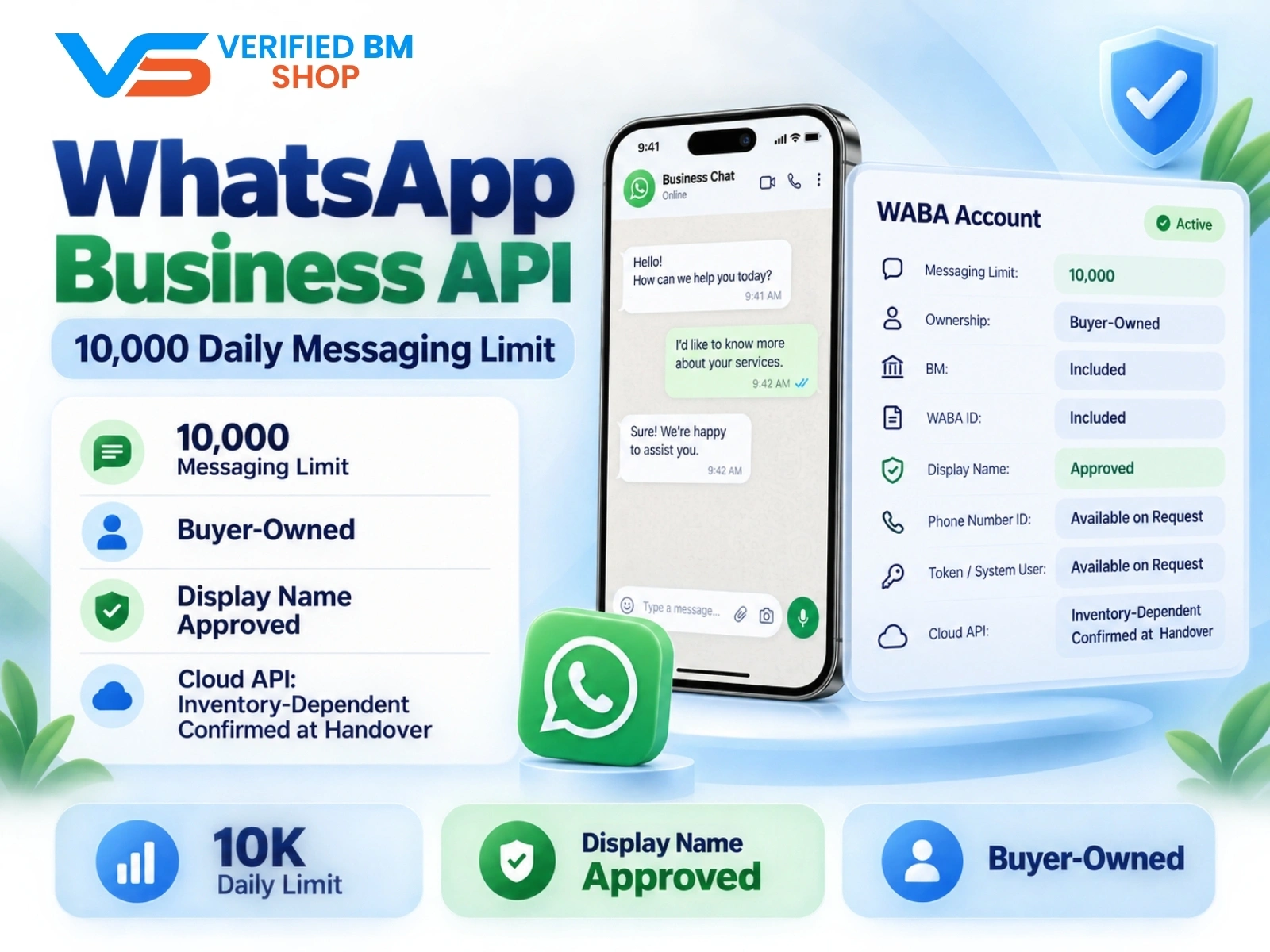
WhatsApp API 10000 | WABA 10K | VERIFIED BM SHOP
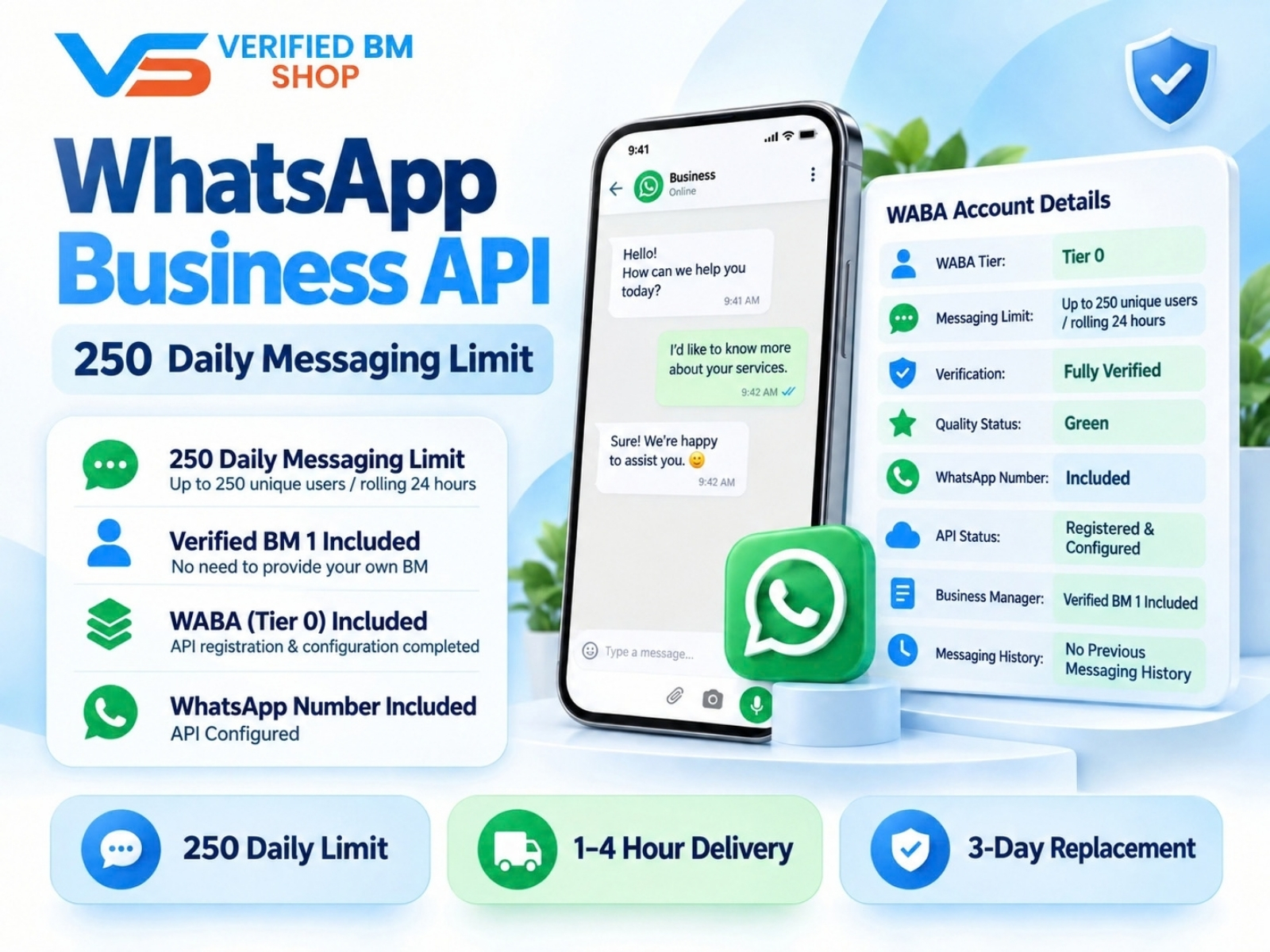
WhatsApp API 250 | WABA 250 | VERIFIED BM SHOP
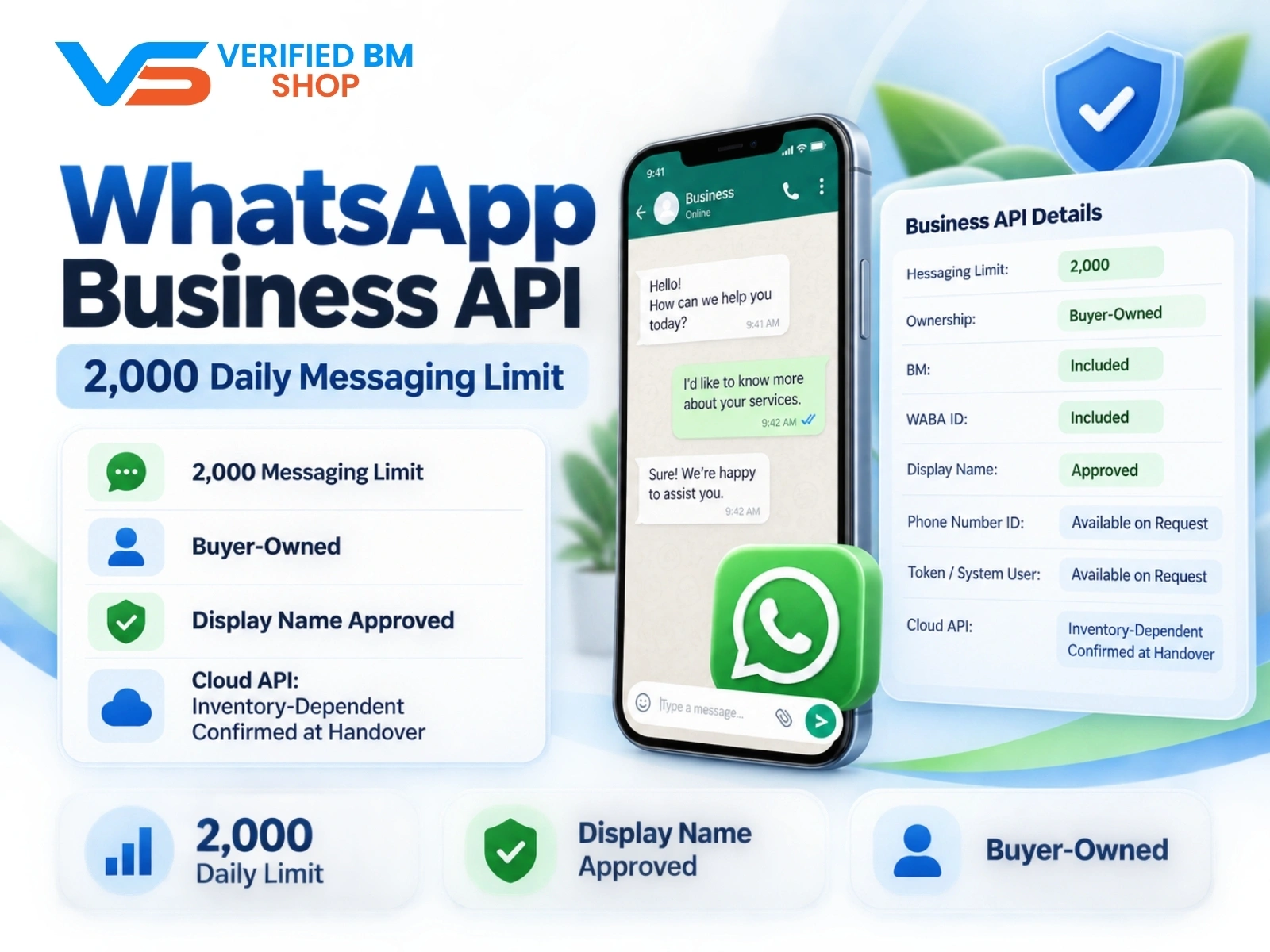
WhatsApp API 2000 | WABA 2K | VERIFIED BM SHOP

Written by
Verified BM TeamThe VERIFIED BM SHOP editorial team shares real-world experience in buying and selling verified Business Managers, WhatsApp API accounts and advertising platforms.
Comments (0)
No comments yet. Be the first to share your thoughts!
Leave a Comment
Your email will not be published. All comments are moderated.