
Quick Summary
Learn how to protect your WhatsApp API account from bans with practical compliance steps, template rules, and quality score management.
A WhatsApp ban can hurt your business fast. You also lose customer chats, ongoing sales, and ad momentum at once.
Most bans happen because of simple policy mistakes. You can avoid these traps with the right setup.
At Verified BM Shop, we help media buyers keep their assets running smoothly every day.
This guide covers the exact rules to follow. You will learn how to protect your phone numbers and maintain a healthy score.
Understanding WhatsApp API Compliance
Meta enforces strict rules for all business messaging. These rules protect normal users from spam and low-quality broadcasts.
Three key factors shape your account health: user feedback, template quality, and opt-in records.
Start with a Buy WhatsApp Business API Limit 250 With FB Verified BM package. Your baseline rating starts fresh.
Keep your quality rating green from day one. This status also keeps your daily messaging limits high and safe.
A sudden drop to red status triggers a review. Reviews often lead to quick account restrictions if you ignore them.
Master the Opt-in Process
Never message people without clear permission first. This permission is called an opt-in.
An opt-in means the customer clearly agreed to get messages from you on WhatsApp.
Tell people what kind of updates they will get. Do not hide this info in tiny text.
- Use clear checkboxes on your website checkout page.
- Ask users to text a keyword to your business number first.
- Show your business name clearly during any signup flow.
- Store timestamps of every opt-in in your customer database.
Cold outreach will destroy your quality score within hours. People may report numbers they do not recognize.
Too many blocks will flag your system user token instantly. That alert triggers Meta's automated security filters.
Template Rules You Must Follow
Raw text cannot be sent for outbound broadcasts. Submit message templates to Meta for review first.
Templates are pre-approved message formats with blanks for customer names or order numbers.
Pick the right category for each template you submit. Meta divides templates into marketing, utility, and authentication.
Utility templates cover order receipts and delivery updates. Marketing templates cover sales offers, discounts, and product announcements.
Meta will reject a sales pitch submitted as a utility message. Repeated rejections lower your trust score.
Keep your template text short and helpful. Avoid all capital letters and excessive exclamation marks.
Add an easy opt-out button at the bottom of promotional messages. Users can then stop messages with one tap.
Maintain a High Quality Rating
Meta grades every active phone number with a quality score. This score is visible inside your customer dashboard.
The rating uses three colors to show health: Green means high, yellow means medium, and red means low.
When your rating drops to yellow, pause all large broadcast lists immediately. Check recent messages for spam triggers.
A red account also means your messaging tier drops. Your available sending limit may be reduced.
High-volume ad campaigns need room to scale. Look at a Buy WhatsApp Business API Limit 10000 With FB Verified BM asset to handle demand safely.
High tiers give you room to scale while staying well inside safe usage boundaries.
Quality Rating Actions and Warnings
Consider how Meta responds to your account health levels over time.
| Health Status | Account Impact | Recommended Action |
|---|---|---|
| Green Quality. | Normal sending limits. | Maintain current campaign volume. |
| Yellow Quality. | Warning state. | Cut broadcast volume in half. |
| Red Quality. | Tier reduction risk. | Stop broadcasts and fix templates. |
| Flagged Status. | Tier locked down. | Handle incoming support only. |
Check your score every morning before you launch new ad traffic. Early action also saves your assets.
Handle Customer Opt-Outs Instantly
When a user asks you to stop texting, remove them immediately. Do not send a single extra promo text.
Build an automated keyword trigger for words like STOP, CANCEL, or UNSUBSCRIBE.
The webhook should catch these words instantly. A webhook sends live data updates between apps.
Once triggered, your software must tag the contact as unsubscribed right away.
Users who cannot opt out will simply tap the block button. Blocks hurt your score much worse than simple unsubs.
Treat unsubscribes as a good thing. They clean your list and keep your true fans engaged.
Secure Your Business Manager
The API account connects directly to a Facebook Business Manager. When the BM falls, your API falls too.
Many advertisers lose access because their main BM gets disabled out of nowhere. We explain why in our guide on why your Business Manager keeps getting disabled.
Add at least two verified admin profiles to your BM. Never rely on just one personal profile.
Turn on two-factor login for every person on the team. That step prevents unauthorized logins and security locks.
Generate fresh system user access tokens for your server connections. Never use personal user tokens for live apps.
Store your BM invite links and backup recovery codes in a secure password manager.
Warm Up New Phone Numbers
Do not blast thousands of messages on day one. Fresh numbers look suspicious to automated filters.
Start small during your first week. Send messages only to your most active buyers first.
- Day 1 to 3: Send under 50 utility messages daily.
- Day 4 to 7: Increase sends to 200 engaged contacts.
- Week 2: Introduce marketing templates to buyers.
- Week 3: Scale volume up toward your tier limit.
Slow ramps prove to Meta that real people want your updates. This builds solid account trust.
Watch your reply rate closely during warmup. High reply rates boost your score fast.
Protect Your Sender Reputation
Sender reputation is your most valuable asset. Protect it like you protect your bank account.
Keep your business profile updated with accurate info. Add your real support email, website URL, and logo.
Respond quickly when customers reply to your messages. Accounts that solve issues fast get rewarded.
Avoid selling restricted goods like unapproved supplements, fake goods, or weapons. Such sales bring an instant lifetime ban.
Review the WhatsApp Commerce Policy once every month. Its rules change without loud announcements.
Stay clean, stay honest, and your messaging channel will run without hiccups for years.
Frequently Asked Questions
Quick answers to the questions buyers ask most.
What happens if my WhatsApp quality score turns red?
Can I buy a pre-verified WhatsApp API account?
How do I stop customers from reporting my messages?
What is the difference between utility and marketing templates?
How this helps verified BM buyers
Apply this guidance when buying verified Business Managers or WhatsApp Business API assets to reduce policy risk, improve account stability, and scale campaigns with cleaner operational workflows.
View all WhatsApp API options · Next steps: compare products in the Shop, review implementation details in FAQ, and contact support from the Contact page.
Recommended for You
Hand-picked from our shop — delivered fast after payment.
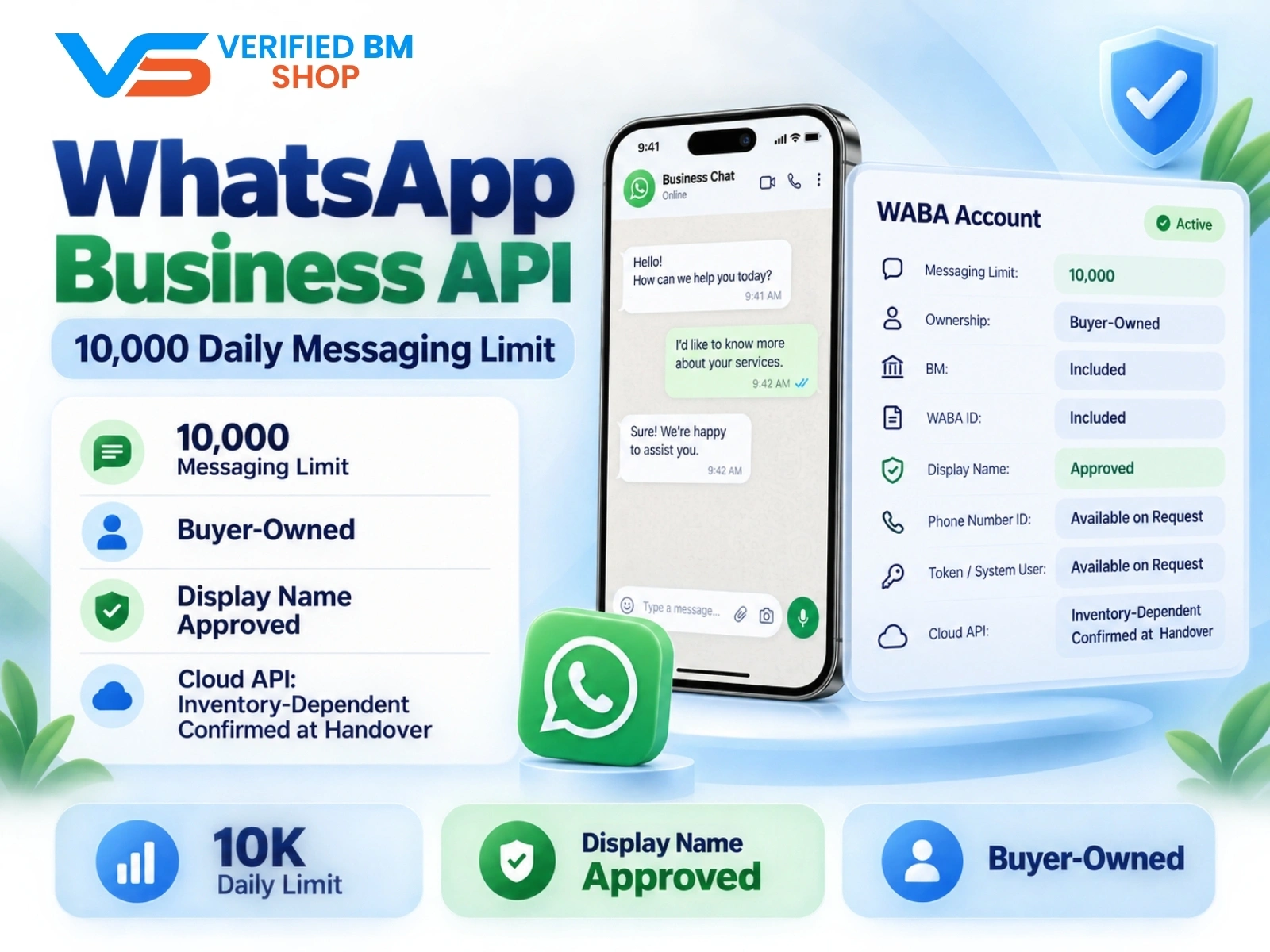
WhatsApp API 10000 | WABA 10K | VERIFIED BM SHOP
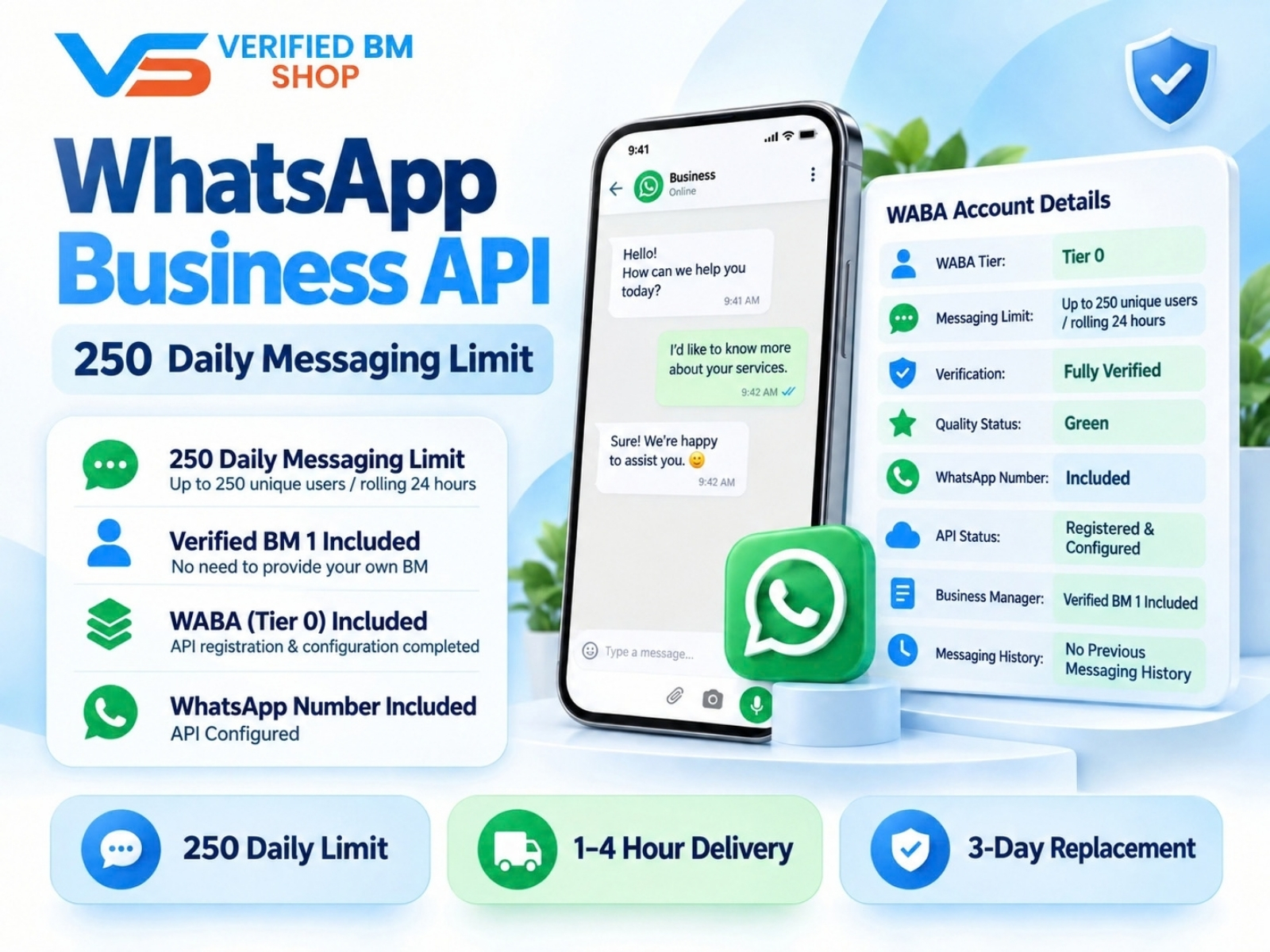
WhatsApp API 250 | WABA 250 | VERIFIED BM SHOP
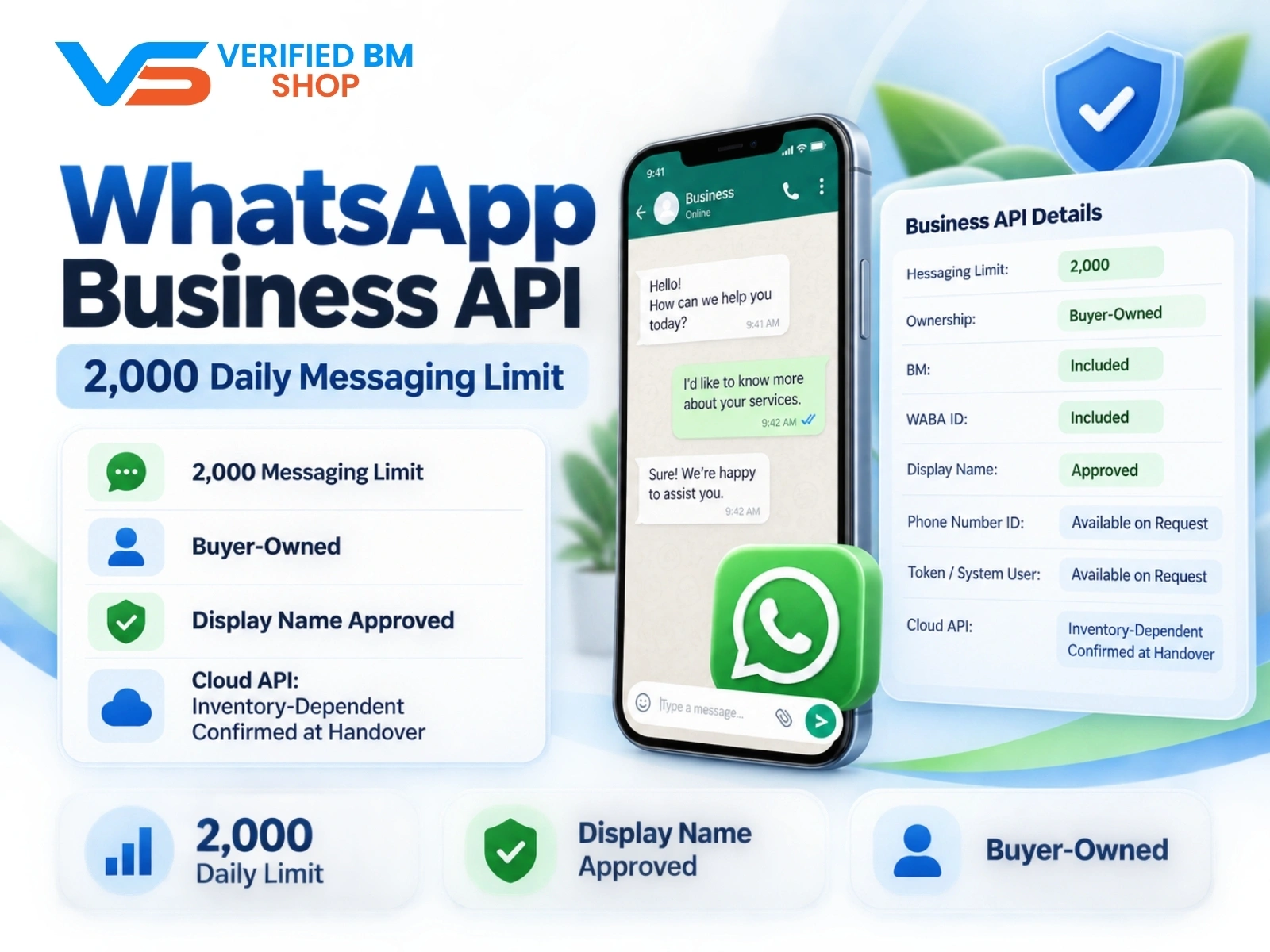
WhatsApp API 2000 | WABA 2K | VERIFIED BM SHOP

Written by
Verified BM TeamThe VERIFIED BM SHOP team shares real-world experience in buying and selling verified Business Managers, WhatsApp API accounts and advertising platforms.
Comments (0)
No comments yet. Be the first to share your thoughts!
Leave a Comment
Your email will not be published. All comments are moderated.