
Quick Summary
Learn how Google Ads manager accounts work, what agency arrangements involve, and how to reduce ownership, billing, access, and policy risks.
A Google agency ads account usually is not a separate Google account type. Often, the term means a Google Ads manager account used by an agency or a client account that the agency manages. A safe setup keeps the advertiser’s identity, billing plan, and business details clear and accurate.
Agencies can manage campaigns for clients through Google. That setup differs from renting access to an existing account. As a result, the difference affects ownership, billing, data access, policy duties, and the ability to move campaigns later.
What Is a Google Agency Ads Account?
Most agency setups use a Google Ads manager account. Google once called this a My Client Center, or MCC, account. It lets an organization link and manage many client accounts from one interface.
Each client account stays separate from the manager account. It can have its own campaigns, conversion data, users, billing setup, and business details. The agency gets access through a link between the accounts.
Some sellers use “Google agency account” for an account with agency billing or a past ad-spend record. That label alone does not show that the account is transferable, compliant, or fit for your business.
Google Ads Account vs. Manager Account vs. Agency-Managed Account
Account type | What it does | Who should control it |
|---|---|---|
Individual Google Ads account | Runs ads for one business or advertiser. | The advertiser or its authorized agency. |
Manager account | Links and manages multiple client accounts from one dashboard. | The agency, holding company, or in-house media team. |
Agency-managed client account | Is set up for a client while an agency handles agreed campaign tasks. | The client should keep clearly documented control and access. |
Rented account access | Gives a third party temporary or limited use of an existing account. | The contract may define the setup, but control can remain unclear. |
A manager account usually gives central admin access. Still, it does not decide who owns the business. Available control depends on the account hierarchy, permissions, and billing setup.
How a Google Ads Manager Account Works for Agencies
First, an agency creates or uses a manager account. Next, it sends a link request to a client account. The client accepts the request, or the agency creates a new client account in the manager interface. Google sets access through user roles and linked-account settings.
From one dashboard, staff can review performance, create campaigns, manage bids, build reports, and check alerts. They can also sort accounts by client, region, brand, or team.
Access is not unlimited by default. User roles and account settings decide what each person can view or change. For safety, agencies should use named users, two-step checks, and separate permissions for staff, contractors, and clients.
Typical agency workflow
Confirm the client’s legal business name, website, target market, and advertising purpose.
Create or link the client’s own Google Ads account.
Set up billing under the agreed payer and payment profile.
Complete advertiser verification when Google requests it.
Install conversion tracking with the client’s consent and record the data flow.
Give the client suitable access before campaigns go live.
Review policy notices, payment events, and account changes on a set schedule.
This setup can help the client keep account history and data if the agency relationship ends. It also makes the advertiser behind each campaign easier to identify.
What Does Google Partner Agency Status Mean?
Google Partners is an official program for companies that meet Google’s published requirements. Eligibility uses current criteria, which may include performance, spending, certifications, and account management. Check Google’s current program rules before relying on a Partner claim.
A Partner badge does not mean Google approves every campaign, guarantees ad delivery, or accepts responsibility for an agency’s claims. It also does not protect an account from payment checks, verification requests, or policy action.
Ask an agency for its current company name and Partner profile details. Check the claim through Google’s official information before signing an agreement. Also review Google’s advertising guidance on Google Support.
Benefits of Using an Agency or Manager Account
A manager account can save time for teams that handle many advertisers. It gives staff one place to review account status, user access, reports, and client links.
Central control: Teams can manage several client accounts without switching between unrelated logins.
Clear permissions: Agencies can assign access by role and remove staff access when duties change.
Shared processes: Naming rules, report templates, and review steps can stay consistent.
Client separation: Each advertiser can keep separate campaigns, billing records, and conversion actions.
Better handover: A client account can stay open to the client when the agency relationship ends.
Agencies may also provide strategy, creative review, tracking help, reports, and policy checks. These services offer value beyond simply supplying login access.
Is Renting a Google Agency Ads Account Safe?
Renting an agency-managed Google Ads account is not always safe or compliant. The risks depend on who controls it, who pays Google, whose business appears in verification records, and what the written agreement allows.
A legitimate agency may manage campaigns under a written service agreement. That differs from giving you a borrowed account while hiding the advertiser or using payment details without proper approval.
Google may review identity, payment, business, website, and advertising details. Depending on the facts and relevant policies, mismatches can lead to more checks or other account action.
Key Risks of Google Agency Account Rental
Ownership disputes
The account admin or other approved users may control the login, billing profile, linked manager, audience data, and campaign history. If the relationship ends, you may lose access or need to rebuild campaigns elsewhere.
Billing and payment problems
Find out who pays Google and who gets invoices. A provider may charge you while Google charges its own payment profile. As a result, refunds, disputes, tax records, and spending limits can be hard to track.
Policy and identity mismatch
Your ads, landing pages, products, and business details remain your responsibility when an agency runs campaigns. A rented account does not remove duties tied to misleading claims, restricted products, unclear offers, or missing disclosures.
Shared access and security
Shared passwords make it hard to see who changed a campaign or added a payment method. They also raise the risk of unauthorized access. Use named users and revoke access when someone leaves.
Client portability
Ask whether you can move campaigns, conversion actions, remarketing lists, and reports to a new account. Some assets may need fresh setup or new permissions. Therefore, do not assume that every data set transfers in full.
Ownership, Billing, Access, and Data: What to Clarify
Write down the operating model before launch. The contract should name the client account admin, manager account admin, payer, service provider, and final decision maker.
Who controls the client account and its campaign history?
Who can add or remove users, managers, payment methods, and tracking tags?
Who receives Google invoices and payment alerts?
Can the client keep direct admin access?
Who controls conversion data, audiences, creative files, and reports?
What happens to campaigns and data after termination?
How are refunds, unpaid balances, and disputed charges handled?
What replacement or support terms apply if access fails?
For teams with many active advertisers, a written billing process matters as much as campaign skill. This guide on managing ad spend and billing cycles covers related operating controls.
Google Ads Verification and Policy Responsibilities
Google may ask advertisers to verify their identity, business work, payment details, or relationship with an agency. The documents and steps can vary by account, location, industry, and other factors.
The advertiser must give true information. Do not use another company’s documents, payment method, website, or identity to make an account seem eligible. Also, do not create replacement accounts to avoid enforcement or payment checks.
Agencies should review the destination website, ad claims, trademark use, product limits, and data collection. They should also tell clients about policy notices instead of hiding them.
Google may restrict an account for payment issues, false claims, suspicious activity, unauthorized access, or other policy concerns. An agency can help prepare accurate information, but it cannot control Google’s review result.
How to Evaluate a Google Agency Account Provider
Look for clear business details, named contacts, written terms, and a service model that fits Google’s rules. A provider that avoids basic questions creates needless risk.
Confirm the legal identity and location of the provider.
Ask whether you receive campaign management or rented account access.
Request a written ownership and billing diagram.
Check that the provider does not promise guaranteed approval, unlimited spend, or suspension-proof access.
Ask how advertiser verification requests are handled.
Confirm named-user access, two-step security, and an offboarding process.
Read replacement, refund, privacy, and service terms before paying.
At VERIFIED BM SHOP, review the service terms. Ask support about product scope, access, billing, and replacement conditions before deciding.
Questions to Ask Before Using an Agency Account
Use these questions on a sales call or in writing:
Is the account created for my business, or will I use an existing account?
Will my business information and approved payment plan appear accurately in the relevant records?
Will I receive admin access and keep it during the contract?
Can I link or unlink the account from the manager account later?
Who controls the conversion tag, analytics links, and audience lists?
What happens if Google requests verification or pauses payments?
Which actions need my written approval?
What support is included, and how do I contact the provider?
Safer Alternatives to Renting an Account
For many advertisers, the clearest choice is to create a Google Ads account for the actual business. Then, invite an agency through a manager account. The client can keep control while the agency handles agreed tasks, if the account, permissions, billing, and offboarding terms are set up properly.
Where available and approved by Google, an agency or consolidated billing setup may also work. In that case, document invoices, account access, payer duties, and client controls.
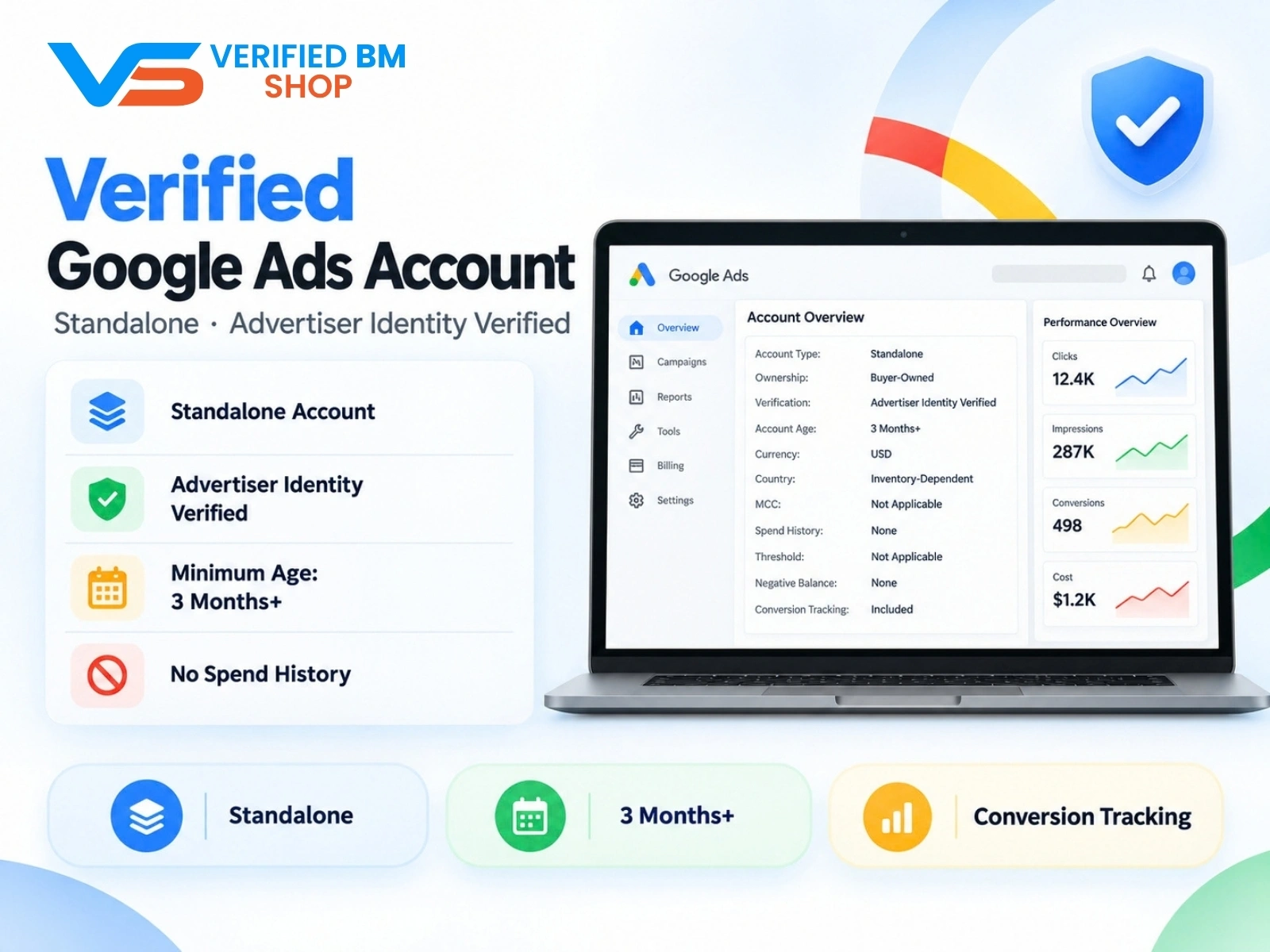
If you are comparing standalone account options, review the Google Ads account product details. Confirm ownership, verification, policy compliance, and permitted use before purchase. Product descriptions do not replace your own due diligence.
Multi-Channel Agency Accounts: Google, Facebook, and TikTok
Each ad platform has its own account roles, verification steps, billing rules, and policy systems. A workflow that works on Google may not work on Meta or TikTok.
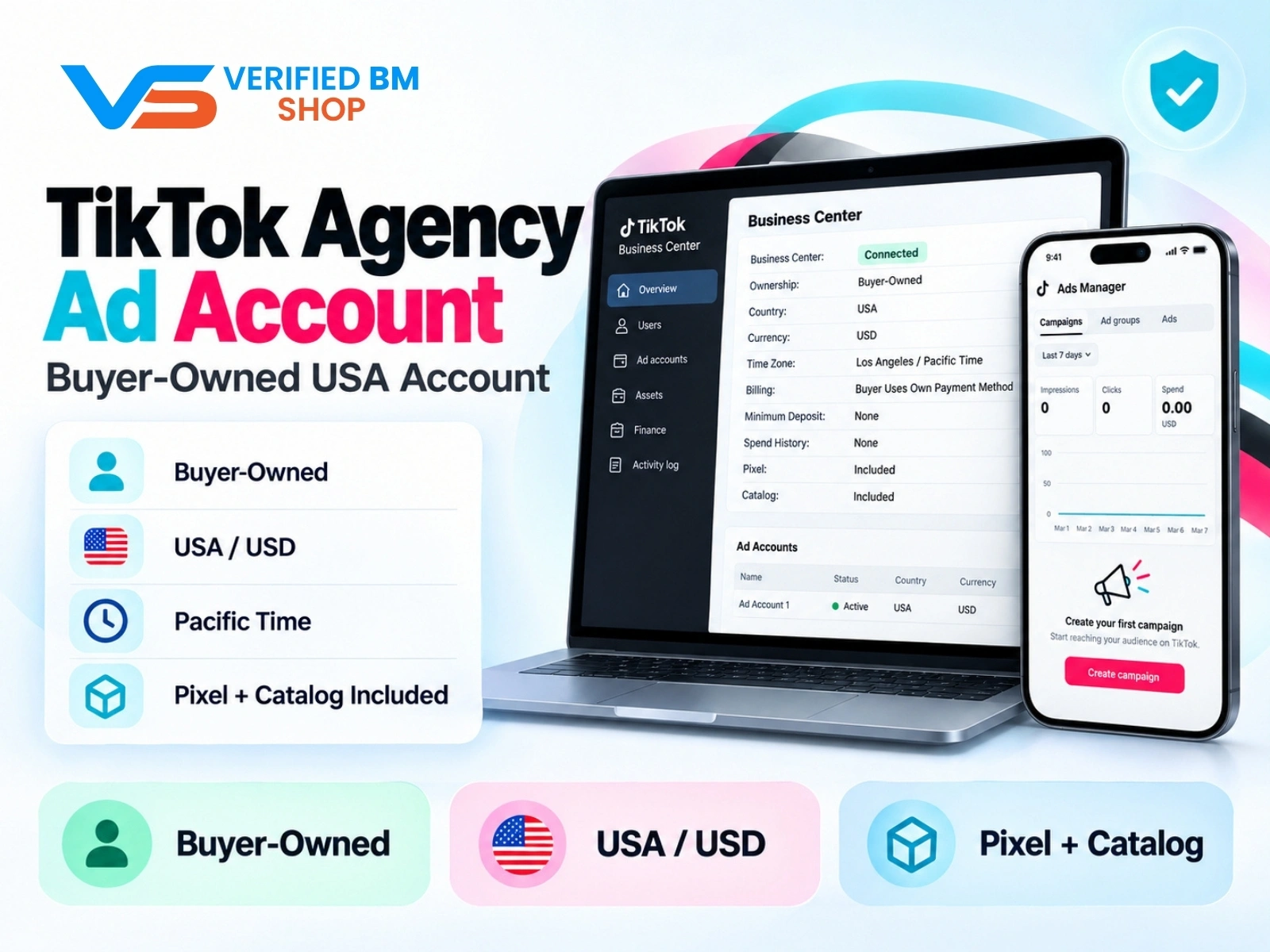
Keep ownership records separate for each channel. For a wider comparison of Meta structures, see Meta ad accounts: setup, access, and billing. Teams comparing TikTok services can review the TikTok agency account product without assuming that all platforms follow the same rules.
Google Agency Account Checklist
Use accurate advertiser information and an approved payment plan that is properly disclosed and consistent with Google’s requirements.
Keep the client’s account control clearly documented.
Link agencies through named users and manager permissions.
Record who controls billing, tracking, audiences, and creative assets.
Complete Google verification requests with accurate documents.
Review ads, landing pages, products, and claims for policy fit.
Agree on offboarding, data export, and account transfer steps.
Avoid providers that promise guaranteed approval or ban-free access.
Save invoices, support messages, change logs, and account notices.
A Google Ads manager account can give an agency central access while the client keeps control, if the client account, permissions, billing, and offboarding terms are set up properly. By contrast, renting an existing account can be harder to assess when billing, identity, and access do not match.
Before choosing an account or agency setup, contact VERIFIED BM SHOP with questions about scope, access, billing, and replacement terms.
Frequently Asked Questions
Quick answers to the questions buyers ask most.
What is a Google agency ads account?
Should an agency create the Google Ads account or should the client own it?
How do agencies safely give employees and contractors access to Google Ads?
How should billing work in a Google Ads account managed by an agency?
Can a Google Ads manager account access all client data automatically?
What should an agency do if a client account is suspended or access is lost?
How this helps verified BM buyers
Apply this guidance when buying verified Business Managers or WhatsApp Business API assets to reduce policy risk, improve account stability, and scale campaigns with cleaner operational workflows.
Next steps: compare products in the Shop, review implementation details in FAQ, and contact support from the Contact page.
Recommended for You
Hand-picked from our shop — delivered fast after payment.
TikTok Agency Ad Account – Verified US Business Center
Google Verified Ads Account - Standalone, Advertiser Identity Verified

Facebook Ads Account + Verified BM Bundle

Written by
Verified BM TeamThe VERIFIED BM SHOP editorial team shares real-world experience in buying and selling verified Business Managers, WhatsApp API accounts and advertising platforms.
Comments (0)
No comments yet. Be the first to share your thoughts!
Leave a Comment
Your email will not be published. All comments are moderated.