
Quick Summary
Scale high ad spend smoothly across multiple ad profiles by structuring payment thresholds, isolating payment cards, and avoiding sudden billing disruptions.
Scaling campaigns means managing large daily budgets across many business portfolios. Media buyers must manage ad spend billing cycles across 20+ active accounts. They must also avoid sudden payment holds or system flags.
A single declined charge can pause profitable campaigns at once. Also, when many profiles hit their payment thresholds together, your bank balance takes sudden hits.
Smart operators build clear systems. These systems help keep card limits healthy and campaigns running.
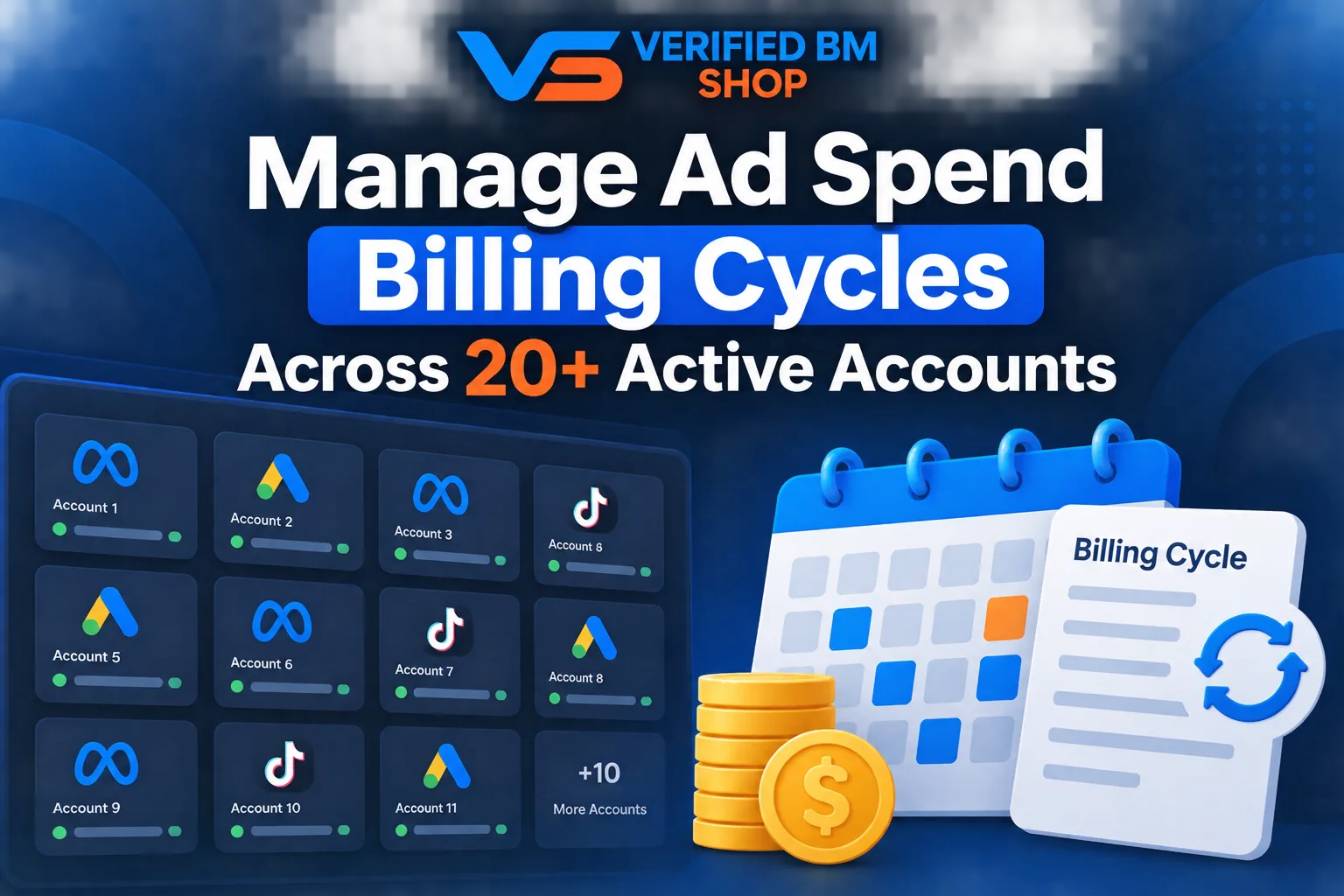
How to Manage Ad Spend Billing Cycles Across 20+ Active Accounts
Ad networks charge your card when you hit a set spending threshold. They may also charge it on your monthly billing date. As ad spend grows, these thresholds adjust based on successful charges, as explained in the Meta Business payment threshold guide.
For large setups, you need dedicated assets. A Verified BM 10 can help organize distinct campaigns safely.
Spread your daily budget across diverse ad sets. This keeps one account from reaching its threshold without warning. Also, stagger your billing milestones. That way, debits occur at different times during the week.
This keeps your working capital steady. It also helps protect your ad inventory from sudden pauses.
Card Distribution and Account Redundancy
Never tie every profile to one debit card or commercial line of credit. If your bank flags one charge for review, every linked ad set stops at once.
Use separate virtual cards for each group of profiles. Give each card a distinct credit limit to contain financial risk.
Experienced teams also keep strong backup profiles ready. A clean Reinstated Facebook Profile lets your team update payment settings without delay.
Here is an easy way to organize payment cards across twenty advertising assets:
Account Tier | Card Structure | Billing Action | Risk Level |
|---|---|---|---|
Accounts 1 to 5 | Virtual Card A | Daily manual payment | Low |
Accounts 6 to 10 | Virtual Card B | Threshold automatic charge | Low |
Accounts 11 to 15 | Virtual Card C | Threshold automatic charge | Medium |
Accounts 16 to 20 | Backup Card D | Manual balance settlement | Very Low |
Keep funds loaded onto your cards before daily spending peaks. Also, set bank alerts. Then you will know when a balance runs low.
Tracking Cash Flow and Spend Milestones
High-volume media buyers check their billing numbers several times a day. This helps prevent surprises during heavy promotional days.
Follow these steps to keep cash flow smooth:
Log account spend every morning.
Check available card limits daily.
Pay down thresholds early before major sales.
Rotate spare funding cards into backup slots.
Match receipt totals against your accounting sheet.
If you run omnichannel campaigns, add channels such as a TikTok Agency Ad Account. This helps avoid putting all your ad spend in one ecosystem.
Keep good records of every payment receipt for tax time. Clear accounting can help banks approve larger daily limits later on.
Handling Failed Payments Cleanly
Banks often flag several identical charges from the same vendor. As a result, temporary card freezes can break campaign momentum.
Contact your card issuer early. Ask them to pre-authorize frequent charges from advertising platforms. You can also request that they whitelist recurring charges from ad networks.
Keep a primary card and a secondary card in every profile billing menu. If the primary card fails, the system charges the backup. Active ads can then keep running.
Frequently Asked Questions
Quick answers to the questions buyers ask most.
How can I manage billing cycles across 20+ active ad accounts?
Should all ad accounts use the same billing cycle?
How often should I review ad account spending?
What information should I track for every ad account?
How can I prevent billing failures across multiple accounts?
What happens if one ad account reaches its billing threshold early
How this helps verified BM buyers
Apply this guidance when buying verified Business Managers or WhatsApp Business API assets to reduce policy risk, improve account stability, and scale campaigns with cleaner operational workflows.
View all Facebook options · Next steps: compare products in the Shop, review implementation details in FAQ, and contact support from the Contact page.
Recommended for You
Hand-picked from our shop — delivered fast after payment.
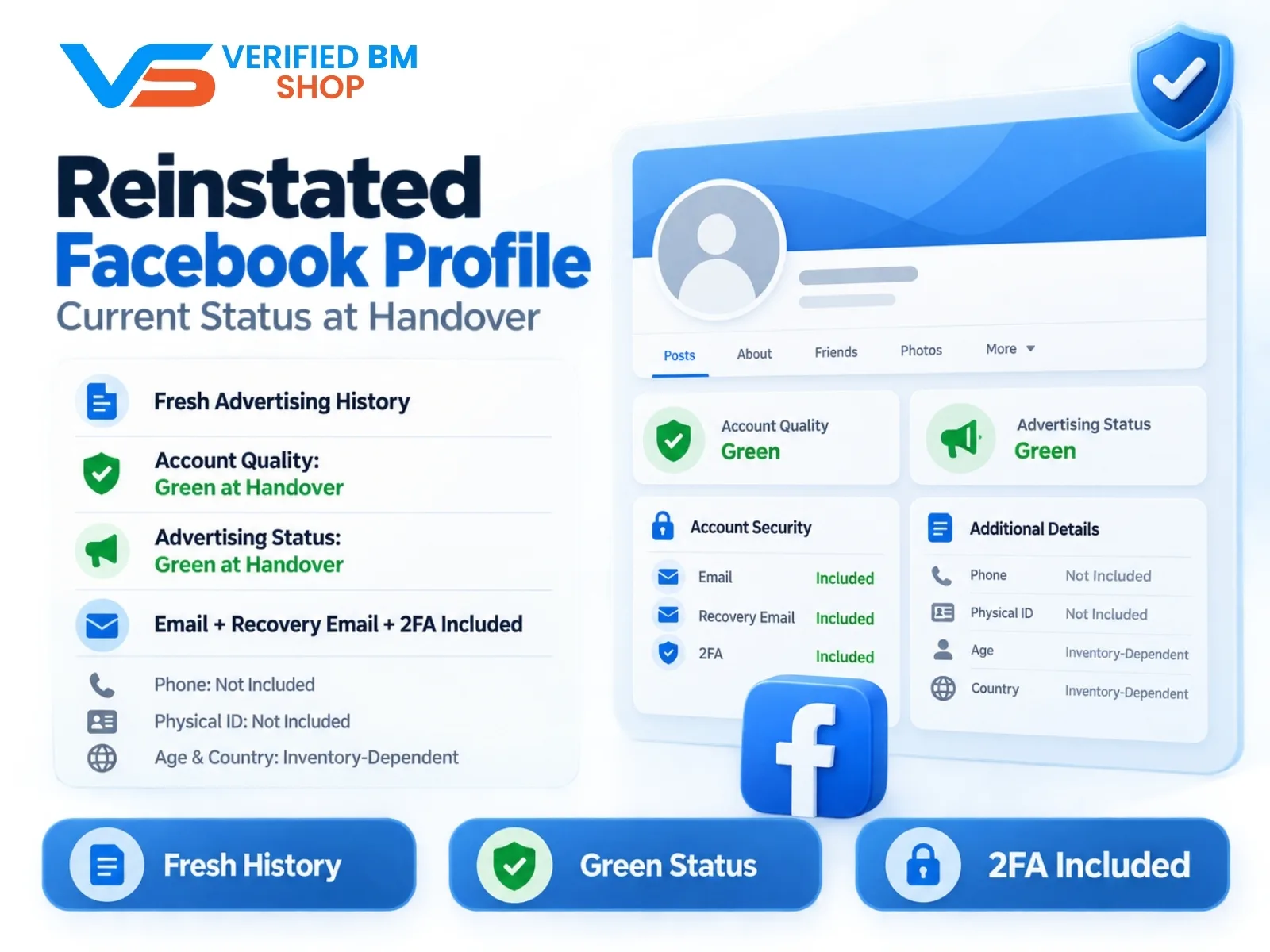
Reinstated Facebook Profile - Current Status at Handover
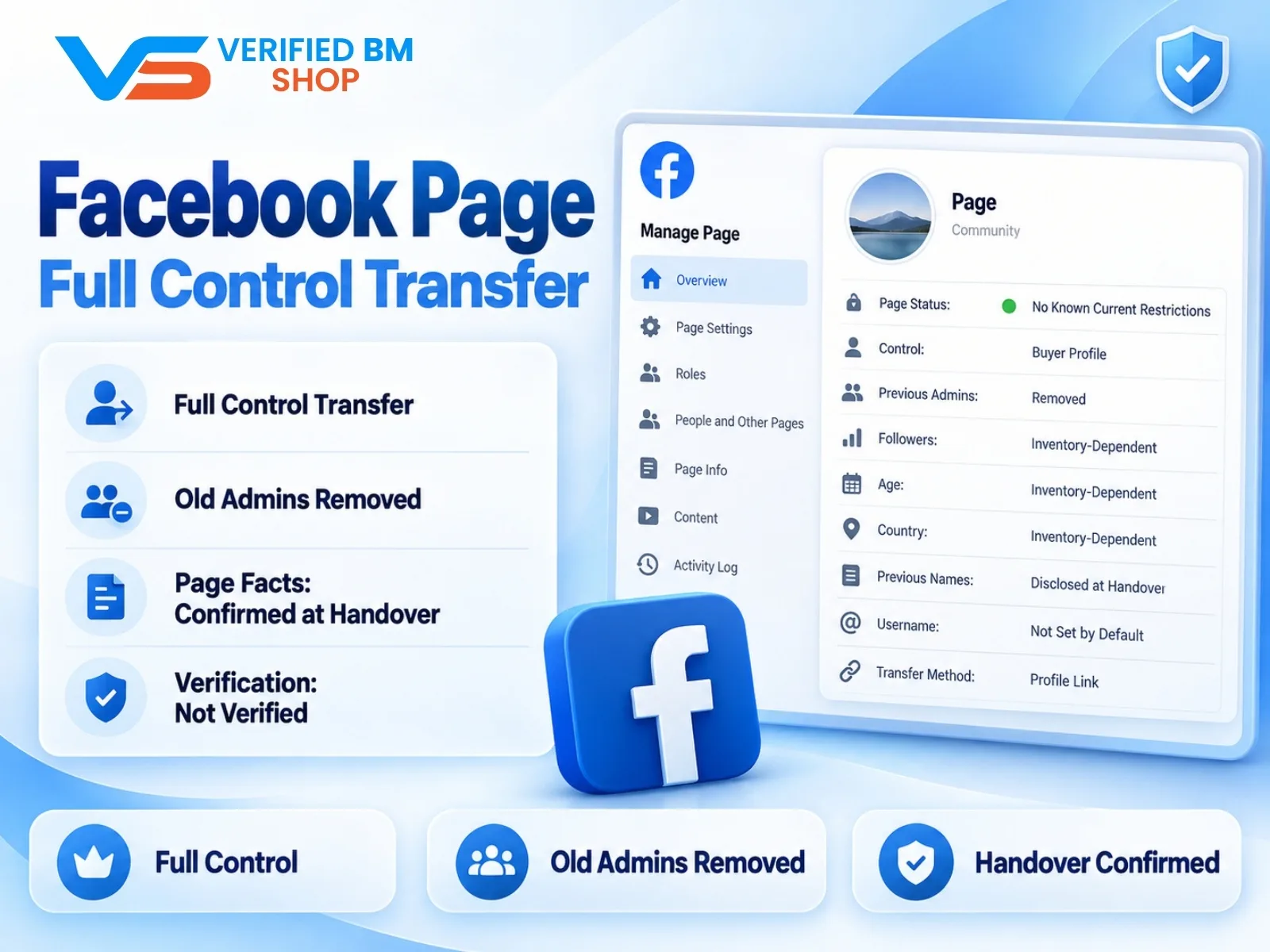
Facebook Page - Full Control Transfer

Written by
Verified BM TeamThe VERIFIED BM SHOP team shares real-world experience in buying and selling verified Business Managers, WhatsApp API accounts and advertising platforms.
Comments (0)
No comments yet. Be the first to share your thoughts!
Leave a Comment
Your email will not be published. All comments are moderated.