
Quick Summary
Identify common restriction triggers, submit stronger reviews, and build safer campaign workflows that protect spend over time.
Facebook ad accounts get restricted when Meta sees policy, payment, identity, or security concerns. An alert may follow a rejected ad, a sudden spend change, or an odd login. Treat it as a risk signal, not a reason to panic. First, stop random edits. Find the exact issue, record your business details, and send one clear review.
Why restrictions happen in the first place
Meta reviews more than ad copy. It also checks landing pages, billing, account history, linked assets, and user activity.
One rejected ad does not always mean the whole account is unsafe. However, repeated issues can cause a wider restriction across your ad account or Business Manager.
Policy violations and weak landing pages
Ads often fail when a claim sounds too certain. Health, finance, employment, housing, and personal attribute claims need extra care.
The landing page must match the ad. It should show clear prices, contact details, terms, privacy information, and a working user journey.
Remove exaggerated results and guaranteed claims.
Match headlines with landing page content.
Show required disclosures before payment.
Check every redirect and tracking link.
Before launching sensitive campaigns, review the official Meta Advertising Standards.
Payment and spending signals
A failed payment can trigger checks, especially after rapid spending changes. Frequent card swaps can also make an account look unstable.
Choose a payment method owned by the business. Keep billing names, addresses, and tax details consistent across records.
After a long quiet period, do not raise budgets sharply. Instead, increase spend in measured steps. Then watch delivery and payment status.
Identity, access, and security concerns
New admins, unknown devices, and distant login locations can create security warnings. Shared passwords make the problem worse.
Each teammate should have a personal profile and suitable access. Remove people who no longer work on the account.
Accurate business details also help. A mismatch between your page, domain, payment profile, and legal records can slow review.
What to do after a restriction appears
Start in Account Quality or the account's support area. Read the notice with care and record its stated reason.
Pause new edits and campaign launches.
Save screenshots of the restriction notice.
List recent ads, payments, and admin changes.
Fix the stated policy or security issue.
Submit one honest review request.
Keep your appeal short and factual. Explain what changed, why the issue happened, and how you will prevent a repeat.
Attach useful evidence only. This may include a business registration, supplier invoice, product page, or billing record.
Signal | First check | Safe action |
|---|---|---|
Rejected ad | Ad policy | Edit claim |
Payment failure | Billing profile | Confirm details |
Security warning | Recent access | Remove unknown users |
Business restriction | Account Quality | Request review |
How to keep the account healthy long-term
Prevention works better than repeated appeals. Build a simple review routine before each campaign launch.
Use a pre-launch compliance check
Have someone read the ad as a customer would. Remove pressure tactics, unclear offers, and claims that need proof.
Check ad copy against the destination page.
Test the checkout or lead form.
Confirm your privacy policy works.
Review restricted content categories.
Record approval and rejection patterns.
Separate risk without hiding problems
Account redundancy means having a lawful backup route for business continuity. It does not mean creating duplicate profiles or avoiding enforcement.
Where business needs differ, use separate campaigns, budgets, and reports. Keep ownership records clear across each asset.
A properly managed Verified BM 1 setup can help organize approved business assets. Still, verification does not excuse policy violations.
For larger teams, record who controls each asset. Make admin changes with care and review access on a regular basis.
Protect spend during a review
Do not move the same rejected ad into another account. That can spread the same problem and cause more review issues.
Prepare compliant creative options before launch. Keep a separate approved offer, landing page, and tracking plan.
If you need another compliant ad channel, a Google Verified Ads Account may support campaign continuity. Follow that platform's rules separately.
For a Facebook-specific backup, keep documents ready before a crisis. A verified Facebook ads account bundle should still be used within Meta's policies.
When an appeal fails
Read the second notice instead of sending repeated appeals. It may show that the issue involves identity, payment, a linked page, or the business itself.
Audit every linked asset. Check domains, pages, pixels, catalogs, payment methods, and user access.
Do not open replacement accounts just to bypass a restriction. That approach can link more assets to the same risk.
If the decision appears wrong, use the support route shown in your dashboard. Keep records of dates, case numbers, documents, and responses.
Frequently Asked Questions About Facebook ad accounts get restricted
Can one rejected ad restrict an entire account?
Yes, but one rejection does not always cause a full restriction. Repeated issues, serious policy breaches, or wider risk signals matter more.
Should I create a new account after a restriction?
No. First, identify and fix the cause. New accounts can inherit risk when the same business, users, payment methods, or ads connect them.
How long does a review take?
Review timing varies by case and support channel. Submit complete information once. Then monitor the dashboard for updates.
Does a verified Business Manager prevent restrictions?
No. Verification can support business identification, but every ad, landing page, payment method, and user must still follow policy.
How this helps verified BM buyers
Apply this guidance when buying verified Business Managers or WhatsApp Business API assets to reduce policy risk, improve account stability, and scale campaigns with cleaner operational workflows.
View all Facebook options · Next steps: compare products in the Shop, review implementation details in FAQ, and contact support from the Contact page.
Recommended for You
Hand-picked from our shop — delivered fast after payment.
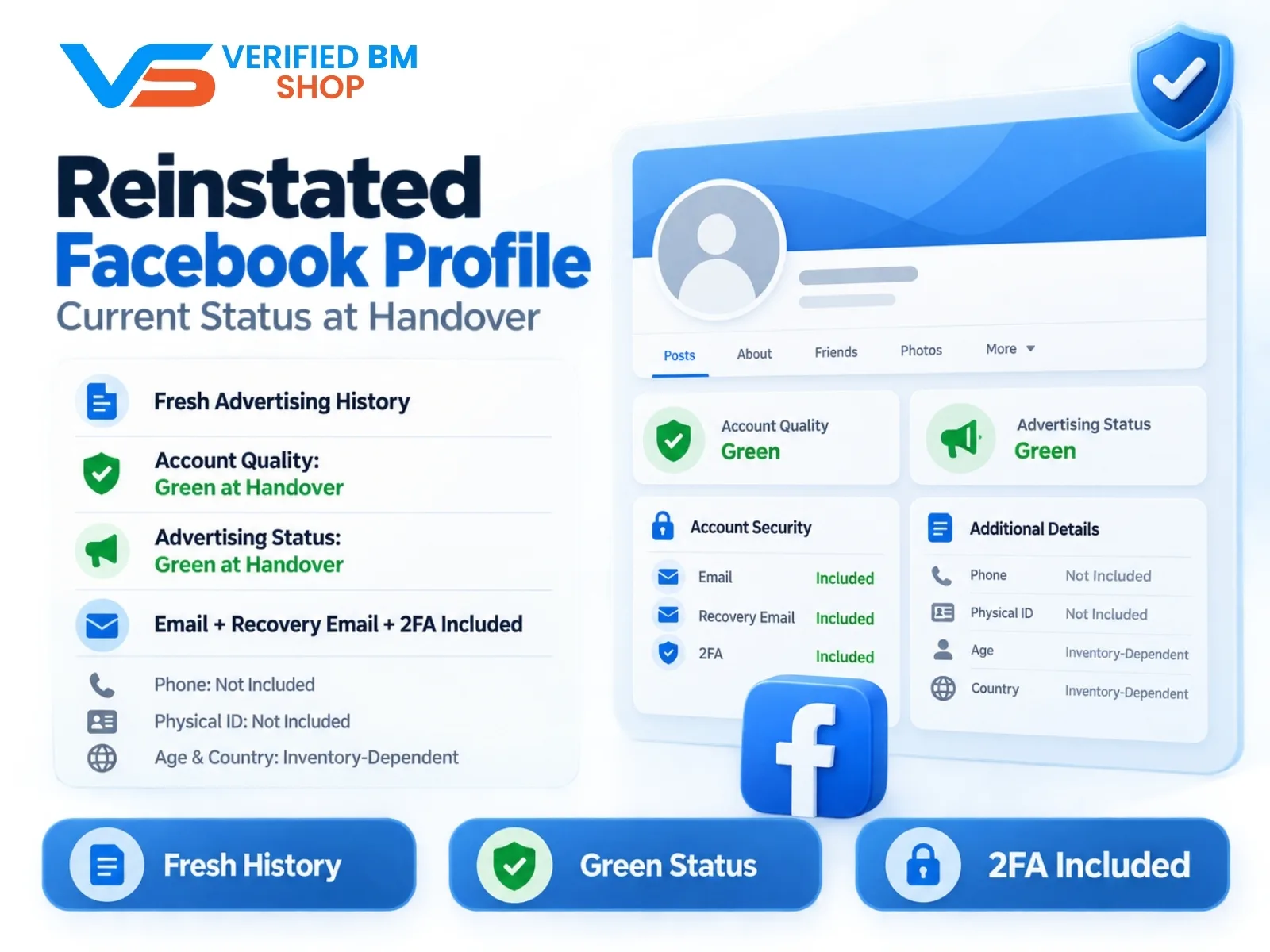
Reinstated Facebook Profile - Current Status at Handover
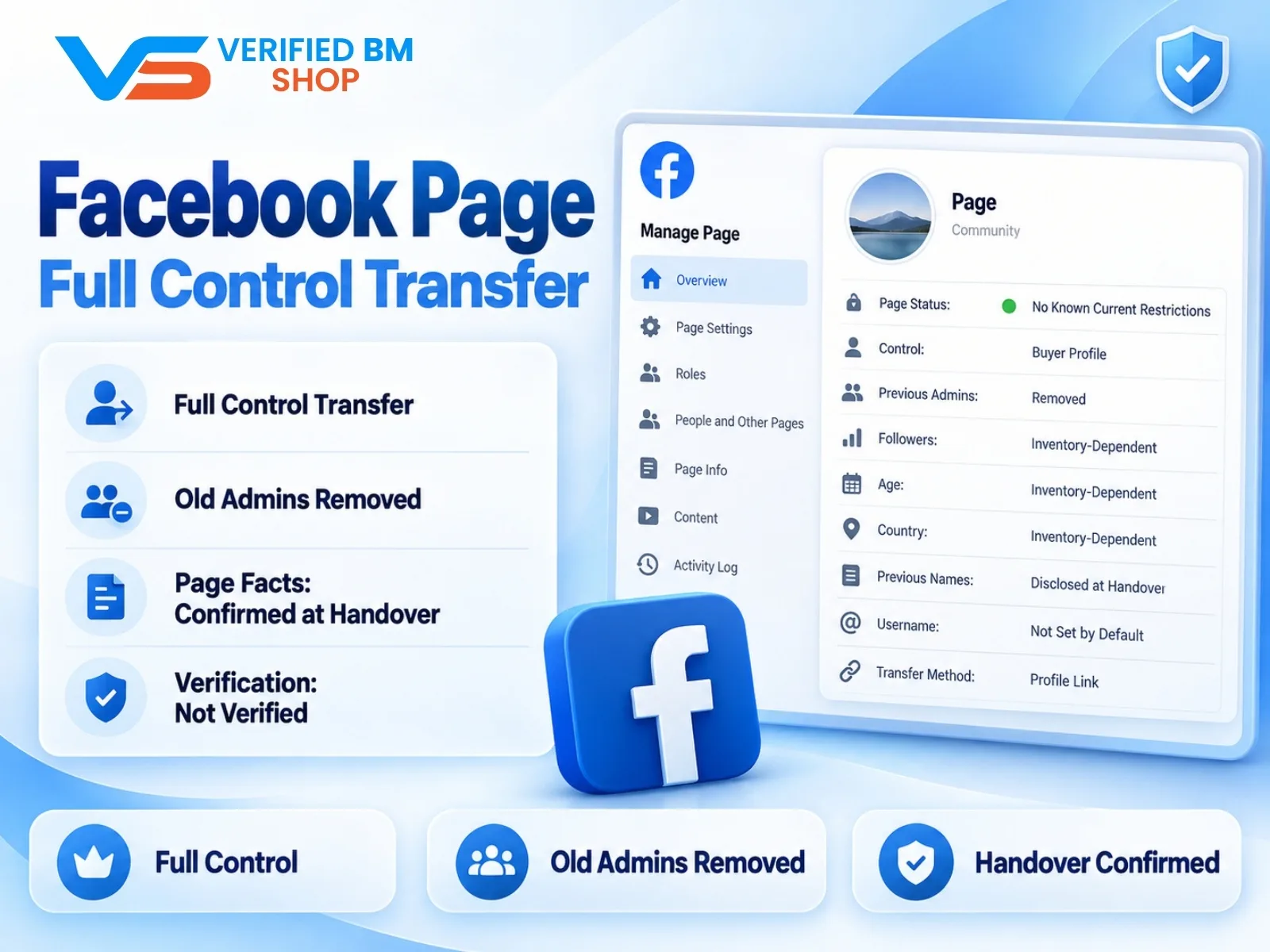
Facebook Page - Full Control Transfer

Written by
Verified BM TeamThe VERIFIED BM SHOP team shares real-world experience in buying and selling verified Business Managers, WhatsApp API accounts and advertising platforms.
Comments (0)
No comments yet. Be the first to share your thoughts!
Leave a Comment
Your email will not be published. All comments are moderated.