
Quick Summary
Learn practical, hands-on strategies to scale your ad spend, increase messaging limits, and protect quality scores using the WhatsApp Business API.
Scaling ad spend into direct messaging can help performance advertisers earn more. The ad leads straight to a live chat, so fewer users drop away. Conversion rates can rise. Yet high ad volume on WhatsApp needs a strong tech setup and a clear work plan.
From our work, media buyers with thousands of daily leads rarely blame ad fatigue. Most WhatsApp scaling issues come from poor control of messaging limits. Low phone quality ratings and slow chat routing also cause problems. Here are practical WhatsApp API scaling tips. They can help you grow campaigns, avoid messaging limits, and reduce the risk of compliance penalties.
Understanding WhatsApp API Messaging Limits and Velocity
Meta sets separate limits for business-started chats. The limit caps how many chats a number can start in a rolling 24-hour window. Click-to-WhatsApp (CTWA) ad clicks start user-led chats, which follow other platform rules. Outbound follow-ups, re-engagement broadcasts, and abandoned checkout sequences depend on your messaging limit.
In our work with verified messaging assets, we see advertisers get stuck. They try to send broadcasts fast through new numbers. Meta changes your messaging limit based on three main factors:
Phone Number Status: Your number must keep a Connected status and a green quality rating.
Volume Threshold: You must use at least half of your current messaging limit over several days.
Recipient Engagement: Low block and report rates show that users want and value your outreach.
A low messaging limit can stop an aggressive re-targeting push. Plan limit growth early to support peak campaign traffic.
Messaging Limit | 24-Hour Unique Limit | Ideal Campaign Use Case | Prerequisites for Upgrade |
|---|---|---|---|
1,000 | 1,000 unique users / 24h | Initial ad testing & customer validation | Completed business verification & compliant warm-up |
10,000 | 10,000 unique users / 24h | Mid-scale direct response campaigns | Sustained 50%+ volume on the 1,000 limit with high quality |
100,000 | 100,000 unique users / 24h | High-volume affiliate & e-commerce scaling | Consistent high-volume sending with minimal user reports |
Higher | Higher limits subject to Meta eligibility | Enterprise brands & global ad operations | Long-term reputation and enterprise compliance record |
Many advertisers use a ready-made Buy WhatsApp Business API Limit 2000 With FB Verified BM setup. It supports more starting traffic from day one.
Structuring High-Converting Click-to-WhatsApp (CTWA) Ads
Click-to-WhatsApp ads bring in leads. When you grow CTWA campaigns, web-conversion plans must fit the chat format.
Use Pre-Filled Icebreaker Prompts: Do not leave the chat window blank after an ad click. Set a greeting for each ad. This helps you see the user's intent at once.
Optimize for Conversations, Not Raw Link Clicks: Set the ad event to Onsite Messaging Conversations, not traffic. Meta's delivery system will seek users who are likely to chat, not just scroll.
Isolate Mobile Placements: WhatsApp is made for mobile use. Remove desktop feeds from CTWA ad sets. This helps avoid drop-offs from users without WhatsApp Web active.
Pair Campaigns with Verified Profiles: Make sure the media-buying profile has strong identity trust. We often see more stable ads when advertisers use a Buy Reinstated Facebook Account for Ads & Business Use.
Match ad copy to the reason people start a chat. This cuts early friction and can lower cost per conversation.
Protecting Your Phone Number Quality Score
Meta gives each WhatsApp Business API phone number a live Quality Rating. WhatsApp Manager shows it as High (Green), Medium (Yellow), or Low (Red). A Low rating flags the number and limits its message speed. The number may also face suspension. Careful message handling helps protect the score during growth.
Provide a Frictionless Opt-Out: Add a quick-reply button such as "Stop" or "Unsubscribe" to broadcast templates. Users who opt out can avoid clicking "Report or Block." That action is the main cause of quality-rating damage.
Throttle Blast Speeds: Do not send tens of thousands of follow-ups at once. Send templates at set times to avoid automated spam checks.
Respect Contextual Relevance: Make templates match the promise in your ad. If a message does not match the click, report rates rise fast.
A dedicated Buy WhatsApp Business API Limit 10000 With FB Verified BM asset provides more sending room. It also helps keep daily volume below danger thresholds.
Automating Lead Ingestion and CRM Routing
High ad spend can create more chats than sales teams can handle by hand. If replies take over five minutes, lead interest drops fast. A two-layer automation funnel can handle the extra chat volume.
Layer 1: Intelligent Bot Triage
First, set up an automated webhook or interactive bot for the greeting. Use quick-reply buttons to collect key lead data before routing. The data may include budget, location, or product interest.
Layer 2: Agent Load Balancing
Next, link your WhatsApp API to an omnichannel CRM. It can spread chats across active agents. Round-robin routing stops one representative from taking too many chats. Fast first replies can then continue across all active shifts.
For API connection and webhook setup, see our step-by-step Connect WhatsApp API to a Verified Business Manager guide.
Multi-Number Infrastructure and Risk Diversification
Professional media buyers do not rely on one WhatsApp number for a high-budget operation. Safe growth also calls for a modular asset setup. Give separate numbers to ad angles, target countries, or product lines. If one creative causes unexpected reports, only that number's quality score changes. The rest of the ad operation stays untouched and can keep running.
Frequently Asked Questions
Quick answers to the questions buyers ask most.
What causes a WhatsApp API number quality rating to drop?
How quickly can an API number raise its messaging limit?
Do incoming clicks from Click-to-WhatsApp ads count toward my daily messaging limit?
Can I run multiple WhatsApp API numbers under a single Business Manager?
How this helps verified BM buyers
Apply this guidance when buying verified Business Managers or WhatsApp Business API assets to reduce policy risk, improve account stability, and scale campaigns with cleaner operational workflows.
View all WhatsApp API options · Next steps: compare products in the Shop, review implementation details in FAQ, and contact support from the Contact page.
Recommended for You
Hand-picked from our shop — delivered fast after payment.
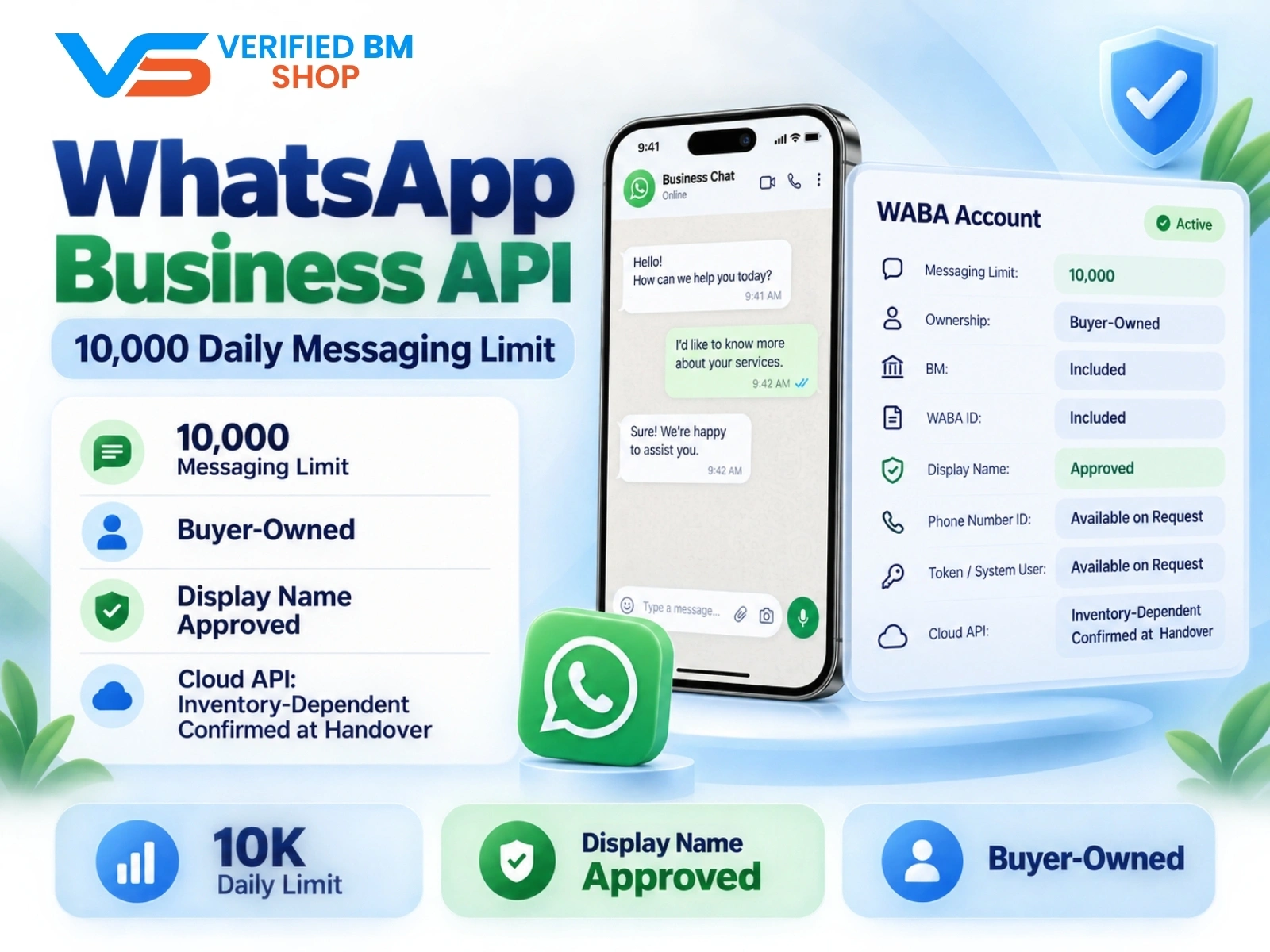
WhatsApp API 10000 | WABA 10K | VERIFIED BM SHOP
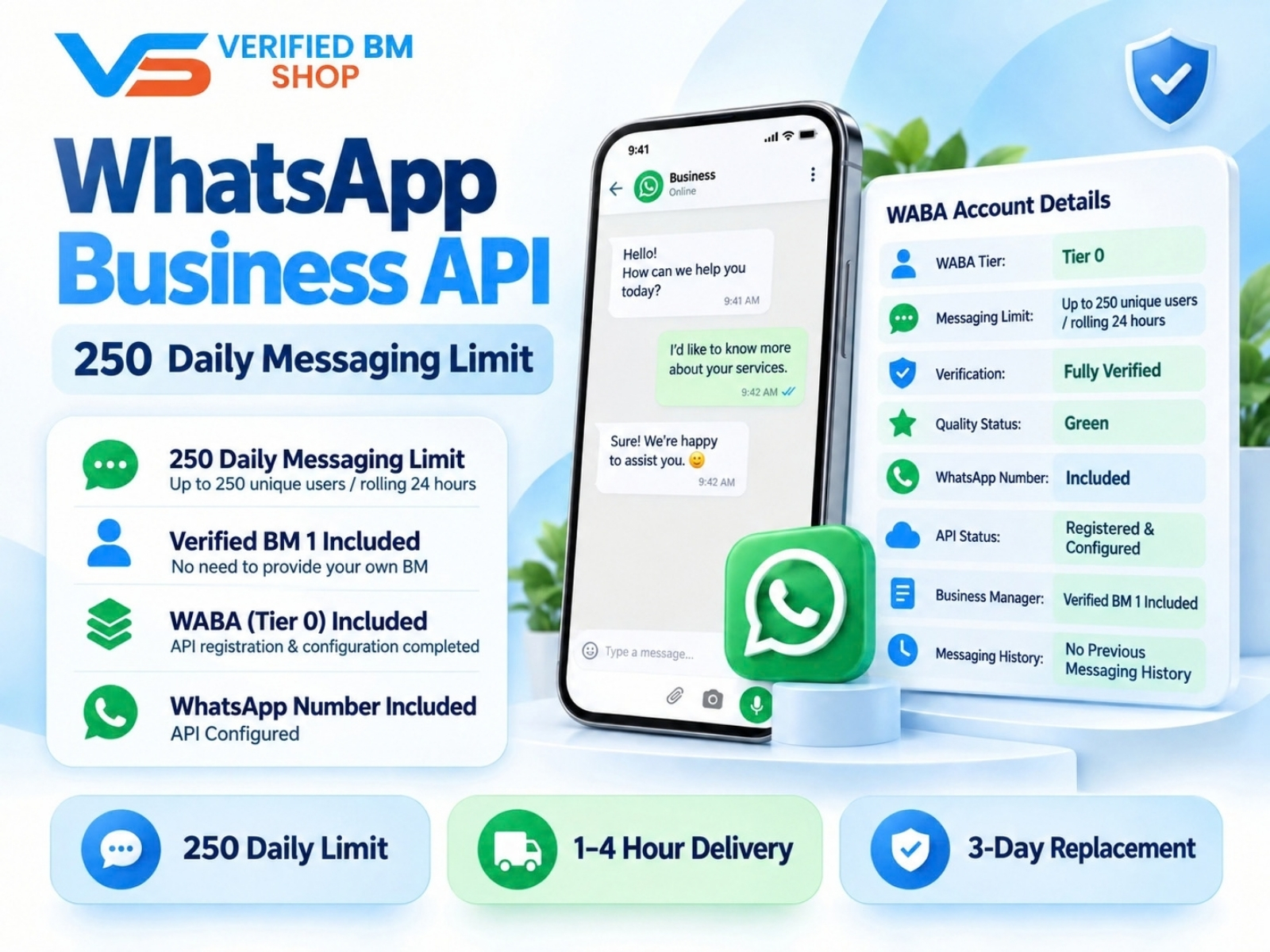
WhatsApp API 250 | WABA 250 | VERIFIED BM SHOP
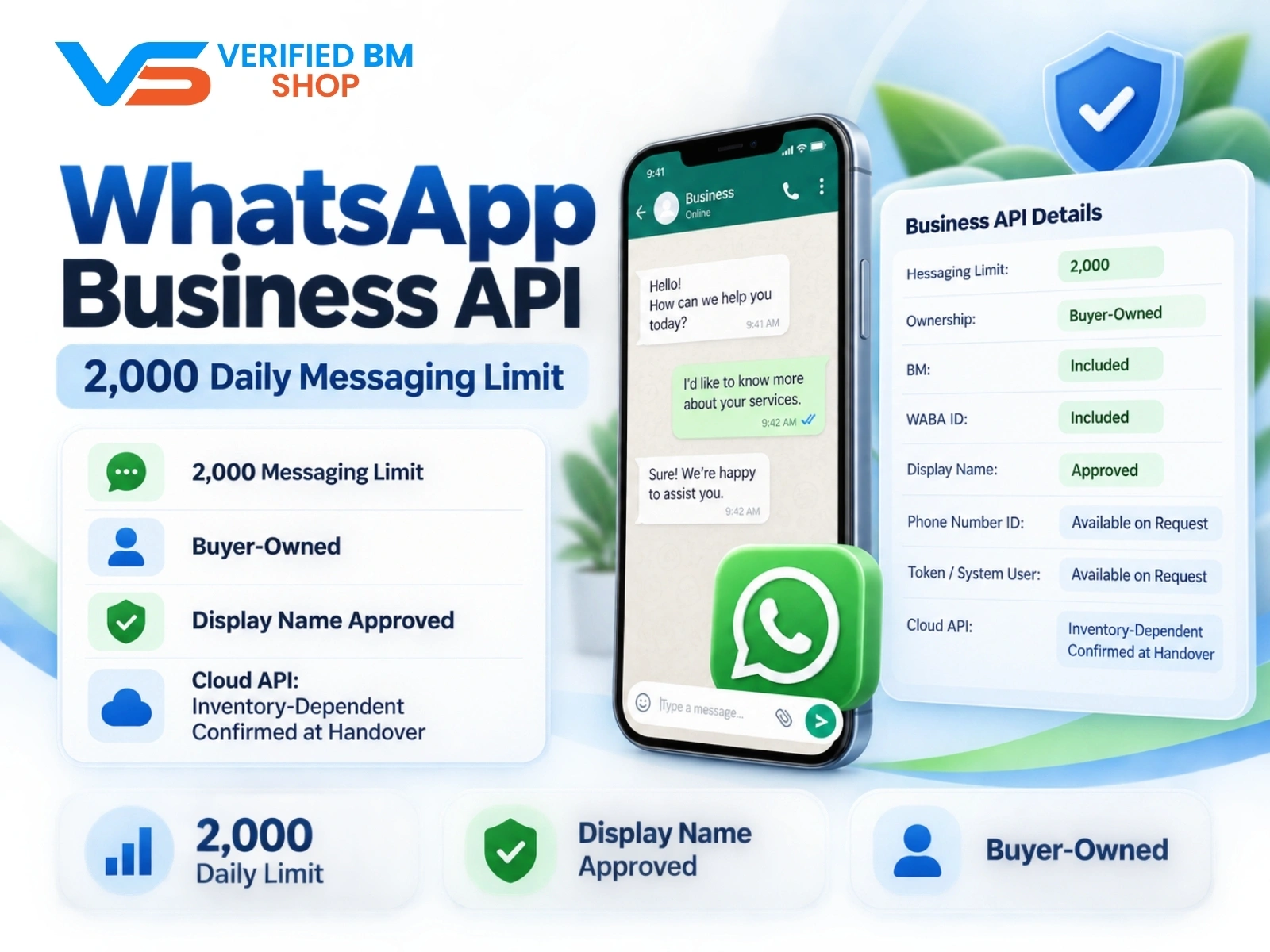
WhatsApp API 2000 | WABA 2K | VERIFIED BM SHOP

Written by
Verified BM TeamThe VERIFIED BM SHOP team shares real-world experience in buying and selling verified Business Managers, WhatsApp API accounts and advertising platforms.
Comments (0)
No comments yet. Be the first to share your thoughts!
Leave a Comment
Your email will not be published. All comments are moderated.