
Quick Summary
Prepare for Google Ads checks, manage account access and billing, review policies, secure campaigns, and solve common account issues.
A Google Ads knowledge hub brings account setup, advertiser checks, policy reviews, billing, access control, and problem solving into one useful guide. It helps advertisers make sound choices before they launch or grow campaigns.
Verification does not ensure approval, higher limits, better delivery, or safety from suspension. Instead, it forms one part of Google’s process for checking advertiser details and supporting ad transparency and policy compliance.
What Is a Google Ads Knowledge Hub?
This kind of guide puts key Google Ads help in one place. You can use it to review account setup, get facts ready, check policies, and answer requests for files, payment help, or ad reviews.
A useful hub should answer clear questions, such as:
- Who owns the account, and who can use it?
- Is the billing profile complete and right for the business?
- What details might Google ask for during an advertiser check?
- Do the site, ads, and claims follow Google’s rules?
- What should you do after a file is refused, a payment fails, or an ad is disapproved?
Google’s own Help pages remain the final source because rules can vary by account, country, payment setup, and ad type. When you need an answer for one account, check the current Google Ads Help resources.
Who Should Use This Google Ads Resource?
Advertisers can use this guide before they open an account, while they get ready for a check, or after they receive a policy notice. Agencies and media buyers can also use it to set clear access and ownership rules with clients.
Business owners get a useful record of the details they may need to keep. Meanwhile, teams that run many accounts can use the same checks for users, billing, sites, and campaign setup.
This guide covers Google Ads only. Google Ads advertiser verification is separate from Meta Business Manager verification, so Meta help does not replace Google’s rules.
Google Ads Account Basics Before You Advertise
Build a clear account structure
A Google Ads account can hold campaigns, ad groups, ads, target settings, and billing data. Keep each account tied to a real business or client link. Do not mix unrelated businesses under one login.
Use correct business details from the start. Differences between the account, site, payment data, and files may cause delays or more requests for details.
Set users and permissions carefully
Google Ads and related Google payment or manager accounts may have different user roles. Before you add anyone, check the access shown in the right account.
Give each person only the access needed for the job. Keep admin control with the business, remove past staff at once, and record who owns and runs the account.
Check billing before launch
Review the payment profile, billing country, tax data, payment method, and invoice contacts. Keep billing and advertiser data correct and aligned where Google asks for it. Follow the exact match rules shown in the account.
Payment issues can stop ads even when an advertiser check is complete. Before changing payment details, read the billing notice and account instructions.
What Google Ads Advertiser Verification Means
Advertiser verification is a Google process that asks for and checks details about an advertiser or the group that runs ads. Google may ask for this check in the cases set out in the account notice.
Based on the request, Google may ask for business data, contact details, a site, company records, ID files, or payment data. The exact needs depend on the check, country, ad type, and account instructions.
When it applies, Google may show advertiser details in ad notices. Check the current rules for transparency and ad notices in the account’s country, campaign type, and ad category.
Verification does not mean every ad will pass review. Each ad, page, item, and claim must still meet Google Ads policies.
Documents and Business Information to Prepare
Keep useful records ready before Google sends a request or due date. Use current data and send only what the check asks for.
- Business identity: legal name, trading name, registered address, phone number, and website.
- Registration records: company registration, tax records, licences, or other official business proof when requested.
- Personal identity: a government-issued ID for an individual advertiser or approved agent, if requested.
- Payment information: billing address, payer details, and records that explain the payment method when requested.
- Website details: a working site with clear contact details, business data, terms, privacy details, and true product claims.
Send clear, valid files through the Google Ads prompt. Do not change files, use another group’s records, or give data that conflicts with the account.
If an agency helps, agree first on who owns the account, who pays Google, and who will answer check requests. A written record of these roles can cut down on access disputes later.
Google Ads Compliance and Policy Essentials
Review the ad and its landing page as a pair. A sound headline cannot fix a false price, missing notice, broken checkout, or unsupported claim on the page.
Focus on rules for false claims, poor business conduct, banned items, limited items, and efforts to get around Google’s review systems.
Do not make duplicate accounts to avoid a suspension. Also, do not hide the business with false names, masked pages, fake files, or unclear payment links. These acts can lead to account action.
Before launch, check that:
- The offer matches the landing page and checkout.
- Prices, plans, trials, shipping terms, and refund rules are clear.
- Contact details and business identity are easy to find.
- Restricted products have any approvals or licences required by the applicable rules.
- Ad claims have sound proof.
- The website works on mobile and does not send visitors to unrelated pages.
Account Security, Access, and Billing Controls
Use separate Google accounts, not shared passwords. Consider two-step verification for each user who can reach the Ads account, payment profile, or business email.
Keep main admin control with a managed company account or mailbox. Add another trusted admin when fit, but do not give full access to contractors who only need reports or campaign work.
After staff changes, agency handoffs, and client transfers, review access. Check linked manager accounts, payment users, recovery details, and API access as part of that review.
Set a simple billing process. One person can check failed payments and invoices, while another checks campaign spend. This gives you a second check for surprise costs or account changes.
Common Google Ads Verification and Account Problems
Verification fails or documents are rejected
A submission may fail if it does not meet the needs in Google’s check prompt. The issue may involve the file type, date, clarity, or match of the requested data.
Read the reason, fix the source issue, and send only the files Google asks for. Do not send repeat requests with changed facts. If the steps do not help, use the support path shown in the account.
Billing stops campaign activity
Payment issues can have many causes. Check the billing notice and payment data in Google Ads. If the cause remains unclear, contact Google or the payment provider.
Ads are disapproved
Open the policy details beside the affected ad. Fix the ad or landing page, then ask for a new review when the stated issue is fixed.
Changing a few words may not help when the wider offer breaks a rule. Before you appeal, review the business model, claims, checkout path, and destination page.
The account is suspended
Read the suspension reason and related policy notice. Remove the stated cause, gather true proof, and use Google’s appeal process instead of opening a new account.
Verification alone does not end a suspension. Follow the notice and send the data Google asks for. The scope of any review depends on the account, issue, and Google process that applies.
How to Use Google’s Official Help Resources
Start with the notice inside Google Ads. It may show the right form, steps, or due date. Then search Google Ads Help with the exact policy name or error message.
Save case numbers, screen shots, send dates, and copies of the records you sent. Keep each reply short and factual, with one clear answer for each issue.
For tech issues, check account access, billing, policy, and verification help as separate topics. This split can make the next step easier to see.
Google Ads Verification Readiness Checklist
Use this list before launch, an ownership change, or a major change in account activity:
- Confirm the legal business name and registered address.
- Review the website, payment profile, and account data for accuracy and a good match.
- Check that the site shows clear contact, privacy, refund, and business data.
- Prepare valid registration and ID files if the account asks for them.
- Assign trusted admins and review all users.
- Turn on two-step verification and secure recovery email addresses.
- Confirm the payment method, billing country, tax data, and invoice contact.
- Review Google Ads policies for the product and target market.
- Check every ad claim, offer, price, and landing page.
- Record support case numbers and check due dates.
These checks cannot ensure approval or continued account access. Still, they can cut down on avoidable errors and give your team a clearer plan.
When to Consider a Verified Google Ads Account
If you review a third-party account listing that mentions verification, confirm what check, ownership, access, and transfer status it includes. Do not assume a seller’s record will transfer, stay valid, or meet Google’s rules for a new operator.
Before you buy a third-party account, get written proof of the access, ownership, support, and replacement terms the seller offers. Do not suggest that Google accepts or guarantees those terms.
If an account is lawfully transferred or access changes, the operator should check Google’s current account, billing, verification, and ad rules. Verification does not ensure ad approval, higher limits, better rankings, or safety from policy action.
You can review the Google Verified Ads Account option for the seller’s stated details, or browse the Google Ads category to compare available options. For account-specific questions, contact VERIFIED BM SHOP support before making a decision.
Final Takeaways
A Google Ads knowledge hub should help you sort business data, files, access controls, billing, and policy checks in one place. The safest setup uses a real business identity, clear ownership, secure users, correct billing, and honest ads.
Use Google’s current account notices and Help pages for final choices. Treat any third-party account listing as a matter for careful checks, not as a promise of approval, continued access, or results.
Frequently Asked Questions
Quick answers to the questions buyers ask most.
What is a Google Ads knowledge hub?
Why might Google require advertiser or business verification?
What documents are commonly needed for Google Ads verification?
What should I do if my Google Ads verification fails?
How can I scale Google Ads campaigns safely after verification?
How this helps verified BM buyers
Apply this guidance when buying verified Business Managers or WhatsApp Business API assets to reduce policy risk, improve account stability, and scale campaigns with cleaner operational workflows.
Compare Verified BM options · Next steps: compare products in the Shop, review implementation details in FAQ, and contact support from the Contact page.
Recommended for You
Hand-picked from our shop — delivered fast after payment.
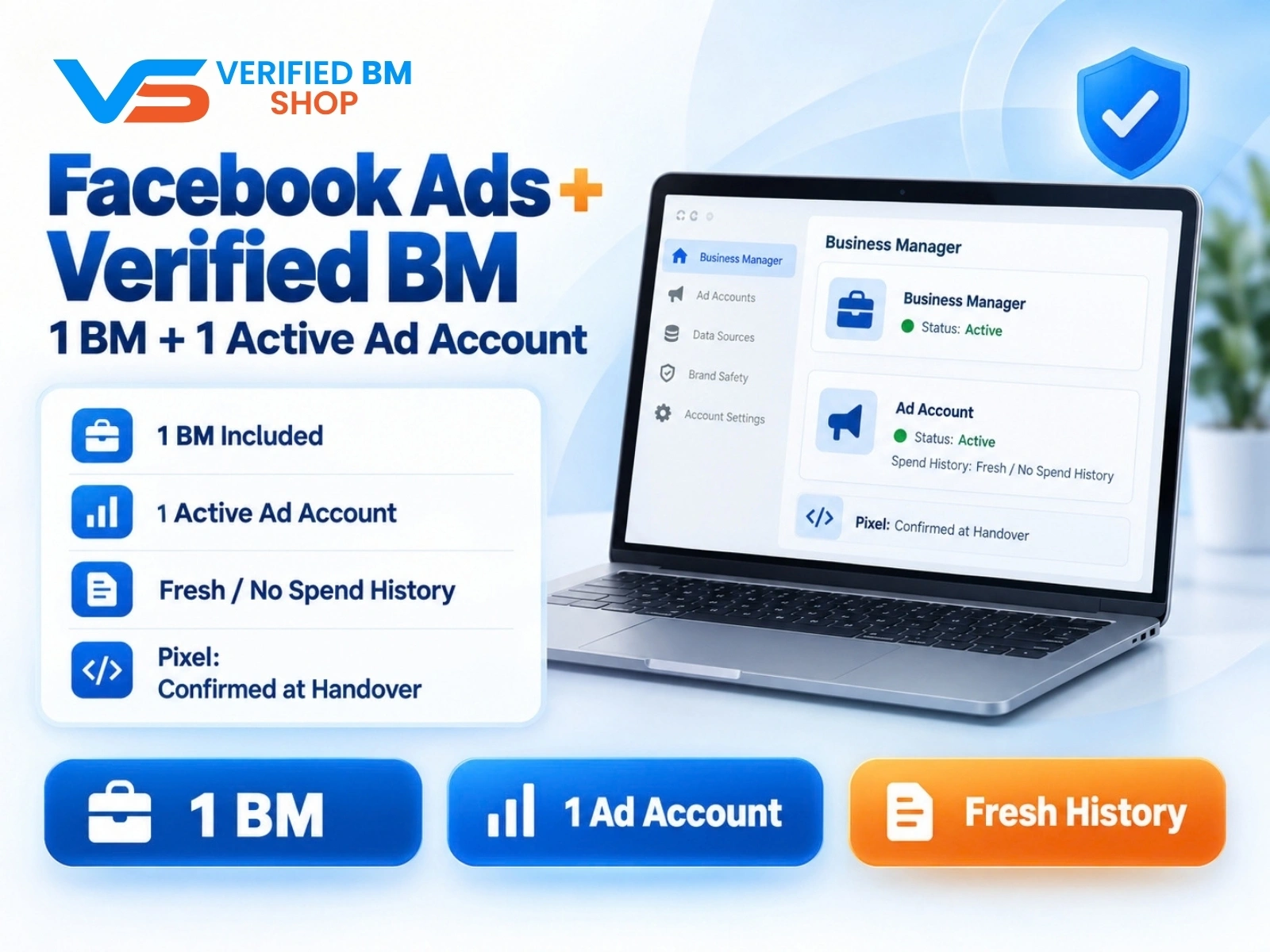
Facebook Ads Account + Verified BM Bundle
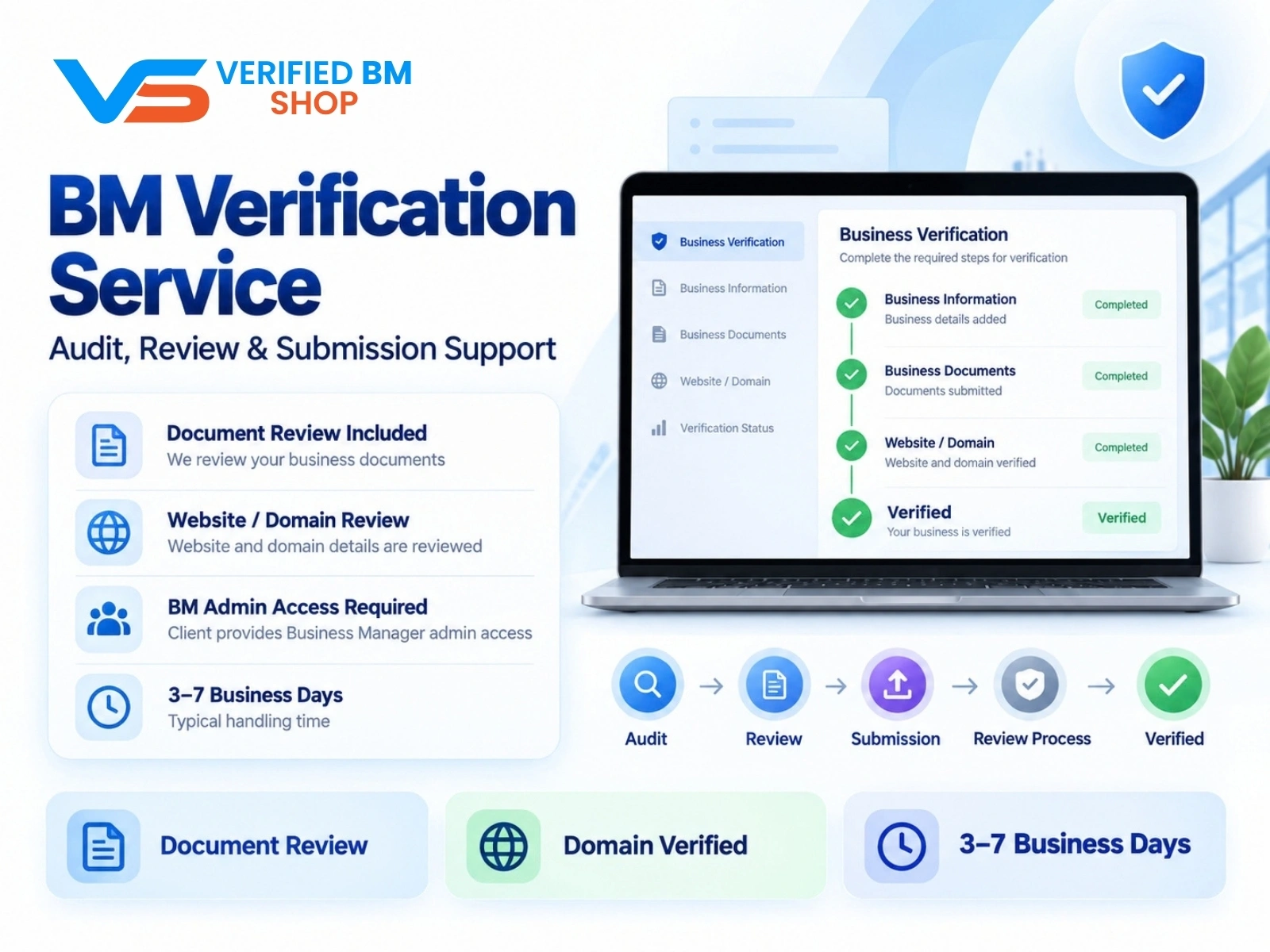
Meta BM Verification Service by VERIFIED BM SHOP
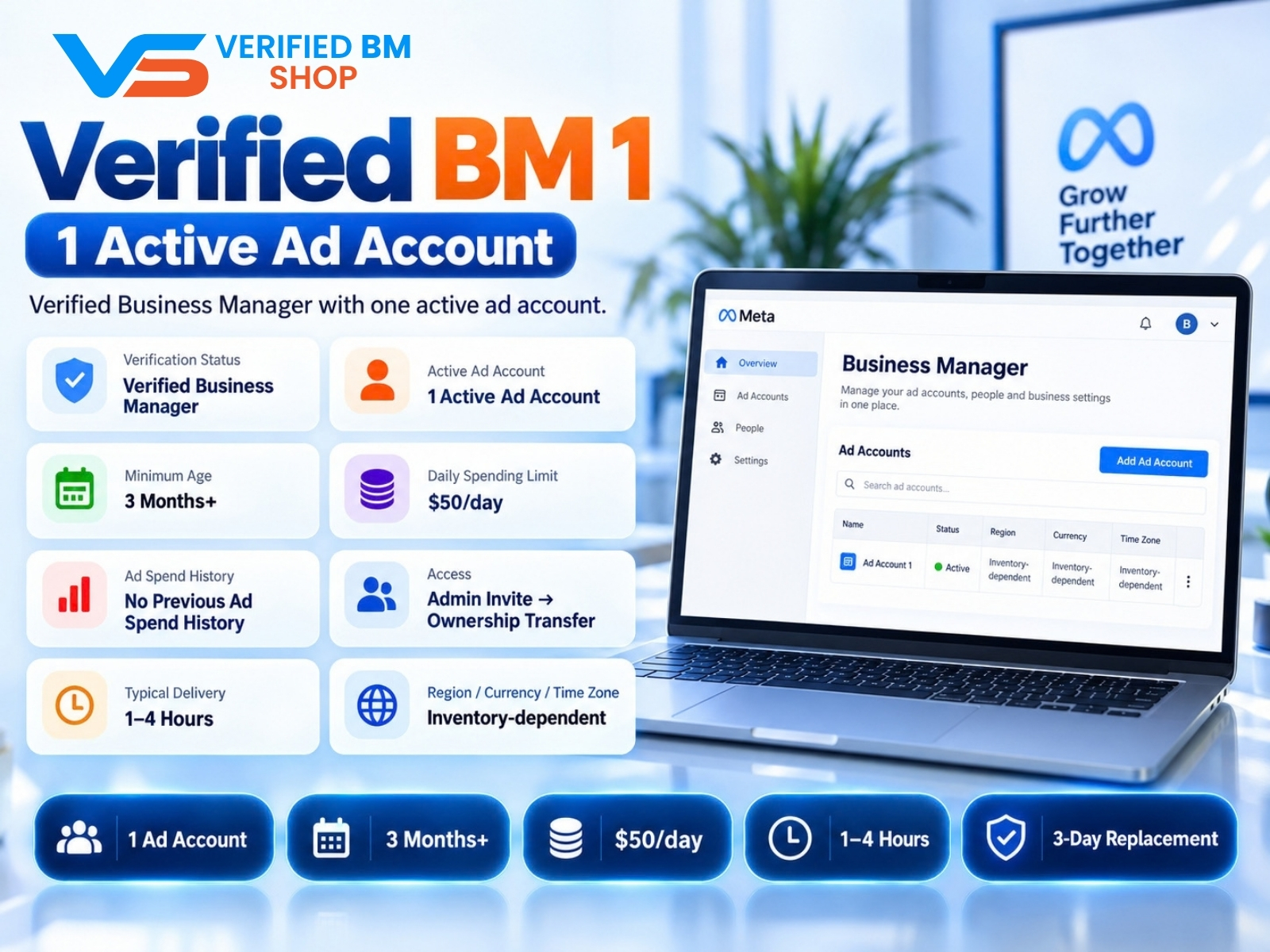
Verified BM 1 - Verified Meta Business Manager
Written by
Verified BM TeamThe VERIFIED BM SHOP editorial team shares real-world experience in buying and selling verified Business Managers, WhatsApp API accounts and advertising platforms.
Comments (0)
No comments yet. Be the first to share your thoughts!
Leave a Comment
Your email will not be published. All comments are moderated.