
Quick Summary
A practical guide to scaling Facebook campaigns with reliable tracking, controlled budgets, clear asset ownership, creative testing, access security, and policy checks.
Scalable Facebook campaigns need more than a larger budget. They require reliable tracking, clear access rules, dependable billing, compliant ads, and a Business Manager structure that can support growth without creating avoidable risk.
A verified Business Manager may help document business information, but it does not guarantee higher spend limits, approval, strong ROAS, or protection from enforcement. Treat verification as one part of a broader operating system.
What Are Scalable Facebook Campaigns?
Scalable Facebook campaigns continue producing useful business results as spend, audiences, creatives, and markets grow. The objective is controlled growth, not a sudden budget increase that makes performance harder to manage.
A campaign is ready to scale when its results come from a repeatable process. You should understand which offer, audience, creative angle, and conversion event are contributing to performance.
Scaling can mean increasing budget, testing new markets, expanding creative output, or creating a shared system for several clients. It can also involve adding assets or ad accounts, but each addition should have a clear operational purpose.
| Scaling area | What must be ready |
|---|---|
| Budget | Clear cost targets, cash-flow planning, and spend controls |
| Tracking | Accurate events, domain configuration, and useful conversion data |
| Creative | A consistent testing process and enough fresh concepts |
| Operations | Defined roles, backup administrators, and asset records |
| Compliance | Offers, landing pages, and claims that fit current Meta rules |
Is Your Business Ready to Scale Facebook Advertising?
Do not scale because one ad had a good day. First, check whether performance holds across multiple reporting periods and whether there is enough conversion volume to support a useful decision.
Your business may be ready when the sales process can handle more leads, stock can support demand, and customer support can answer new enquiries. Ad growth can expose weaknesses outside the ad account.
- You have a clear conversion goal and a working landing page.
- Payment methods have a backup plan and a named billing owner.
- Your team can review spend, delivery, and results on a defined schedule.
- The offer does not depend on misleading claims or restricted content.
- You have a plan for administrator access, recovery, and staff changes.
If results are unstable, fix the offer, tracking, or sales process before adding spend. A larger budget can magnify both effective systems and weak ones.
How a Verified Business Manager Fits Into a Scaling Strategy
Meta may ask a business to provide information or documents during a verification review. Check the current requirements shown in Meta Business Help for the relevant business, product, and region.
Verification may help document business information, but any feature access remains subject to Meta's eligibility requirements and current product availability. It does not promise unrestricted advertising, approval, a particular account limit, or protection from enforcement.
Keep your business name, website, legal records, phone number, and domain information accurate and consistent where appropriate. Review Meta's current guidance before submitting information, and use the verification document checklist as a preparation aid rather than as a substitute for current platform instructions.
For a newly configured or legitimately transferred business setup, confirm ownership, administrator access, assets, billing, and business details before launching campaigns. Confirm that any transfer complies with Meta's current terms; verification status or feature access may not transfer with ownership.
Build the Right Business Manager and Asset Structure
Start with one clear owner for each business. Then map the relationship between the Business Manager, ad accounts, Pages, pixels, datasets, catalogs, domains, payment methods, and people.
Use assets by business function
Keep client assets separate from unrelated brands. An agency may manage several businesses, but each client should have clear ownership or documented partner access.
Do not add assets simply because capacity appears available. Limits and eligibility requirements may apply. Check the current settings and official Meta documentation for the specific business and asset type instead of relying on package names or old forum advice.
- Assign each ad account to a named business purpose.
- Record the owning Business Manager and authorised users.
- Keep Page, domain, pixel, catalog, and payment links documented.
- Remove former staff and unused partners after a handover.
- Use separate billing records for separate clients where possible.
If you are comparing third-party business-management services, review the provider's current documentation for included assets, ownership arrangements, transfer process, support scope, and limitations. Do not assume that a listed setup is Meta-approved, verified, or guaranteed to provide advertising access.
Set Up Tracking Before Increasing Spend
Good tracking gives scaling decisions a stronger base. Verify the domain, install the Meta Pixel correctly, and send server-side events through Conversions API where your setup supports it and applicable privacy requirements are met.
Use browser and server events with care. Deduplication, event names, event quality, consent, and data accuracy matter more than simply having two data sources.
Prioritise events that match your business goal. For an ecommerce brand, these may include ViewContent, AddToCart, InitiateCheckout, and Purchase. A lead-generation business may focus on qualified Lead or CompleteRegistration events.
Test events from the landing page through the final conversion. Compare Meta results with CRM, checkout, or analytics data because reporting windows and attribution methods can differ.
Use this Meta Pixel and Conversions API setup guide for technical checks. Also confirm that your privacy notice, consent process, and data use comply with the laws that apply to your business.
Create a Campaign Architecture That Can Scale
Keep the structure simple enough for the platform to receive useful data. Too many small ad sets can split results and make budget decisions harder.
Separate testing from proven delivery
Use a testing campaign for new hooks, formats, offers, or audiences. Move strong concepts into a core campaign only after they meet your decision rules.
Your account structure may include:
- A core campaign for proven ads and stable audiences.
- A creative testing campaign with controlled spend.
- A retargeting campaign where audience size supports it.
- A separate market or product campaign when reporting needs differ.
Where available, Meta's campaign-level budget settings may allocate budget across ad sets according to the platform's current delivery system. Review the current documentation and account controls before relying on that behaviour, and choose campaign- or ad-set-level budgets based on the control and data each test requires.
Keep naming consistent. Include the market, product, funnel stage, audience, and creative version so another team member can understand the account quickly.
Scale Budgets and Audiences Gradually
Make one major change at a time. A large budget increase, new audience, landing-page change, and creative swap on the same day can hide the cause of a performance change.
Use a written budget rule. For example, increase spend only when the campaign meets its target cost for several reporting periods and has enough conversion data.
- Raise the budget in measured steps rather than doubling it without a plan.
- Watch spend, cost per result, conversion rate, and delivery after each change.
- Allow time for results to settle before judging a new setup.
- Pause waste quickly, but do not edit winning ads every few hours.
- Keep a change log with the date, action, reason, and outcome.
Campaign performance and delivery can change after edits. Monitor the account after significant changes and consult Meta's current guidance if the platform displays a review or delivery notice. No fixed increase is safe for every account, so use account data and cash-flow limits instead of a universal percentage.
To expand reach, test broader targeting, new creative angles, new placements, or new markets. Do not copy the same ad across many ad sets and expect each one to scale.
Use Creative Testing to Prevent Performance Fatigue
Creative fatigue can appear before the audience is exhausted. Watch frequency, click-through rate, thumb-stop rate, conversion rate, and cost per result together.
Build a testing backlog around customer problems, objections, proof, use cases, and offers. Change one main idea at a time so each test produces a useful lesson.
A practical creative test plan
- Write three hooks for the same customer problem.
- Turn the strongest hook into video, image, and creator-style formats.
- Test different openings before changing the whole offer.
- Keep the landing page aligned with the ad promise.
- Retire ads when costs rise and new tests show stronger results.
Do not judge creative on clicks alone. A cheap click that produces no qualified action can weaken the whole campaign.
Manage Multiple Ad Accounts, Assets, and Payment Methods
Multiple ad accounts can help separate clients, markets, currencies, or reporting needs. They also increase the billing, access, and compliance tasks your team must control.
| Control | Recommended practice |
|---|---|
| Billing owner | Name one person and one backup for each account |
| Payment method | Use approved business payment methods and monitor failures |
| Spend review | Set regular checks and alerts for unusual changes |
| Asset map | Track Pages, pixels, catalogs, domains, and partners |
| Client separation | Keep ownership and reporting distinct where possible |
Review spend and billing cycles across active accounts with a documented process. The guide on managing ad spend across multiple accounts can help agencies build that record.
A failed card, unpaid balance, unusual payment activity, or repeated billing change can disrupt delivery. Keep funds available and resolve payment notices through official Meta channels.
Protect Access With Permissions and Two-Factor Authentication
Give each person the lowest access level needed for the job. Administrator rights should stay with trusted owners who can manage users, assets, billing, and recovery.
Where the relevant Meta settings provide the option, enable two-factor authentication for people with business access and follow the current account-security guidance. Use an authenticator app or another secure method, and keep recovery details under business control.
- Keep at least two trusted business administrators where appropriate.
- Do not share personal logins or recovery codes.
- Review people and partner access each month.
- Remove access on the same day a role ends.
- Record ownership, domains, payment contacts, and recovery steps.
See the guide to two-factor authentication for agency Business Managers for a practical access review.
Keep Campaigns Compliant While Scaling
Every ad, landing page, product, and payment action must meet Meta's current rules. Review restricted content areas before testing a new offer, especially health, finance, employment, housing, politics, supplements, and personal attributes.
Avoid false urgency, unsupported results, misleading before-and-after claims, fake endorsements, and ad copy that suggests personal knowledge about someone's condition. The landing page must match the ad and provide the information users need.
Check Account Quality when an ad is rejected or delivery changes. Do not create replacement accounts to evade enforcement. Fix the cause, submit a review when appropriate, and keep records of the case.
Common scaling risks include repeated disapproved ads, sudden changes in business details, unclear ownership, failed payments, unsafe login practices, and low-quality landing pages.
Monitor the Metrics That Matter
Use a small scorecard that links ad results to business results. A low cost per click is not useful if leads do not qualify or purchases do not produce margin.
| Metric | What it helps you assess |
|---|---|
| Spend and pacing | Whether delivery matches the plan |
| Cost per result | Efficiency against your target |
| Conversion rate | Landing-page and offer strength |
| Frequency | Possible audience or creative fatigue |
| Quality of leads | Sales fit beyond the platform report |
| Contribution margin | Whether growth remains profitable |
Set scale, hold, and pause rules before emotions enter the decision. For example, scale after stable target performance, hold when results are mixed, and pause when tracking fails or costs exceed the limit for a defined period.
Compare Meta attribution with your own sales and finance data. Reporting differences do not always mean the ad account is broken.
Common Scaling Mistakes and How to Avoid Them
- Scaling a single winner: Build more creative and offer variations before fatigue arrives.
- Changing too much at once: Keep a change log and isolate major tests.
- Ignoring tracking gaps: Test events, deduplication, domains, and CRM records.
- Giving everyone administrator access: Use role-based permissions and regular reviews.
- Adding accounts without a plan: Create a reason, owner, budget, and reporting method for each account.
- Reacting to one bad day: Check data quality, delivery, and the correct reporting window.
- Using risky claims: Rewrite the ad and landing page before requesting another review.
Scalable Facebook Campaign Checklist
- Define the campaign goal, cost target, and business margin.
- Confirm Business Manager ownership and review current verification details.
- Map every ad account, Page, pixel, dataset, domain, catalog, and payment method.
- Set role-based access, available two-factor authentication controls, and recovery contacts.
- Verify the domain and test browser and server conversion events.
- Build separate structures for core delivery and creative testing.
- Create budget, pause, and review rules before spending more.
- Prepare new creative concepts before performance drops.
- Check Account Quality, ad-policy fit, landing pages, and billing status.
- Review spend, cost, conversion quality, and profit on a fixed schedule.
When to Get Business-Management or Technical Support
Get help when ownership is unclear, assets are mixed between businesses, verification details do not match, tracking needs technical work, or several people need controlled access.
A support review can also help before a major launch, legitimate agency handover, market expansion, or new ad account request. Meta still controls reviews, limits, eligibility, and enforcement decisions, so no provider can promise approval or unrestricted delivery.
If a provider offers business-management setups, ask for a written description of the included assets, ownership arrangement, transfer process, administrator access, support scope, and limitations. Confirm that any transfer complies with Meta's current terms and do not assume that a setup is Meta-approved, verified, or guaranteed to provide advertising access.
Frequently Asked Questions
Quick answers to the questions buyers ask most.
What makes Facebook campaigns scalable?
How should I increase the budget on a Facebook campaign safely?
Should I scale Facebook campaigns vertically or horizontally?
How do I know when a Facebook campaign is ready to scale?
Why can performance drop after increasing Facebook ad spend?
How can I scale Facebook campaigns without exhausting my audience?
Does Meta business verification affect scalable Facebook campaigns?
How this helps verified BM buyers
Apply this guidance when buying verified Business Managers or WhatsApp Business API assets to reduce policy risk, improve account stability, and scale campaigns with cleaner operational workflows.
Compare Verified BM options · Next steps: compare products in the Shop, review implementation details in FAQ, and contact support from the Contact page.
Recommended for You
Hand-picked from our shop — delivered fast after payment.
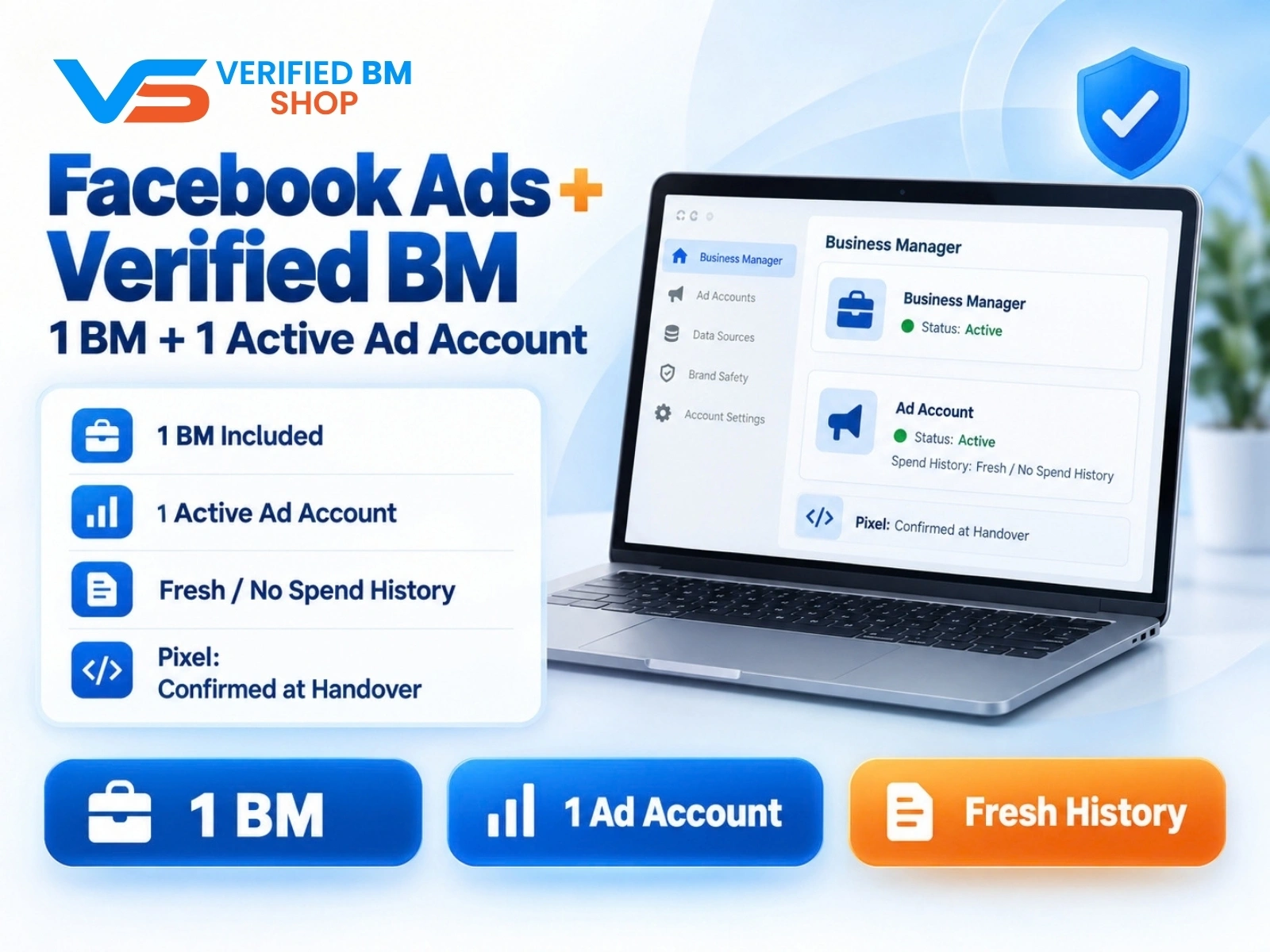
Facebook Ads Account + Verified BM Bundle
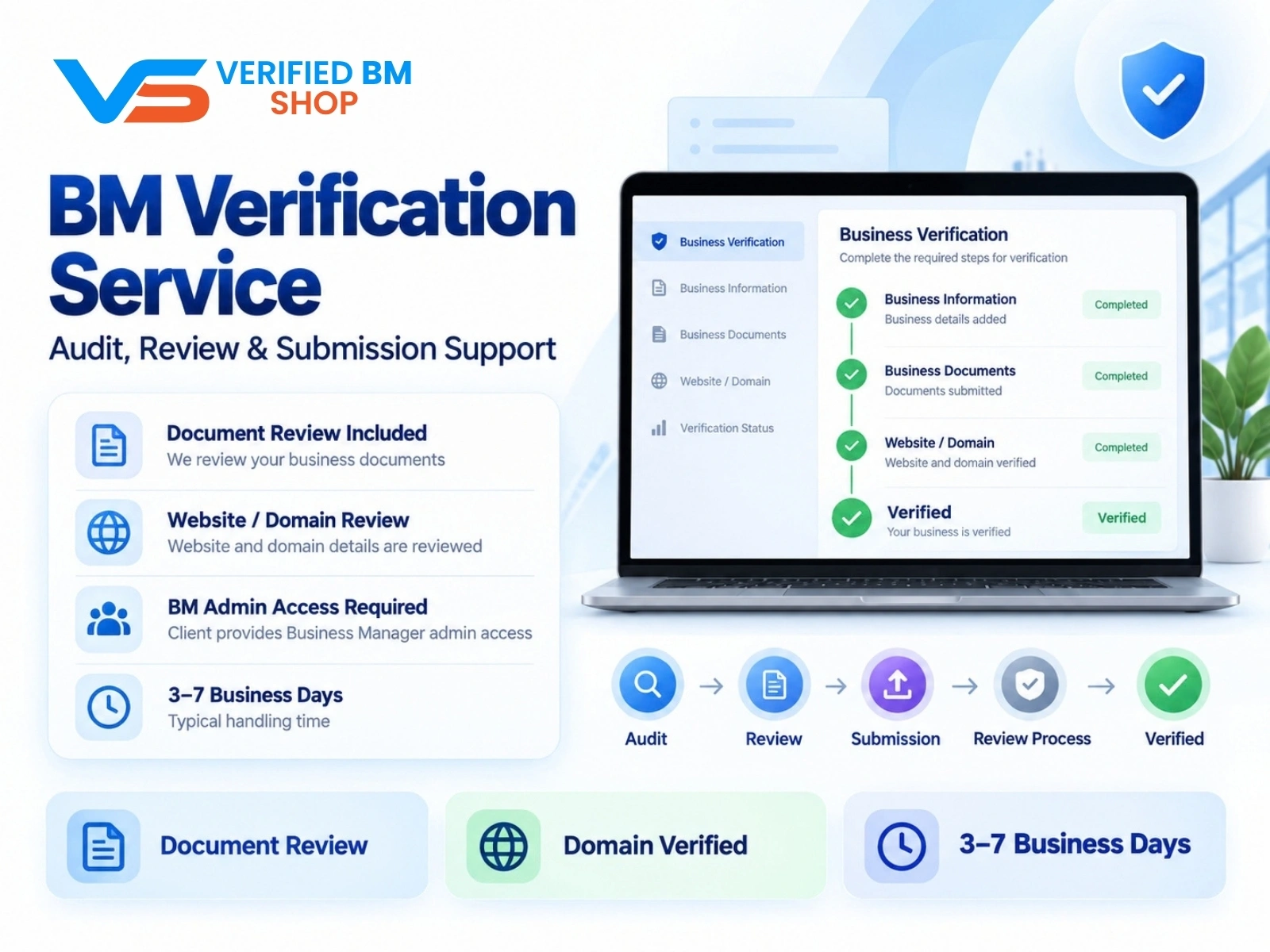
Meta BM Verification Service by VERIFIED BM SHOP
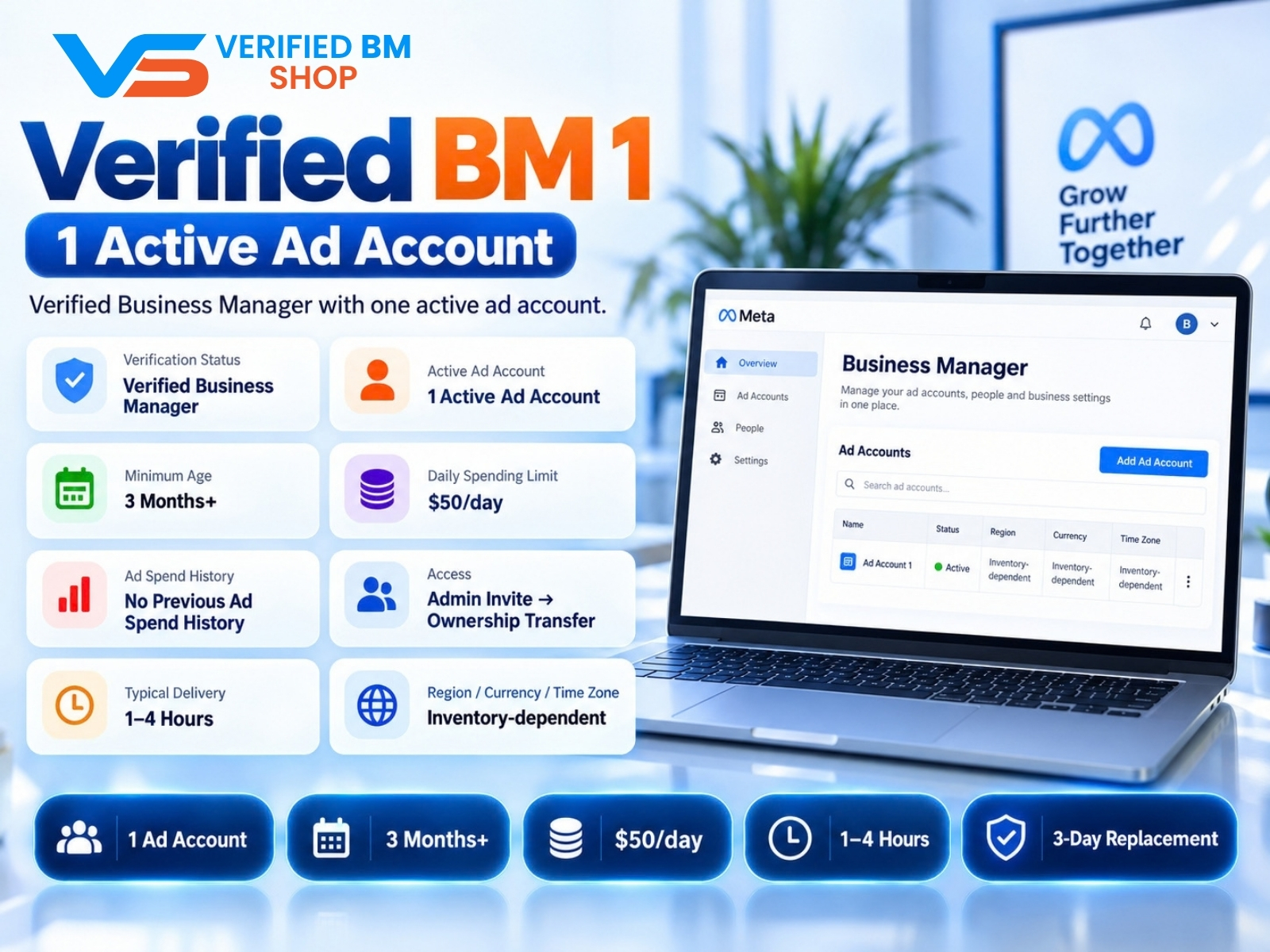
Verified BM 1 - Verified Meta Business Manager

Written by
Verified BM TeamThe VERIFIED BM SHOP editorial team shares real-world experience in buying and selling verified Business Managers, WhatsApp API accounts and advertising platforms.
Comments (0)
No comments yet. Be the first to share your thoughts!
Leave a Comment
Your email will not be published. All comments are moderated.