
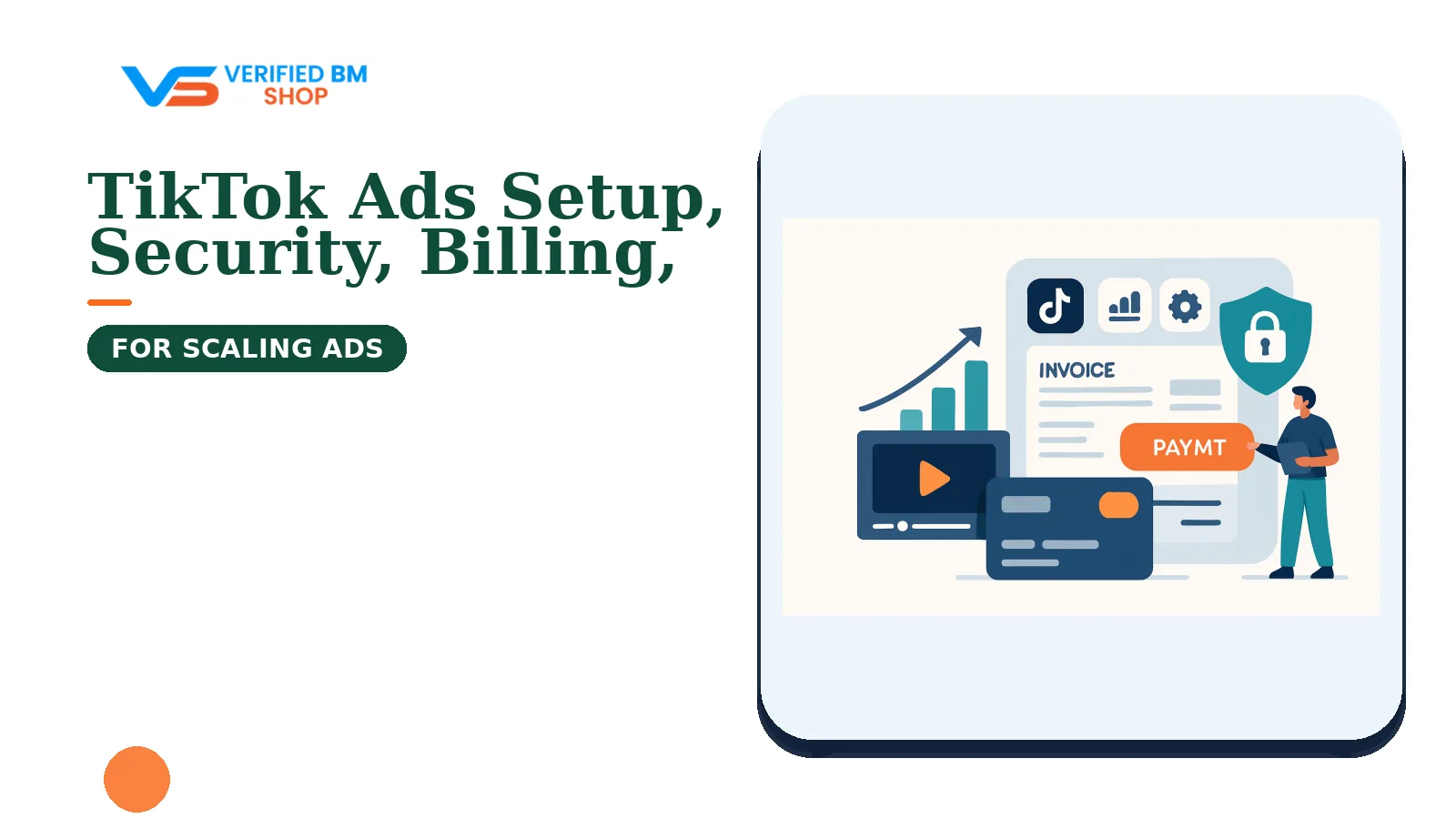
Quick Summary
Learn how to organize, verify, secure, bill, troubleshoot, and scale TikTok advertising activity while accounting for market-specific requirements and platform rules.
The TikTok Ads Knowledge Hub focuses on a defensible advertising setup: accurate business information, controlled access, valid payment details, reliable measurement, and policy-aware campaigns. TikTok tools, requirements, and account controls can vary by country, industry, account type, and current product configuration.
TikTok Ads Knowledge Hub: What You Will Learn
This guide covers the account systems used in TikTok advertising, along with verification, billing, tracking, support, troubleshooting, and measured budget growth.
- How Ads Manager, Business Center, and agency relationships differ.
- Which business details or documents TikTok may request.
- How access to users, partners, advertising accounts, and other assets may be organized.
- How campaign structure, billing, and conversion measurement may work.
- Why ads or accounts can encounter review, payment errors, or restrictions.
TikTok changes features and requirements by market and account. Check the current TikTok Ads platform and applicable documentation before relying on claims about limits, fees, approval times, or payment methods.
TikTok Ads Manager vs TikTok Business Center vs Agency Ad Accounts
| Tool or account | Typical purpose | Typical user |
|---|---|---|
| Ads Manager | Often used to create campaigns, manage ads, review results, and access available billing controls. | Advertisers and media buyers |
| Business Center | May provide tools for organizing users, partners, advertising accounts, and selected assets; available asset types and controls depend on TikTok’s current product configuration. | Businesses and agencies |
| Agency ad account | Some agencies may provide or manage advertising access through an agency relationship, subject to TikTok’s current programs, regional availability, and the agency’s own terms. | Agencies and advertisers using managed access |
Ads Manager is generally associated with campaign work. Business Center may help coordinate ownership and access, but its functions and terminology are specific to TikTok and should not be assumed to match Meta Business Manager.
An agency relationship may suit a team that needs client management or a particular billing arrangement. Confirm the agency’s role, region, contract, ownership model, and current TikTok eligibility before relying on the setup.
Review the TikTok Ads category to compare available account solutions. Confirm ownership, access rights, billing terms, support, and replacement conditions before purchase.
What You Need Before Creating a TikTok Ad Account
Prepare consistent business information before registration or launch. Differences between names, websites, addresses, or payment records can lead to additional questions, although TikTok determines its own review requirements.
- A legal business name and operating address.
- A business website that clearly explains the offer and provides relevant contact or policy information.
- An email address and phone number controlled by your organization.
- A payment method that is eligible for the intended advertising account.
- Accurate information about your industry, products, and target market.
- Privacy, refund, shipping, and terms pages where they fit your business model.
Depending on the market, industry, account type, or verification flow, TikTok may request business documents, identity checks, licenses, or additional declarations. Access to some products or controls may also depend on a review process.
How to Set Up a TikTok Business Center
Use accurate business information and an email address controlled by the organization, subject to the requirements shown during TikTok Business Center registration. Add only people who need access and use the least extensive role that allows them to do their work.
- Enter the information requested during registration, such as business, country, time-zone, and contact details.
- Invite a second trusted administrator if the current account setup supports it.
- Create or connect the relevant advertising account where that option is available.
- Add relevant assets, such as tracking or catalog assets, only if they are supported and needed.
- Review permissions before sending each invitation.
- Record owners, billing contacts, and recovery details in a secure internal system.
Do not give full control to a freelancer who only needs to edit campaigns. Remove former staff and agencies when their work ends, while retaining appropriate access records for internal audits.
TikTok Business Verification: Requirements and Process
TikTok may use a business-verification process to review submitted organization details. The scope and effect of that process depend on the applicable program and market; verification does not by itself guarantee approval, higher delivery, larger limits, or protection from enforcement.
TikTok may request some combination of organization details and official documents. Check the requirements displayed in the relevant TikTok verification flow for the applicable market, account type, and business.
How to reduce verification delays
- Use the same accurate legal name across forms, documents, and payment records where applicable.
- Make sure the website identifies the business and explains its offer.
- Submit clear, current documents with the details requested in the verification flow.
- Have an administrator familiar with the organization respond to follow-up requests.
- Never submit altered documents or information copied from another company.
Verification support services cannot replace TikTok’s own review. Readers comparing platform assistance can review our general verification support guide, but that guide concerns Meta rather than TikTok.
How to Add Users, Partners, and Advertising Assets
Depending on the account and market, TikTok may offer user invitations, partner sharing, or asset-level permissions. Available controls can also depend on the account type and current interface.
Where supported, invite a user through the account’s access workflow, select an appropriate role, and grant access only to named assets. For an agency relationship, use the partner or sharing method shown in the relevant TikTok account rather than exchanging passwords.
Share only what the assignment requires. This might include an advertising account, tracking asset, catalog, audience, or reporting access. Review permissions when a project ends or a person changes role.
| Need | More limited starting point |
|---|---|
| Campaign editing | Ad creation or campaign management without business ownership, where available |
| Reporting | View or reporting access only, where available |
| Tracking work | Access to the relevant tracking asset without unrelated financial permissions |
| Billing management | Finance-related permission for a trusted staff member, if offered for the account |
TikTok Ad Account Billing, Payment Methods, and Spending Limits
Available billing methods, currencies, thresholds, and invoicing options vary by market and account eligibility. Check the billing settings and current TikTok documentation for the specific account instead of assuming that manual payment, automatic payment, or invoicing is available.
Do not assume that one payment method or threshold applies worldwide. Check the billing page before launch and, where permitted, maintain a backup payment method controlled by the same business.
- Use a payment source that is eligible for the account and intended for business advertising.
- Keep the billing name and address accurate.
- Monitor charge attempts, thresholds, invoices, and tax details shown in the account.
- Set internal spend alerts before raising campaign budgets.
- Do not add cards belonging to unrelated clients or unknown sellers.
Spending limits can have different causes, including settings or account-specific controls. Check account notices and ask TikTok support to identify the applicable limit; support may not be able to remove every restriction.
TikTok Campaign Structure and Core Advertising Features
Many TikTok campaign workflows use campaign, ad group, and ad levels, but the available structure can vary by objective, product, account, and current interface. In a common arrangement, the campaign contains the objective, the ad group contains delivery settings, and the ad contains the creative and destination.
- Campaign: Choose an available goal, such as traffic, leads, app promotion, or conversions.
- Ad group: Configure available budget, schedule, placements, audience, optimization, and bidding settings.
- Ad: Add the video, copy, call to action, identity, and landing page where those fields are provided.
Objectives, formats, placements, targeting tools, and minimum budgets can change. Use the settings shown in the account rather than relying on an old tutorial.
Keep the landing page consistent with the ad. A sudden redirect, missing price, broken checkout, or unclear offer can reduce user trust and may be relevant to TikTok’s current review processes.
TikTok Pixel and Events API for Conversion Tracking
TikTok provides browser- and server-side event integrations. Depending on implementation, consent, browser conditions, and TikTok’s current processing rules, these integrations may support measurement.
Choose events that correspond to real actions, such as page view, view content, add to cart, initiate checkout, registration, or purchase. Use event parameters carefully and avoid sending data that your notices and consent process do not cover.
Basic tracking checks
- Install the selected integration through a TikTok-supported method.
- Configure events on the correct pages or server actions.
- Test event names, values, currency, and deduplication where relevant.
- Check that consent choices control non-essential tracking where required.
- Compare TikTok reports with analytics and order records, allowing for differences in attribution and reporting.
Use TikTok’s current developer guidance for event fields and server setup. Tracking should support a defined measurement need and should not collect more personal data than the business requires.
Teams familiar with Meta can compare concepts in our Meta Pixel and Conversions API guide, but TikTok has its own tools and event rules.
TikTok Advertising Policies and Account Safety
TikTok may review ads and related account, business, payment, or destination information under its current policies and review processes. Even when an ad appears policy-compliant, TikTok may conduct additional review based on the ad, destination, account information, or other factors.
- Do not promote prohibited products or restricted services without any approval required by the applicable policy.
- Avoid false claims, impossible results, hidden costs, and misleading before-and-after content.
- Match the ad promise to the landing page and checkout experience.
- Use content, music, images, trademarks, and creator material only with the necessary rights or permissions.
- Follow rules for sensitive products, age limits, disclosures, and applicable local law.
Enable TikTok-supported two-factor authentication for administrators where available, and follow the current account-security guidance. Store recovery information safely, review login alerts, and avoid shared passwords or unknown browser extensions.
Common TikTok Ad Account Problems and How to Troubleshoot Them
Rejected ads
Review the notice and, where TikTok provides an edit or appeal option, follow the workflow shown in the account. Do not resubmit the same rejected ad repeatedly without addressing the stated issue.
Disabled or restricted accounts
Check notifications, payment status, business details, and recent access changes. If an appeal or support route is available, provide the account ID, relevant business facts, and steps already taken.
Failed payments
Check the payment source, billing address, currency, online-payment settings, and any unpaid balance shown in the account. Contact the payment provider and the support channel available to the account instead of adding many cards in quick succession.
Verification problems
Compare submitted information with official records and the website. If the review remains unresolved, use the available TikTok support or verification workflow to ask which field or document needs attention.
For general case-management habits, our technical support case guide may help. It is not a TikTok support channel.
Managing TikTok Ads for Multiple Clients or Businesses
Agencies should keep each client’s assets, billing, data, and approvals separate where the account structure permits. A written access map reduces confusion when staff or contractors change.
- Assign a clear owner for each Business Center and client relationship.
- Record advertising account IDs, tracking IDs, catalog owners, and billing contacts.
- Use the partner or access-sharing method available in the account instead of exchanging passwords.
- Give staff role-based access and review it regularly.
- Keep client funds and payment details separate where possible and permitted.
- Document approval steps for new ads and landing pages.
Some agencies may offer managed advertising access. Before ordering, confirm the supplied access model, business ownership, region, billing terms, data controls, and support scope.
Agencies can review the TikTok agency ad account option, but the availability and terms of any agency program depend on TikTok’s current requirements and the agency’s agreement.
Safe Practices for Warming Up and Scaling TikTok Ad Accounts
There is no reliable shortcut around review systems or account controls. Start with truthful business details, a working website, an eligible payment method, and a limited test plan.
- Launch a limited campaign with a clear offer and tested tracking.
- Monitor payment status, delivery, comments, conversion data, and policy notices.
- Raise budgets in measured steps after reviewing stable performance and account notices.
- Change one major variable at a time when testing.
- Pause campaigns that create complaints, broken pages, or poor-quality traffic.
Avoid sudden, unexplained spending changes on a new account. Keep campaign, payment, and administrator changes documented and easy for the business to explain.
When to Use a TikTok Agency Ad Account
Some agencies may provide or manage advertising access when a team needs client separation, managed billing, specialist support, or an account arrangement it cannot create directly. Availability, regional coverage, approval requirements, and responsibilities depend on TikTok’s current programs and the agency’s terms.
An agency relationship does not remove the advertiser’s responsibility to provide accurate information or follow applicable TikTok rules. Ask these questions before using one:
- Who owns the Business Center and advertising account?
- Who controls billing, tracking assets, audiences, and campaign data?
- What happens if the agency relationship ends?
- Which regions, industries, and payment methods are supported?
- What support, transfer, and replacement terms are written in the agreement?
How to Contact TikTok Support and Prepare a Strong Case
Use the support channel currently displayed for the relevant TikTok business account, Ads Manager, or market. Support access and available routes can vary by account status, product, and eligibility.
Include the advertising account ID, Business Center ID where relevant, user email, error text, dates, screenshots, payment reference, and a short timeline. State what you tried and what result you need.
A concise, documented case is easier to assess than a long complaint. Never send passwords, full payment-card numbers, or identity documents through an unverified contact.
TikTok Ads Knowledge Hub: Final Checklist for Launching Safely
- Business details match official records, the website, and billing information.
- Business Center ownership and user roles are recorded where Business Center is used.
- TikTok-supported two-factor authentication protects administrators where available.
- Ad account billing options and any backup payment plan are understood.
- Browser- or server-side event integrations have been tested and respect consent requirements.
- Ads, claims, creative rights, and landing pages meet applicable TikTok policy.
- Budgets will rise in measured steps, with alerts and regular reviews.
- Support details and account IDs are stored for case handling.
Need help choosing an account setup? Contact VERIFIED BM SHOP with your market, business type, access needs, and preferred billing model. We can explain available options, but TikTok makes the final decisions on registration, verification, review, delivery, billing eligibility, and enforcement.
Frequently Asked Questions
Quick answers to the questions buyers ask most.
What is the TikTok Ads Knowledge Hub, and what can I learn there?
How do I set up a TikTok Ads account correctly?
What security steps should I take to protect my TikTok advertising account?
Does my business need verification before running TikTok ads?
How does billing work in TikTok Ads Manager?
What should I do if a TikTok ad payment fails or my account is restricted?
How can I scale TikTok campaigns without wasting budget?
How this helps verified BM buyers
Apply this guidance when buying verified Business Managers or WhatsApp Business API assets to reduce policy risk, improve account stability, and scale campaigns with cleaner operational workflows.
Compare Verified BM options · Next steps: compare products in the Shop, review implementation details in FAQ, and contact support from the Contact page.
Recommended for You
Hand-picked from our shop — delivered fast after payment.
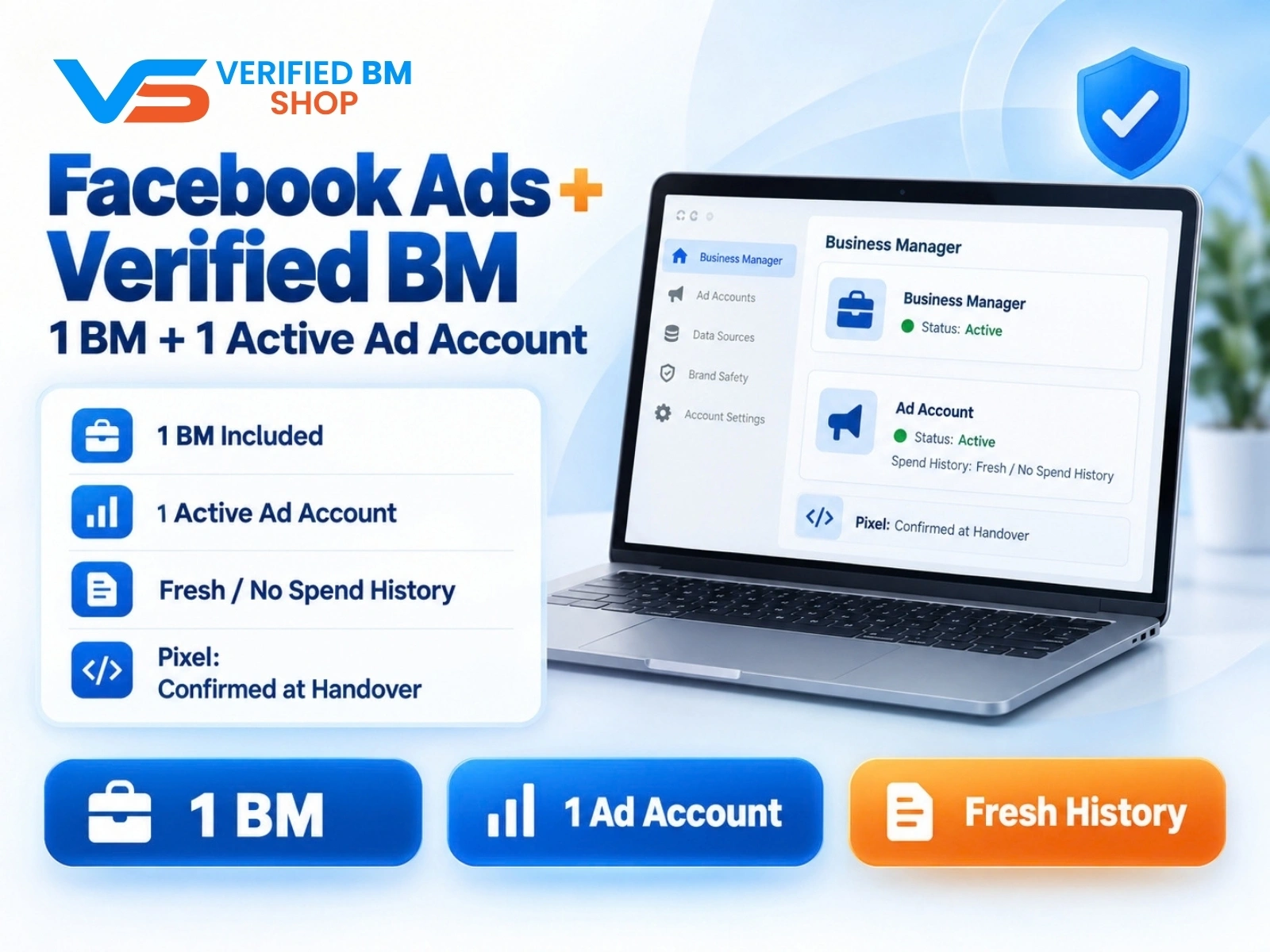
Facebook Ads Account + Verified BM Bundle
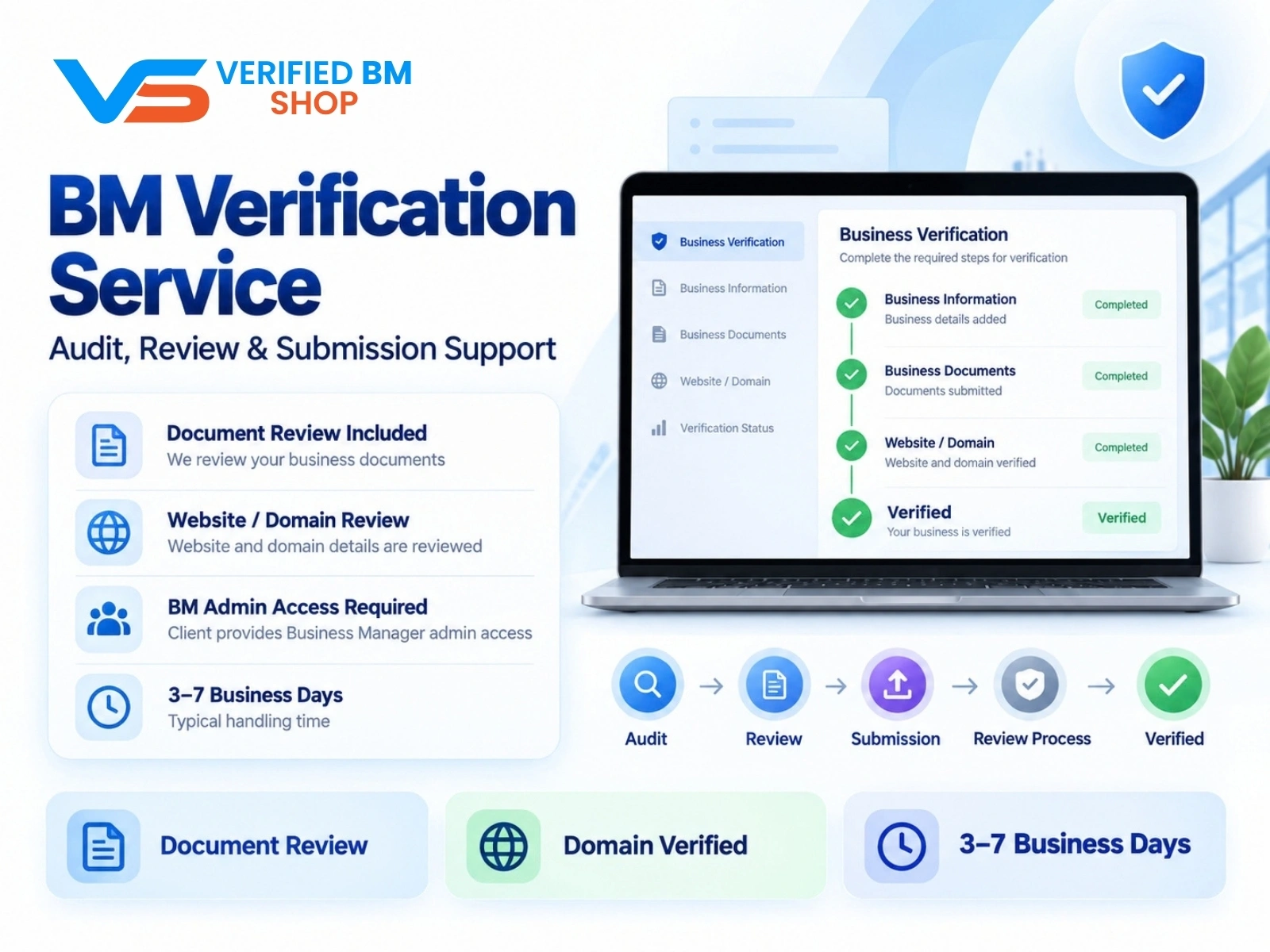
Meta BM Verification Service by VERIFIED BM SHOP
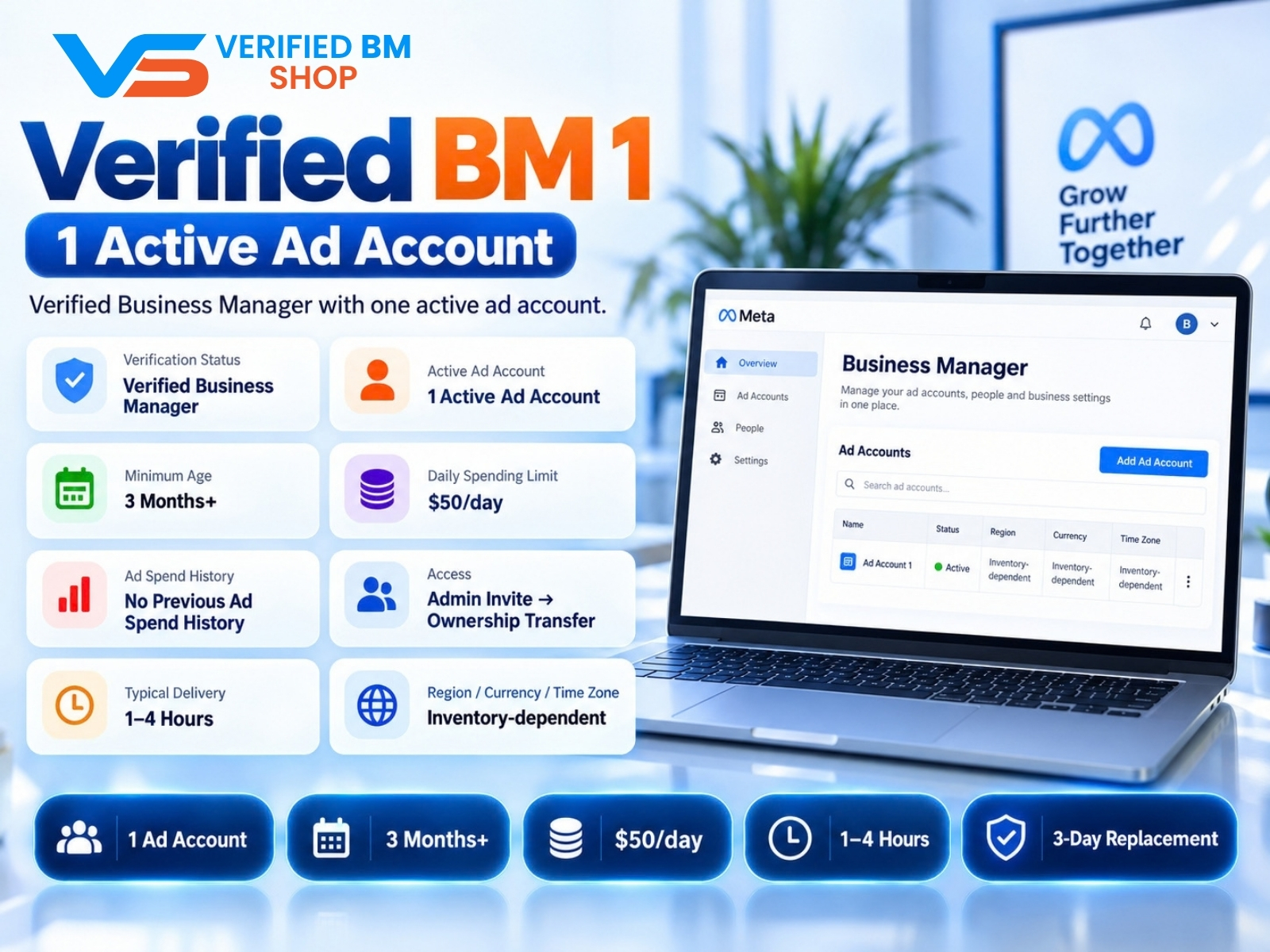
Verified BM 1 - Verified Meta Business Manager

Written by
Verified BM TeamThe VERIFIED BM SHOP editorial team shares real-world experience in buying and selling verified Business Managers, WhatsApp API accounts and advertising platforms.
Comments (0)
No comments yet. Be the first to share your thoughts!
Leave a Comment
Your email will not be published. All comments are moderated.