
Quick Summary
Learn how to diagnose a high Meta CPM in Ads Manager, separate auction conditions from account issues, and make measured changes without relying on risky account tactics.
A high CPM on Meta ads can be associated with auction pressure, audience limits, creative performance, delivery settings, market conditions, campaign objective, or measurement differences. Business verification may be relevant to identity and feature eligibility, but it does not automatically make impressions cheaper.
What Is CPM in Meta Ads?
CPM means cost per 1,000 impressions. It shows what you pay, on average, to deliver an ad 1,000 times, whether people click or convert.
Use this formula:
CPM = total ad spend ÷ impressions × 1,000
For example, spending $120 for 20,000 impressions produces a $6 CPM. A high CPM does not by itself show that a campaign is failing; audience size, location, campaign objective, timing, and conversion goals can all affect costs.
Check CPM alongside reach, frequency, click-through rate, cost per result, conversion rate, and revenue. A low CPM can still produce poor leads, while a higher CPM may be acceptable when it brings qualified customers.
Why Is My CPM High?
Meta describes ad delivery as an auction-based process in its current advertising documentation. Your ad may compete with other ads for the same person, placement, and time.
Meta's published guidance indicates that factors such as bid strategy, estimated action rate, ad quality, and competition can influence delivery. You can review the current guidance in Meta's official Business Help documentation.
An account with no technical issue can still have a high CPM. The cause may relate to the audience, creative, campaign goal, market, timing, or measurement rather than Business Manager itself.
What Counts as a High CPM?
There is no single CPM benchmark for every Meta advertiser. Costs vary by industry, country, audience, placement, objective, season, and purchase intent.
| Comparison | What it can tell you |
|---|---|
| Same campaign, previous period | Shows whether costs changed after an edit, event, or market shift. |
| Different audiences in the same campaign | May reveal costly demographics, interests, or locations. |
| Different placements | Shows where impression costs or downstream results differ. |
| CPM versus cost per result | Shows whether a higher impression cost still produces better outcomes. |
Use your own past performance as the first benchmark. Public CPM ranges can mislead because campaigns may target different countries, funnel stages, audiences, and conversion events.
How Meta's Ad Auction Can Affect CPM
Meta's published auction explanations indicate that delivery is not determined solely by the highest monetary bid. Depending on the campaign and current product behavior, Meta may consider factors such as bid strategy, predicted results, ad quality, and competition.
- Bid strategy: The approach your campaign uses to pursue opportunities and control costs.
- Estimated action rate: Meta's prediction of how likely a person is to take the selected action.
- Ad quality: Signals related to the ad experience and how people respond to it.
- Audience competition: Demand from other advertisers seeking similar people and placements.
Creative improvements cannot remove market competition. Better relevance, clearer offers, and accurate conversion signals may be associated with more efficient delivery, but results depend on the campaign and auction conditions.
10 Common Causes of High CPM
Narrow or Overlapping Audiences
A small audience can limit the number of eligible impressions available to a campaign. If several ad sets target the same people, their delivery may also overlap.
Review audience overlap, exclusions, and estimated audience size. Consolidating similar ad sets may give the campaign more room to deliver, but compare results before and after the change.
High Competition and Seasonal Demand
Competition and CPM may increase during periods when more advertisers seek the same audiences, such as major holidays or sales periods. The effect can vary by market, audience, objective, and timing.
Compare the same dates year over year when possible. A short spike may reflect market conditions rather than a problem with your account.
Weak or Fatigued Creative
People may respond less when they see the same ad repeatedly. Weak user response or negative feedback may be associated with less efficient delivery, depending on the campaign and auction conditions.
Refresh the opening line, image, video style, offer, or call to action. Test a distinct angle rather than changing only a color or minor design detail.
Poor Engagement or Ad Quality Signals
Confusing claims, clickbait, poor video quality, or a mismatch between the ad and landing page can hurt the user experience. Negative feedback may also be associated with less efficient delivery.
Make the promise clear and support it on the landing page. Avoid exaggerated claims, hidden terms, and creative that could appear misleading.
High Frequency and Audience Saturation
Frequency shows the average number of times each person saw your ad. Rising frequency with falling click-through rate can be consistent with saturation, but it is not conclusive on its own.
Depending on the results, you could expand the audience, add exclusions, introduce new creative, or limit the campaign period. A high frequency is not always a problem, especially in a short retargeting campaign, so check conversions before making changes.
Expensive Locations, Demographics, or Placements
Costs can differ by location, demographic, device, and placement because supply, demand, audience composition, and campaign settings differ. A higher CPM in one segment does not necessarily mean that segment is unprofitable.
Do not remove a placement only because its CPM is high. Compare its cost per result, conversion quality, revenue, and profit first.
Campaign Objective and Optimization Settings
Campaign objectives can influence which opportunities Meta prioritizes, so CPM and downstream performance may differ between conversion-focused and reach-focused campaigns. A higher CPM may still be acceptable if the resulting leads or sales justify it.
If purchases or qualified leads are the goal, use the corresponding objective and optimization event where available, and ensure that the required conversion signals are recorded correctly. Results depend on event data, configuration, audience, budget, and campaign conditions.
Bid Strategy, Budget, and Delivery Changes
Depending on the campaign setup, bid controls, cost controls, large budget changes, or frequent edits may affect delivery or performance. The effect can vary with the bidding method, campaign state, budget, and current product behavior.
Review the relevant Meta guidance before changing these settings. Make measured changes and allow enough delivery to evaluate them; changing the budget, audience, creative, and optimization event at the same time makes diagnosis harder.
Limited Learning or Insufficient Conversion Signals
Conversion-focused campaigns may perform more predictably when the selected event is recorded accurately and provides sufficient relevant data for optimization. The amount and type of data needed varies by objective, event, account, and campaign configuration.
Check that events fire correctly and that the selected event matches the sales funnel. Meta's Pixel and Conversions API setup guide can help you review the signal path.
Account, Billing, or Policy-Related Delivery Issues
Payment failures, rejected ads, account restrictions, and asset permission problems can interrupt delivery. They do not establish a universal “trust tax,” but unstable delivery can make results harder to interpret.
Check delivery status, account alerts, payment methods, business permissions, and policy notices. An account that spends only in short bursts may show volatile CPM because the delivery volume is limited.
Does Meta Business Verification Lower CPM?
No direct Meta rule says that business verification lowers CPM. Where available and approved by Meta, verification involves submitting business information and may be relevant to eligibility for some business features; it does not itself guarantee access, cheaper impressions, better auction rank, or improved conversion rates.
Performance still depends on factors such as the campaign, audience, creative, auction, market, and conversion signals. Treat verification as an identity and business-access matter, not as a CPM setting.
For account-structure considerations, see this guide on verified and unverified Business Managers. Review Meta's current requirements and confirm ownership details before changing a business setup.
How to Diagnose High CPM in Ads Manager
Compare CPM by Date Range
Start with a consistent comparison. Review the last 7, 14, or 28 days against the prior period, then note any budget, creative, audience, payment, or tracking changes.
Separate a short auction spike from a lasting trend. Also check whether impressions fell sharply, since small delivery volumes can make CPM look unstable.
Break Down Results by Audience, Placement, Geography, and Creative
Use Ads Manager breakdowns to find where costs and results differ. Review age, gender, location, placement, device, and ad creative when the data volume supports a useful comparison.
- A high CPM in one city may reflect local competition or audience composition.
- A high CPM on one placement may reflect different supply, demand, or campaign eligibility.
- A high CPM for one creative may coincide with weak response or fatigue.
- A high CPM for one age group may reflect stronger advertiser demand or different conversion rates.
Do not judge a segment on CPM alone. Compare reach, frequency, clicks, qualified leads, purchases, revenue, and profit.
Check Frequency, Reach, Impressions, and Delivery Status
High frequency with a small reach can be consistent with audience saturation. Low impressions with an active campaign may relate to a bid control, audience limit, review issue, budget problem, or conversion signal, so inspect the specific delivery notice.
Open the delivery column and inspect warnings at campaign, ad set, and ad level. Similar-looking notices can require different actions.
Review Account Quality, Billing, Permissions, and Asset Access
Confirm that the payment method works, the ad account has no restriction notice, and the right people can access the Page, pixel, domain, catalog, and conversion events.
Run a permission review before moving assets or creating a new account. This Meta Ads access audit covers admins, assets, and permissions that can affect delivery and security.
How to Lower CPM Without Risky Account Tactics
Refresh Creative and Test Multiple Angles
Prepare several distinct concepts instead of many near-identical ads. Test customer problems, product use cases, proof, demonstrations, and different hooks.
Keep claims accurate and make the opening seconds of a video clear. Evaluate the new version against the old one using enough delivery and downstream results to support a decision.
Broaden or Rebuild the Audience
Remove unnecessary interests and narrow exclusions when the audience is too small. Broader targeting may create more eligible opportunities, but it does not guarantee a lower CPM or better conversion quality.
Separate prospecting from retargeting when their goals and audiences differ. A warm audience may have a higher CPM and still perform better on conversion rate or revenue.
Test Advantage+ and Manual Placements Where Appropriate
Automatic placement settings may allow delivery across more eligible placements, subject to the campaign's available options and Meta's current product configuration. Manual placements can be useful when your creative or customer experience fits only certain surfaces.
Use placement breakdowns before cutting inventory. Build suitable sizes and formats so the ad remains clear when it appears in another eligible placement.
Match the Objective and Optimization Event to the Business Goal
Optimize for the event that reflects real value and that your account can record accurately. Choosing a rare event too early may leave the campaign with limited relevant feedback, but the appropriate setup depends on the funnel and available data.
Review event quality, attribution settings, landing-page speed, and lead quality together. A cheaper impression is not useful if the selected signal rewards low-value actions.
Consolidate Tests and Avoid Unnecessary Delivery Disruptions
Too many small ad sets can divide budget and data. Combining overlapping tests may help when they target the same people and pursue the same goal, but preserve separate structures when the business question requires them.
Change one major variable at a time. Keep a simple change log so you can compare CPM shifts with actual edits.
Improve Conversion Signals and Landing-Page Experience
Make sure the landing page loads quickly, matches the ad promise, and works on mobile devices. Fix missing events, broken forms, and unclear purchase steps.
Better signals may improve optimization quality, but no setup guarantees a lower CPM. Measure the full path from impression to profit.
High CPM Troubleshooting Checklist
- Calculate CPM from spend and impressions, then confirm the date range.
- Compare CPM with cost per lead, purchase, revenue, and profit.
- Check frequency, reach, and impression volume for possible audience saturation.
- Break down results by placement, age, gender, geography, device, and creative.
- Look for audience overlap and unnecessary targeting limits.
- Review creative fatigue, comments, feedback, and landing-page quality.
- Confirm that the objective and optimization event match the real goal.
- Check bid controls, budget edits, delivery warnings, and learning status.
- Test event tracking, the pixel, Conversions API, forms, and checkout steps.
- Audit payment methods, account alerts, admins, permissions, and asset access.
- Make one controlled change, then compare results after sufficient delivery.
When a Verified Business Manager Audit Makes Sense
Review your Business Manager structure when several people share access, assets sit under the wrong business, billing is unclear, or campaigns stop after ownership changes.
Verification may be relevant to a business's identity documentation or eligibility for particular Meta features, subject to Meta's current requirements and approval. It should not replace campaign testing, policy compliance, or account maintenance.
Before changing accounts, document ownership, remove unknown admins, turn on two-factor authentication, and confirm that every asset has a legitimate business purpose. Avoid rented, unverifiable, or policy-violating setups that can create access and delivery problems.
Key Takeaway: Diagnose Before Changing Accounts
A high CPM is a reason to investigate, not proof that your Business Manager needs replacing. Start with date comparisons, breakdowns, frequency, creative response, audience size, optimization, market conditions, and account health.
Verification may support business identity or eligibility for particular features, but it does not promise cheaper impressions. Safe, measured campaign changes are more defensible than risky account tactics or repeated account transfers.
Official Sources
Frequently Asked Questions
Quick answers to the questions buyers ask most.
Why is my Meta Ads CPM suddenly high?
A sudden increase can result from stronger auction competition, audience changes, limited placements, creative fatigue, or seasonal demand. Compare the affected campaign with an earlier period and check audience size, frequency, placements, delivery status, and recent edits.
What is considered a high CPM on Meta Ads?
There is no universal CPM benchmark because costs vary by country, audience, objective, placement, industry, and time of year. Assess CPM against your own historical performance and whether the campaign is producing efficient results, rather than using a fixed threshold.
Does a small audience cause high CPM on Meta?
It can. Narrow audiences give the auction fewer eligible people and may increase competition for available impressions, especially when several advertisers target the same group. Expanding targeting carefully or testing broader audiences can show whether audience size is contributing to the cost.
Can ad frequency and creative fatigue increase CPM?
High frequency can indicate that the same people are seeing an ad repeatedly, which may reduce engagement and weaken delivery efficiency. Review frequency alongside CPM and refresh the creative, vary the message, or expand the audience when the same users are being reached too often.
Which Meta Ads placements usually have lower CPM?
Costs differ by audience and auction conditions, so no placement is consistently cheapest. Use placement breakdowns in Ads Manager and test Advantage+ placements or separate placement tests before removing placements solely because their CPM appears higher.
Can changing the campaign objective make CPM higher?
Yes. Meta optimizes delivery toward the action selected for the campaign objective and performance goal, and some actions have fewer eligible users or more competition than others. Compare CPM together with the objective's main result and cost per result, not in isolation.
How can I lower a high CPM without hurting ad performance?
Test new creative, review audience size and overlap, keep useful placements available, and avoid making frequent edits while delivery is stabilizing. Make one controlled change at a time and judge the impact using CPM, reach, frequency, and the campaign's conversion metrics.
Can business verification or account issues cause high CPM on Meta Ads?
Verification is primarily an account and business-access requirement, not a direct CPM reduction method. Check Meta Business Suite for verification requests, restrictions, rejected ads, or delivery warnings, and resolve those issues through Meta's official business settings and support tools.
How this helps verified BM buyers
Apply this guidance when buying verified Business Managers or WhatsApp Business API assets to reduce policy risk, improve account stability, and scale campaigns with cleaner operational workflows.
Compare Verified BM options · Next steps: learn what a verified bm is, compare products in the Shop, review implementation details in FAQ, and contact support from the Contact page.
Recommended for You
Hand-picked from our shop — delivered fast after payment.
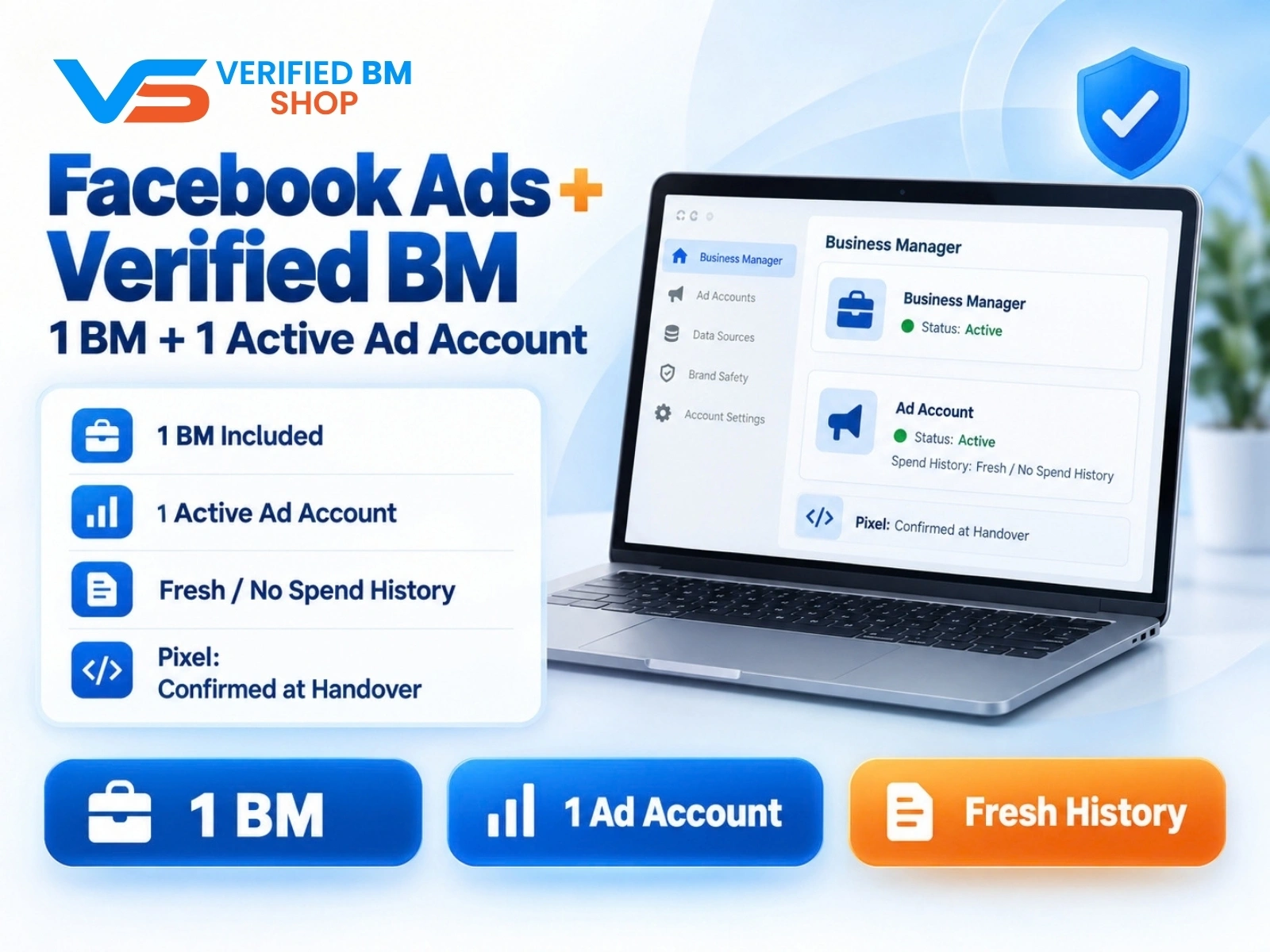
Facebook Ads Account + Verified BM Bundle
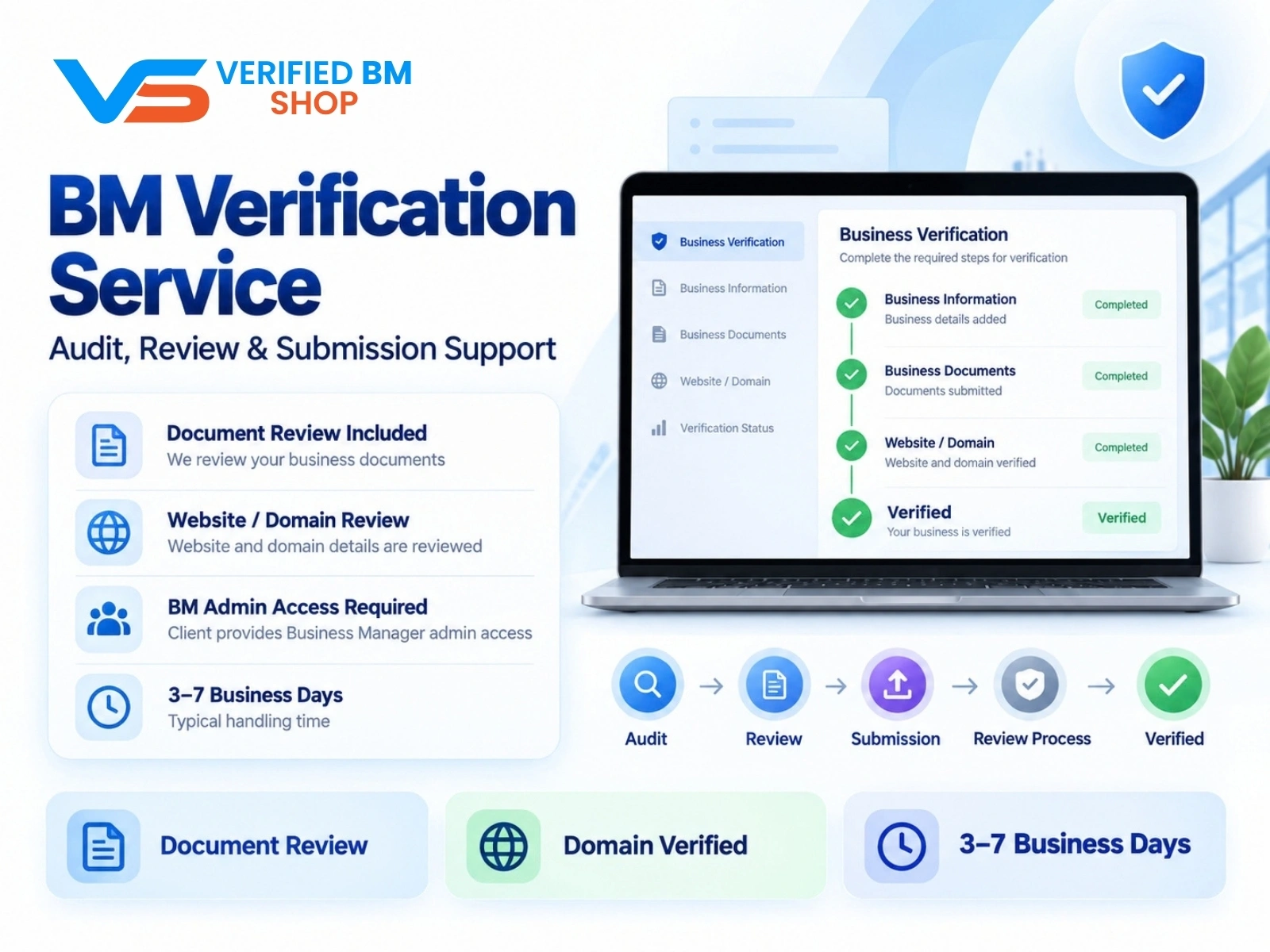
Meta BM Verification Service by VERIFIED BM SHOP
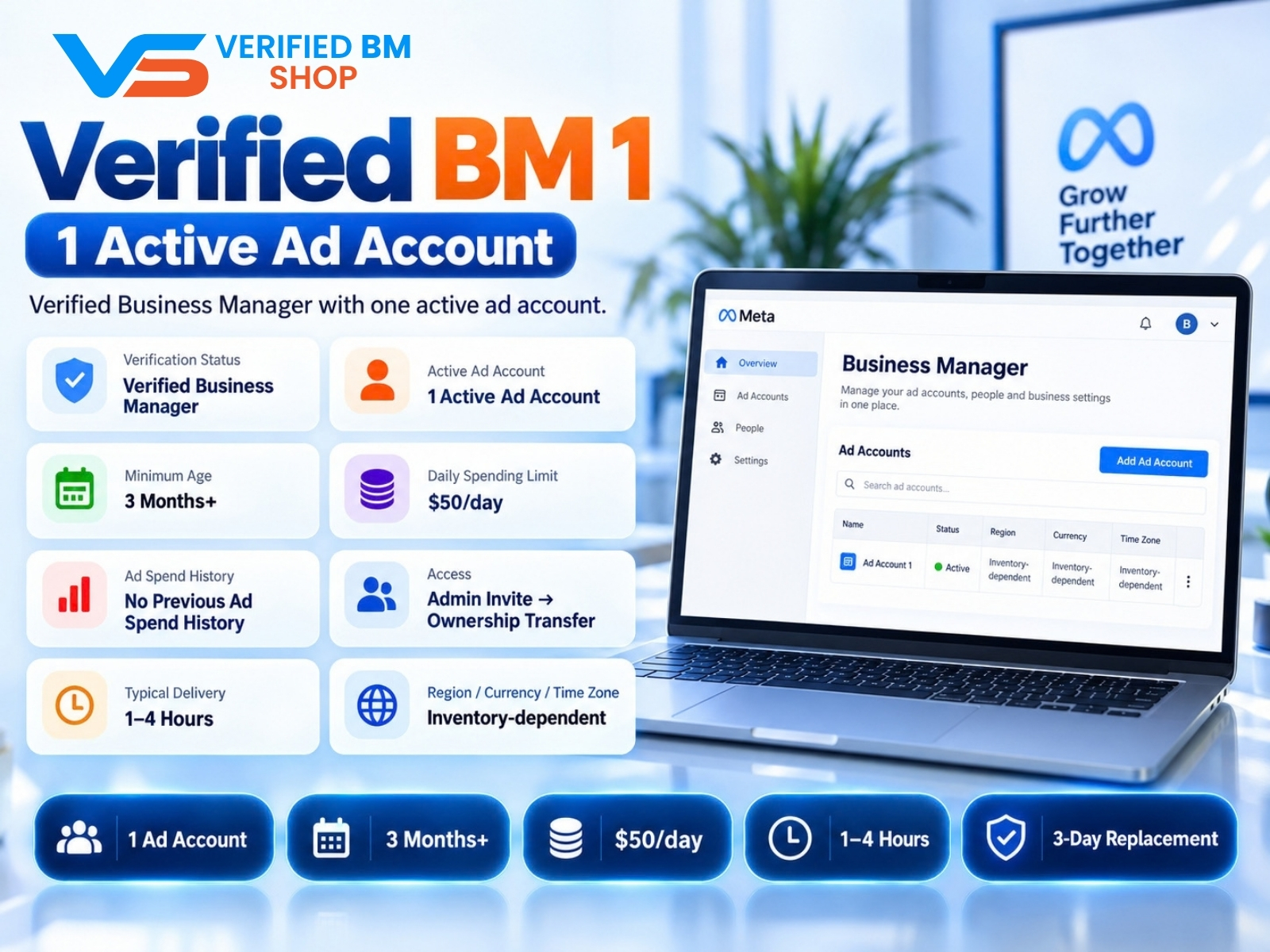
Verified BM 1 - Verified Meta Business Manager

Written by
Verified BM TeamThe VERIFIED BM SHOP editorial team shares real-world experience in buying and selling verified Business Managers, WhatsApp API accounts and advertising platforms.
Comments (0)
No comments yet. Be the first to share your thoughts!
Leave a Comment
Your email will not be published. All comments are moderated.