

Quick Summary
Improve Meta ad decisions with accurate tracking, structured tests, careful scaling, and disciplined account operations.
Campaign optimization works best as a repeatable process rather than a stream of random edits. Set one clear goal, verify the data, test one meaningful change, and scale only after the results show a reliable pattern.
Business Manager can help organize people, pages, pixels, catalogs, and ad accounts; available features depend on the account and current Meta product configuration. Verification status does not guarantee lower costs, better delivery, approval, or protection from enforcement. Performance still depends on the offer, data quality, creative, audience, website, and policy compliance.
What Is Campaign Optimization in Meta Ads?
Campaign optimization means using performance data to improve results against a defined business goal. You may aim to increase purchases, lower qualified lead costs, raise return on ad spend, or generate more landing-page views.
Ads Manager commonly organizes campaign reporting across campaign, ad set, and ad views, although the available views and terminology may change.
- Campaign: The overall objective, budget setup, and broad performance trend.
- Ad set: Audience, placements, schedule, budget allocation, and optimization event.
- Ad: Creative, copy, format, call to action, and engagement signals.
Make changes at the level that best explains the problem. Weak click-through rates often point to the ad, while high clicks and few purchases may indicate a landing-page, offer, or tracking problem.
Start With the Right Objective and Conversion Event
Choose the campaign objective that matches the action your business needs. Meta’s interface and performance goals can change, so check the current options in Ads Manager before launching.
A sales campaign may optimize toward a meaningful purchase or checkout event. A lead campaign may use a completed form, booked call, or qualified lead event. Avoid optimizing for cheap actions that do not support revenue or the actual business outcome.
Match the event to your available data
New accounts or low-volume funnels may not have enough conversion data for a deep event. Start with the closest reliable event, then move toward the final business outcome as data improves.
For example, an ecommerce funnel might track ViewContent, AddToCart, InitiateCheckout, and Purchase. The appropriate choice depends on event volume, sales value, implementation quality, and the business decision you need to support.
| Business goal | Useful success metrics | Check before changing ads |
|---|---|---|
| Online sales | Purchase cost, revenue, return on ad spend | Purchase value and deduplication |
| Lead generation | Qualified lead cost, lead rate, sales rate | Lead quality and CRM status |
| Traffic | Landing-page views, cost per view, engaged visits | Page speed and tracking continuity |
| Awareness | Reach, frequency, video plays, recall signals | Audience size and message fit |
Audit Your Campaign Data Before Making Changes
Do not judge a campaign from one metric or one short time period. Review spend, delivery, reach, frequency, impressions, CPM, link clicks, click-through rate, landing-page views, conversion rate, and cost per result.
Compare the same date range and use a consistent attribution setting. Meta reporting can differ from website analytics because platforms may use different attribution rules, time zones, and conversion definitions.
Review each account level
- Account level: Check payment status, spending limits, rejected ads, delivery warnings, and recent changes.
- Campaign level: Compare objectives, budgets, spend, results, and cost trends.
- Ad set level: Check audience size, overlap, placements, frequency, and learning status.
- Ad level: Compare hooks, formats, copy, comments, click quality, and conversion results.
Use breakdowns by age, gender, placement, device, region, and time when the sample is large enough. Small samples can create misleading winners, so avoid acting on tiny differences.
Keep a change log with the date, edit, reason, expected result, and review date. This helps teams avoid repeating tests or attributing a result to the wrong change.
Strengthen Tracking Before Optimizing Performance
Bad data leads to bad decisions. Check that the Meta Pixel fires on the right pages and records the correct events, values, currency, and order IDs.
Conversions API is designed to send server-side event signals and may help supplement browser-based measurement when implemented correctly. It does not fix weak event design, duplicate events, poor consent practices, or incorrect purchase values.
Use the Meta Pixel and Conversions API setup guide for a deeper implementation review. After changes, test events in Events Manager and compare platform data with your website or CRM.
Tracking checks for campaign optimization
- Confirm the domain and key events are configured for your current business.
- Check that browser and server events are deduplicated.
- Send accurate value and currency data for purchases.
- Review event match quality and missing event warnings.
- Test checkout, lead forms, thank-you pages, and mobile journeys.
- Document attribution windows and reporting time zones.
Optimize Audience Structure and Targeting
Audience quality often matters more than adding endless interests. Start with a structure that separates prospecting, remarketing, and existing customers when each group needs a different message.
Exclude recent purchasers from acquisition campaigns when repeat sales are not the goal. Exclude leads from lead-generation ads if your sales team already has them in a follow-up flow and the relevant audience features are available.
Use audiences with a clear role
- Broad prospecting: May give delivery more flexibility to use available conversion signals, but results depend on the campaign, audience, creative, and data quality.
- Customer lists: May be used for retention or suppression workflows where the relevant Meta audience features, permissions, and data requirements are available.
- Website visitors: May support follow-up with people who showed recent intent, subject to the available audience tools and data permissions.
- Video or page engagers: May support warm follow-up campaigns when the relevant engagement audience is available.
- Lookalike audiences: May help identify users with characteristics similar to a source audience when the feature is available and the source data is clean and sufficiently large.
Do not split audiences into many small ad sets without a clear reason. Fragmentation can spread spend too thin and make comparisons harder.
Check audience overlap, frequency, location, age limits, language, and exclusions. Rising frequency with falling response may signal fatigue, a narrow audience, or weak creative rotation.
Test Creatives, Placements, and Landing-Page Alignment
Creative testing should answer a specific question. Test a new opening line, product angle, format, offer, creator, image, or call to action rather than changing everything at once.
Keep the promise consistent from ad to landing page. If the ad promotes a discount, the page should show that discount quickly, explain the terms, and make the next step clear.
Creative signals to compare
- Thumb-stop strength through the first seconds or opening frame.
- Click-through rate and landing-page view rate.
- Comment quality and common objections.
- Conversion rate after the click.
- Cost per result after enough spend for a fair comparison.
Use placements that suit the creative and user action. Vertical video may fit short-form feeds, while product images may work better in catalog or feed placements. Automated placements may be worth testing when the assets support them, followed by a careful review of placement-level results.
A low click-through rate often points to the message or creative. Strong clicks with weak conversions usually require a landing-page, offer, price, trust, or tracking review.
Manage Budgets, Bidding, and Scaling Carefully
Budget changes affect delivery and learning. Large edits can make results unstable, especially when a campaign has limited conversion data.
Use a budget that can produce enough of the chosen event for a useful test. Do not set a target cost so low that the selected strategy has few competitive opportunities.
Practical scaling rules
- Increase the budget in measured steps after stable performance.
- Review spend, conversion volume, and marginal cost after each change.
- Keep a profitable control campaign when testing a new structure.
- Duplicate only when duplication solves a clear delivery or audience problem.
- Avoid rapid budget changes, repeated pauses, and frequent edits.
Watch the learning status, but do not treat it as the only success measure. A campaign can show good business results before it reaches a stable delivery state, while a campaign can exit learning and still lose money.
Bid strategy should match your data and target. Cost controls may reduce delivery if the selected target is not competitive for the available auction opportunities, so compare volume and efficiency before tightening them.
Build a Reliable Campaign Testing Framework
Run tests with a written hypothesis. For example: “A product demo in the first three seconds will raise qualified lead rate compared with a static image.”
Choose one main variable, define the success metric, set a review window, and keep the audience and budget comparable. Avoid declaring a winner from a single cheap conversion.
A simple testing cycle
- Record the baseline for the current campaign.
- Write the hypothesis and the reason behind it.
- Change one major variable.
- Allow enough time and spend for a fair read.
- Compare primary and guardrail metrics.
- Keep, revise, or stop the test based on evidence.
Guardrail metrics protect quality. A lower lead cost is not a win if lead quality falls, sales slow down, or refund rates rise.
How to Diagnose an Underperforming Campaign
Start with delivery, then move through the funnel. This order helps you avoid changing creative when the real issue is tracking or payment.
| Symptom | Likely causes | First checks |
|---|---|---|
| Little or no spend | Review issues, narrow audience, bid limits, payment problems | Account status, delivery column, audience size |
| High CPM | Competition, narrow targeting, weak relevance, seasonality | Audience size, placements, frequency, creative |
| Low click-through rate | Weak hook, poor offer, creative fatigue | First frame, copy, comments, frequency |
| Many clicks, few conversions | Slow page, poor match, weak trust, broken event | Landing page, checkout, event diagnostics |
| Conversions but poor profit | Low order value, high fulfilment cost, weak lead quality | Revenue, margins, CRM outcomes |
Check policy and account warnings before making performance edits. Ads that violate Meta rules may face review or delivery limits, and repeated policy problems require a business-level fix.
How Business Manager Verification Relates to Campaign Operations
Using Business Manager can provide a centralized place for business assets, people, permissions, and account records; verification status does not by itself establish a particular organizational benefit. The practical setup depends on the account, assets, permissions, and current Meta product configuration.
The meaning and consequences of verification depend on the specific Meta verification process and account type. Check the current requirements and feature documentation for the relevant product rather than assuming that verification provides access to a particular tool or removes account restrictions.
Verification does not guarantee campaign performance, approval, higher limits, or freedom from enforcement. Meta may still evaluate ads, landing pages, payment activity, and account behavior under its policies.
Use role-based access, two-factor authentication, named users, and regular permission reviews. Keep each asset assigned to the correct business and remove access that no longer serves a work need.
For account structure and billing checks, see this Meta ad accounts setup guide. You can also compare practical differences in verified and unverified Business Managers before planning a larger setup.
Businesses preparing a new account should introduce activity carefully and follow Meta’s rules. A safe warm-up guide for a new verified Business Manager can help teams plan that process without relying on artificial activity.
Campaign Optimization Checklist
- Define one business goal and one primary success metric.
- Choose a conversion event that matches the funnel and available data.
- Confirm Pixel and Conversions API events, values, and deduplication.
- Review account, campaign, ad set, and ad-level performance.
- Check delivery status, learning status, spend, and recent edits.
- Separate prospecting, remarketing, and customer audiences where useful.
- Apply sensible exclusions and review audience overlap.
- Test one meaningful creative or funnel variable at a time.
- Compare placement, device, region, and audience breakdowns carefully.
- Keep a change log with a review date and clear hypothesis.
- Scale stable winners in measured steps.
- Review lead quality, revenue, margins, and policy status.
- Audit users, permissions, assets, and security inside Business Manager.
Optimize With Evidence, Not Guesswork
Strong campaign optimization follows a practical loop: set the right goal, validate tracking, inspect the full funnel, test one change, and scale results that remain sound after review.
Business Manager verification is only one part of account administration and does not replace sound strategy, accurate measurement, or policy compliance. For questions about account organization, review the Verified BM category or contact VERIFIED BM SHOP.
Official Sources
Frequently Asked Questions
Quick answers to the questions buyers ask most.
How often should I make changes during campaign optimization?
Make changes only when the data supports a clear decision, rather than adjusting campaigns after every short-term fluctuation. Group related changes and allow enough delivery time to evaluate their impact, since frequent edits can make performance harder to interpret.
Should I edit an existing Meta campaign or duplicate it when testing a new strategy?
Edit an existing campaign when you are making a controlled adjustment to the same objective and audience. Duplicate or create a separate test when you need to compare substantially different settings while preserving the original campaign as a reference.
Which metrics should I review before changing a Meta ads campaign?
Review results against the campaign objective, along with spend, conversion volume, cost per result, reach, frequency, and delivery status. Check the date range and attribution settings first, and avoid making decisions from a single metric or a very small amount of data.
Does Meta business verification affect campaign optimization?
Business verification is separate from day-to-day campaign optimization, but Meta may require it for certain business or account features. Complete verification through Meta Business Suite when prompted and ensure that the submitted business information and documents are accurate.
How this helps verified BM buyers
Apply this guidance when buying verified Business Managers or WhatsApp Business API assets to reduce policy risk, improve account stability, and scale campaigns with cleaner operational workflows.
Next steps: learn what a verified bm is, compare products in the Shop, review implementation details in FAQ, and contact support from the Contact page.
Recommended for You
Hand-picked from our shop — delivered fast after payment.
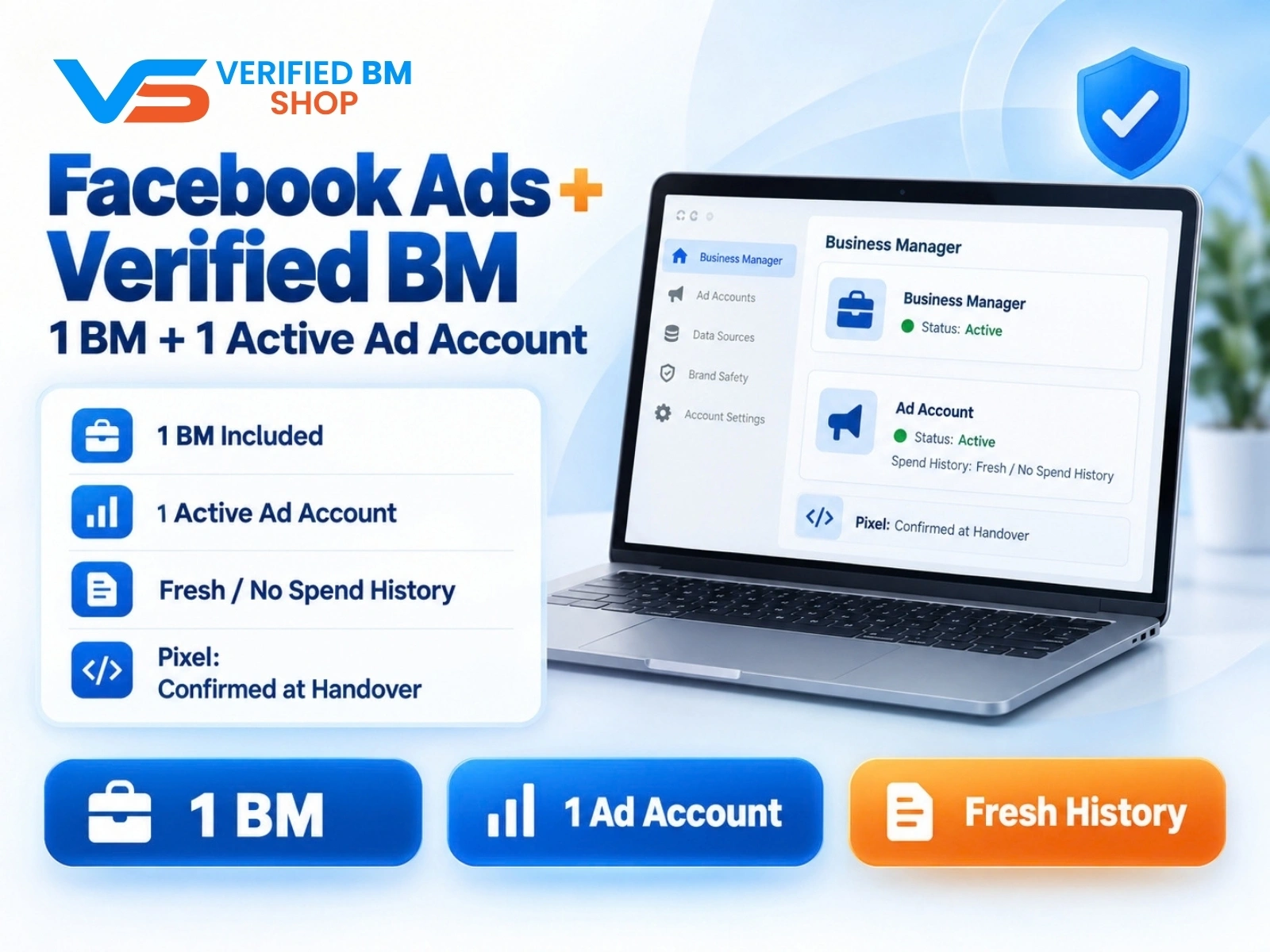
Facebook Ads Account + Verified BM Bundle
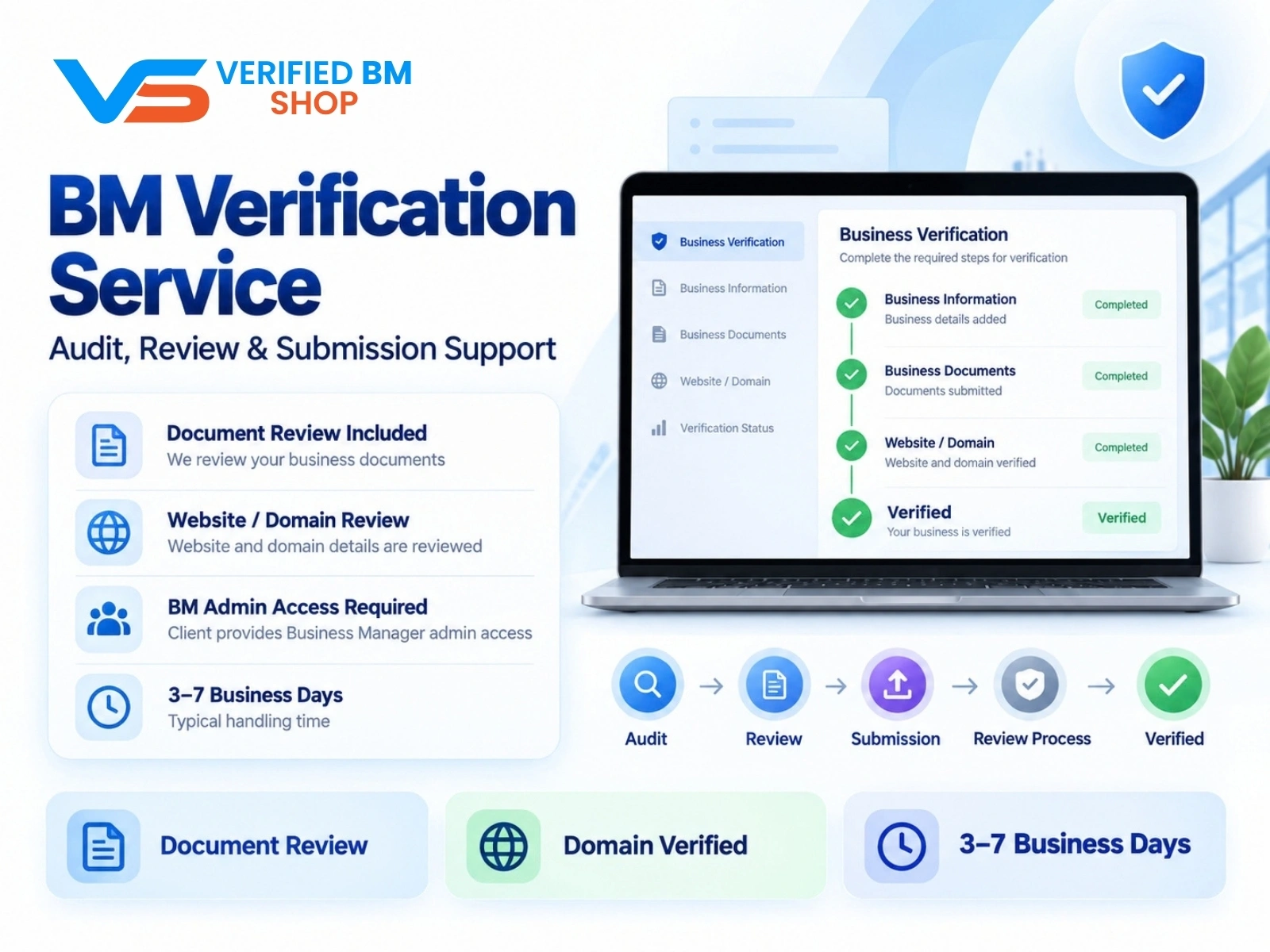
Meta BM Verification Service by VERIFIED BM SHOP
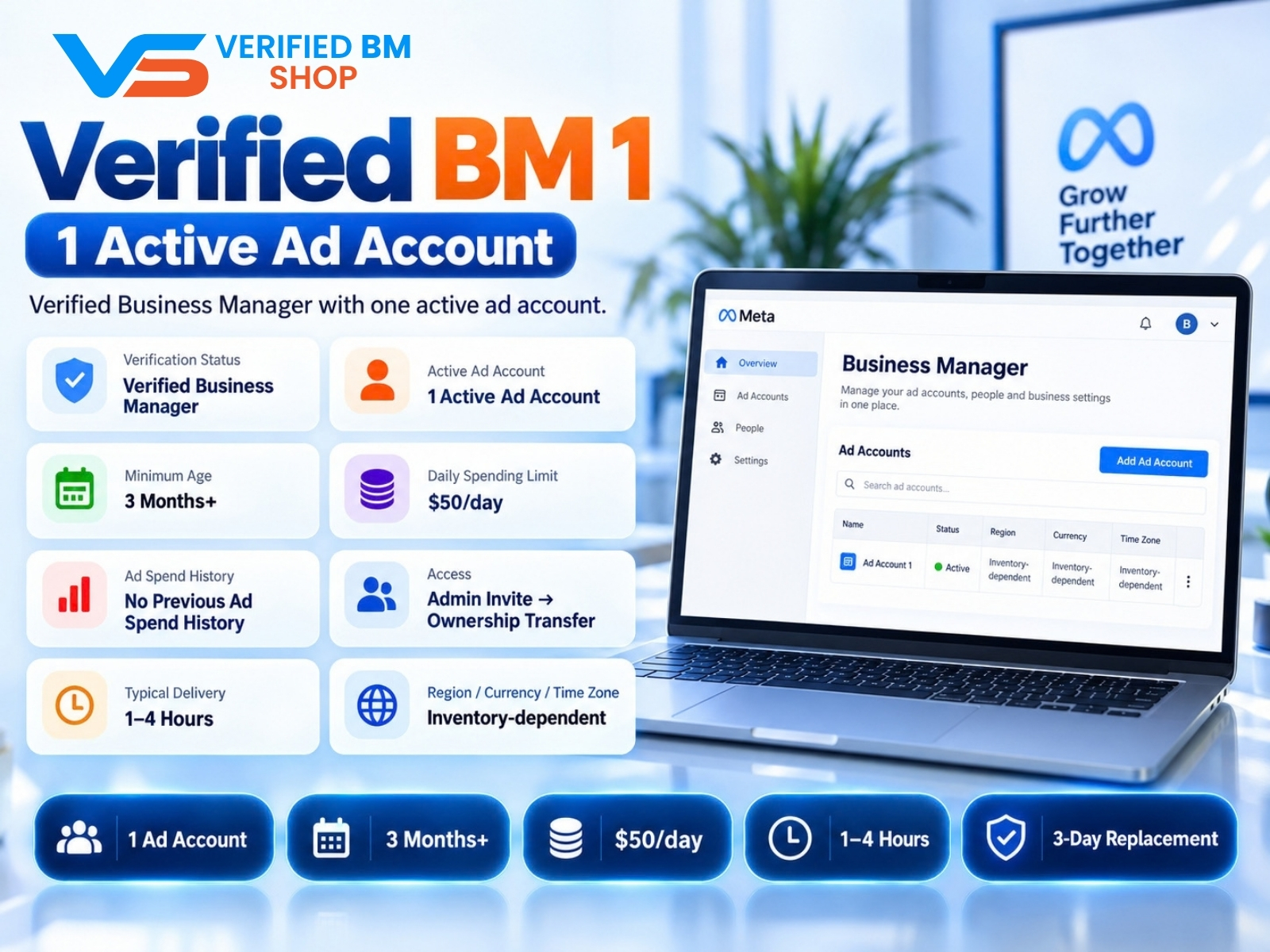
Verified BM 1 - Verified Meta Business Manager

Written by
Verified BM TeamThe VERIFIED BM SHOP editorial team shares real-world experience in buying and selling verified Business Managers, WhatsApp API accounts and advertising platforms.
Comments (0)
No comments yet. Be the first to share your thoughts!
Leave a Comment
Your email will not be published. All comments are moderated.