
Quick Summary
Understand how agency-managed Meta setups handle client assets, permissions, billing, security, and ownership before choosing an account structure.
“Corporate agency account” is a common term for an agency-managed business setup. Confirm the exact Meta product and interface in use. Such a setup may help an agency manage staff access, campaigns, billing, and partner links. It does not remove ownership, privacy, payment, or policy duties.
In practice, the term may mean an agency-owned Meta Business Account, Business Manager, business portfolio, ad account, or mix of these. Features depend on the setup, account history, eligibility, region, checks, and Meta’s current rules.
What Are Corporate Agency Accounts?
A corporate agency account is a work setup for a registered agency, media buyer, or marketing company. The agency may own some assets and get approved access to other assets that stay under the client’s control.
For example, an agency might manage its staff, ad account, and payment method. A client might keep its Page, pixel, catalog, domain, Instagram account, and customer data. The client can give the agency access for set tasks.
This setup gives the agency a place to manage work. It does not mean the agency owns every client asset in its workspace.
What the term can mean
An agency-owned Meta business setup for internal advertising.
A business setup with partner access to client assets.
An ad setup with separate billing, support, or ownership duties.
A group of ad accounts run by one agency team.
Ask the provider to define the setup in writing. A broad label can hide key differences in ownership, access, billing, recovery rights, and responsibility for policy or payment issues.
How Corporate Agency Accounts Fit Into Meta’s Business Structure
Meta generally separates user identities, business accounts or portfolios, ad accounts, and business assets. Still, confirm the labels and links in the current interface. Knowing these layers can help prevent access and ownership disputes.
Layer | Purpose | Typical example |
|---|---|---|
Person | Identifies an individual user | An employee or contractor |
Business account or portfolio | Organizes business assets, users, and access controls | An agency’s business workspace |
Ad account | Holds campaigns, ads, billing information, and spend history | A client campaign account |
Business asset | Supports advertising, publishing, commerce, or measurement | A Page, pixel, catalog, domain, or Instagram account |
Partner access | Allows another business to perform approved tasks | An agency managing a client’s ad account |
Meta’s official Business Manager documentation explains business management and asset access. Product names and menus can change. So, check the current settings in the right Meta interface before you onboard a client.
An agency may ask to access a client’s asset instead of moving it into the agency’s setup. This difference matters when a contract ends or the client changes suppliers.
Corporate Agency Accounts vs. Personal Ad Accounts and Verified Business Managers
An ad account linked to one person may offer less team control than a business setup. This depends on the roles and account settings. A business account or portfolio adds an organization layer. The ad account holds campaign and billing activity.
Meta may ask a business account to complete business verification for some products, features, or actions. Requirements vary by account, region, product, and current Meta rules.
Verification may help prove business details for features that need it. It does not promise approval, higher spending capacity, continued access, or freedom from enforcement.
Option | May suit | Main consideration |
|---|---|---|
Ad account associated with an individual | Limited direct advertising needs | Team administration and recovery may depend more heavily on the individual’s configuration |
Agency business setup | Teams serving several clients | Requires careful asset, user, partner, and billing controls |
Business account with completed verification | Businesses that meet a feature-specific verification requirement | Verification does not replace policy compliance |
Client-owned business setup | Long-term client control | The agency must request and maintain the access needed for its work |
Read this guide to compare verified and unverified Business Managers. The right setup depends on ownership, contracts, access needs, and the assets involved.
What Can an Agency Manage Through the Account?
Match access to the work. Giving every employee full control raises the possible impact of mistakes, stolen login details, or unwanted changes.
Ad accounts: Campaigns, ads, audiences, reports, and some billing tasks, based on the assigned permissions.
Pages and Instagram accounts: Publishing, moderation, and ad identity tasks when the needed access is available.
Pixels and Conversions API: Event collection and campaign measurement when set up and allowed correctly; measurement and attribution results are not guaranteed.
Catalogs: Product feeds and some catalog ads or commerce features, subject to Meta’s availability, eligibility, regional, and policy rules.
Domains: Domain ownership or setup steps for some advertising and measurement features; domain verification is not business verification.
Lead and customer data: Forms, audiences, and reports, subject to client approval, privacy duties, permissions, and applicable law.
Meta may set different permission levels for each asset. Review the roles and features shown for each asset in the current interface. Access to one asset does not always grant access to another.
For measurement work, agencies can also review this guide to sharing pixels between Business Managers without mixing up access and ownership.
Benefits of Using Corporate Agency Accounts
One operating model for several clients
A central agency workspace can support the same process for campaign builds, reports, approvals, and access checks. Named user accounts are better than shared passwords. They make each person’s access easier to review.
Cleaner client separation
Separate ad accounts, pixels, catalogs, and payment plans can make reports and access checks easier. They may also limit needless exposure between client teams when permissions are set well.
Better control of staff access
Authorized administrators may be able to remove users and review permissions. This depends on ownership, roles, security controls, and the current Meta interface. It is usually easier than asking a former employee to return a shared login.
More predictable campaign operations
Agencies can use the same naming rules, approval steps, reporting tools, and account checks. Even so, each client asset needs a clear owner.
Flexible client relationships
An agency can sometimes use partner access while the client keeps ownership. Whether this is available, useful, or easy to end depends on the asset, ownership, roles, and current Meta controls.
Limitations and Responsibilities to Understand
Corporate agency accounts do not create a separate policy system. Ads, landing pages, claims, data use, payments, and user actions must still follow Meta policies, contracts, and legal rules.
Account history and eligibility can affect features. Treat claims about set account counts, fixed spending limits, faster review, or special treatment as claims to check, not standard benefits.
Meta may limit, disable, or act on accounts, assets, or users under its current policy, enforcement, or security systems. Possible concerns include policy, payment, security, or identity issues. Review practical causes in this account restriction guide.
The agency may not own a client’s assets just because it can manage them.
A client that controls the business or asset may be able to remove the agency’s partner access, subject to the account setup and contract terms.
The parties should record who handles charges, taxes, disputes, and failed payments. The result depends on the billing plan, contract, location, and Meta terms.
Verification does not excuse false claims, poor landing pages, or banned ad content.
Shared login details can weaken security and make recovery harder.
Ownership, Permissions, Billing, and Client Access
Ownership
Write down who owns each asset before work starts. List the business account or portfolio, ad account, Page, pixel, catalog, domain, Instagram account, and payment method.
If the agency creates an asset for a client, the contract should say who will control it and how the handoff will work. Transfers may need asset-specific eligibility, security checks, and current Meta controls. Confirm the process before promising a transfer.
Permissions
Give each person the lowest permission level that lets them do the task. Keep full control with named senior administrators who work for the business responsible for the assets.
Partner access may make some setups easier to run. Availability and removal controls depend on the asset, ownership, roles, and current Meta interface. Record who can grant, review, and remove access.
Billing
Confirm who adds the payment method and who pays Meta. It may be the client, the agency, or a separate billing entity. This depends on the deal and the account features available.
Set rules for spend approval, refunds, chargebacks, taxes, currency, invoice delivery, and failed payments. For larger portfolios, use a written process such as the one in this multi-account billing guide.
Corporate Agency Account Due-Diligence Checklist
Before you use or buy an account setup, ask for proof. Do not rely only on screenshots or sales claims.
Define the account: Is it a business account, ad account, partner setup, or package with several assets?
Confirm ownership: Who is the legal business owner, main administrator, and recovery contact?
Review verification: What business details and documents support the setup? Which feature or action needs verification?
Check asset status: Are the ad accounts active, restricted, ready for payment, and fit for the intended region and currency?
Test permissions: Can you add your own administrators, use partner access, and remove staff without outside approval?
Clarify billing: Who pays, who sees invoices, and who handles payment disputes?
Inspect transfer terms: Can ownership or control change later? What security checks or asset limits may apply?
Read support terms: Check response times, replacement terms, exclusions, and what happens after a policy or security action.
Check policy fit: Confirm that your industry, offers, landing pages, and data practices meet Meta rules.
Plan exit access: Decide how client assets, reports, audiences, and tracking data will stay or move at the end of the engagement.
If you are comparing setups, review the Verified BM category and ask about ownership before requesting a quote. Price alone does not show whether an account fits your work model.
Security Best Practices for Agency Accounts
Use named user accounts instead of shared Facebook logins. Require two-factor authentication for administrators where available. Keep recovery codes in a controlled company vault.
Limit full control to a small group. Review users, partners, and asset roles at least once a month and after each staff change. This depends on the controls in the current interface.
Keep two trusted administrators with current contact details where the setup permits this.
Remove former staff and old contractors on their last working day when an authorized administrator can do so.
Use partner access for clients and suppliers when it fits the task and the asset supports it.
Record changes to payment methods, administrators, domains, and asset ownership.
Store contracts, invoices, verification records, and recovery details in a safe place.
Test an account recovery plan before an urgent access problem occurs.
See the practical guidance on two-factor authentication for agency Business Managers. Make security checks part of staff onboarding.
Common Risks and Warning Signs
Shared credentials
A provider that asks many people to use one login creates unclear responsibility. You may also lose access when that person changes the password or leaves.
Unclear ownership
Be careful when the seller cannot name the legal business, main administrator, asset owner, or recovery path. A screenshot does not prove lasting control.
Restricted or recycled assets
Ask about past use, current restrictions, payment history, and the intended industry. An old account is not always right for a new business.
Billing disputes
Disputes can start when the agency controls the payment method but the client controls campaign approval. Put spend limits, approval steps, and dispute handling in writing.
Policy violations
Moving work to another account does not make banned activity allowed. Each party should follow Meta policies and record who handles ads, landing pages, payments, and data.
When Should an Agency Use Its Own Account vs. a Client-Owned Business Manager?
Use an agency-owned setup for agency work, internal campaigns, and assets the agency truly owns. A client-owned setup may fit better when the client needs long-term control of its brand, data, billing, and ad history.
A common setup makes the client the asset owner and the agency an approved partner. The agency runs campaigns through assigned permissions. The client keeps the review and access-removal controls its setup provides.
Situation | Practical structure |
|---|---|
Short campaign for a small client | Client-owned assets with agency partner access, where supported |
Long-term enterprise relationship | Client ownership, documented roles, and joint access reviews |
Agency’s own lead generation | Agency-owned business setup and ad account |
Several brands under one parent company | Parent-controlled structure with clear brand-level permissions |
How to Onboard and Offboard Clients Safely
Onboarding
Sign a contract that sets ownership, billing, approval, data use, and exit terms.
Record every asset ID, owner, administrator, payment method, and access role.
Ask the client to grant only the permissions needed for the agreed work.
Test campaign creation, reporting, tracking, and billing visibility before launch.
Set a review date for permissions and spend controls.
Offboarding
Pause active work, export agreed reports, settle invoices, and confirm where campaigns and data will go. Then confirm the contract handoff and keep any needed billing, reporting, and recovery access. After that, remove agency users and partner permissions that the authorized owner can remove.
Do not delete client assets during normal offboarding. If ownership must change, record the request and follow Meta’s current transfer rules.
Final Takeaway: Choose Clear Ownership and Compliant Access
Corporate agency accounts can help coordinate ad work for many clients. The setup works only when ownership, permissions, billing, recovery, and policy duties are clear.
Choose a setup based on the assets, clients, and control each party should keep. Check the setup, use named administrators, follow applicable policies, and treat claims about limits or approval as facts to verify, not promised benefits.
Need help assessing your structure? Contact VERIFIED BM SHOP before selecting an account. You can also review the available Verified BM options with ownership and security needs in mind.
Frequently Asked Questions
Quick answers to the questions buyers ask most.
What is a corporate agency account in Meta?
How can an agency manage a client's Meta ad account without taking ownership of it?
Does a corporate agency account need Meta business verification?
What access and security controls should an agency use for a Meta business account?
How this helps verified BM buyers
Apply this guidance when buying verified Business Managers or WhatsApp Business API assets to reduce policy risk, improve account stability, and scale campaigns with cleaner operational workflows.
Next steps: compare products in the Shop, review implementation details in FAQ, and contact support from the Contact page.
Recommended for You
Hand-picked from our shop — delivered fast after payment.
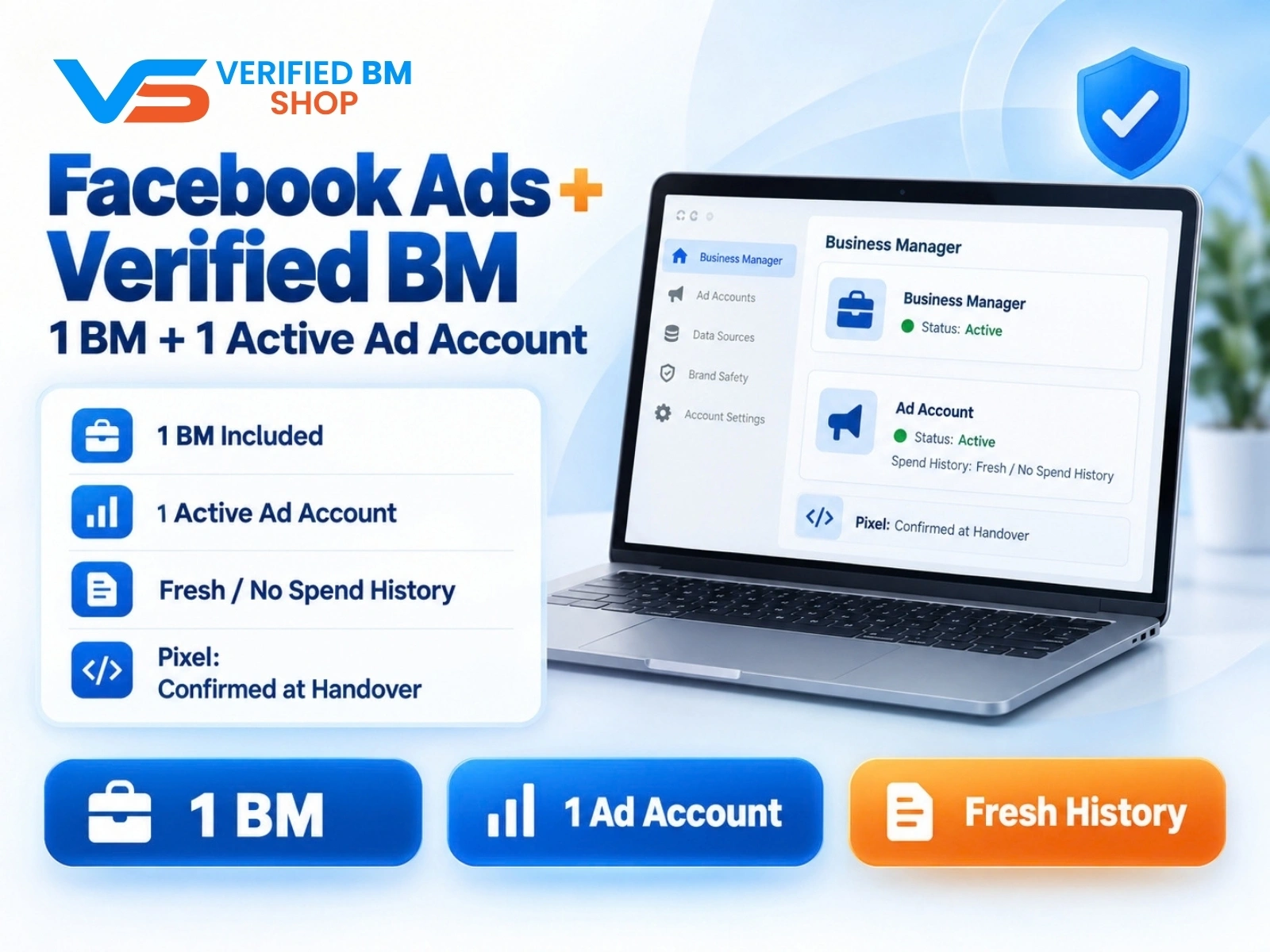
Facebook Ads Account + Verified BM Bundle
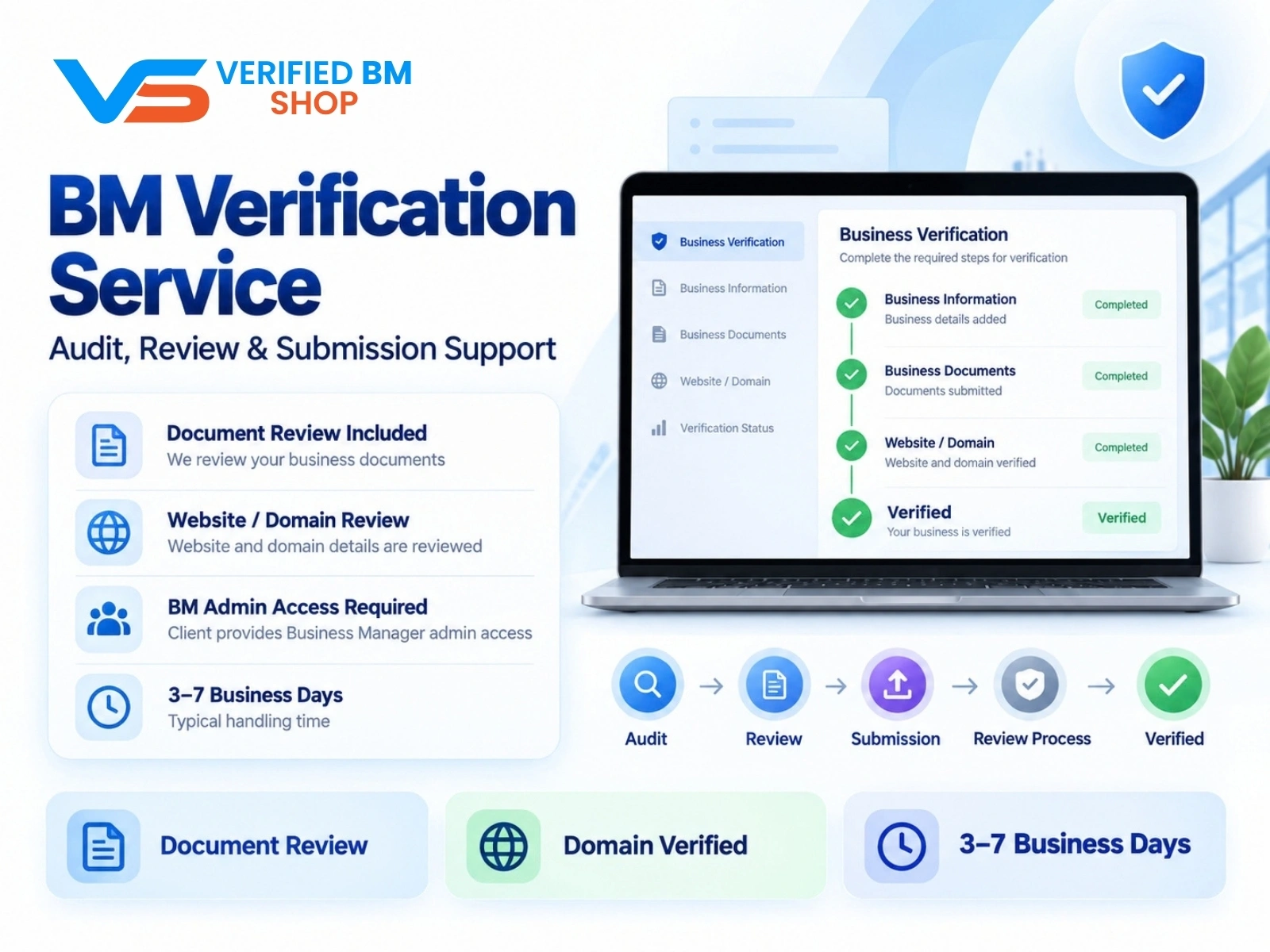
Meta BM Verification Service by VERIFIED BM SHOP
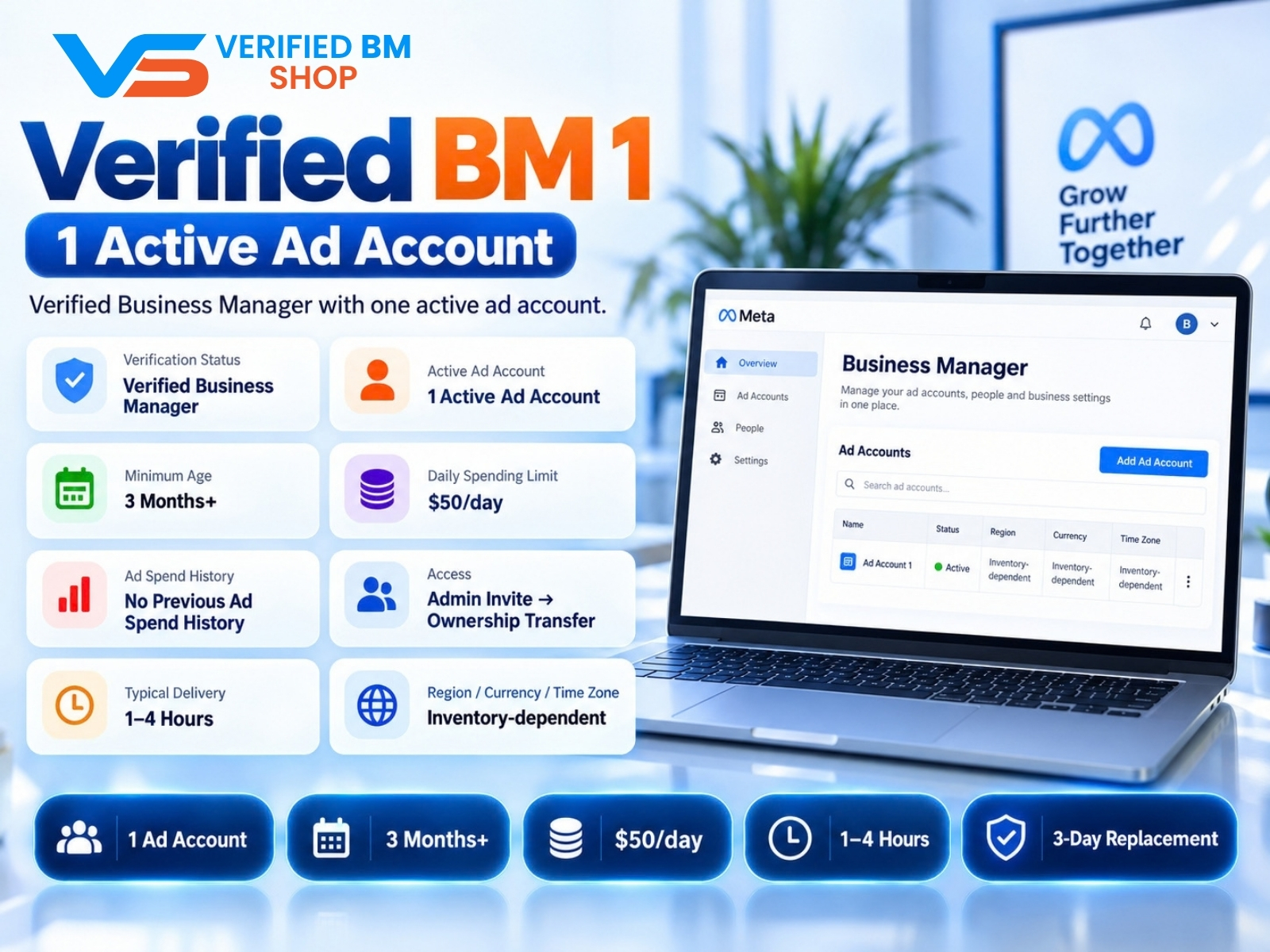
Verified BM 1 - Verified Meta Business Manager

Written by
Verified BM TeamThe VERIFIED BM SHOP editorial team shares real-world experience in buying and selling verified Business Managers, WhatsApp API accounts and advertising platforms.
Comments (0)
No comments yet. Be the first to share your thoughts!
Leave a Comment
Your email will not be published. All comments are moderated.