
Quick Summary
Learn how Spark Ads use existing TikTok posts, what authorization and compliance checks may apply, and how to test and scale campaigns responsibly.
Spark Ads use an existing TikTok post as the ad creative, not a separate ad-only asset. The post may come from a brand account or, where supported, a creator account with the needed permission.
TikTok features can vary by format, market, account, and product update. Before launch, check current TikTok documents and Ads Manager for identity, links, engagement, and reporting details.
This guide explains how the format works, what access you may need, how to build a campaign, and which checks to make before raising spend.
What Are Spark Ads?
With Spark Ads, an existing organic TikTok post becomes part of an ad campaign. Its look and features depend on TikTok’s current setup, placement, account, and market.
A brand may promote one of its own posts. For a creator post, the creator may need to give the advertiser permission through TikTok’s current approval process.
This format can help when an organic video has a clear message, strong audience response, or a creator style that fits the campaign. Paid reach will not fix weak retention, unclear claims, or a poor landing page.
How Spark Ads Work
First, the advertiser picks an eligible post in TikTok Ads Manager. For creator posts, follow the approval method TikTok shows. That method may use a code or an in-product connection.
TikTok may review the ad and related account, creative, destination, and campaign parts under its current ad rules. If the campaign is approved, delivery depends on the settings, eligibility, and account status.
Not every Spark Ad supports the same profile links, actions, placements, or reports. Check your account before planning around a feature that may not exist in every market.
Brand posts and creator posts
Brand post: An existing post from the advertiser’s TikTok account. The account must meet the current eligibility rules and workflow.
Creator post: An existing creator post. The creator may need to give permission through TikTok’s current approval process.
Authorization: The permission or account link needed to use a post in the campaign. Its scope, length, and steps can vary.
Spark Ads vs Standard TikTok Ads
Feature | Spark Ads | Standard or non-Spark ads |
|---|---|---|
Source | Generally an existing TikTok post | Generally a separate ad asset uploaded or created in Ads Manager |
Identity | Uses the identity associated with the connected post, subject to the current product setup | Uses the ad identity selected in the campaign |
Social proof | May use or affect engagement associated with the connected post; verify the current visibility and reporting behavior | Usually uses an ad-only asset rather than an organic post |
Creator involvement | May require creator authorization for a creator-owned post | May use brand-owned creative without creator authorization |
Best fit | Creator content, demonstrations, testimonials, and native brand posts | Ad-only tests, tightly controlled edits, and campaigns that do not use a public post |
A non-Spark ad gives you more control over the ad-only asset. In contrast, Spark Ads use an existing TikTok post, so the in-feed view may differ from an ad-only creative.
Why Brands and Agencies Use Spark Ads
Organic content can give an early creative signal. Watch time, comments, product questions, and other audience responses may point to posts worth testing. Even so, organic results do not ensure paid results.
Creator content can offer a known voice and an established audience setting. The advertiser must still check commercial rights, claims, disclosures, and campaign eligibility.
Test creator reviews, demonstrations, and unboxing videos.
Promote brand posts that answer customer questions.
Build paid reach around product launches or seasonal content.
Create a repeatable process for promoting approved client posts.
Compare organic signals with paid traffic and conversion data.
Choose content that can stand on its own. A post with weak retention or unclear product claims may spend more without fixing the core creative issue.
What You Need Before Creating a Spark Ad
You generally need a suitable TikTok advertiser account, an accepted billing setup, an eligible campaign setup, and a post that meets TikTok’s advertising and community rules.
Advertiser and account checks
An active TikTok Ads Manager account in a supported market.
Permission to create campaigns and use the selected TikTok identity.
A valid billing setup with no unresolved account or payment issue.
A landing page, app, shop, or other approved destination for the selected objective.
Accurate business and contact details where TikTok requests them.
A Spark Ad does not need a verified Meta Business Manager. Meta verification and TikTok advertiser status are separate systems, so one does not verify the other.
Agencies should check that the client controls the relevant TikTok account and post and holds the needed rights to the music, footage, logos, and claims. Keep creator and client permissions in writing.
Post eligibility
The post must stay available and meet the rules shown in TikTok’s current workflow. A creator or account owner may limit permission by account, campaign, duration, or another available setting.
Music, logos, claims, before-and-after images, health statements, financial offers, and regulated products may receive extra review. TikTok may also assess the caption, profile, comments, destination, and landing page during ad review.
How to Get Creator Authorization for a Spark Ad
For a creator-owned post, get the creator’s needed approval before using it in a Spark Ad. Brand-owned posts may use a different process.
Button names and approval methods can change. Follow the creator and advertiser screens TikTok provides now, rather than old instructions.
Agree on the post, ad account, campaign purpose, usage period, compensation, and commercial rights.
Ask the creator to open the post’s ad or creator-tool settings, if that option is available.
Have the creator approve the allowed duration or scope shown in the current interface.
Use TikTok’s approval method. It may include a code or an in-product connection.
Connect the post in Ads Manager and check that the right post and identity appear.
Save the approval record, account, post, agreed rights, and any code or expiry details shown.
The approval period and expiry details may depend on TikTok’s current process. Check the terms in the creator and advertiser interfaces before launch.
An authorization or post-status change may affect an active Spark Ad. Before relying on continued delivery, check the campaign and approval status in TikTok.
How to Create a Spark Ad in TikTok Ads Manager
Use the current Ads Manager interface and TikTok’s documents as your source. A typical setup may follow these steps:
Create a campaign: Pick an objective that TikTok currently offers for Spark Ads in the relevant account and market.
Set campaign controls: Add a clear name, budget type, and any campaign-level spending limits shown in the interface.
Build the ad group: Set the location, audience, placements, schedule, budget, optimization, and bidding options available to the campaign.
Select Spark Ads: Choose the Spark Ads option if it is available for the selected campaign and ad group.
Choose the post: Select an eligible post from the connected brand account, or use TikTok’s creator approval workflow.
Set the destination: Add the approved landing page, app store link, lead form, shop destination, or other supported destination.
Preview and submit: Check the identity, caption, call to action, tracking, comments, and destination before sending the ad for review.
Availability can change, so confirm the objectives, placements, optimization events, and bidding options in the relevant Ads Manager account. Some campaign types may support Spark Ads while others may not.
Use a naming system that records the account, creator, post date, objective, audience, and test version. This helps teams review results across advertisers.
Spark Ads Creative, Music, and Compliance Requirements
Paid promotion does not remove responsibility for the post. Review the video, caption, comments, profile, offer, and landing page as one customer experience.
Use music and footage with commercial rights for the intended market.
Disclose paid creator relationships when TikTok rules or local law requires disclosure.
Match product claims to evidence and to the landing page.
Avoid misleading discounts, false urgency, hidden conditions, and unapproved testimonials.
Check requirements for health, finance, gambling, alcohol, supplements, housing, employment, and other restricted areas.
Make sure the call to action matches the page users reach after clicking.
A creator’s permission to use a video does not replace copyright clearance. It also does not ensure ad approval.
Budgeting, Targeting, and Optimization Considerations
Begin with a test plan that gives each creative and audience enough time to produce useful data. Do not change the bid, budget, audience, and post at once. Otherwise, you will not know which change affected the result.
Choose targeting based on the campaign goal. Broad targeting may suit campaigns with reliable conversion signals. Interest or retargeting groups can help when the product has a clear niche or warm audience.
Set an event that matches the business result. For example, optimize for a purchase only when the account has reliable purchase data and the site records that event correctly.
Use the budget and bid controls available for the selected campaign. TikTok’s optimization events and bidding options may vary by objective, market, account, and product update.
How Spark Ads Handle Organic Engagement and Attribution
Spark Ads can use an existing organic post, and some engagement may stay linked to that post. Check the current visibility and reporting behavior for your account and market. Do not assume that every like, comment, share, or follow works the same way.
Public post engagement does not necessarily equal paid conversions. Compare the metrics and attribution views in TikTok Ads Manager with site analytics, app events, and sales records.
Add consistent UTMs where the destination and platform support them. Compare ad clicks with landing-page sessions and completed actions. Account for differences in attribution windows and reporting definitions.
Common Spark Ads Problems and How to Troubleshoot Them
The post does not appear
Check that the post remains available and eligible, belongs to the connected account, and uses the right identity and market. Also review the campaign type, since post eligibility can depend on the current workflow.
The authorization method fails
Ask the creator to check the approval status, selected post, scope, and expiry details shown in the current interface. Use TikTok’s current approval workflow instead of assuming an old code or connection remains valid.
The ad is rejected
Read the rejection reason before changing settings. Review the claim, music, landing page, product category, disclosure, destination, and account permissions. Then edit or appeal through the TikTok process available in your account.
The ad stops after launch
Check billing, account status, post availability, approval status, and policy notices. A change to or deletion of the source post may require campaign review. After any change, check TikTok’s current guidance and the campaign status.
The results look weak
Compare the hook, retention, click-through rate, conversion rate, audience, and landing page. If viewers leave early, test a stronger opening or another post before raising spend.
How Business and Agency Account Infrastructure Supports Scaling
Scaling across clients calls for clear access control and records. Agencies should keep each advertiser’s TikTok account, ad account, billing profile, pixels or datasets, creator permissions, and reporting access separate where the account structure allows it.
A suitable agency setup may help teams manage several advertisers, assign roles, record approvals, and reduce accidental access changes. It does not remove TikTok review rules or ensure delivery.
Review the agency account options that the business actually offers. Describe verification, account management, or support features only when they are documented and available for the relevant account.
Give staff the lowest role needed for their work.
Use named users instead of shared logins.
Turn on two-factor authentication for every administrator.
Keep creator approvals and brand permissions in a shared record.
Separate client billing and review spend by account where possible.
Remove access when a team member or partner leaves.
For a practical account check, review current guidance on setting up two-factor authentication for agency accounts. For account-access questions, use the contact page.
Spark Ads Metrics to Monitor
Hook and video retention: Shows whether viewers stay through the opening.
Click-through rate: Indicates how often the creative earns a click.
Cost per click or result: Helps compare audiences and posts.
Conversion rate: Links ad traffic with the desired site or app action.
Return on ad spend: Useful when revenue data is reliable and the attribution method is clear.
Comments and sentiment: Reveal questions, objections, and brand risk.
Frequency: Helps spot fatigue in smaller audiences.
Refresh a Spark Ad when retention falls, comments become harmful, frequency rises, or the offer changes. Pause or review it when tracking breaks, approval status changes, the destination fails, or the cost no longer fits the target.
When Should You Use Spark Ads?
Consider Spark Ads when an existing post has a clear opening, clear product context, and permission for commercial use. They can suit creator partnerships, demonstrations, customer stories, and native brand content when those posts meet current eligibility rules.
Choose a standard TikTok ad when you need an ad-only test, another identity, tighter edit control, or content that should not connect to a public profile.
Some campaigns may benefit from testing both formats. Compare retention, clicks, conversions, comments, and total cost instead of judging the format by visible engagement alone.
Final Checklist Before Launching a Spark Ad
Confirm that the advertiser account and billing setup are active.
Check that the post belongs to the correct brand or creator account.
Record the creator permission, approval method, scope, and any expiry details shown.
Confirm music, footage, claims, disclosures, and product eligibility.
Test the landing page, tracking events, UTMs, and call to action.
Choose an objective, placement, audience, bid, and budget currently available to the account.
Assign account access by role and protect administrator accounts with two-factor authentication.
Set a review date for performance, comments, approval status, and creative fatigue.
Review the current account setup before scaling Spark Ads. Accurate tracking, recorded permissions, compliant creative, and controlled access support better decisions as spend grows.
Frequently Asked Questions
Quick answers to the questions buyers ask most.
What are Spark Ads on TikTok?
How do Spark Ads differ from regular TikTok ads?
Can I use a creator’s TikTok video as a Spark Ad?
Do Spark Ads keep the original likes and comments?
Can Spark Ads drive traffic to a website or app?
What happens if the original TikTok post is edited or deleted?
How do I create a Spark Ad in TikTok Ads Manager?
How this helps verified BM buyers
Apply this guidance when buying verified Business Managers or WhatsApp Business API assets to reduce policy risk, improve account stability, and scale campaigns with cleaner operational workflows.
Next steps: compare products in the Shop, review implementation details in FAQ, and contact support from the Contact page.
Recommended for You
Hand-picked from our shop — delivered fast after payment.
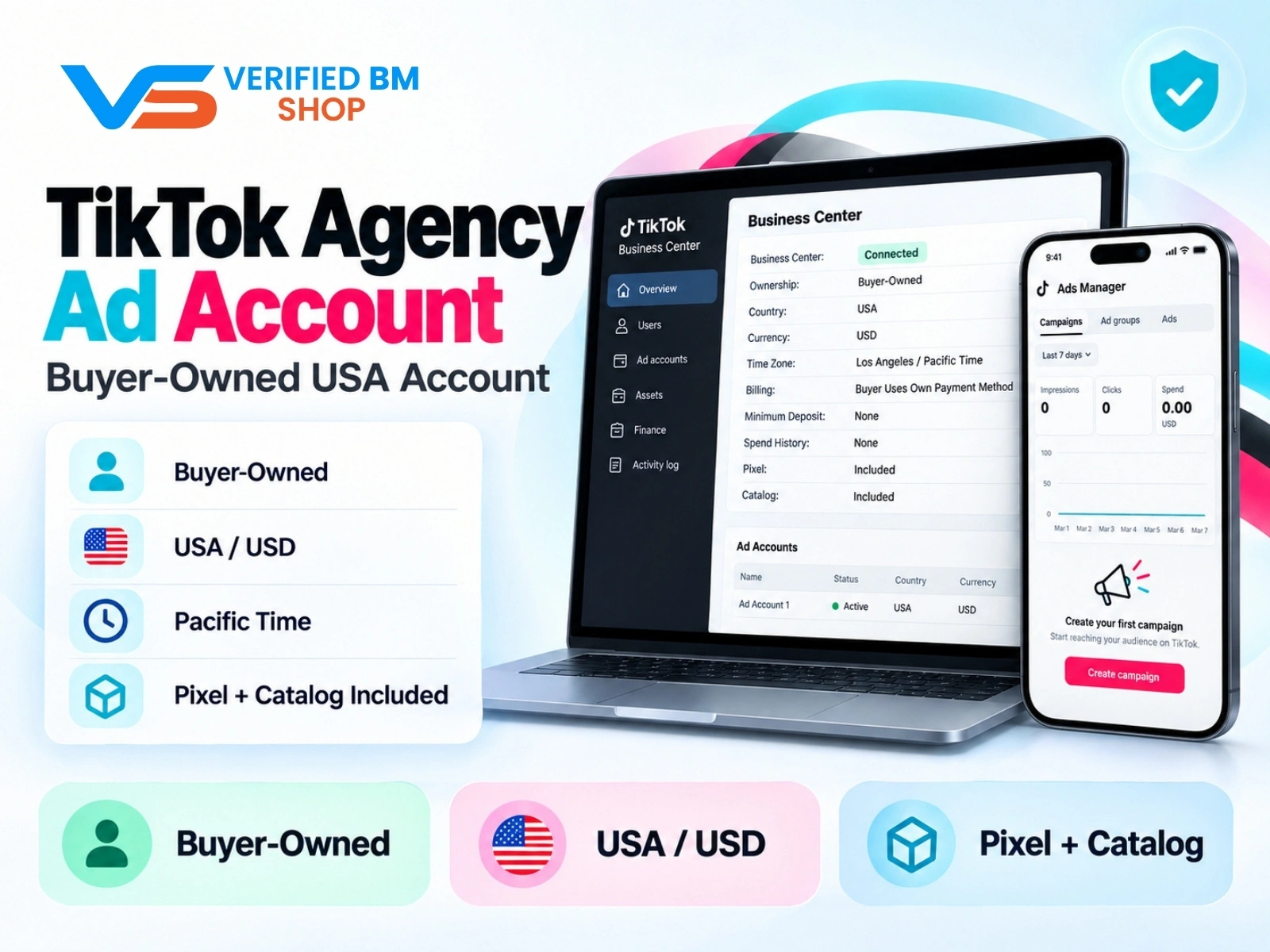
TikTok Agency Ad Account – Verified US Business Center
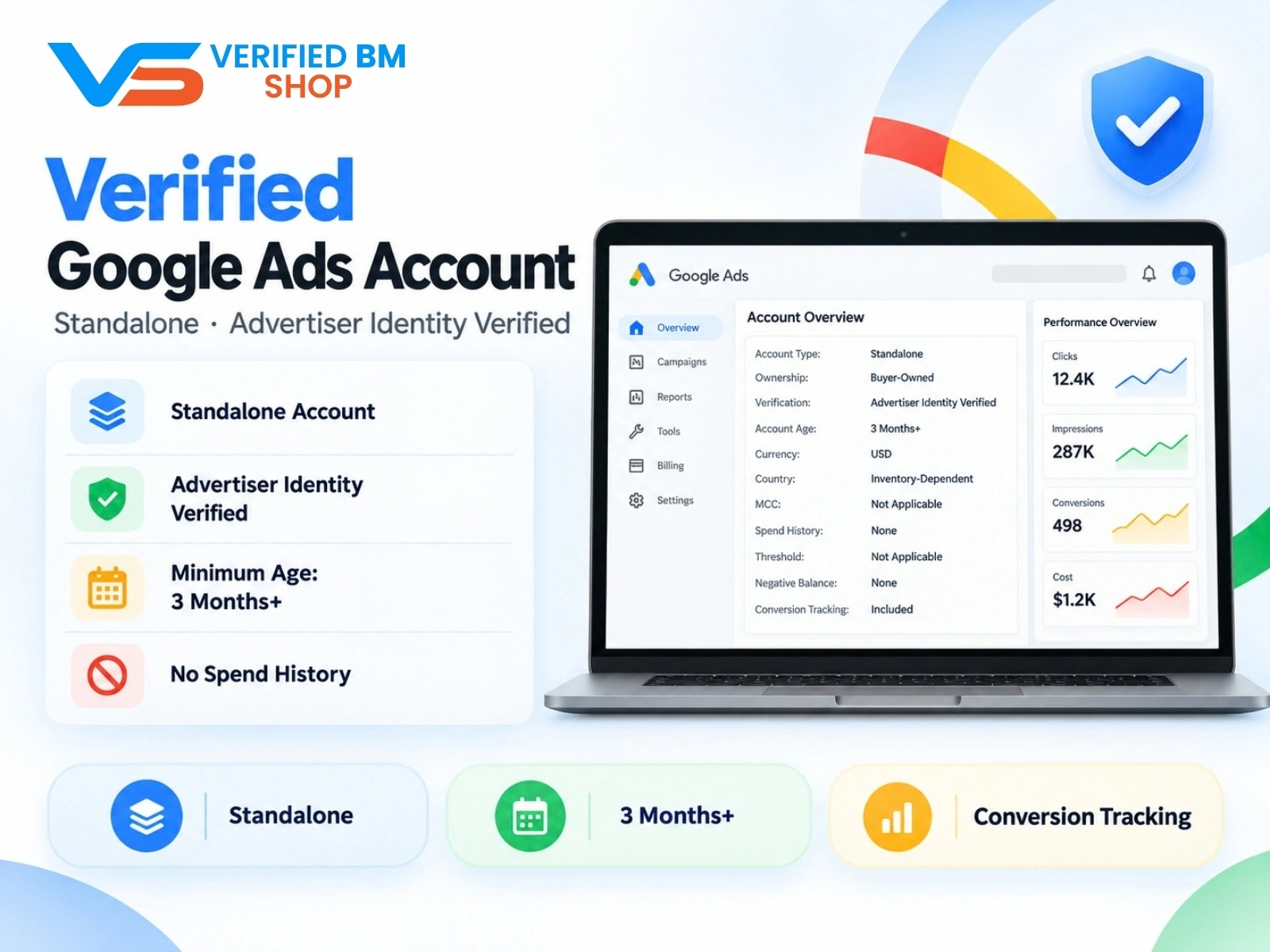
Google Verified Ads Account - Standalone, Advertiser Identity Verified
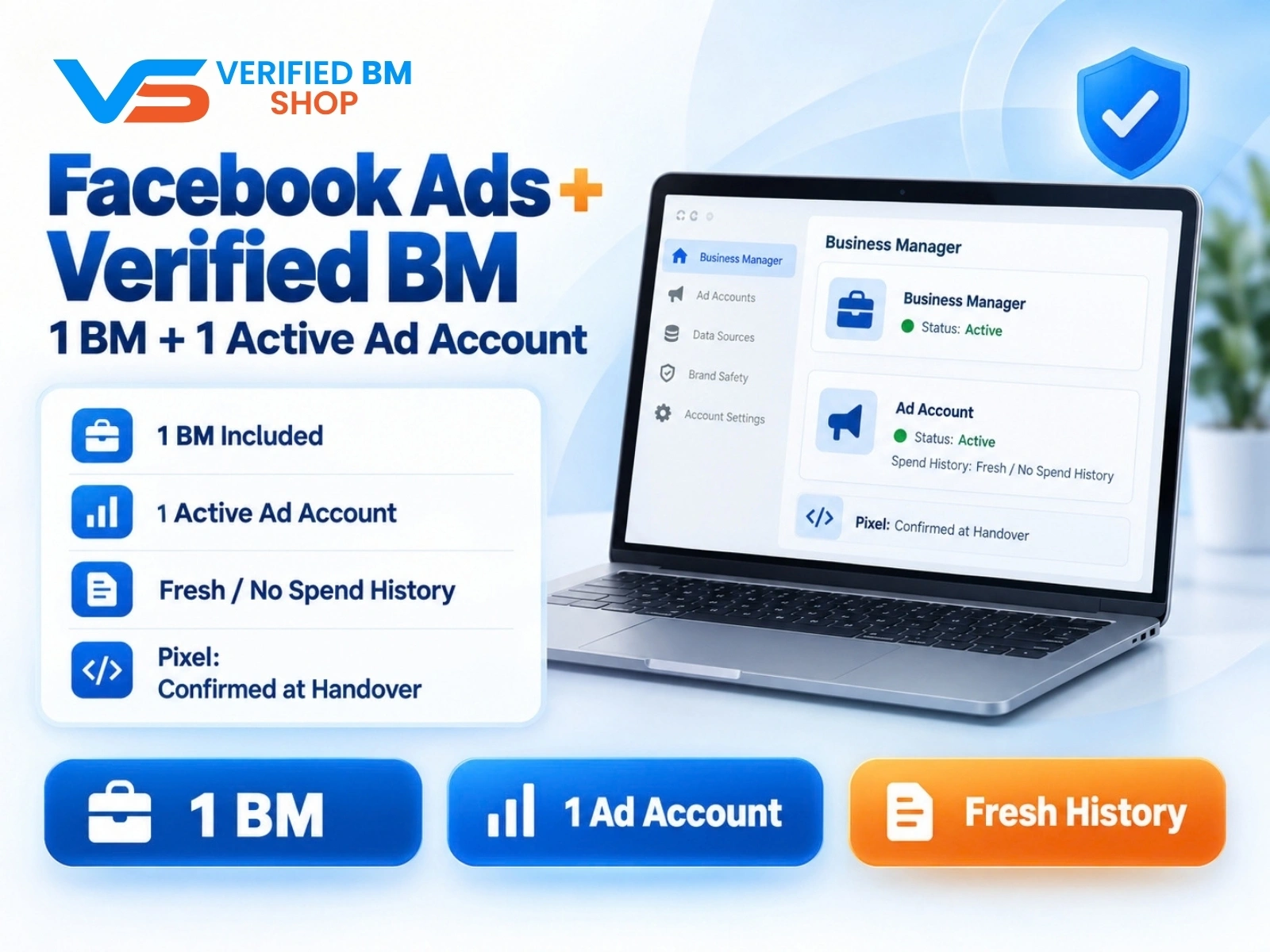
Facebook Ads Account + Verified BM Bundle
Written by
Verified BM TeamThe VERIFIED BM SHOP editorial team shares real-world experience in buying and selling verified Business Managers, WhatsApp API accounts and advertising platforms.
Comments (0)
No comments yet. Be the first to share your thoughts!
Leave a Comment
Your email will not be published. All comments are moderated.