
Quick Summary
Learn how to reduce avoidable compliance problems across Meta ads, business information, billing, security, connected assets, and customer journeys.
Ad account compliance means operating your Meta business and advertising activity according to the applicable platform policies, account requirements, billing terms, and legal obligations. Business verification may support a specific Meta process, but it does not replace policy compliance or guarantee ad approval.
Advertisers, agencies, and business owners should treat compliance as an ongoing process. Inaccurate business information, unclear offers, billing problems, unsafe access, or misleading claims can require remediation and may affect campaign operations.
What Is Meta Ad Account Compliance?
Meta may evaluate an ad account and related business activity under its applicable policies. The specific signals used in enforcement, and the weight given to each one, are not fully disclosed.
In practice, compliance has two connected parts. Your business and account setup should be accurate and secure, while your campaigns should follow Meta’s Advertising Standards and any rules that apply to the product, market, industry, or special ad category.
Rules and requirements can change. Review Meta’s current advertising guidance before launching a new offer or entering a regulated market.
Why Compliance Matters Even With a Verified Business Manager
Meta’s business-verification process may ask a business to provide information or documents for review. The scope and outcome depend on the applicable Meta process.
Some Meta features or processes may request additional business or identity information. Check the current requirements shown in the relevant Meta product or support flow.
Verification does not approve every ad, remove policy duties, or determine future account treatment. A verified business may still need to address a policy issue, billing problem, security incident, or inaccurate claim.
Some businesses may be able to advertise without completing business verification, subject to the requirements and restrictions shown in their Meta account. Keep your legal name, website, contact details, and business records accurate and consistent.
The Main Areas to Review for Compliance
| Area | What to check | Common risk |
|---|---|---|
| Business identity | Legal details, contact information, and ownership records | Inaccurate or inconsistent information |
| Advertising content | Claims, targeting, creative, and offer terms | Prohibited, restricted, or unsupported content |
| Website experience | Landing page, pricing, privacy information, and functionality | Broken, unclear, or misleading pages |
| Payments | Payment authorization, billing records, and disputes | Failed or unresolved transactions |
| Security | Admins, roles, logins, and two-factor authentication | Compromised or unauthorized access |
| Connected assets | Pages, domains, pixels, catalogs, apps, and messaging tools | Unclear ownership or inaccurate connections |
1. Business Identity and Account Information
Use current business details in Business Manager, the ad account, billing profile, Page, website, and any verification records. A public trading name may differ from a legal name, but the relationship should be explainable and supported by accurate records.
Keep these details aligned:
- Legal business name and registration details, where applicable.
- Business address, phone number, email address, and website.
- Ad account time zone, currency, and billing information.
- Page ownership, domain ownership, and named business administrators.
- Advertiser identity and disclosures required for the relevant market.
Do not use borrowed documents, false names, or information copied from another company. If Meta requests records, provide documents that accurately relate to the business and account under review.
2. Ads, Offers, and Creative Claims
Meta’s Advertising Standards and product-specific policies prohibit some offers and impose additional requirements on others. Review the current policy for the relevant product, market, and campaign type.
Potentially sensitive areas can include illegal products, unsafe goods, adult content, deceptive financial offers, unsupported health claims, counterfeit goods, discriminatory content, and regulated services. The applicable requirements depend on the offer and circumstances.
For compliance purposes, review the ad, destination, lead form, and customer journey together, because issues anywhere in that experience may create policy or consumer-protection risk.
- Text, images, video, audio, overlays, and calls to action.
- Claims about results, income, health, appearance, speed, or savings.
- Targeting choices and how the intended audience may interpret the message.
- Lead-form questions, disclosures, eligibility rules, prices, and key conditions.
- The information and experience provided after a person clicks or submits a form.
Avoid wording that suggests you know a person’s health, finances, age, or another sensitive characteristic. Use factual language and ensure that important claims are supported by evidence and reflected accurately on the destination page.
Housing, employment, credit, politics, and social-issue campaigns may have additional requirements. Select the applicable special category or campaign setting when required, and check the current rules before publishing.
3. Landing Pages and Customer Experience
Meta policies may apply to both an ad and the destination or customer experience it promotes. Check the current requirements for the relevant campaign and destination.
Before launch, confirm that the page loads, works on mobile, matches the offer, and makes the next step clear. Check that it includes:
- A clear description of the product or service.
- Accurate pricing, fees, conditions, and delivery details.
- Contact information and a working support route.
- Privacy information explaining relevant data collection and use.
- Required consent language for forms, calls, email, or messaging.
- Terms, refund information, and legal disclosures where applicable.
Do not send users through unrelated redirects or hide important terms after the click. Lead forms should request only information the business needs and should explain how that information will be used.
4. Payment Methods and Billing Activity
Use a payment method that your business owns or is authorized to use, and keep billing information accurate. Billing problems can require resolution and may affect an account’s ability to run campaigns; check the billing notice and current Meta payment terms for the applicable consequences.
Failed payments, chargebacks, disputed charges, or unresolved billing notices should be investigated promptly. Keep budget changes documented and operationally manageable, and do not assume that a particular spending pattern will trigger or avoid review because Meta does not publicly disclose all enforcement criteria.
Set a clear billing process for your team. Track invoices, card expiry dates, account currency, spend limits, and who can change payment settings; the guide on managing billing cycles across multiple ad accounts covers a structured approach.
5. User Access, Security, and Administrator Controls
Give each person an individual profile and the lowest role needed for the work. Remove former staff, unknown partners, and unused apps when access is no longer justified.
Use two-factor authentication for administrators and anyone with access to ad accounts or business assets where the applicable Meta settings support it. Keep recovery details current, review login alerts, and never share passwords or administrator profiles.
Security incidents can create inaccurate campaigns, unauthorized payment changes, or asset changes before the business notices. Review the two-factor authentication guidance for agency Business Managers to strengthen access controls.
6. Connected Pages, Domains, Pixels, Catalogs, and Other Assets
Asset relationships should reflect real business ownership or a documented client relationship. Record who controls each Page, domain, pixel, catalog, app, and messaging asset.
Use Meta’s current domain and measurement requirements where they apply, and obtain any disclosures or consent required by applicable law. Pixel and Conversions API events should describe real actions and should not be configured to inflate results or mislead users.
Catalogs should contain accurate products, prices, availability, descriptions, and destination links. Remove discontinued items and review product claims against the applicable advertising and commerce requirements.
For technical setup, the Meta Pixel and Conversions API guide covers common tracking checks. WhatsApp Business Platform activity may be subject to product-specific terms and policies in addition to rules that apply to related Meta advertising activity.
7. Campaign Behavior and Account Activity
Maintain accurate account records and make operational changes for legitimate business reasons. Do not assume that avoiding a particular behavior guarantees approval or prevents enforcement.
For operational reasons, businesses may choose to test campaigns carefully and document changes, but this does not guarantee approval or prevent restrictions. Use a compliant offer, a functioning website, an authorized payment method, and a budget the business can support.
Do not create replacement accounts to evade a restriction or move the same rejected content across businesses. If an account is restricted, use the review or support process shown in the relevant Meta interface.
Examples of Issues That May Require Review or Remediation
- A rejected ad or landing page contains a prohibited product or unsupported claim.
- Business details, payment information, or advertiser identity are inaccurate or inconsistent.
- A payment fails, a charge is disputed, or a billing notice remains unresolved.
- An administrator account may be compromised or key settings change without authorization.
- Several assets have unclear ownership or an undocumented business relationship.
- A campaign uses an incorrect special ad category or omits required disclosures.
- Users report problems with an ad, Page, offer, or customer experience.
- Account activity does not match the business’s records or stated operating purpose.
Meta does not publicly disclose every enforcement criterion or decision process. Treat these as compliance-review examples rather than a complete list of causes.
Meta Ad Account Compliance Checklist Before Launch
- Confirm the business name, contact details, website, and ownership records.
- Check the ad, creative, offer, audience, and applicable special category settings.
- Open the landing page on mobile and test every form, button, and payment step.
- Add privacy, consent, pricing, refund, and required legal information.
- Use an authorized payment method and confirm billing limits.
- Review administrators, partners, apps, two-factor authentication, and login alerts.
- Check Page, domain, pixel, catalog, app, and messaging-asset ownership.
- Test tracking events and remove inaccurate catalog or conversion data.
- Set a realistic starting budget and document the reason for major changes.
- Save copies of approvals, business records, creative versions, and support cases.
How to Respond to a Compliance Warning or Restriction
A notice may identify a review, restriction, or decision. Follow the status and appeal instructions displayed in the relevant Meta account interface.
Record the affected asset, stated policy reason, rejected content, recent payment events, administrator changes, and linked business accounts. Fix the identified issue before requesting another review, and avoid repeated appeals that add no relevant information.
If the decision appears incorrect, use the review option shown in Account Quality or the applicable Meta support flow. Provide a short factual explanation and records that directly address the issue.
Do not open new accounts to avoid enforcement or submit false documents. For account-access problems, use the Meta technical support and case guide.
How Agencies Can Maintain Compliance Across Multiple Ad Accounts
Agencies need a written intake and review process for each client. Confirm the client’s legal identity, website, offer, industry, payment owner, Page, domain, and required disclosures before granting access.
Use separate client workspaces, clear partner permissions, named administrators, and an offboarding checklist. Keep a record of who approved each campaign and when the landing page was checked.
Run periodic reviews for inactive users, payment methods, rejected ads, domain status, catalog data, and account alerts. A shared compliance log can help identify repeated operational problems before they affect multiple accounts.
Final Takeaway: Verification Does Not Replace Compliance
Meta ad account compliance covers business information, advertising content, websites, payments, security, connected assets, and campaign operations. Business verification may be one requirement in certain Meta processes, but it does not by itself establish eligibility for every feature or determine future account treatment.
Build checks into your launch process, monitor account changes, and respond to notices with accurate records. If considering any Business Manager acquisition or transfer, first confirm that the arrangement is permitted under current Meta terms and that ownership, access, verification status, and compliance can be established through an authorized process.
Official Sources
Frequently Asked Questions
Quick answers to the questions buyers ask most.
What does ad account compliance mean on Meta?
Ad account compliance means following Meta’s Advertising Standards, Community Standards, payment policies, and other applicable business requirements. Compliance applies to ads, landing pages, business information, account activity, and payment behavior—not just the ad copy.
Why might Meta restrict or disable an ad account?
Meta may take action when ads or landing pages violate its policies, business information cannot be verified, payment activity raises concerns, or account behavior appears inauthentic or suspicious. Restrictions can also result from repeated policy issues or attempts to evade previous enforcement.
How can I verify my business for Meta advertising?
In Meta Business Suite or Business Manager, follow the business verification prompts and provide accurate legal and contact details. Meta may request documents that confirm the business’s legal name, address, or ownership; the information should match across your business records and Meta account.
What should I do if my Meta ad account is restricted?
Review the notice and policy details in Account Quality, then correct any issues with the ad, landing page, business information, or payment method. If you believe the decision is incorrect, use Meta’s review or appeal option shown in the account; avoid creating replacement accounts to bypass the restriction.
How this helps verified BM buyers
Apply this guidance when buying verified Business Managers or WhatsApp Business API assets to reduce policy risk, improve account stability, and scale campaigns with cleaner operational workflows.
Compare Verified BM options · Next steps: learn what a verified bm is, compare products in the Shop, review implementation details in FAQ, and contact support from the Contact page.
Recommended for You
Hand-picked from our shop — delivered fast after payment.
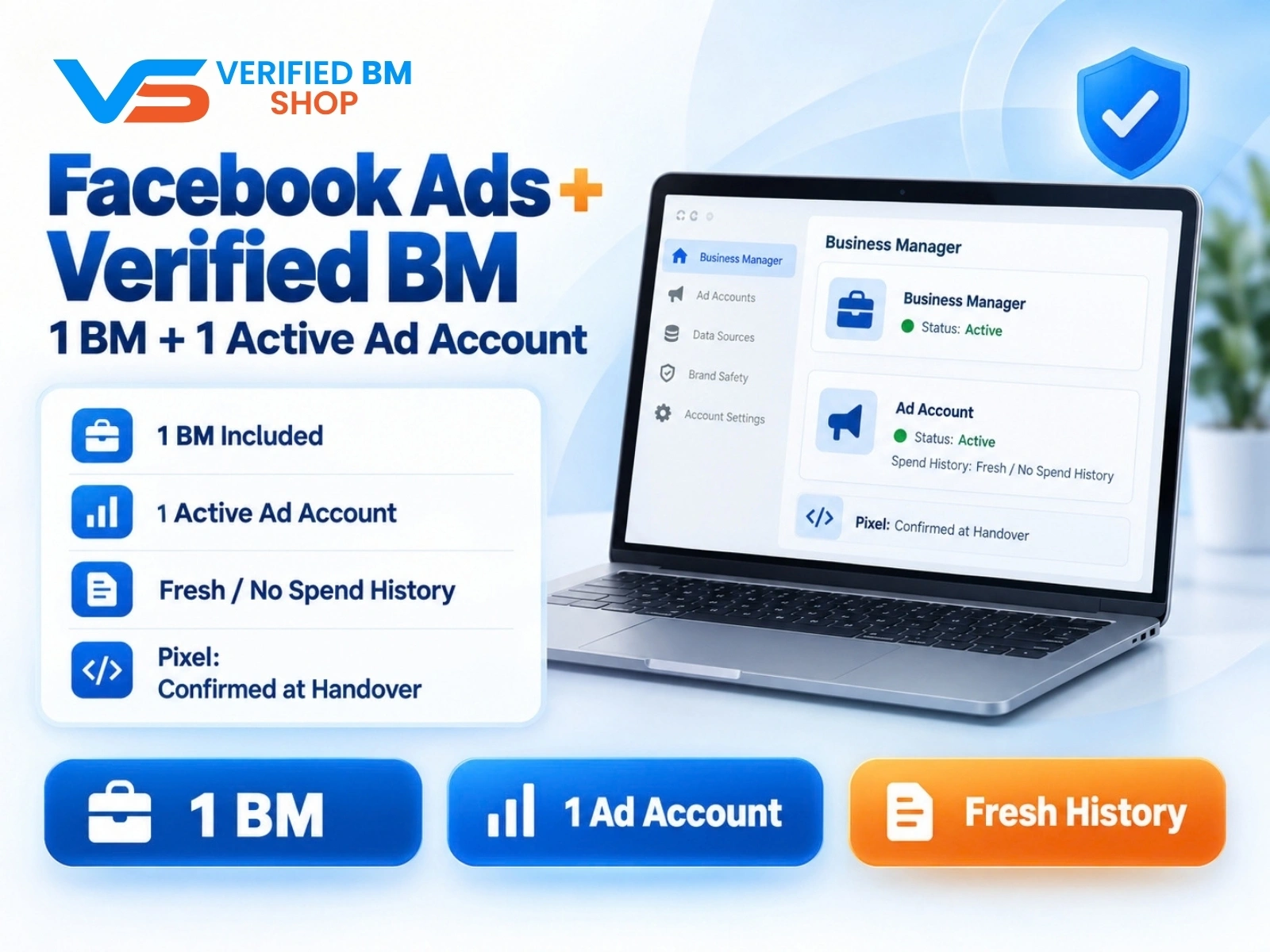
Facebook Ads Account + Verified BM Bundle
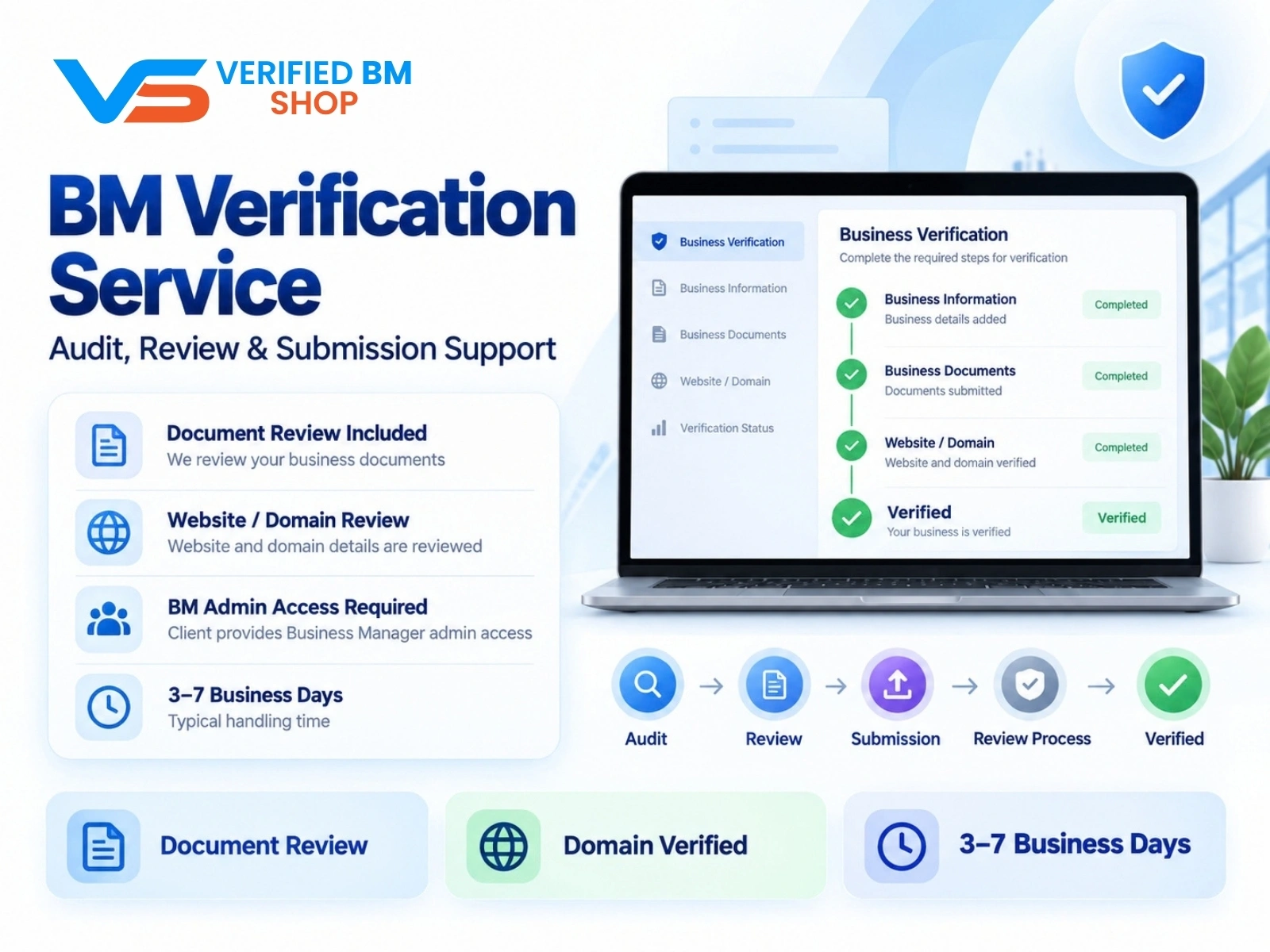
Meta BM Verification Service by VERIFIED BM SHOP
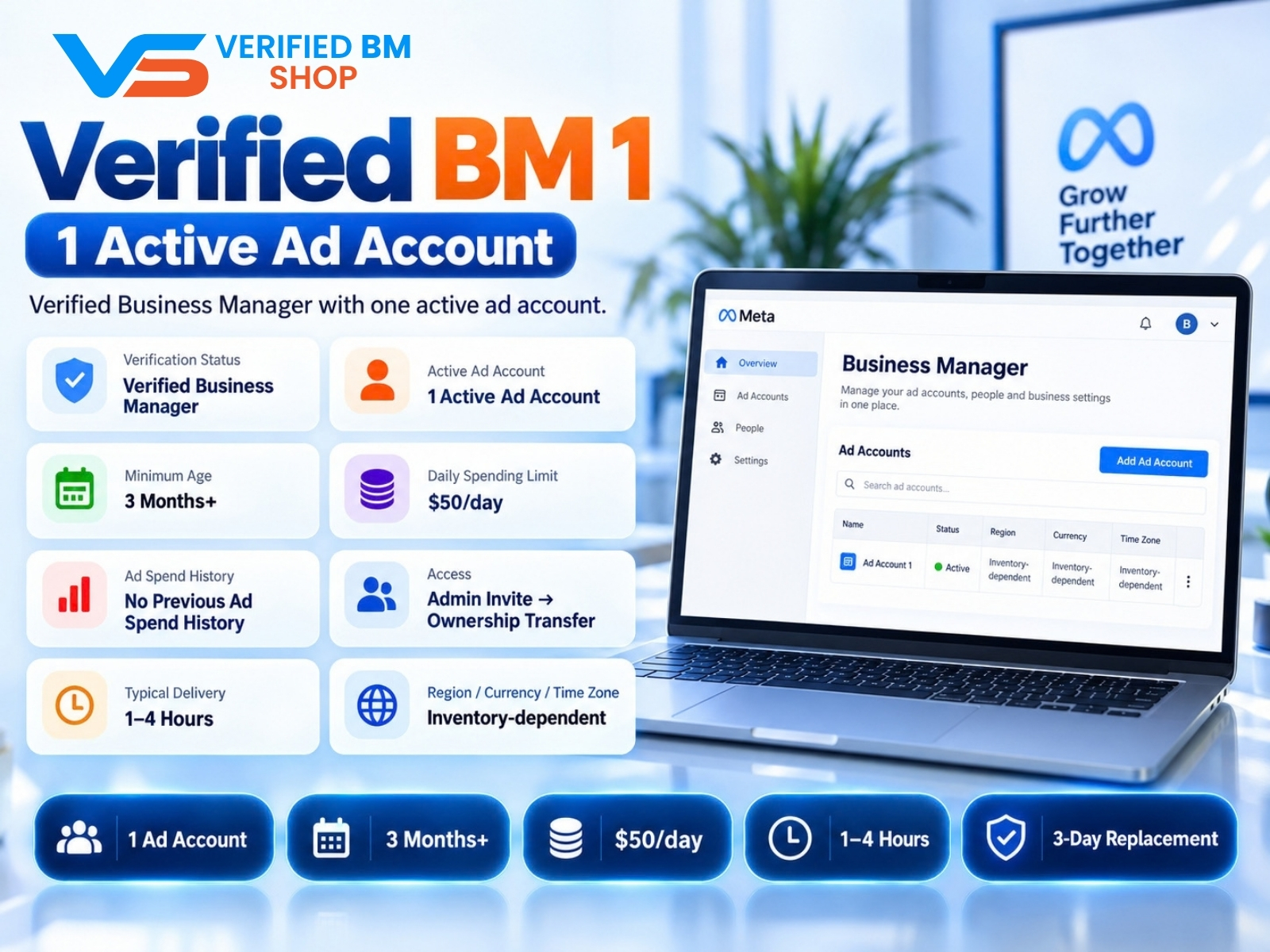
Verified BM 1 - Verified Meta Business Manager

Written by
Verified BM TeamThe VERIFIED BM SHOP editorial team shares real-world experience in buying and selling verified Business Managers, WhatsApp API accounts and advertising platforms.
Comments (0)
No comments yet. Be the first to share your thoughts!
Leave a Comment
Your email will not be published. All comments are moderated.