
Quick Summary
Learn how Meta Creator Marketplace may support creator discovery and paid partnerships, what affects access, and how to prepare contracts, permissions, tracking, and campaigns.
Meta Creator Marketplace may help eligible businesses discover creators and manage certain branded-content or partnership-ad workflows. Availability depends on the market, account, and features currently offered, so having a verified Business Manager does not guarantee access.
For brands, the tools may provide a more structured way to evaluate creators within Meta’s ecosystem. For creators, an eligible profile may provide a place to present their audience, content style, interests, and potential brand fit.
What Is Meta Creator Marketplace?
Meta describes Creator Marketplace as a set of tools that may support creator discovery and collaboration. Available brief, messaging, review, and advertising-permission features depend on the account and current rollout.
Meta may make Creator Marketplace features available through different business, Instagram, or creator interfaces, and the available entry point can change. Menus and workflows may also differ by market and account.
A typical partnership can involve three separate activities:
Finding and contacting a creator.
Agreeing on content, payment, timing, and usage rights.
Publishing content organically or using eligible creator content in paid promotion.
These activities can connect, but they are not the same. Branded-content publication and paid promotion are separate workflows in Meta’s tools. Whether creator content can be promoted depends on the applicable permissions, format requirements, account eligibility, and policy review.
Who Can Use Creator Marketplace?
Access may depend on product rollout, market, account eligibility, policy status, and other criteria that can change. Confirm the applicable requirements in current Meta guidance and in the account’s own interface.
Access may depend on having a supported business or professional creator presence, but the exact eligibility requirements vary by product and market. Some accounts may see the feature without an invitation, while others may need an invitation or wait for a wider rollout.
Business access factors
Depending on the workflow, a business may need connected Meta assets, appropriate user permissions, and an eligible ad account before using paid promotion features. Meta may also assess account status, advertiser information, and compliance with applicable advertising or branded-content rules.
Meta may request business or advertiser information for some features, reviews, or regulated activities. The applicable requirements depend on the product, market, and account.
Financial products, health claims, alcohol, politics, regulated goods, and other sensitive areas can involve additional legal or platform requirements. Review the relevant rules before accepting creator content or planning paid distribution.
Creator access factors
Creators may need a professional Instagram account or another supported creator setup. They also need to follow the policies that apply to their account, content, branded partnerships, and any monetization features they use.
Eligibility is not permanent. Access can change after an account update, policy issue, regional change, or Meta product update.
How Creator Marketplace Works for Businesses
Where discovery tools are available, businesses may be able to search for profiles that fit a campaign. Possible filters or profile data can include location, audience traits, creator category, interests, content format, reach, engagement, and previous brand work, but the available information varies.
Search results are a starting point, not a final recommendation. Public metrics may not show audience quality, recent performance, inauthentic engagement, or a creator’s ability to meet deadlines.
What to review before contacting a creator
Recent posts and the creator’s usual tone.
Audience location, age range, and likely buying intent.
Views, saves, comments, shares, and reach across several posts.
Past sponsored content and how naturally it fits the creator’s feed.
Disclosure habits and visible policy or brand-safety concerns.
Production quality, response time, rates, and content format.
Where the feature supports it, businesses may be able to shortlist creators, send a project brief, or invite proposals. A useful brief states the product, audience, deliverables, deadline, budget range, review process, and intended advertising use.
Some campaigns begin with direct invitations; others may allow creators to respond to an open project. The available workflow depends on the business account, creator account, market, and current Meta tools.
How Creators Use the Marketplace
Creators may use a marketplace profile to show what they make and which brands or topics suit them. Depending on the available profile features, they may include a bio, content categories, interests, portfolio examples, audience details, and preferred partnership themes.
A clear profile helps a brand assess fit before sending a message. Creators should keep information accurate and avoid unsupported claims about audience size, results, or product expertise.
Creators should review each brief before accepting it. A project may include exclusivity, revision rounds, usage rights, paid media, creator-content permissions, or a strict disclosure format. Those terms affect both the workload and the appropriate fee.
Creator Marketplace Campaign Workflow
Prepare the campaign. Define the goal, audience, platform, offer, content format, budget, and success measure.
Find suitable creators. Use available search tools, then check recent content and audience signals.
Send a brief or project invitation. Explain the deliverables, key claims, deadlines, review rules, and advertising plans.
Review proposals. Compare creator fit, price, production ability, audience quality, and past work.
Confirm the agreement. Put payment, revisions, ownership, usage rights, exclusivity, disclosure, and cancellation terms in writing.
Review the content. Check facts, trademarks, claims, music, disclosures, and platform rules before approval.
Confirm permissions. Authorize only the access needed for the agreed branded-content or paid-promotion workflow.
Launch and measure. Use the appropriate ad account, placements, tracking, and reporting setup.
Meta may combine these steps or place them in different areas. Keep a separate campaign record so your team can track approvals, contracts, assets, and permissions.
Creator Marketplace, Branded Content, and Partnership Ads
Branded-content and paid-partnership requirements depend on the nature of the relationship, the content, the account, and the applicable rules. Check Meta’s current branded-content guidance and local advertising law before publishing.
Where the feature is available, partnership-ad tools may allow a brand to promote eligible creator content, subject to the creator’s authorization and any applicable account, creative, placement, and policy requirements.
A platform disclosure label is not a substitute for a written agreement. Ownership and usage rights should be addressed expressly in the contract and may also depend on applicable law.
Permissions and disclosures to confirm
Which account will publish the original post.
Whether the creator can authorize the intended paid promotion.
How long the brand may promote the content.
Which countries, placements, and audiences are covered.
Whether the brand may edit, crop, subtitle, or reuse the asset.
How the paid relationship will be disclosed.
Do not hide sponsorship details in captions or assume an ad label covers every disclosure obligation. Follow Meta’s current branded-content rules and local advertising laws, including any requirements to disclose payment, gifts, affiliate income, or other material connections. See Meta’s official business guidance for current policy details.
Do You Need a Verified Business Manager?
A verified Business Manager is not necessarily required for every Creator Marketplace workflow. Access may instead depend on product eligibility, account status, market availability, and policy checks.
Verification also does not guarantee marketplace access, creator responses, ad approval, or campaign results. A well-organized business portfolio can still make campaign administration easier by keeping relevant Pages, Instagram accounts, ad accounts, billing details, and team roles organized.
Meta may request business or advertiser information for some features, reviews, or regulated activities. The applicable requirements depend on the product, market, and account.
For background, read what a verified BM account means before deciding whether your business needs one. If you are considering a verification service, review Meta’s own requirements and avoid providers that promise guaranteed approval or access.
Business Setup Checklist Before Working With Creators
Prepare the business side before sending invitations. This reduces delays when a creator accepts and the campaign requires paid distribution.
Connect the Meta assets relevant to the planned workflow.
Confirm that the ad account belongs to the right business and has an active payment method if paid promotion is planned.
Assign staff through named roles instead of sharing passwords.
Turn on two-factor authentication for admins and key users.
Set a written approval path for briefs, claims, creative, and spend.
Set up tracking, such as the Meta Pixel or Conversions API, where suitable.
Record creator contracts, invoices, permissions, and content versions.
Set clear limits for campaign spend and ad account access.
Review the Meta ad accounts guide before connecting campaign activity to billing and permissions. For account security, the guide to two-factor authentication covers a basic control for team accounts.
How to Choose and Manage Creator Partnerships Safely
Choose audience relevance over follower count. A smaller creator with strong trust and clear product fit may produce more useful content than a large account with weak relevance.
Ask for recent performance data when possible. Look for patterns across several posts, not one viral result. Check comment quality, audience location, sudden follower changes, and signs of copied or misleading content.
Your contract should cover:
Deliverables, formats, deadlines, and revision limits.
Payment terms, expenses, taxes, and cancellation rules.
Content ownership and the length of paid usage.
Exclusivity, competitor limits, and creator approval rights.
Required claims, disclosures, tags, links, and brand assets.
Permission for paid creator-content promotion and the end date for that permission.
Give creators factual guardrails rather than a script that makes their review sound false. They should be able to describe a genuine experience while staying within approved claims and platform rules.
Measuring Creator Marketplace Campaign Performance
Set the measurement plan before publishing. Your goal may be awareness, video views, engagement, traffic, leads, sales, or a mix of outcomes.
Goal | Useful measures |
|---|---|
Awareness | Reach, impressions, video play rate, completed views, and frequency |
Engagement | Comments, shares, saves, reactions, and engagement rate |
Traffic | Link clicks, landing-page views, and cost per result |
Sales or leads | Tracked conversions, revenue, cost per lead, and return on ad spend |
Use consistent links, event tracking, and campaign naming. Available Meta reporting may cover some on-platform activity. For a fuller assessment, consider combining platform data with website analytics, CRM data, coupon codes, or post-purchase surveys.
Compare creator-led ads with other creative only when the audience, objective, budget, and time period are reasonably similar. Do not credit every sale to the creator if several campaigns reached the same person.
Common Creator Marketplace Access and Setup Problems
The feature is missing
Check the relevant business portfolio, connected Meta assets, and user role. Confirm whether the account appears eligible in its market and whether it has an unresolved policy, identity, or account-quality issue.
Meta may make Creator Marketplace features available through different business, Instagram, or creator interfaces, and the available entry point can change. If access still does not appear, use Meta technical support guidance and keep screenshots of the account state.
A creator cannot authorize paid creator-content promotion
Verify the available permission workflow, account eligibility, post format, and any applicable content restrictions. Music, claims, placement requirements, or other elements may limit whether the content can be used in paid promotion.
The ad is rejected
Review the creative, landing page, claims, targeting, disclosure, and category rules. Fix the identified cause instead of creating repeated copies, since repeated submissions can make the review history harder to assess.
When Creator Marketplace Is the Right Choice
It may suit brands seeking Meta-native creator discovery and a structured path from creator collaboration to possible paid distribution. It is most useful when the business can manage the required Meta assets, contracts, approvals, and permissions.
Direct outreach may work better when you already know the creator, need a custom deal, or want to work across several platforms. An influencer agency may be a better fit for large casting projects, complex contracts, global markets, or hands-on campaign management.
Some teams use all three methods. They discover creators through Meta, negotiate a separate contract, and use paid creator-content promotion only after the applicable permission is granted.
Final Takeaway
Meta Creator Marketplace may give eligible businesses and creators tools for discovery and collaboration around branded content. Its access rules, interfaces, and available workflows can change, so treat eligibility as account-specific rather than guaranteed.
Prepare connected assets, clear roles, billing, tracking, contracts, and disclosure rules before inviting creators. If you need a structured business portfolio for advertising operations, review the Verified BM category, but do not assume verification alone will provide marketplace access.
Frequently Asked Questions
Quick answers to the questions buyers ask most.
What is Meta Creator Marketplace?
How does a brand use the creator marketplace?
How can creators join Meta Creator Marketplace?
Who is eligible to use Meta Creator Marketplace?
What should brands look for when choosing a creator?
Can Creator Marketplace content be used as a partnership ad?
Does a business need to verify itself before using Meta’s creator tools?
How this helps verified BM buyers
Apply this guidance when buying verified Business Managers or WhatsApp Business API assets to reduce policy risk, improve account stability, and scale campaigns with cleaner operational workflows.
Next steps: compare products in the Shop, review implementation details in FAQ, and contact support from the Contact page.
Recommended for You
Hand-picked from our shop — delivered fast after payment.
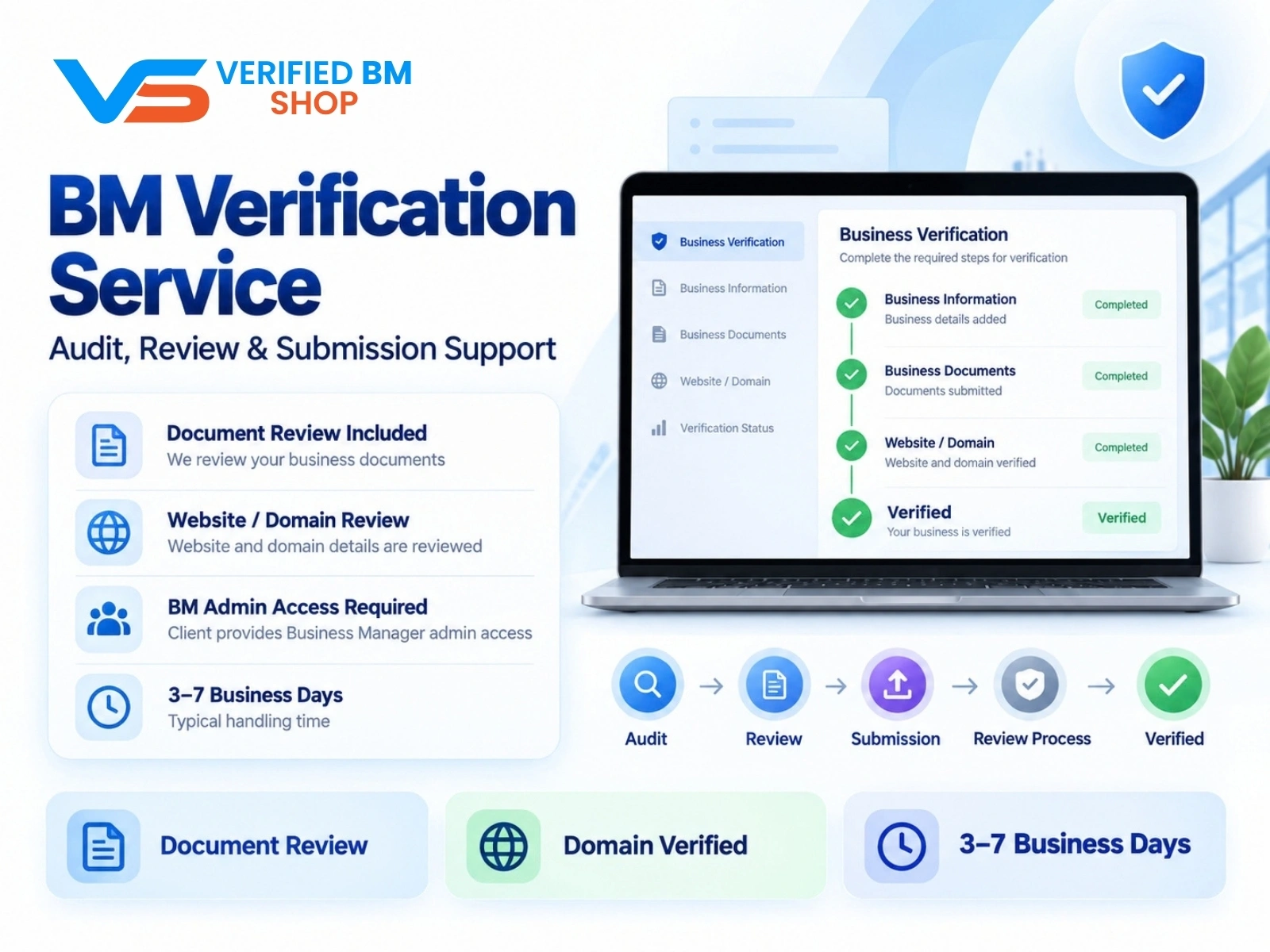
Meta BM Verification Service by VERIFIED BM SHOP
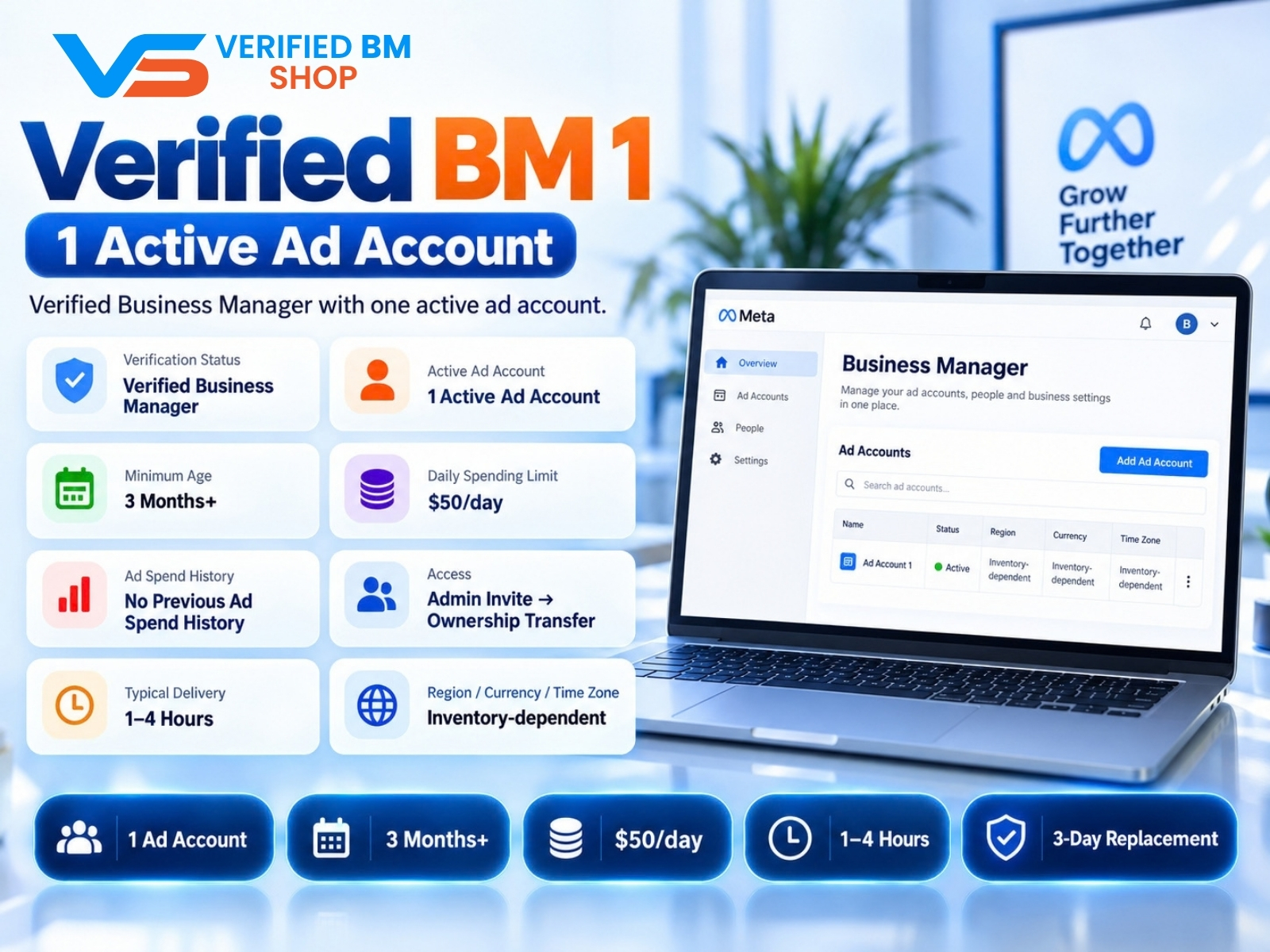
Verified BM 1 - Verified Meta Business Manager
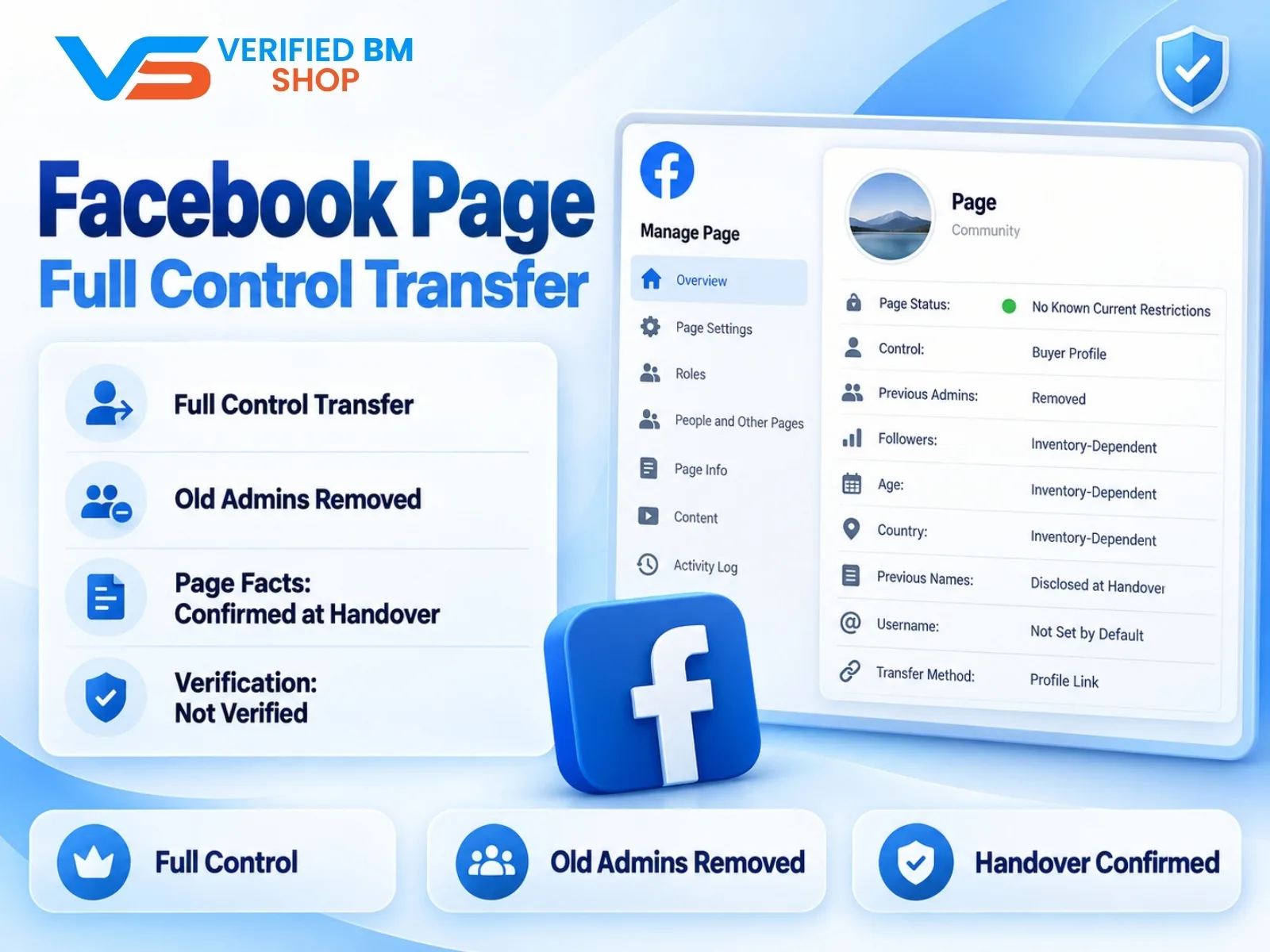
Facebook Page - Full Control Transfer
Written by
Verified BM TeamThe VERIFIED BM SHOP editorial team shares real-world experience in buying and selling verified Business Managers, WhatsApp API accounts and advertising platforms.
Comments (0)
No comments yet. Be the first to share your thoughts!
Leave a Comment
Your email will not be published. All comments are moderated.