
Quick Summary
Learn how to choose Meta ad audiences, build useful tests, retarget users, follow current policy requirements, and measure campaign quality.
Effective Facebook ad targeting starts with the campaign goal, not a long list of interests. Choose an audience source that fits the goal, provide useful conversion data where possible, and keep every audience within applicable policy and privacy limits.
Meta Ads Manager changes its options by account, country, objective, and campaign type. Use the framework below as a starting point, then check the controls and notices shown in your own account before launch.
What Is Facebook Ad Targeting?
Facebook ad targeting involves selecting from the audience controls and permitted data sources currently available in your Meta account. Depending on the setup, these may include location, demographic, first-party, website, app, engagement, or similar-audience signals.
Meta delivery is influenced by audience settings and other campaign and auction signals. The exact factors and their weighting can vary by campaign setup and may change over time.
An audience is therefore a starting signal rather than a fixed list of guaranteed impressions. A narrow audience may receive limited delivery, while a broader audience may give the system more room to find people likely to take the selected action.
How Facebook Ad Targeting Works in Meta Ads Manager
In many Meta campaign setups, the campaign contains the objective, the ad set contains audience and delivery settings, and the ad contains the creative. The exact structure depends on the current objective and interface.
Start with a clear conversion path. An online store might optimise for purchases, while a local service may choose leads or calls if those actions are tracked reliably.
The main targeting controls
- Location: Select from the places and location options available in your account.
- Age and gender: Use these only when they reflect a lawful, genuine business need and the current campaign permits them.
- Language: Consider this when your ad and landing page serve a distinct language group.
- Detailed targeting: Test available interests, behaviours, or demographic signals when they are relevant to the offer.
- Custom audiences: Use permitted customer, website, app, or engagement sources where available.
- Lookalike tools: Where available, use an eligible source audience to help identify people with similar characteristics or predicted behaviours in a selected market.
Controls may be removed, renamed, limited, or replaced by Advantage+ options. The audience estimate is an estimate, not a promise of reach or results.
The Main Types of Facebook Audiences
| Audience type | Best use | Main caution |
|---|---|---|
| Broad audience | Prospecting when the tracking and conversion data are useful | Needs suitable creative, measurement, and enough room to learn |
| Core audience | Available location, demographic, and detailed signals | Options vary and can narrow delivery too far |
| Custom audience | Retargeting visitors, customers, leads, or engaged users | Requires lawful data use and clear privacy practices |
| Lookalike audience | Prospecting from a relevant customer or lead source where available | Quality depends on the source, market, and current eligibility rules |
Use broad or available core audiences to test new prospects. Use custom audiences for people who already interacted with your business, then consider lookalike tools when you have an eligible and useful source.
Your campaign objective, offer, landing page, sales cycle, and data quality should guide the choice rather than the audience label alone.
Broad Targeting vs Detailed Targeting
Broad targeting gives Meta more room to find people who may complete the selected action. It may suit ecommerce campaigns with reliable purchase signals and a market large enough to support delivery.
Detailed targeting can help when an offer serves a clear niche or when an account has limited conversion data. For example, a specialist software product might test relevant job roles or business interests where those options exist.
| Choose broad when | Test detailed targeting when |
|---|---|
| You have reliable purchase, lead, or value events | Your product serves a clear, defined niche |
| Your market is large enough to support delivery | You need a clear audience hypothesis |
| Creative can qualify the right prospects | You are testing a new offer or market |
Do not stack many interests simply because they appear relevant. A smaller audience can limit delivery and make results harder to judge.
For a fair test, keep the objective, offer, creative, placements, budget, and conversion event consistent. Change the audience variable first.
Facebook Demographic, Interest, Behaviour, and Location Targeting
Location is often an important control for local businesses. Set the area based on where you can serve customers, then check the location-presence option shown in your account.
Age, gender, and language may help when your product or service has a lawful market reason for those settings. Do not use them to infer health, financial status, ethnicity, religion, or other sensitive traits.
Interests may describe topics, creators, products, or activities. Behaviour signals can relate to actions or platform activity, but the available options differ by market, account, and campaign.
Meta may remove some detailed options or allow delivery beyond selected suggestions. Read the audience notice beside each setting before publishing.
Keep targeting tied to a business reason
- Target service areas you can actually support.
- Use language settings that match the ad and landing page.
- Do not target people based on sensitive personal assumptions.
- Review age and gender settings for fairness and legal risk.
- Record why each selected signal belongs in the test.
How Advantage+ Audience Changes Your Targeting Options
Depending on the campaign setup, Advantage+ audience may treat some audience inputs as suggestions and may expand delivery beyond them. Check the current audience notice and controls in Ads Manager.
Some campaign setups may retain stricter controls for selected settings, but availability and enforcement differ. Confirm each setting’s current behaviour in the campaign interface before publishing.
If strict control matters, compare the available manual audience setup with the Advantage+ version before launch. Do not assume that an audience suggestion limits delivery to only those people.
Review the estimated audience, exclusions, placements, and reporting after launch so you can understand how the campaign is actually delivering.
How to Create a Custom Audience
Custom audiences can help you reach people who already have a relationship with your business. Depending on the account and current product options, sources may include a customer list, website activity, app activity, or engagement on Meta.
Customer-list audiences
Use data that you collected lawfully and are permitted to use for advertising. Your privacy notice, consent choices, contracts, and local law must support the upload and its intended use.
Prepare identifiers such as email addresses or phone numbers in the format Meta requests. Do not upload data bought from unknown sources, scraped profiles, or lists containing people without a valid basis for use.
Website and app audiences
Create audiences from events such as page views, product views, leads, or purchases when your tracking setup records those events and the current account supports the source. A visitor audience may include people who viewed a product but did not buy it.
Set a retention period that fits the buying cycle. A seven-day product-view audience may reflect recent intent, while a longer window may suit a slower sales process.
For tracking and event planning, see this Meta Pixel and Conversions API setup guide. Tracking must also follow your consent and privacy duties.
Engagement audiences
Depending on the current account options, you may be able to build audiences from people who watched videos, opened lead forms, interacted with a page, or engaged with content. Available source types and retention periods can change.
How to Create a Lookalike Audience
Where available, Meta’s lookalike tools use an eligible source audience to help identify people with similar characteristics or predicted behaviours in a selected market. Possible sources include customers, purchasers, high-value buyers, qualified leads, or another permitted audience.
Use the best source you have, not simply the largest one. A smaller set of genuine customers may be more relevant than a larger group of low-quality visitors.
Choose the market and available audience-size option, then name the audience clearly. If the current setup offers size controls, a narrower setting is generally intended to prioritise closer similarity and a broader setting to prioritise reach, but actual audience quality and delivery can vary.
Eligibility, minimum-source requirements, and market availability can vary by audience type and account. Check the current creation screen and Meta’s applicable documentation.
Exclude the source audience from prospecting when your goal is new customer acquisition and the current campaign setup allows that exclusion.
Retargeting Website Visitors and Engaged Users
Retargeting works best when the message matches the user’s last action. A product viewer may need reviews or a comparison, while an abandoned-cart user may need a reminder and clear delivery terms.
A practical retargeting structure
- Create separate audiences for visitors, product viewers, leads, and purchasers where volume allows.
- Use shorter windows for high-intent actions and longer windows for slower buying cycles.
- Exclude purchasers from prospecting and from ads promoting the first purchase where the setup permits.
- Show proof, answers, or support rather than repeating the same prospecting ad.
- Monitor frequency so a small audience does not see the same ad too often.
Retargeting lists can shrink because of consent choices, tracking limits, account changes, or low traffic. Compare audience size with delivery before judging the strategy.
Facebook Ad Targeting for Special Ad Categories
Certain ads involving housing, employment, credit, or social issues, elections, or politics may be subject to Meta’s current Special Ad Category or related policy requirements. Check the applicable rules for the campaign’s market and content.
Selecting a relevant Special Ad Category can reduce or change the audience controls available for the campaign. Review the restrictions shown in the current setup and the applicable Meta policy before publishing.
Choose the category honestly at campaign creation. Do not disguise a restricted offer as a general product to retain targeting controls.
Review Meta’s current business guidance before launch, including the Meta Business Help Centre. Keep records showing how the ad, audience, landing page, and offer comply with the relevant rules.
How to Exclude Existing Customers and Irrelevant Users
Exclusions can reduce wasted impressions and protect the customer experience. Add a purchaser audience to prospecting campaigns when you want new customers, for example, if the current setup supports that exclusion.
You may also be able to exclude recent leads from a lead-generation campaign, employees from recruitment promotion where permitted, or visitors from an unrelated product group.
Exclusion controls are not available in every setup. Special Ad Categories and newer campaign types may limit them, so confirm what the current interface allows.
Keep exclusions simple. Too many small audiences can create gaps, reduce delivery, or make overlap difficult to understand.
How to Test Facebook Ad Audiences
Build a test around one clear question. Asking whether broad targeting can outperform a defined interest group for purchases is useful; changing the audience, offer, creative, and landing page at once is not.
A simple audience test plan
- Choose one objective and one conversion event.
- Create a broad prospecting ad set and one focused audience test.
- Use the same creative, placements, budget rules, and schedule.
- Set a decision window that fits your sales cycle.
- Compare cost and conversion quality, not just clicks.
Audience overlap can make tests less clean because the same person may qualify for more than one ad set. Use distinct exclusions where available, or test audiences in separate periods.
Avoid unnecessary edits while a campaign is collecting performance data. Significant changes may alter delivery or restart some optimisation processes, depending on the campaign setup.
How to Measure Facebook Ad Targeting Performance
Use metrics that match the campaign goal. A cheap click has little value if visitors do not complete the target action.
| Metric | What it helps you assess |
|---|---|
| Reach and frequency | How many people saw the ads and how often |
| CPM | The cost of buying impressions |
| CTR | How well the audience and creative earn clicks |
| Conversion rate | How well clicks become leads or purchases |
| CPA or cost per lead | The cost of the desired action |
| Return on ad spend | Revenue attributed to advertising compared with spend |
Read the metrics together. A high CTR with a poor conversion rate may point to weak landing-page fit, unclear pricing, or low-quality traffic.
Compare audience quality through downstream results such as qualified leads, repeat purchases, margin, or customer value. Attribution can differ from your own analytics, so keep the measurement method consistent.
Common Facebook Ad Targeting Mistakes
- Choosing interests before the goal: Define the desired action and customer first.
- Making the audience too small: Remove weak layers and allow delivery room where appropriate.
- Ignoring data quality: Fix event tracking, consent flow, and value signals before judging audiences.
- Using a poor lookalike source: Use real customers or qualified leads where eligible, not random traffic.
- Forgetting exclusions: Remove recent purchasers or converted leads when the campaign needs new prospects and the setup permits.
- Testing too many variables: Keep the offer and creative steady during an audience test.
- Targeting sensitive traits: Do not infer or exploit personal attributes that Meta policies or law restrict.
- Assuming controls are fixed: Recheck Advantage+ settings and Special Ad Category limits before publishing.
If an ad account faces a restriction, do not respond by creating unsafe audiences or opening duplicate accounts. Review the cause and use the correct support path. This guide explains common reasons Meta ad accounts get restricted.
A Step-by-Step Facebook Ad Targeting Workflow
- Define the customer and outcome. Choose sales, leads, traffic, app actions, or another objective that fits the real business goal.
- Check policy limits. Identify Special Ad Categories, sensitive claims, data rules, and restricted audience controls.
- Audit measurement. Confirm the pixel, Conversions API, app events, CRM connection, and consent process work as planned.
- Build the first audience. Start with broad, core, custom, or lookalike targeting based on your data and market.
- Set exclusions. Remove customers, converters, or irrelevant groups when the campaign purpose requires it and the setup allows it.
- Review Advantage+ settings. Check which suggestions are strict controls and which may guide wider delivery.
- Launch a focused test. Keep the creative, budget, placements, and event stable while comparing audiences.
- Judge business results. Review CPA, conversion rate, revenue, quality, and frequency rather than CTR alone.
- Make one clear change. Expand, narrow, refresh the creative, or fix tracking based on the evidence.
How Business Manager Structure Supports Safer Ad Targeting
A well-organised Business Manager can help teams separate brands, pages, pixels, ad accounts, catalogues, and user access. It does not change Meta’s targeting rules or guarantee campaign approval.
Use named roles, two-factor authentication, least-privilege access, clear asset ownership, and records of who launched each campaign. These steps can reduce avoidable access and data-handling errors.
Business verification is used for identity or business-information review and may be relevant to eligibility for certain Meta features or processes. It does not by itself guarantee improved delivery, higher limits, approval, or protection from enforcement.
For a broader view of account structure and security, read how Business Manager structure supports safer advertising operations. If you are reviewing account options, explore the verified Business Manager category and check that any setup matches your business needs and Meta’s terms.
Frequently Asked Questions
Quick answers to the questions buyers ask most.
What types of audiences can I use for Facebook ad targeting?
How do I target people who have already interacted with my business?
Should I use detailed interests or broad targeting?
What is Advantage+ audience, and can it expand beyond my selections?
How can I exclude existing customers from a prospecting campaign?
Why are some Facebook ad targeting options missing from my account?
Does my business need verification to use Facebook ad targeting?
How this helps verified BM buyers
Apply this guidance when buying verified Business Managers or WhatsApp Business API assets to reduce policy risk, improve account stability, and scale campaigns with cleaner operational workflows.
Next steps: compare products in the Shop, review implementation details in FAQ, and contact support from the Contact page.
Recommended for You
Hand-picked from our shop — delivered fast after payment.
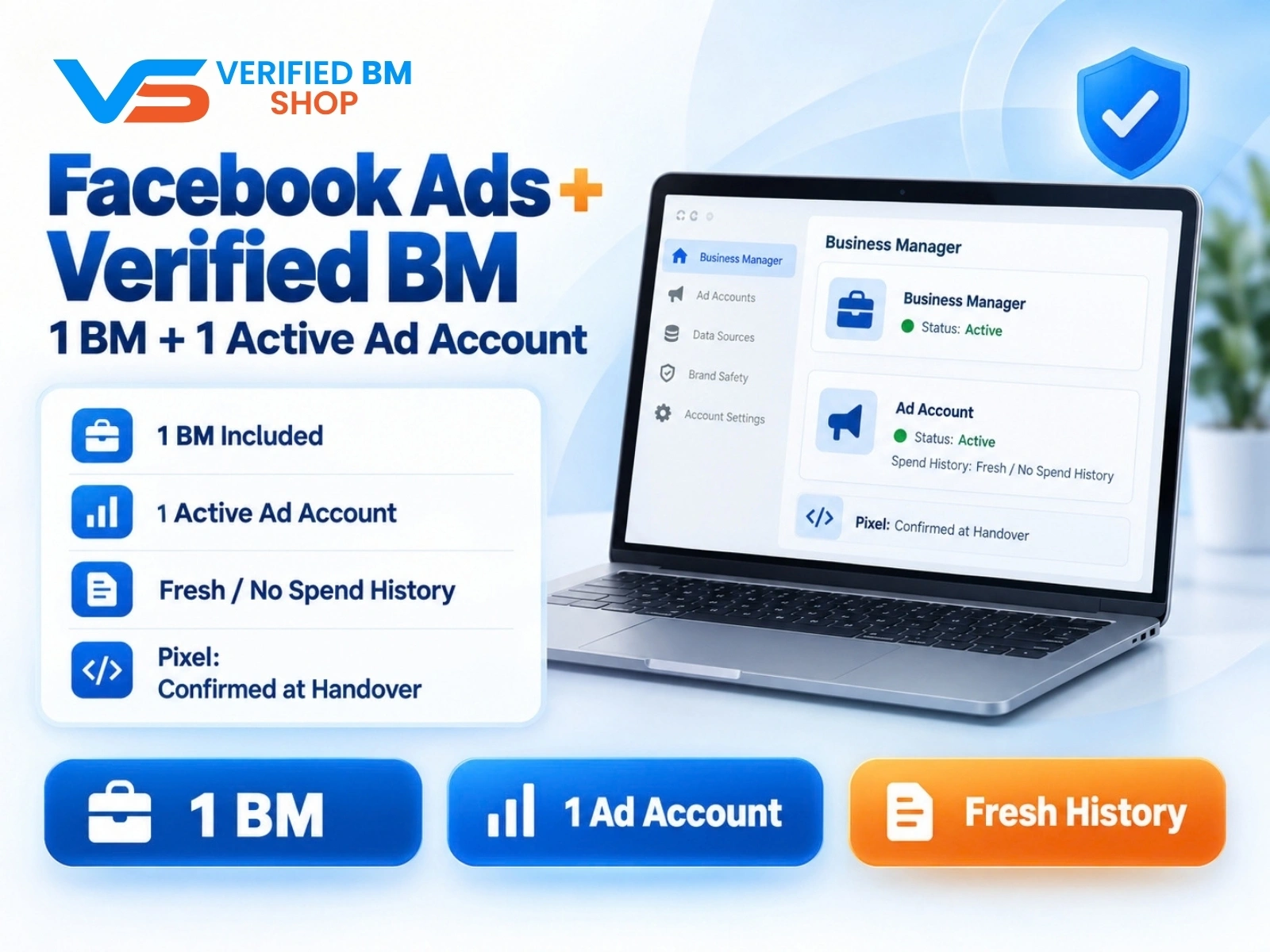
Facebook Ads Account + Verified BM Bundle
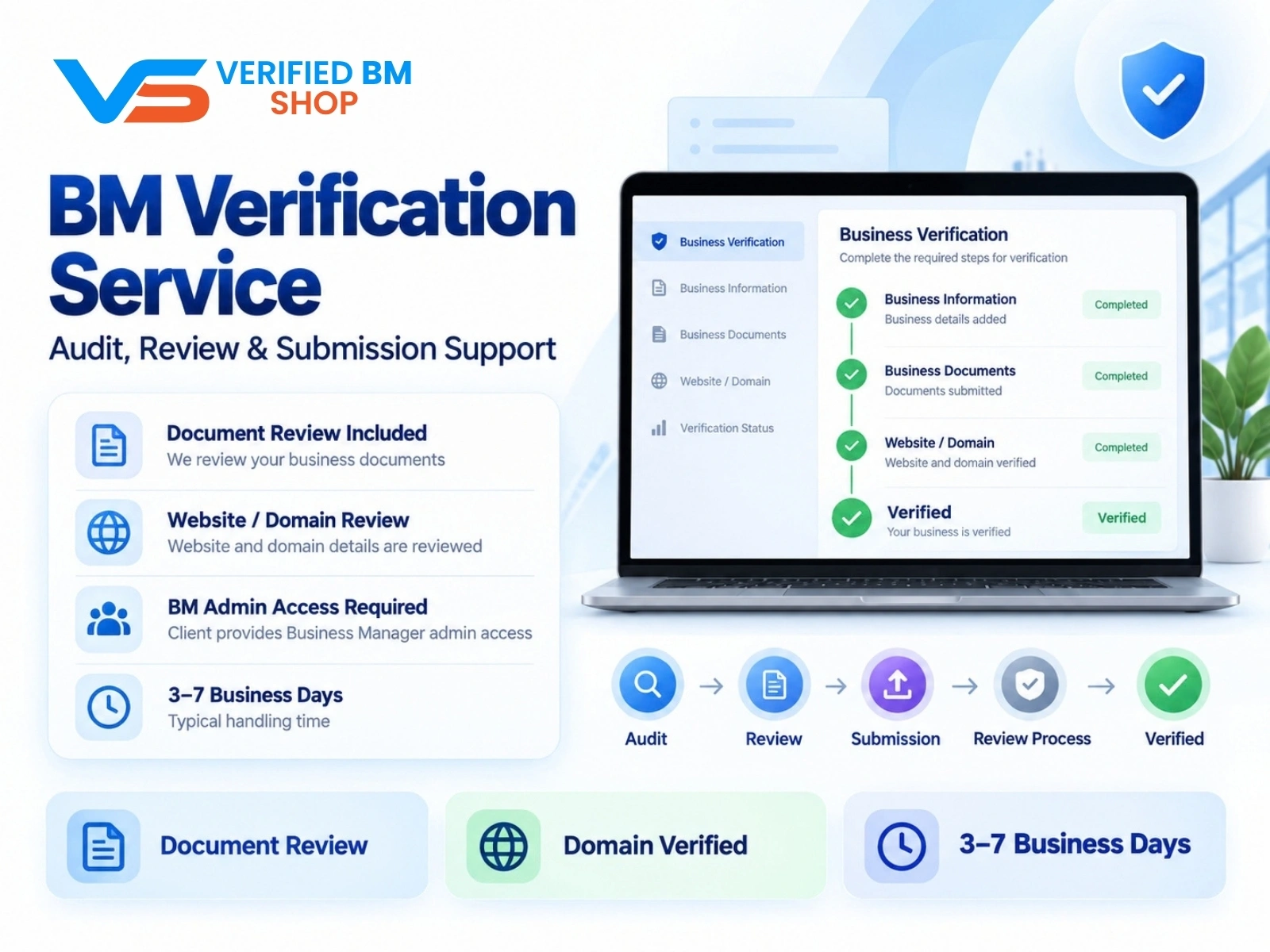
Meta BM Verification Service by VERIFIED BM SHOP
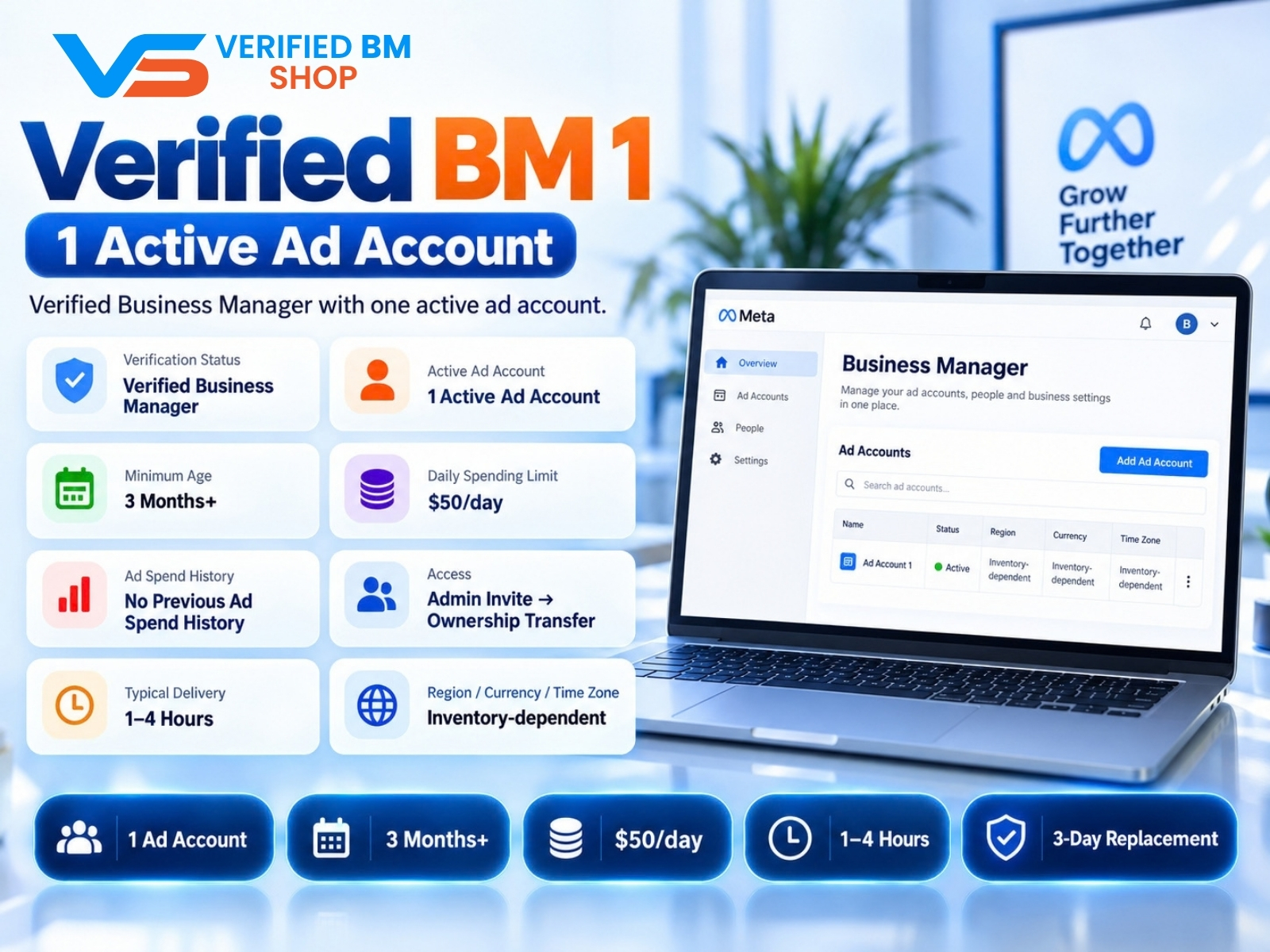
Verified BM 1 - Verified Meta Business Manager

Written by
Verified BM TeamThe VERIFIED BM SHOP editorial team shares real-world experience in buying and selling verified Business Managers, WhatsApp API accounts and advertising platforms.
Comments (0)
No comments yet. Be the first to share your thoughts!
Leave a Comment
Your email will not be published. All comments are moderated.