
Quick Summary
Learn when a replacement Meta ad account may be appropriate, what it cannot resolve, and how to verify ownership, access, billing, and asset connections before launching campaigns.
A replacement ad account may provide access to a separate Meta advertising account, depending on the product specification and successful handover. Terms such as “instant” usually refer to a seller’s stated delivery process; they do not guarantee approval, restored history, or protection from Meta review.
Use a replacement only for a lawful business need. It may support continuity after a confirmed disablement, payment problem, compromised access, or account-capacity issue, but it must not be used to evade enforcement or repeat activity that violated Meta’s rules.
What Is a Replacement Ad Account?
A replacement ad account is a separate advertising account intended for eligible business use. The included account, Business Manager or business portfolio, and assets should be stated in the product specification; do not assume that verification or additional assets are included.
The handover method varies by product and should be confirmed in writing before ordering. Ask whether the account will be assigned to your business, accessed through an invitation, or provided through another documented arrangement.
Delivery timing: Confirm when delivery begins and what information or checks must be completed first.
Not instant approval: Meta may review business information, payment details, advertising content, landing pages, or account activity under its current systems and policies.
Not a performance transfer: Campaign history, learning data, billing history, and past results do not automatically move to a separate account.
Not a policy workaround: A new account does not lawfully replace an appeal or conceal the same prohibited activity.
Before comparing offers, review Meta’s guidance on ad account setup, access, and billing. This can help distinguish an account-only product from a broader business setup.
When Do You Actually Need a Replacement Ad Account?
First check whether the original account can be restored. A replacement may be appropriate after a confirmed, lasting disablement or another genuine operational failure, but review the reason and any available review option first.
Common business reasons
Confirmed disablement: Meta has denied a review, or the account cannot support your lawful campaigns.
Billing failure: Card declines, a disputed charge, or a payment-profile issue prevents normal delivery.
Compromised access: An unknown user changed roles, payment details, or campaign settings.
Capacity needs: Your business may need another eligible account for separate brands, regions, or client work.
Operational separation: An agency may need distinct billing and access for a new client, subject to Meta’s current limits and requirements.
Do not open or purchase another account solely to continue prohibited ads after enforcement. Read why Meta ad accounts get restricted and document the issue before deciding what to do next.
Replacement Ad Account vs New Profile, Business Manager, and Verified BM
Option | What it is | What it does not provide |
|---|---|---|
Replacement ad account | A separate advertising account for eligible business use, if the product and handover terms support it. | It should not be assumed to restore the old account or copy its history. |
New personal profile | A user identity used to access Meta services. | It is not a safe substitute for an appeal or a business account. |
Business Manager | A workspace for people, partners, assets, and ad accounts. | It does not make every asset or account eligible for advertising. |
Verified Business Manager | A business setup that has completed Meta’s business verification process. | Verification does not guarantee approval, higher limits, or immunity from restrictions. |
Agency account | An account or business arrangement intended for agency operations. | It still requires correct client access, billing, and policy compliance. |
A personal profile should represent a real person. Do not create duplicate or false profiles to gain access. If the profile itself is restricted, use the available review path instead of treating a new profile as a replacement.
What a Replacement Ad Account Does—and Does Not Fix
A separate account may give your team a new operating space for approved campaigns. It may also help separate billing or organize a different brand or client setup when the arrangement complies with Meta’s requirements.
Do not assume that a replacement will resolve restrictions affecting the original account, Page, pixel, domain, catalog, Business Manager, or another related asset. It also does not erase policy history, reverse a payment dispute, or guarantee that new ads will pass review.
Asset access and domain verification may need to be configured separately, depending on ownership, asset type, and the current Meta interface. Confirm each required connection in the relevant Meta settings.
What to Check Before Ordering a Replacement Ad Account
Ask for a written specification. Product names can sound similar, but the included assets, ownership terms, support, and handover process may differ.
Ownership: Confirm who owns the account and who will remain the business admin after handover.
Business status: Check whether the Business Manager is verified, pending, or unverified, and ask what evidence supports that description.
Account status: Ask whether the ad account is active and able to create campaigns at delivery.
Currency and time zone: Choose these carefully because Meta may limit or complicate changes after account creation.
Spending controls: Confirm the current spending limit, account threshold, and stated capacity. Do not rely on an unverified promise.
Billing: Ask which payment methods are supported and who controls the billing profile.
Included assets: Confirm whether the offer includes a Business Manager, Page, pixel, dataset, catalog, domain, or only the ad account.
Access rules: Check the admin, employee, finance, and partner roles you will receive.
Support terms: Read delivery, replacement, refund, and issue-reporting terms before payment.
Meta may impose account-creation or account-assignment limits. Check the current limits and eligibility shown in your account or in current Meta documentation rather than relying on a seller-stated number.
How the Handover and Access Process Works
A safe handover leaves a clear record of ownership and access. Use your real business details, and keep seller access limited to the work needed for delivery.
Share only required details: Provide the correct Business Manager ID, business email, and asset information.
Accept the invitation: Use an admin-controlled email and check the sender before accepting.
Confirm roles: Verify that your named admin has the required account and asset permissions.
Enable two-factor authentication: Protect every admin profile before launching campaigns. See this two-factor authentication guide.
Review users and partners: Remove unknown people, old agencies, and unnecessary partner access.
Check billing: Confirm the payment profile, invoice details, spending controls, and account currency.
Document the handover: Save account IDs, screenshots, order details, and support messages.
Never share a personal password or accept access from an unverified profile. If ownership or admin control is unclear, pause the setup and ask support to clarify it.
How to Connect the Account to Your Business Assets
Connect only the assets needed for the first campaign. A smaller permission set makes errors easier to identify and limits exposure if access changes later.
Add or assign the ad account to the correct Business Manager or business portfolio.
Give the right people access through roles instead of sharing login details.
Assign the Page, Instagram account, pixel or dataset, catalog, and domain as needed.
Check that the website domain matches the landing page and business information.
Confirm that the selected pixel or dataset is correctly configured and has the permissions needed for the intended measurement setup.
Review event permissions, conversion settings, and campaign-level asset selection.
Do not assume that asset relationships will be configured automatically; verify each required connection in the relevant Meta settings. For technical setup, use the Meta Pixel and Conversions API setup guide, then test events before spending money.
Safe Setup Before Launching Ads
Start with accurate business details that match your website, payment profile, invoices, and customer-support information. Keep those details current and consistent, and be prepared to provide clarification if Meta requests it.
Complete the business information Meta requests.
Use a payment method that belongs to the business or authorised payer.
Keep the billing country, currency, and account details accurate.
Check the Page, domain, product claims, and contact details.
Submit clear creative that matches the landing page.
Review restricted-content rules before promoting regulated products.
Launch a small, useful campaign before raising spend.
Increase spend in measured steps when billing and delivery remain stable.
A gradual launch is a risk-control habit, not a promise of approval. Stop and review the setup if you see payment errors, identity checks, rejected ads, or unusual login alerts.
Why a Replacement Ad Account Can Still Be Restricted
The new account and related business activity may be subject to Meta’s current reviews and enforcement systems. A replacement does not remove risks created by the underlying business practices, content, payment activity, or connected assets.
Ads or landing pages break Meta’s advertising standards.
Business names, websites, payment details, and identity records are inaccurate or inconsistent.
Several people log in from unusual places within a short period.
Payment disputes, failed charges, or repeated card changes occur.
The product falls into a restricted or prohibited category.
The business appears to be avoiding an earlier enforcement action.
Pages, domains, catalogs, or profiles connected to the account have their own issues.
When a restriction appears, save the notice and use Meta’s review process where available. Avoid creating additional accounts solely to respond to a restriction; first review the notice and available Meta support or review options.
Repair the Original Account or Get a Replacement?
Choose repair or review when… | Consider a replacement when… |
|---|---|
The restriction may be an error. | The account is confirmed disabled and no useful review path remains. |
The account has valuable history and working billing. | A separate lawful business, brand, or client setup needs its own account. |
The issue comes from a fixable card, user, or security problem. | The original account has a lasting operational failure unrelated to the new campaign. |
Your business can wait for a review. | You have checked policy, identity, payment, and access requirements first. |
For a profile-level issue, start with Meta’s profile restriction appeal guide. A replacement ad account should not be assumed to resolve restrictions affecting a personal profile, business portfolio, Page, or other related asset; use the applicable Meta review process where available.
Questions to Ask About Delivery, Support, and Replacement Coverage
Ask the seller to define any delivery term clearly. Confirm when delivery starts, what information is required, which assets are included, and what happens if access fails.
Is the product an ad account only, or does the specification include a Business Manager or other assets?
What delivery time applies after payment and information checks?
Which roles and assets are included at handover?
Who controls the account after delivery?
What counts as an eligible replacement case?
How soon must you report a problem?
Are refunds available, or does the policy provide replacement only?
Does support cover setup questions, access loss, billing, or policy reviews?
Read the replacement policy before ordering. Keep your order ID, account ID, screenshots, and a short description ready if an issue occurs.
Replacement Ad Account Checklist
Have you identified the original failure and checked the review option?
Is the replacement for lawful continuity, not enforcement evasion?
Do you know the account owner, status, currency, time zone, and stated capacity?
Have you confirmed the payment method and billing responsibility?
Are the included Business Manager, Page, pixel, catalog, domain, and roles listed in writing?
Can your admin accept access and enable two-factor authentication?
Do your business details, website, ads, and payment records remain accurate and consistent?
Have you reviewed delivery, support, refund, and replacement terms?
Final Takeaway: Choose a Replacement Account for Continuity, Not Policy Evasion
A replacement ad account may help an advertiser resume lawful work after a genuine account failure. It is a new operating resource, not a reset button for restrictions, billing disputes, poor creative, or misleading business information.
Check ownership, capacity, billing, assets, and support terms before ordering. Then secure access, connect only the required assets, and launch with accurate details and policy-compliant ads.
If such a product is offered, review its written account, asset, verification, ownership, and support specifications before purchasing.
Frequently Asked Questions
Quick answers to the questions buyers ask most.
What is an instant replacement ad account?
Is using a replacement ad account safe if my original account was disabled?
What should I verify before using a replacement ad account?
Does Meta Business verification help with a replacement ad account?
How this helps verified BM buyers
Apply this guidance when buying verified Business Managers or WhatsApp Business API assets to reduce policy risk, improve account stability, and scale campaigns with cleaner operational workflows.
Compare Verified BM options · Next steps: compare products in the Shop, review implementation details in FAQ, and contact support from the Contact page.
Recommended for You
Hand-picked from our shop — delivered fast after payment.
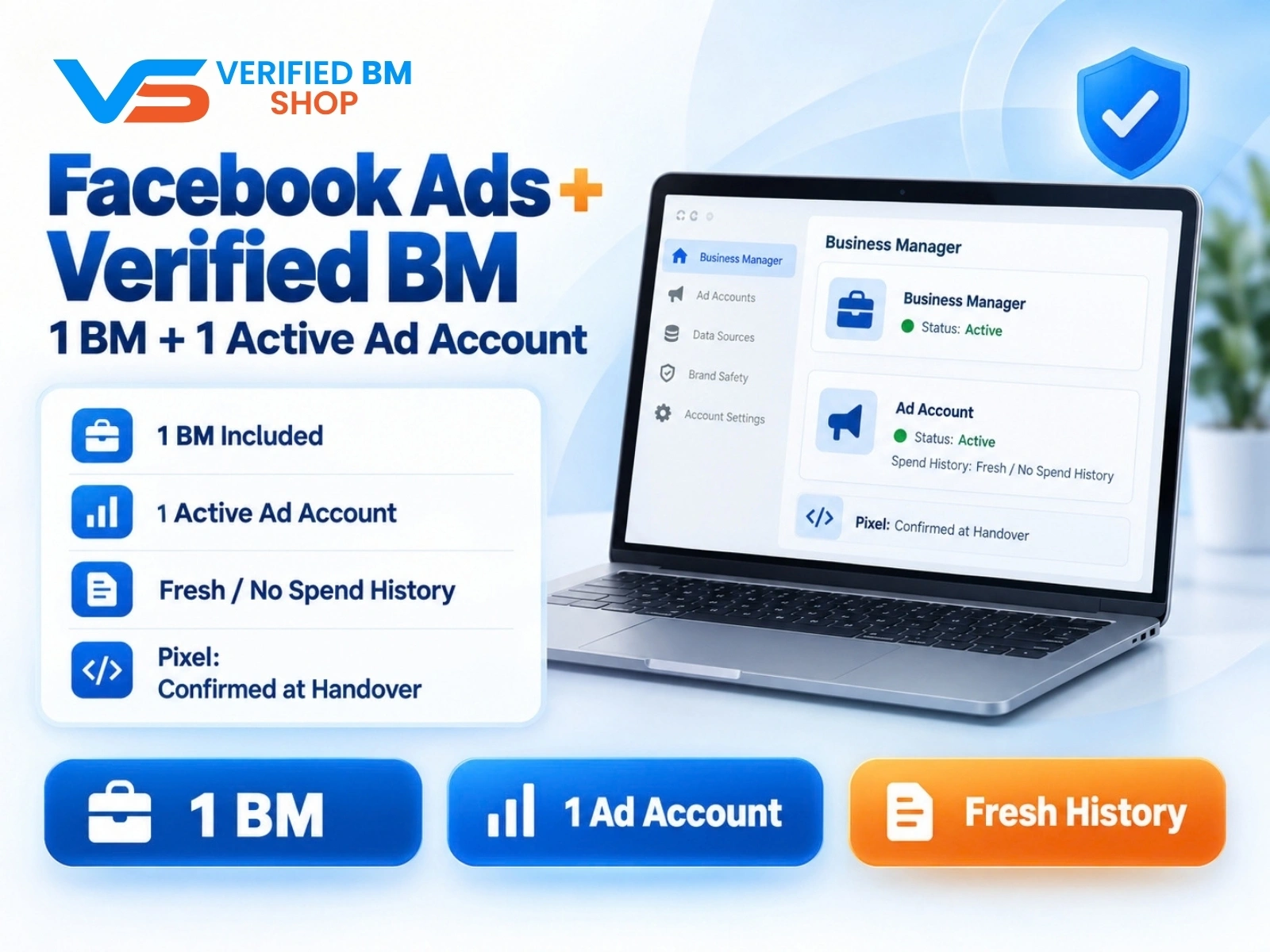
Facebook Ads Account + Verified BM Bundle
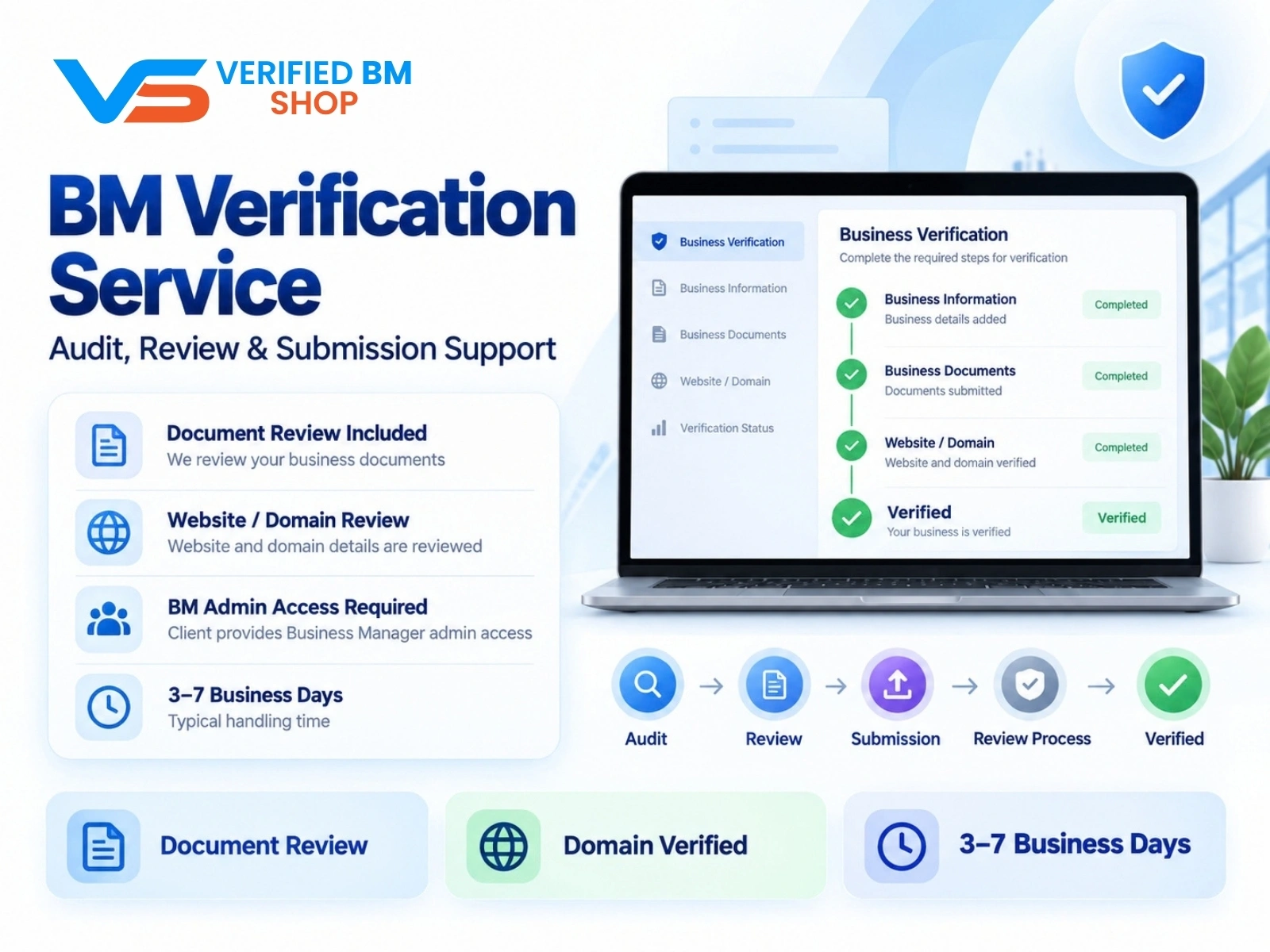
Meta BM Verification Service by VERIFIED BM SHOP
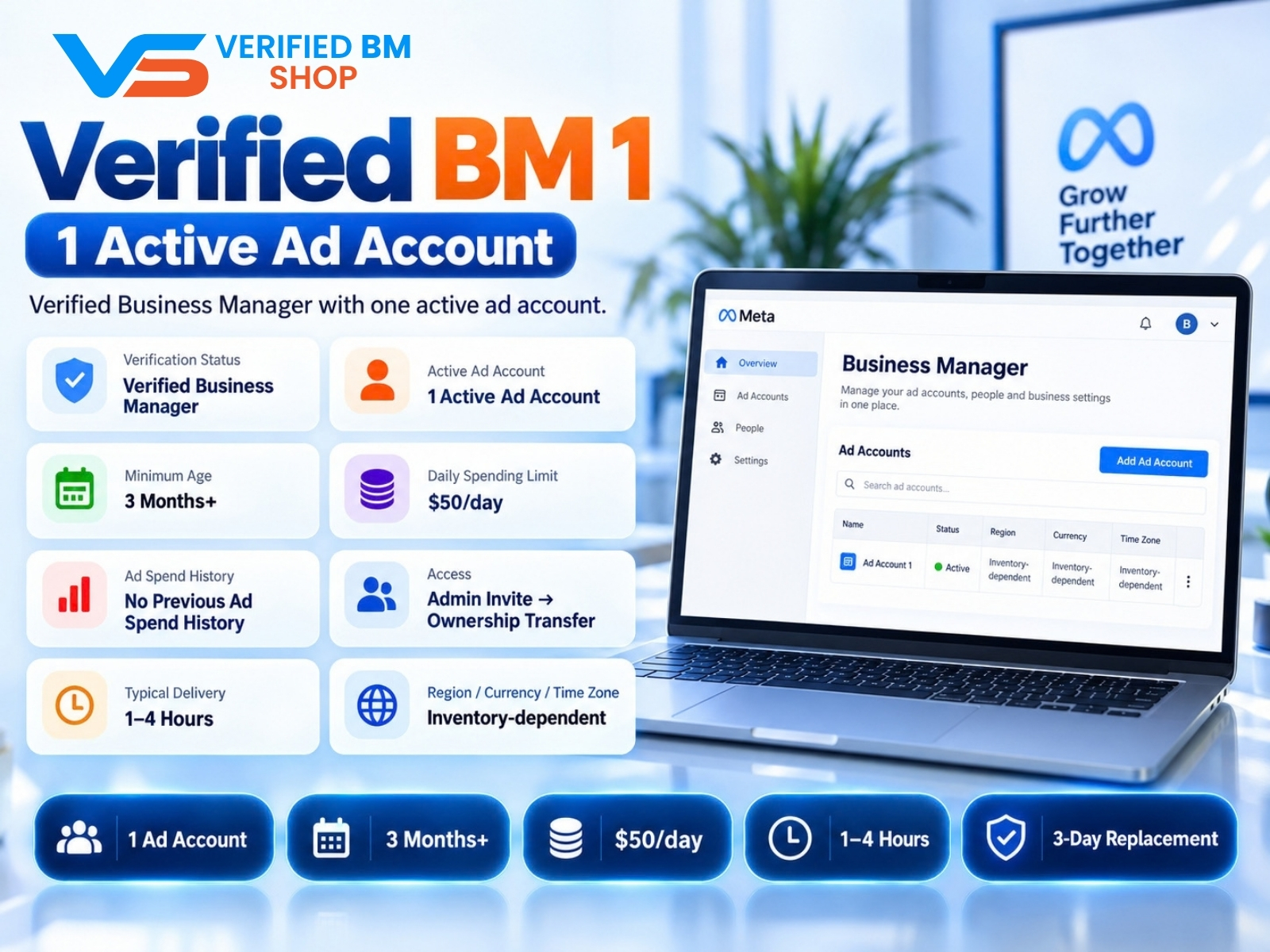
Verified BM 1 - Verified Meta Business Manager
Written by
Verified BM TeamThe VERIFIED BM SHOP editorial team shares real-world experience in buying and selling verified Business Managers, WhatsApp API accounts and advertising platforms.
Comments (0)
No comments yet. Be the first to share your thoughts!
Leave a Comment
Your email will not be published. All comments are moderated.