
Quick Summary
Compare ownership, permissions, billing, security, compliance, support, and exit terms before choosing a Meta agency ad account provider.
An agency ad account provider may help teams run campaigns, serve clients, and manage billing across several ad setups. The wrong deal can lead to ownership fights, failed payments, lost access, data issues, or policy risk.
Before choosing, confirm who controls each asset, who pays Meta, how access works, and what happens when the deal ends. Claims of guaranteed approval, unlimited spending, or immunity from limits are not sound reasons to choose a provider.
What Is an Agency Ad Account Provider?
Agencies, media buyers, and brands may use this type of provider to access Meta ads. The service may also manage that access. It can include a Meta business portfolio, one or more ad accounts, billing help, setup, and tech support.
Agency ad account is a market term, not one standard Meta account type. Meta keeps business portfolios, ad accounts, Pages, datasets and pixels, catalogs, domains, payment methods, and other assets apart. Each asset has its own access rules.
Some providers keep an account in their own business portfolio. Others grant access to an account owned by your company, handle billing, or only give advice. Since these setups differ, ask the provider to explain the exact model before you pay.
Why Agencies Consider Using an Agency Ad Account Provider
Agencies often run ads for many clients. As a result, they may need one way to handle billing, reports, and access. Setup, billing, or daily account work may also be part of the service.
This service may help when your team:
Manages several brands with separate budgets and reports.
Needs to keep client assets apart from agency work.
Wants help with setup, payments, or account tasks.
Needs a clear plan to keep ads running during a business change.
Works across regions with different currencies or payment methods.
These benefits depend on the setup and on Meta’s approval, billing, and policy systems. However, a provider cannot make banned ads acceptable or control every platform choice.
Compare the fees and risks with setting up buyer-owned accounts. If your company can verify, fund, secure, and manage its own assets, direct ownership may give more control over time.
Agency Ad Accounts vs Standard Meta Ad Accounts
Providers often use agency account for an account used for client work. The name alone does not mean special access, higher limits, better delivery, or lower enforcement risk.
A Meta ad account can link to a business portfolio, Page, dataset or pixel, catalog, domain, payment method, and conversion tools. Each link may have its own owner and access rules.
Point to compare | Provider-managed setup | Buyer-owned setup |
|---|---|---|
Primary use | May support several clients or brands | Usually supports one business or operating team |
Control | May stay with the provider or be shared through permissions | Usually stays with the advertiser |
Billing | May use provider billing, invoices, or client payment | Usually uses the advertiser’s payment method |
Access risk | Depends on the provider’s admins and exit plan | Depends on the advertiser’s security and recovery controls |
Best fit | Teams seeking managed access or work support | Businesses that want direct asset control |
Read Meta’s official business guidance for current access and ad rules. Features, limits, and review steps can change.
Provider-Managed, Buyer-Owned, and Shared-Access Models
Provider-managed accounts
Under this model, the provider controls the business portfolio or ad account. Your team receives permission to create, manage, or review campaigns. If access ends, the team may not be able to move the account or linked assets.
Before setup, confirm what happens to campaigns, audiences, datasets or pixels, catalogs, reports, and past data. Also ask whether the contract gives notice or sets out a clear handover.
Buyer-owned accounts
Your company controls the business portfolio and ad account. The provider gets access as a partner, employee, or named user.
This setup often gives the buyer more control over billing, data, assets, and exit. Even so, the buyer still handles checks, payments, security, and compliance.
Shared-access arrangements
Several parties may work in one account or business portfolio through named permissions. This can work when each person has an individual login and clear roles.
Avoid setups that use one unknown profile, shared passwords, or full control for many people. Such practices make audits, recovery, and exit harder.
What to Verify About Ownership, Permissions, and Business Assets
Ask for a written asset map before setup. It should name the business portfolio owner, ad account owner, billing party, admins, client access, and linked assets.
Check the following:
Who controls the business portfolio and ad account?
Who can add, remove, or change admins?
Who controls the Page, dataset or pixel, catalog, domain, and Conversions API link?
Can your team export reports and keep campaign records?
Can the provider remove access, and what notice applies?
How will your users and assets be removed?
Are client data and audiences kept apart from other advertisers?
A dataset or pixel, catalog, or Page may belong to a business other than the ad account owner. The right permission setting must link them. See Meta’s Business Manager and Marketing API documentation for technical details.
Ad account access does not give ownership of every linked asset. Treat ownership and access as two separate questions.
Billing, Spending Limits, and Client-Level Financial Controls
Billing issues can stop ads even when the creative and target are fine. Ask whether Meta charges your company, the provider, or each client.
Write down the currency, tax rules, invoice dates, service fees, deposits, payment methods, refunds, and late-payment rules. When possible, keep client budgets apart from provider fees.
Meta may set payment thresholds, spending limits, account controls, or review holds. A provider cannot promise a set limit or spend result. For forecasts, use the controls shown in the account rather than a sales claim.
Use a record that tracks the client budget, Meta spend, taxes, provider fees, refunds, and unpaid balance. This multi-account billing workflow may help larger teams cut disputes.
Before launch, agree on who pauses ads after a failed payment, who approves budget changes, and who gets billing alerts.
Meta Policy, Verification, and Compliance Requirements
The advertiser remains responsible for its ads, landing pages, products, claims, data use, and payments. A provider-managed account does not move those duties to the provider.
Review the rules for your industry. They may cover financial products, health claims, housing, jobs, politics, personal traits, and regulated goods. Keep proof for key claims, and make sure landing pages match the ad and offer.
Meta may ask for identity, business, payment, or domain details. Business checks may support access to some features, but they do not promise approval or stop enforcement.
Do not use false business details, borrowed payment methods, misleading landing pages, or another person’s identity papers. These actions can cause wider account, payment, and ownership issues.
If your team uses automation, check that the provider follows Meta’s current Marketing API terms, app review rules, permissions, and rate limits. API access does not remove policy checks.
Security Standards for Agency Ad Account Access
Make security part of setup. Each user should have a personal login, two-factor authentication, and only the access needed for the role.
Require two-factor authentication for admins and staff.
Use named users, not shared passwords.
Give full control to only a few trusted people.
Review partner access and inactive users at least each month.
Keep recovery details in a controlled company system.
Remove former staff and partners without delay.
Keep client records, payment data, and access logs suitably separate.
Use this guide to set up two-factor authentication on agency Business Managers. Ask how the provider handles a lost admin account, a suspected breach, or a staff exit.
How to Evaluate a Facebook Agency Ad Account Provider
Start with proof, not account screenshots. A sound provider should explain its legal business name, terms, support process, and account setup before asking for payment.
Review the provider’s business practices
Confirm the trading name, contact details, and available business records.
Read the terms, refund rules, replacement terms, suspension terms, and exit plan.
Ask how accounts are sourced and assigned to buyers.
Request a clear outline of admin roles and billing duties.
Test support before purchase with specific work questions.
Ask how identity papers, payment details, and client data are stored.
A replacement policy should state what qualifies, the time limit, exclusions, and proof needed. It should not claim to protect against normal policy enforcement or misuse.
Compare providers by control and clear terms, not only by account count. If you review options in the Facebook advertising category, ask for fit, access, billing, and setup details before choosing.
Red Flags That Should Stop You From Choosing a Provider
Claims of guaranteed approval, unlimited spending, or immunity from restrictions.
Pressure to pay before you can read the terms or confirm ownership.
Requests for shared passwords or extra personal documents.
Vague answers about who controls the business portfolio and ad account.
Payment requests to an unrelated person or an untraceable channel.
No written plan for access removal, refunds, replacement, or disputes.
Advice to hide the product, business model, identity, or payment source.
Promises that verified status will allow policy violations.
One warning may show poor communication. Taken together, several signs suggest that the provider may add more risk than value.
Questions to Ask Before Onboarding
Put the answers in writing. Keep them with your client and billing records.
Who controls the business portfolio and ad account?
What role will our team receive?
Who pays Meta, and how will charges show on invoices?
Which Pages, datasets or pixels, catalogs, domains, and data sources can we use?
Can we remove our users and assets, and what notice applies?
What happens if Meta reviews, restricts, or disables the account?
Which support channels are available, and what response time should we expect?
What are the replacement, refund, cancellation, and suspension terms?
How does the provider protect client data and payment details?
Which claims about limits, approval, or delivery are estimates, not promises?
What Happens If an Ad Account Is Restricted or Disabled?
First, find the exact asset affected. Then pause changes that may make the review harder. An ad rejection, profile restriction, disabled ad account, payment failure, and business portfolio issue each need a different response.
Ask the provider for the notice, case record, time line, and action taken. Keep copies of invoices, business papers, ad history, landing pages, and client approvals.
Use Meta’s available review and support channels. Do not make repeat accounts to avoid enforcement, send false information, or move banned campaigns to another account.
For a focused process, see this guide on why Facebook ad accounts get restricted and how to respond. Your contract should say who files the case and who controls the account during the review.
Agency Ad Account Provider Checklist
The provider’s business identity and support contacts are clear.
Ownership and admin roles are recorded.
Client assets stay accessible and have the right assignments.
Billing, taxes, currency, fees, and failed payments are defined.
Two-factor authentication and least-access rules are required.
Policy duties remain clear for both provider and advertiser.
Replacement, refund, suspension, and exit terms are written.
Support for restrictions follows Meta’s review process.
No one promises approval, unlimited spending, or immunity from enforcement.
Final Takeaway: Choose Control, Transparency, and Compliance Over Promises
The best provider is not the one with the boldest claims. Instead, choose one that explains ownership, access, billing, security, support, and exit terms in plain English.
Provider-managed access may suit a growing agency. Buyer-owned assets may give more control when your team can manage setup and compliance. Compare both models first, then start with a small, documented setup.
If you need help checking account fit, access, or billing terms, contact VERIFIED BM SHOP before onboarding. Clear answers at the start can help prevent costly disputes later.
Frequently Asked Questions
Quick answers to the questions buyers ask most.
What is an agency ad account provider?
Should my business use its own ad account or an agency-provided account?
How can I check whether an agency ad account provider is legitimate?
What access and permissions should an agency ad account provider receive?
What should I ask about billing, compliance, and suspended ad accounts?
How this helps verified BM buyers
Apply this guidance when buying verified Business Managers or WhatsApp Business API assets to reduce policy risk, improve account stability, and scale campaigns with cleaner operational workflows.
Next steps: compare products in the Shop, review implementation details in FAQ, and contact support from the Contact page.
Recommended for You
Hand-picked from our shop — delivered fast after payment.
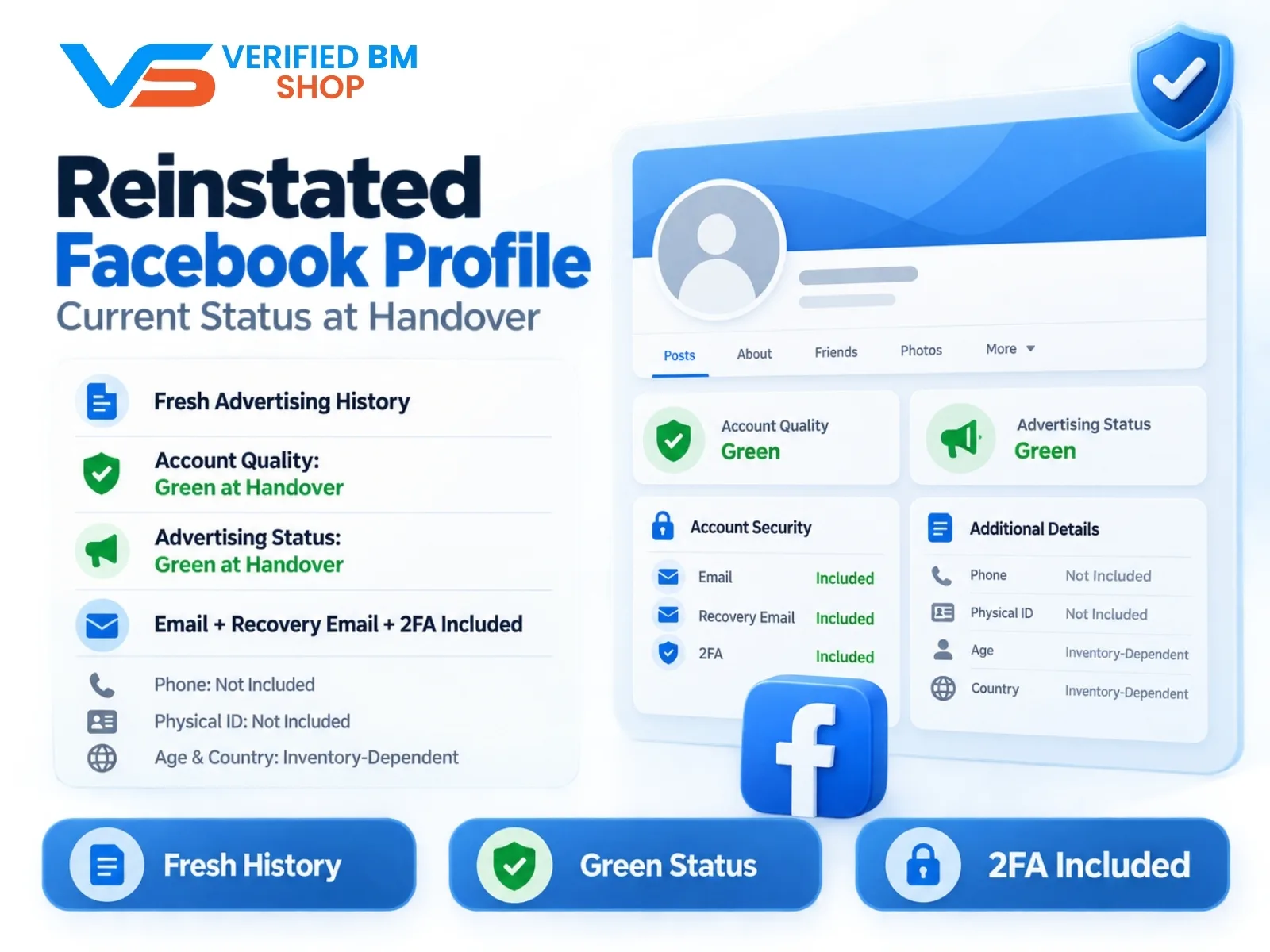
Reinstated Facebook Profile - Current Status at Handover
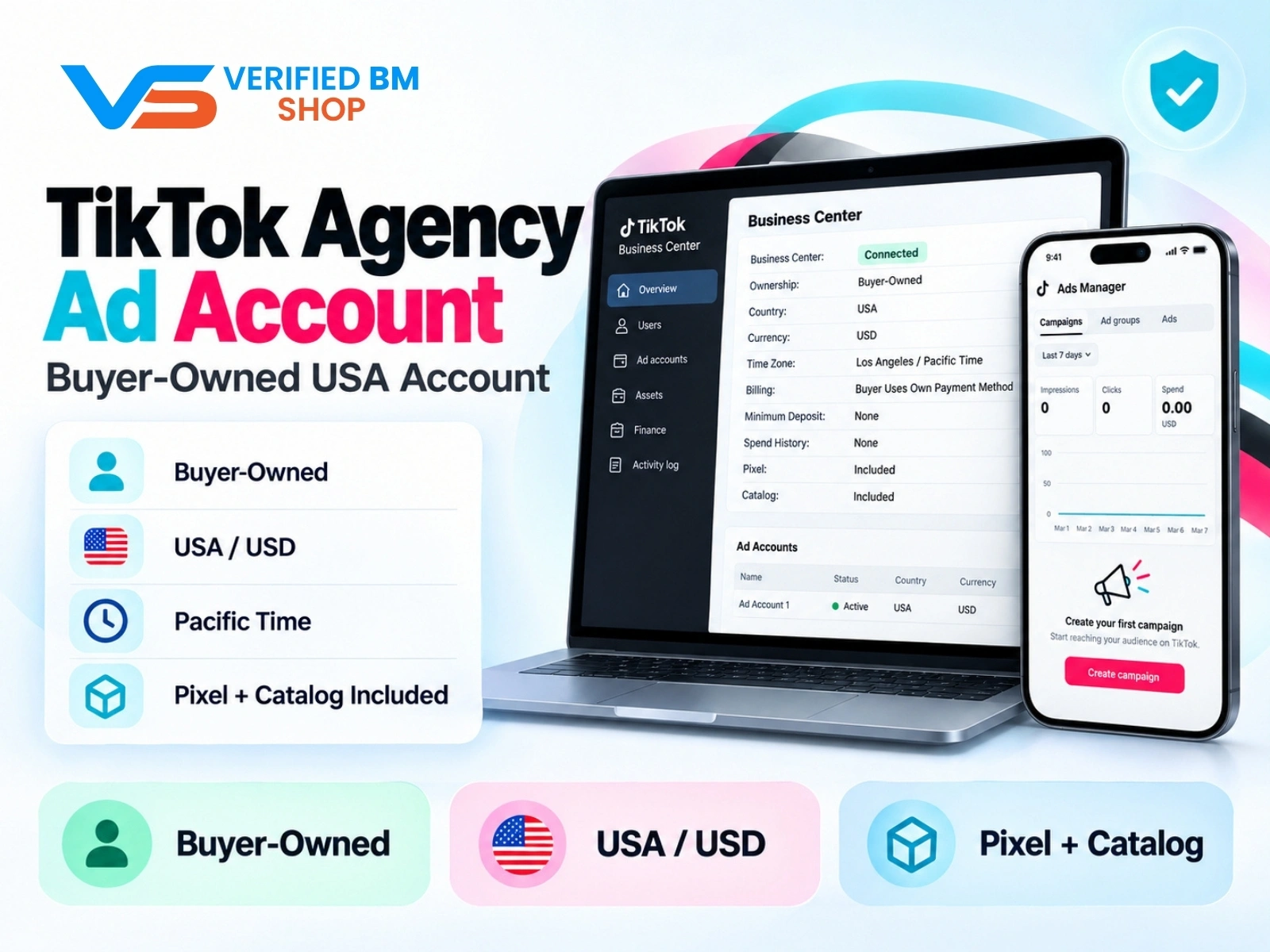
TikTok Agency Ad Account – Verified US Business Center
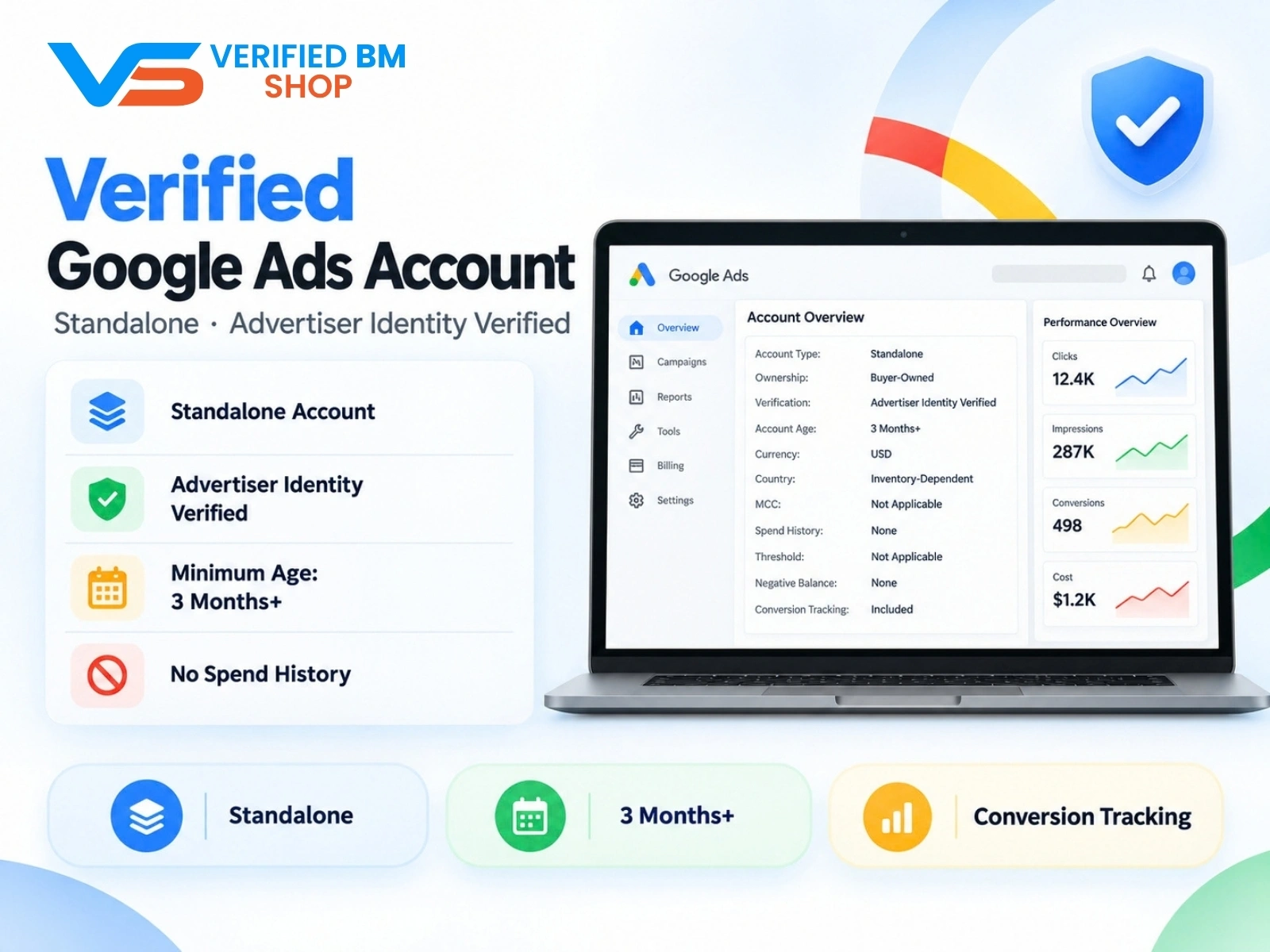
Google Verified Ads Account - Standalone, Advertiser Identity Verified

Written by
Verified BM TeamThe VERIFIED BM SHOP editorial team shares real-world experience in buying and selling verified Business Managers, WhatsApp API accounts and advertising platforms.
Comments (0)
No comments yet. Be the first to share your thoughts!
Leave a Comment
Your email will not be published. All comments are moderated.