
Quick Summary
Plan, target, launch, measure, and improve Facebook and Instagram ads for local leads, calls, messages, bookings, and store visits.
Facebook ads for local businesses work best when a campaign has one clear goal, a practical service area, and a reliable reply process. First, choose the customer action you want. Then build the audience, offer, creative, tracking, and budget around it.
Meta’s tools and campaign labels can change by account, region, and objective. Before launch, check the current options in Ads Manager and read the latest Meta advertising guidance.
Why Facebook Ads Are Useful for Local Businesses
People near your shop, service area, or sales team may see offers on Facebook and Instagram. This can help a business create demand instead of relying only on search traffic or referrals.
Local campaigns can support several outcomes:
- Lead enquiries for quotes, consultations, or appointments.
- Phone calls from people ready to speak with your team.
- Messages through Messenger, Instagram, or WhatsApp.
- Website bookings, purchases, or form submissions.
- Awareness for a new location, event, offer, or service.
- Store visits or offline actions, where the relevant feature is available to your account and region.
Local ads also give you useful feedback. For instance, you can compare which offer, area, creative, and audience produce qualified enquiries rather than just clicks.
Choose the Right Goal for Your Local Campaign
Match the campaign objective to the next step in your sales process. For instance, a salon may want bookings, while a roofer may need phone calls and quote requests.
Match the objective to the customer action
| Business need | Suitable approach | Best when |
|---|---|---|
| New enquiries | Leads campaign | You need contact details or qualification answers. |
| Fast conversations | Messages campaign | Your team can reply quickly and guide prospects. |
| High-value phone enquiries | Call-focused setup | Customers prefer speaking before they buy. |
| Online bookings or sales | Website conversion campaign | Your website has a clear, trackable action. |
| Local awareness | Awareness campaign | You need reach in a defined area before asking for a sale. |
As its interface changes, Meta may place calls, messages, or lead forms under different campaign settings. Select the conversion location that best reflects how your business closes sales.
Do not choose traffic just because clicks are cheap. If leads are the goal, optimise for leads and measure their quality.
Set Up the Business Assets You Need
Many local advertisers use a Facebook Page, Meta business portfolio, ad account, payment method, and role-based access. The assets required depend on the campaign and features you use.
- Complete the Page with your address, service area, hours, phone number, website, and offer.
- Create or connect the correct Meta business portfolio.
- Give the ad account the right time zone and currency.
- Add a payment method that your business controls.
- Give staff only the access they need for their roles.
- Turn on two-factor authentication for everyone with business access.
Keep ownership with your business. Avoid sharing personal logins, using an unknown payment card, or giving a supplier full control without a documented reason.
For a detailed checklist, see this guide to Meta ad account setup, access, and billing. You can also review the Verified BM category if you need a more structured advertising setup.
Understand When Meta Business Verification Matters
Whether verification is needed depends on the specific Meta product, business, region, and feature involved. Check the current requirements in Business Settings or the relevant Meta documentation.
Depending on the product and current Meta requirements, verification may be requested during business-detail review or when you seek eligibility for particular features. It does not by itself establish access, guarantee approval, lower costs, raise limits, or protect an account from policy action.
Use accurate legal and contact details across your Page, website, payment profile, and business records. Inconsistent information can create review questions or delays, although the outcome depends on the specific review.
To get help understanding the process, review the BM Verification Service. It assists with the process but does not promise approval.
Set a Realistic Local Advertising Budget
Give the campaign enough time to produce useful data. The right amount depends on your audience size, offer, sales value, competition, and follow-up speed.
Start with a test budget you can afford to run for seven to fourteen days. Divide that amount by your expected cost per qualified lead to estimate how many leads you might be able to test.
For example, a $600 test budget and a planned $30 cost per qualified lead suggest a target of about 20 qualified leads. This is a planning model, not a performance promise.
Use a daily budget when you want steady spend. A lifetime budget can help control total spend across a defined campaign period. Before launch, review the account’s spending limits and payment status.
Define Your Geographic Targeting
Choose a service area that your team can actually serve. A five-mile radius may suit a café, while a specialist contractor may cover several towns.
In Ads Manager, search for your town, postcode, neighbourhood, or service area. Review the map and radius shown by the platform, since available location controls can vary by country and account.
Consider travel time, delivery zones, local demand, and opening hours. A wide radius can create cheap but poor-fit enquiries from people outside your practical service area.
Pay close attention to the location setting. Meta may offer options based on people living in, recently in, or showing interest in a place. The exact choices can change, so select the option that best matches your local sales need.
Build Audiences Without Making Them Too Narrow
Start with location and a broad age range that fits your service. Add interests only when they clearly relate to the customer and do not reduce the audience too far.
For example, a local gym could test adults in its service area before adding several fitness interests. A narrow audience may increase frequency and limit delivery, especially in a small town.
Useful audience groups
- Local prospecting: People in your service area who fit your likely customer profile.
- Customer lists: Existing customers who have given permission for marketing use, subject to applicable law and Meta rules.
- Website visitors: People who visited key pages, where tracking and consent settings allow it.
- Engaged users: People who interacted with your Page, videos, or social content.
- Retargeting groups: Recent visitors or engagers who have not completed the desired action.
Exclude recent customers when the offer targets new buyers. Instead, test one broad local audience against one carefully selected interest group rather than combining many filters at once.
Choose the Best Campaign Type for Your Business
Lead forms work well when customers want a quick response and your team can call or email soon. Ask only for details that help qualify the enquiry, such as service need, area, timing, and budget range.
Messages suit businesses that sell through conversation. Set clear opening questions and an automated greeting, but keep a person ready to reply.
Call-focused ads can suit urgent services, clinics, legal consultations, and high-value jobs. Show when your team answers calls, and use a backup form outside those hours.
Website conversion campaigns suit businesses with a fast, mobile-friendly booking or purchase path. Store-visit and offline-conversion features may depend on the current product, region, account configuration, and data requirements. Confirm eligibility and setup requirements in the relevant Meta tools before planning around them.
Create Ads That Make Your Location and Offer Clear
A local ad should answer four questions quickly: What do you offer? Where do you serve? Why should someone trust you? What should they do next?
Build a clear local message
- Name the town, neighbourhood, or service area.
- State one useful offer or reason to act now.
- Show the service, team, premises, or finished result.
- Use a direct call to action, such as “Request a quote” or “Book a visit.”
- Set honest expectations about price, availability, and response time.
Test real photos, short videos, customer stories, and simple graphics. Recognisable places and staff can help a local business feel credible, but do not use customer images or claims without permission.
Keep every claim accurate. Meta may review the ad, destination, business information, and other relevant signals under its current advertising policies. Ensure that all parts of the campaign are consistent and compliant.
Choose Between Lead Forms, Messages, Calls, and Website Conversions
The best conversion path is the one your business can manage well. A carefully designed form will not help much if nobody follows up.
| Conversion path | Strength | Main risk |
|---|---|---|
| Instant form | Fast mobile completion | Some leads may need extra qualification. |
| Messenger or Instagram | Good for questions and guided sales | Slow replies can lose demand. |
| Familiar chat experience in many markets | Requires appropriate business setup and policy care. | |
| Phone call | Works for urgent or complex needs | Missed calls waste paid demand. |
| Landing page | More control over detail and tracking | Slow or confusing pages reduce conversions. |
If you use WhatsApp, connect the correct business assets and follow applicable messaging rules. See the WABA setup guide for a wider overview.
Set Up Tracking Before You Launch
If you have a website, use the Meta Pixel where appropriate. Configure events such as ViewContent, Lead, Contact, Schedule, or Purchase when they fit your funnel. Apply the consent and privacy requirements that govern your business before collecting or sharing event data.
Use clear event names and test them on mobile. Confirm that forms, booking confirmations, phone links, and thank-you pages record the intended action.
Conversions API can send selected server-side event data and may support measurement when configured correctly. It does not replace consent practice or fix a broken sales process.
Review the Meta Pixel and Conversions API setup guide before launch. For offline sales, record lead status, booked jobs, revenue, and lost reasons in a simple CRM or spreadsheet.
Launch a Simple First Campaign
Keep the first test easy to read. Use one campaign goal, one local prospecting audience, and two or three ads with different creative angles.
- Choose the conversion location and campaign objective.
- Set the service area and a suitable age range.
- Use one clear offer and one main call to action.
- Check the form, phone number, inbox, website, and tracking event.
- Set a controlled budget and defined test period.
- Review comments, leads, messages, and delivery after launch.
Do not edit the campaign every few hours. Give it enough data to show a pattern, while pausing ads that attract clear spam, poor-fit enquiries, or policy concerns.
Measure the Metrics That Matter for Local Advertising
Reach tells you how many people saw an ad. Frequency shows how often the average person saw it. Rising frequency with falling response can indicate audience fatigue.
CTR helps compare ad appeal, but it does not prove sales value. Cost per lead matters only when you also track lead quality and the rate of booked appointments, quotes, or sales.
Use a simple local performance view
- Reach and frequency: Check delivery and repeated exposure.
- CTR and landing-page views: Find weak hooks or slow pages.
- Cost per lead: Compare spend with enquiry volume.
- Qualified-lead rate: Remove spam and poor-fit contacts from the count.
- Conversion rate: Measure form completion, bookings, calls, or purchases.
- Revenue or booked value: Judge the campaign against real business results.
Attribution settings affect reported results. Compare Ads Manager data with your CRM, booking system, call records, and sales notes instead of relying on one number.
Improve Results With Structured Testing
Change one major variable at a time. This makes it easier to identify what caused a result.
- Creative test: Compare a customer story with a product or service demonstration.
- Offer test: Compare a discount with a useful consultation or free estimate.
- Audience test: Compare a broad local group with one relevant interest group.
- Conversion-path test: Compare an instant form with a landing page.
- Follow-up test: Compare fast calls with email or message follow-up.
Keep the winning lesson, not just the winning ad. A strong result may come from the offer, image, audience, response time, or landing page.
Common Facebook Ads Mistakes Local Businesses Should Avoid
- Targeting a radius larger than the service area.
- Using several objectives in one campaign without a clear reason.
- Adding too many interests to a small local audience.
- Sending mobile users to a slow or unclear website.
- Asking for too much information on a lead form.
- Failing to answer calls, forms, or messages promptly.
- Making claims about personal traits, health, income, or guaranteed outcomes.
- Changing budget and targeting every day without a test plan.
- Using a payment method or business identity that the company cannot verify.
- Ignoring comments, negative feedback, or ad review warnings.
What to Do When an Ad Account Is Restricted or Billing Fails
First, review Account Quality, payment status, ad delivery, and recent email notices. For restrictions, read the notice and use the appeal or support route provided by Meta. Avoid creating duplicate accounts or sending repeated submissions unless Meta directs you to do so.
Next, review the ad, landing page, business details, Page access, and payment method for policy or identity mismatches. Keep screenshots, reference numbers, and a short timeline of what happened.
For account access issues, see common reasons Meta ad accounts are restricted. You can also review Meta technical support and case options.
A failed card payment can have several causes, including an issuer decline, outdated payment details, account billing settings, or a notice shown in Meta’s billing area. Review the specific error and contact the payment provider or Meta support as appropriate before adding another card.
A 30-Day Facebook Ads Plan for a Local Business
Days 1–7: Prepare
Define the goal, service area, offer, lead process, budget, and response owner. Then set up the relevant business assets, access controls, payment, tracking, and landing page or form.
Days 8–14: Launch
Run one campaign with two or three creative variations. Each day, review delivery, comments, lead quality, tracking, and response time without making constant edits.
Days 15–21: Learn
Compare cost per qualified lead, conversion rate, frequency, and sales follow-up. Pause clear underperformers, then keep the strongest lesson from each test.
Days 22–30: Improve
Test one new offer, creative angle, or conversion path. Add a small retargeting group if you have enough visitors or engagers, and record booked revenue beside ad spend.
At the end of the month, decide whether to refine, expand the service area, improve follow-up, or stop the campaign. Allocate the next budget based on evidence rather than assumptions.
Final Checklist for Safer Local Campaigns
- The campaign has one clear customer action.
- The location matches the real service area.
- The offer and business identity are accurate.
- The Page, ad account, payment method, and access roles are controlled by the business.
- Two-factor authentication is active for business users.
- The form, website, phone line, inbox, and tracking work on mobile.
- The team knows who responds and how quickly.
- Reporting includes qualified leads and sales, not only clicks.
Need help comparing advertising infrastructure or account setup options? Visit the VERIFIED BM SHOP or contact the team with your questions. No setup can guarantee approval or results, but a clear structure makes problems easier to identify and campaigns easier to manage.
Official Sources
Frequently Asked Questions
Quick answers to the questions buyers ask most.
How do Facebook ads help local businesses reach nearby customers?
You can define the locations you want to reach, such as a town, region, or radius around a business location, and combine this with relevant audience characteristics. Use ad copy, offers, and calls to action that match local customer needs, then monitor results by location and campaign objective.
What campaign objective should a local business choose for Facebook ads?
Choose the objective that matches the action you want customers to take, such as contacting your business, visiting a website, generating leads, or making a purchase. The objective affects how Meta delivers ads, so avoid optimizing for clicks if your main goal is qualified enquiries or completed bookings.
How much should a small business spend on Facebook ads?
There is no universal budget because costs vary by location, audience, competition, creative, and objective. Start with a budget you can sustain long enough to compare results, set a clear cost target, and increase spending only after the campaign consistently produces valuable actions.
Does a local business need to verify its business before running Facebook ads?
Business verification is not necessarily required for every advertising account, but Meta may request it for certain businesses, features, or compliance checks. Verification can involve submitting business details and official documents through Meta Business Suite, so keep your legal business information accurate and consistent.
How this helps verified BM buyers
Apply this guidance when buying verified Business Managers or WhatsApp Business API assets to reduce policy risk, improve account stability, and scale campaigns with cleaner operational workflows.
Next steps: learn what a verified bm is, compare products in the Shop, review implementation details in FAQ, and contact support from the Contact page.
Recommended for You
Hand-picked from our shop — delivered fast after payment.
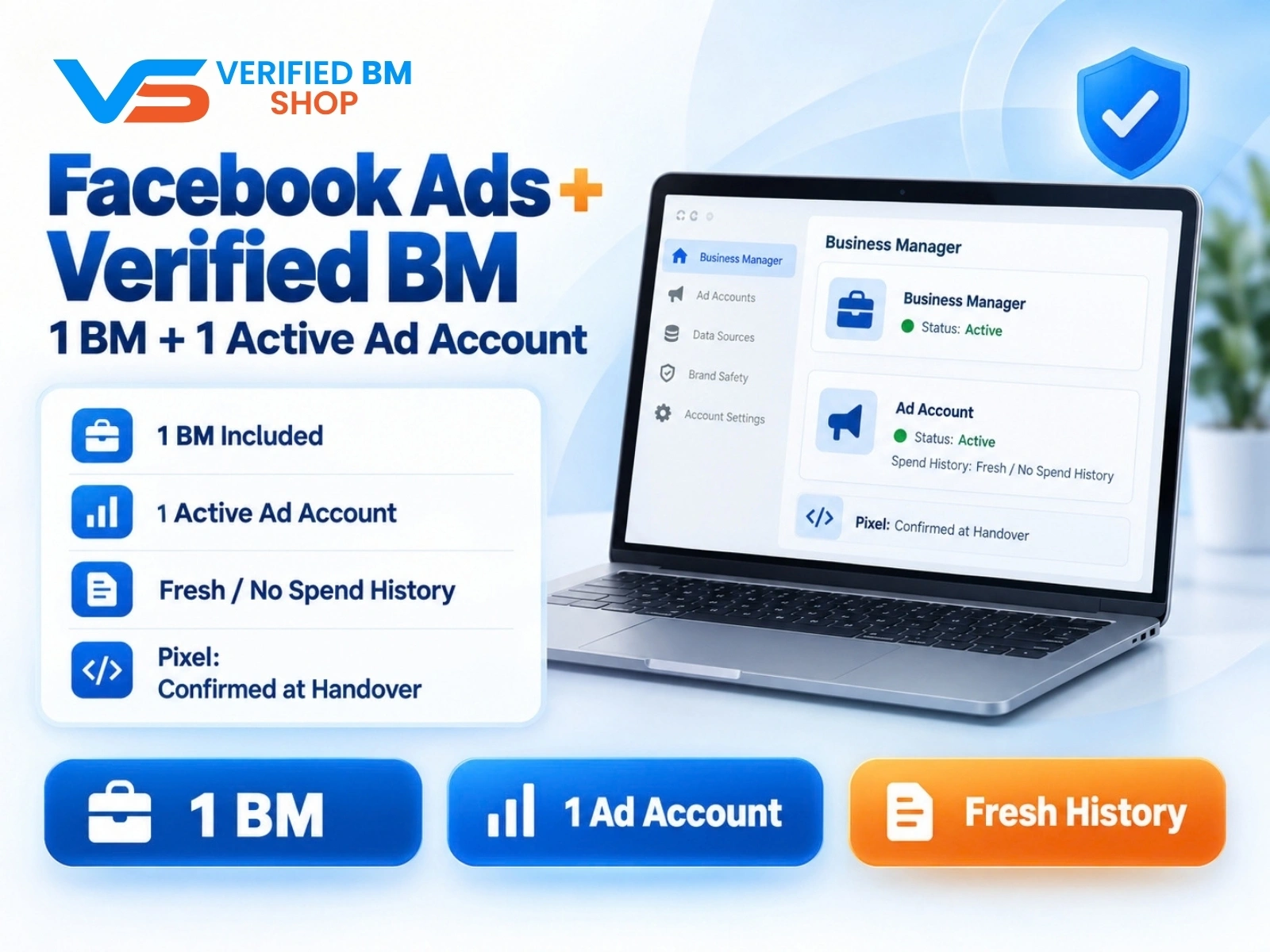
Facebook Ads Account + Verified BM Bundle
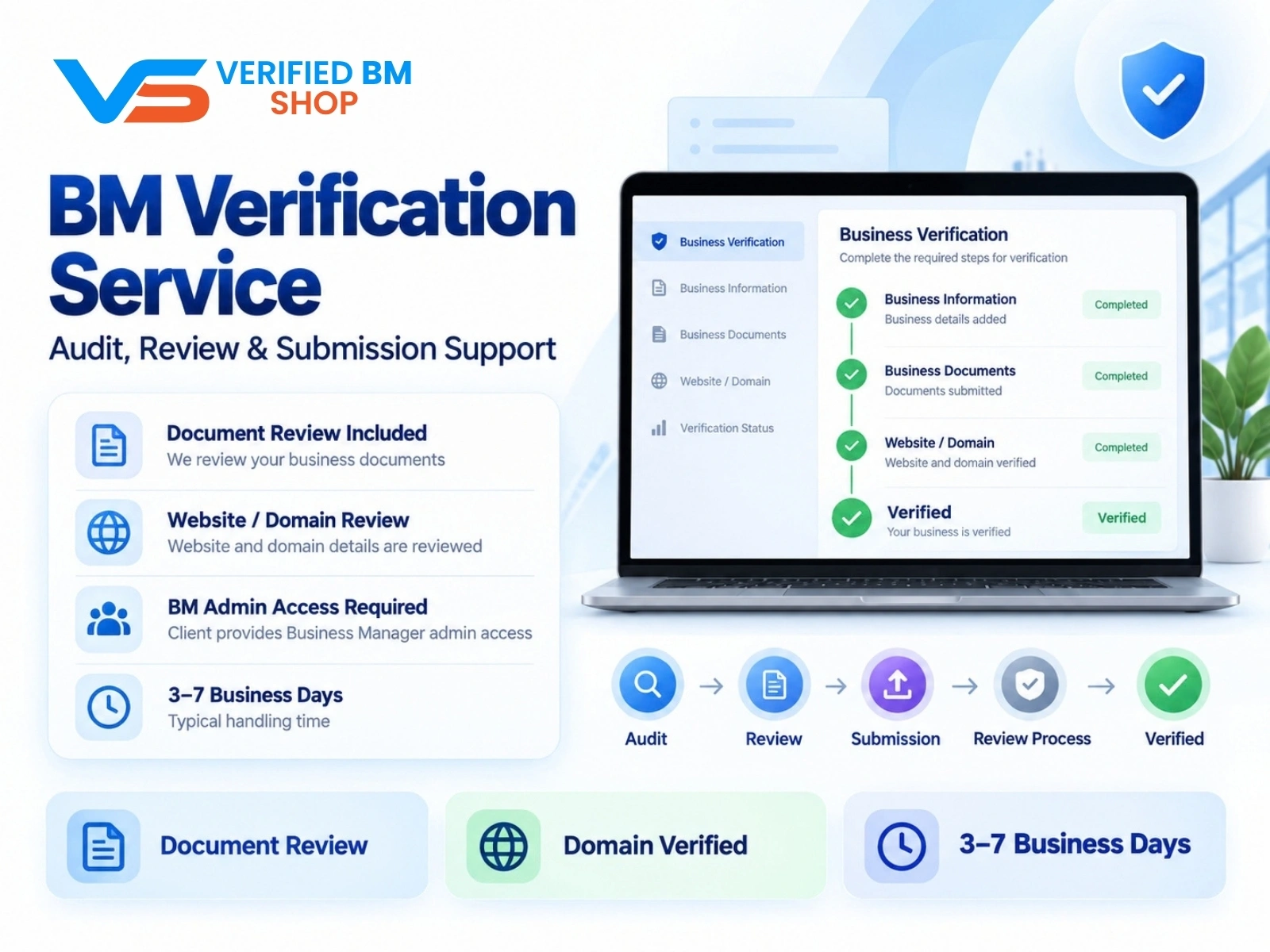
Meta BM Verification Service by VERIFIED BM SHOP
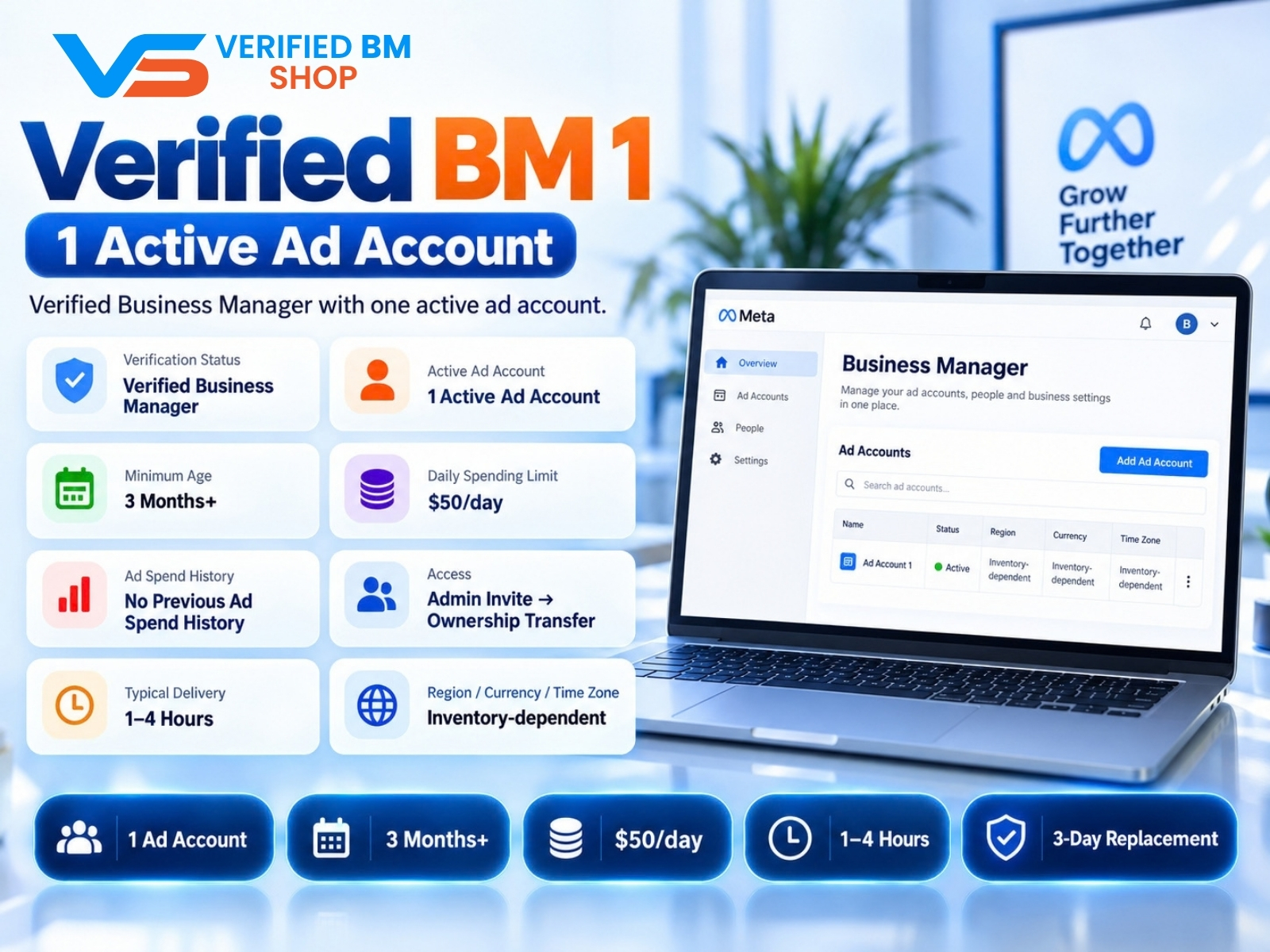
Verified BM 1 - Verified Meta Business Manager

Written by
Verified BM TeamThe VERIFIED BM SHOP editorial team shares real-world experience in buying and selling verified Business Managers, WhatsApp API accounts and advertising platforms.
Comments (0)
No comments yet. Be the first to share your thoughts!
Leave a Comment
Your email will not be published. All comments are moderated.